Top Photo Editing Software for Beginners to Professionals
Photo editing is an important skill for photographers, designers, e-commerce sellers, and content creators. It helps improve image quality and makes work faster. With the right photo editing software, anyone can create clean and professional-looking images.
Today, many photo editing tools are available. Some tools are easy to use and made for beginners. Others are more advanced and designed for professionals. The best software depends on your skill level, budget, and the type of images you edit. These may include product photos, portraits, or social media images.
In this guide, we cover the top image editing software and tools for beginners to professionals. You will learn about key features, common use cases, and who each tool is best for. By the end, you can choose the right photo editing tools for your needs, whether you are a beginner or a professional.
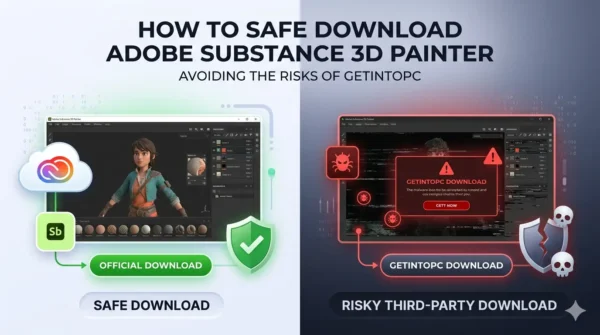
Adobe Substance 3D Painter is one of the most popular tools for 3D texturing, game assets, product visualization, and digital material design. Many users search for terms like “Adobe Substance 3D Painter GetIntoPC” because they want a quick or free download option. But before downloading software from any third-party website, it is important to understand…
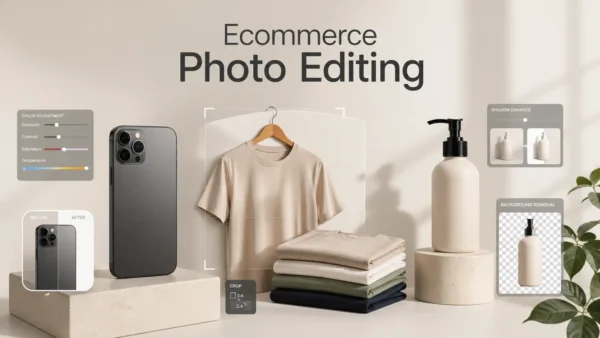
Ecommerce product photo editing plays a big role in online sales. Shoppers cannot touch or try your products, so your photos must build trust fast. Clean backgrounds, sharp details, correct colors, and natural lighting can make a product look more real and more attractive. For better ecommerce photo editing, you often need help from a…
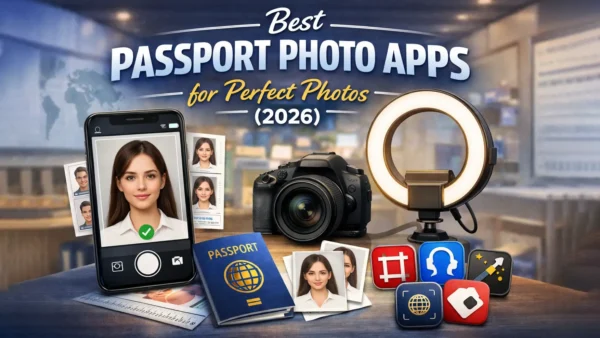
Getting a passport photo used to take time and effort. You had to visit a studio, wait in line, and often pay more than expected. Now, things are much simpler. With a passport photo app, you can take and edit your photo at home in just a few minutes. Still, not every app works the…
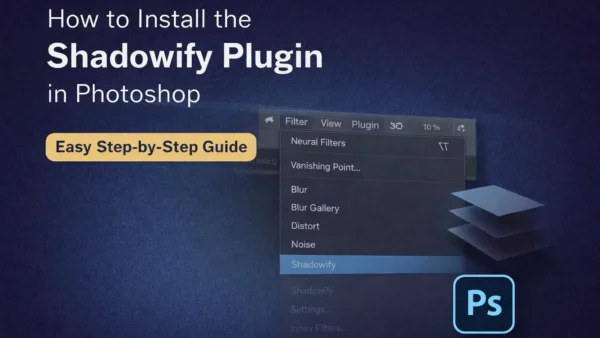
If you want better shadows in your designs, you can use one of the best Photoshop shadow plugins available today. In this guide, I will show you how to install Shadowify Photoshop quickly and correctly. The steps are simple and easy to follow. Many designers look for a shadowify free download, but always make sure…
Photo editing has changed a lot in the last few years. You no longer need to spend hours adjusting every small detail. Modern AI tools now handle many of those tasks in seconds. In this Luminar Neo review, I’ll walk you through how this software actually performs in real-world use. Luminar Neo has gained attention…
Finding the right free photo editing software for Mac can feel overwhelming. There are dozens of options, and many of them claim to be the best. The good news? You don’t need to spend money to edit photos like a pro. Whether you’re fixing family pictures, creating social media content, or editing RAW files from…
Let’s be honest, Instagram is competitive. Everyone posts good photos now. So basic photo editing is not enough anymore. You need the right tools, and more importantly, you need to know how to use them. I’ve tested a lot of photo editing apps for Instagram over time. Below, I’m sharing 20 apps that actually help…
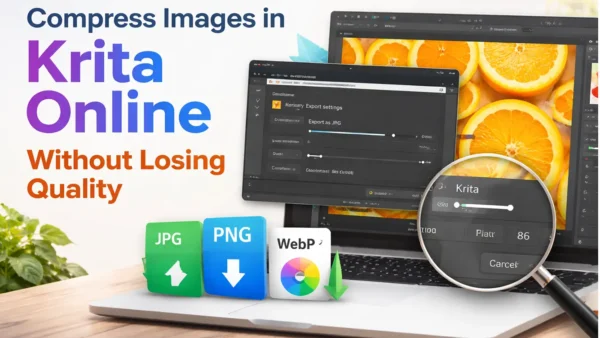
If your image file is too large, your website can load slowly, and your uploads may fail. The good news is you can compress image in krita without losing quality by using the right export settings. Many people say “online,” but Krita is a desktop app—still, you can get the same result by exporting smartly.…
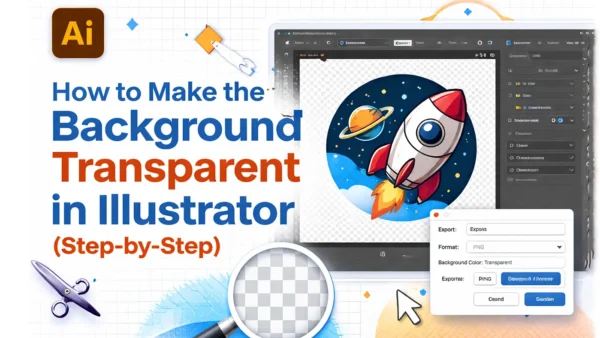
A transparent background is useful when you want to place your logo, icon, or design on any color without a white box behind it. In this guide, you will learn how to check transparency, remove background if it exists, and export a transparent PNG in Adobe Illustrator. The steps are simple and easy to follow.…
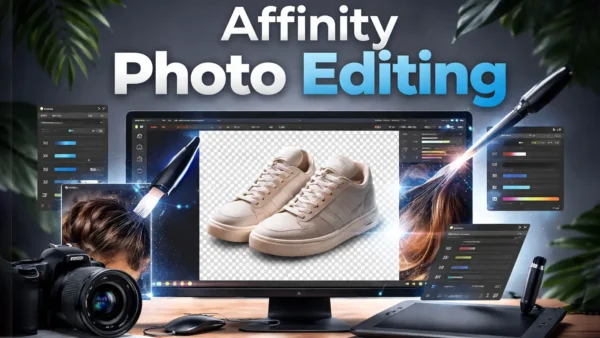
If you sell products online, your photos do a lot of the selling for you. Affinity Photo Editing helps you create clean cutouts, realistic shadows, and natural retouching so your product images look professional. A clean cutout keeps the focus on the product, while a soft shadow makes it look real instead of “floating.” Simple…
Photo editing is no longer limited to professionals with expensive tools. Today, students, content creators, photographers, and small business owners all rely on free photo editing software to improve their images. The best free photo editor helps adjust lighting, correct colors, remove unwanted objects, and prepare images for social media or websites. Many people believe…
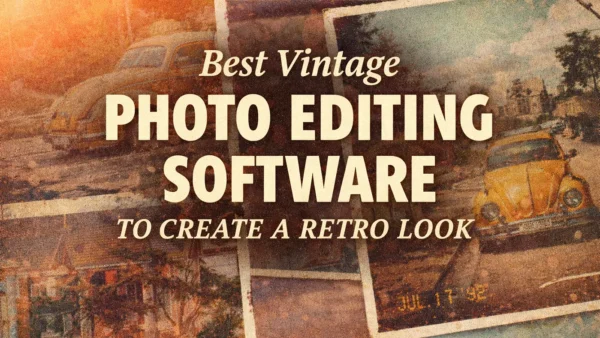
Vintage photo editing is popular because it gives photos an old film look. Many people like the soft colors, film grain, and classic tones of vintage photos. Today, vintage photo editing software makes this style easy to create on modern images. This blog explains the best tools and key elements needed for a true retro…
Installing plugins in Adobe After Effects gives you access to more creative tools. The installation process can feel confusing, especially for beginners. Plugins come in different formats, and each format uses a different installation method. Some plugins use an installer, while others need manual setup or a plugin manager. In this guide, you’ll learn how…
This Complete Guide to Canva Features and Tools is designed for students and beginners. Canva is an easy online design platform used worldwide. It helps users create posters, presentations, and social media designs without difficulty. You do not need professional skills to use Canva. Everything works online and saves automatically. This guide explains Canva features…
Photoshop Nano Banana is gaining attention among designers, editors, and AI enthusiasts worldwide. This emerging AI-driven concept combines prompt-based image intelligence with modern Photoshop workflows. As a result, creators explore how Nano Banana ideas connect with automation, precision photo editing, and smart visual control. This guide explains how it works, how professionals use it, and…
High-quality images are essential for photographers, retouchers, and creative professionals. The right photography software can make a significant difference in the quality and efficiency of image retouching. You should use powerful tools for professional photo retouching services. Professional photo editors depend on advanced features of software for professional photo retouching, color correction, and image enhancement.…
If you want to enhance colors, fix lighting, or give your photos a more polished and professional look without spending money, these 15 free color correction apps are your best options. They offer tools like HSL, curves, white balance, selective editing, and presets, making it easy for beginners and efficient for experienced photographers. Whether you’re…