

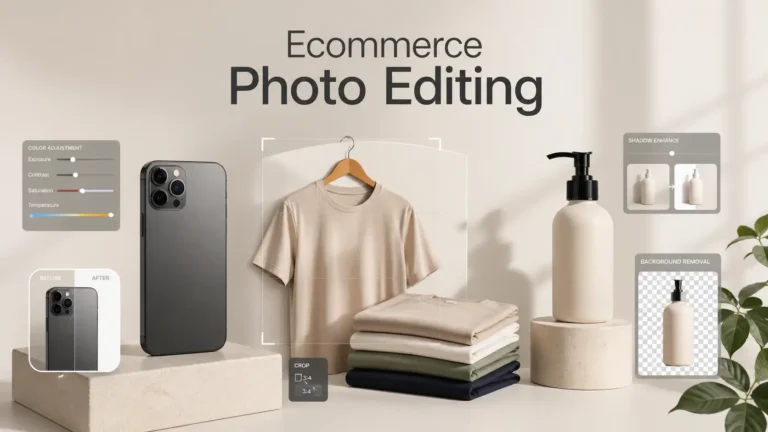
Ecommerce product photo editing plays a big role in online sales. Shoppers cannot touch or try your products, so your photos must build trust fast. Clean backgrounds, sharp details, correct colors, and natural lighting can make a product look more real and more attractive.
For better ecommerce photo editing, you often need help from a photo editing app or software. But not every app gives good results. Some apps feel hard to use, some reduce image quality, some miss important features like background removal, batch editing, shadow control, or AI enhancement.
That is why I created this list of the best photo editing app for ecommerce. Each app on this list can help you edit product photos faster and with less stress. These tools are practical, easy to use, and useful for Amazon sellers, Shopify store owners, small businesses, and online brands in the United States. You can compare the options and choose the app that fits your product, budget, and editing needs.

Top AI-Powered & Mobile-First Apps
Finding the best photo editing app for ecommerce can save you time and help your products look more professional. These apps help you remove backgrounds, fix lighting, add shadows, and create clean product photos for online stores. With the right ecommerce product photo editing tool, Amazon sellers, Shopify store owners, and small businesses can create better images without a costly photo studio.
Photoroom
Photoroom helps ecommerce sellers create clean product images fast. You can remove backgrounds in one click. You can also add shadows, adjust lighting, and place products on new backgrounds. The app works well on mobile, which makes it easy to edit on the go. Many sellers use Photoroom for Amazon, Shopify, and social media images. It also supports batch editing, so you can save time on large projects. The simple interface helps beginners start quickly without confusion.
Pebblely
Pebblely uses AI to create beautiful product photos without a studio. You can upload a product image and generate different backgrounds in seconds. The tool creates lifestyle-style images that look realistic and clean. It works best for small ecommerce brands that need quick visuals. You can choose themes, colors, and styles to match your brand. Pebblely helps you save time and reduce costs. It also makes your product photos look more professional and engaging.
Flair.ai
Flair.ai focuses on AI-powered product photography. You can design scenes using simple drag-and-drop tools. The platform lets you place products in creative settings without real shoots. It also helps you create ads and marketing visuals. You can customize colors, lighting, and layout easily. Flair.ai works well for ecommerce brands that want unique visuals. It helps improve brand identity and product presentation. The tool also supports team collaboration for faster workflows.
CreatorKit
CreatorKit helps you create product videos and images using AI. You can turn simple photos into engaging content for ads and social media. The tool offers templates designed for ecommerce use. You can also edit backgrounds, add effects, and improve image quality. CreatorKit works well for Shopify users. It helps increase conversions with better visuals. The platform keeps the process simple, so beginners can use it easily without advanced skills.
Pixc
Pixc focuses on ecommerce image editing services. It helps you clean up product images and remove backgrounds. The tool also offers color correction and resizing for online stores. Pixc works well for Amazon and Shopify sellers. It ensures your images meet platform guidelines. The service improves image quality and consistency. This helps build trust with customers. Pixc saves time by handling editing tasks for you.
Claid.ai
Claid.ai improves product images using AI technology. You can enhance lighting, adjust colors, and upscale images quickly. The tool focuses on ecommerce needs. It helps you create high-quality visuals for online stores. Claid.ai also supports automation for large image sets. This makes it useful for growing businesses. The platform improves image clarity and detail. It helps your products stand out in a competitive market.
Fotor
Fotor offers easy photo editing tools for beginners and small businesses. You can adjust brightness, contrast, and colors with simple controls. It also includes AI tools for background removal and enhancement. Fotor works on web and mobile devices. This makes it flexible for different users. You can also use templates to create marketing images. The tool helps improve product photos without complex steps. It works well for quick edits.
Soona Media Editor
Soona Media Editor helps brands create and manage product visuals. You can edit photos, organize content, and collaborate with teams. The platform focuses on ecommerce and marketing needs. It also offers tools for resizing and adjusting images for different platforms. Soona helps you maintain a consistent brand look. You can review and approve edits easily. This makes it useful for teams that handle large content projects.
Instacut Studio
Instacut Studio focuses on quick editing for ecommerce content. You can remove backgrounds, crop images, and adjust colors fast. The tool works well for social media and product listings. It offers simple controls for beginners. You can create clean and professional images without effort. Instacut Studio helps you speed up your workflow. It also improves image quality for better engagement.
Pixelcut
Pixelcut is a popular mobile app for product photo editing. You can remove backgrounds, add shadows, and enhance images with AI. The app offers templates for ecommerce and social media. It works well for small businesses and creators. Pixelcut also supports batch editing. This helps you save time when editing many images. The simple interface makes it easy to use. It helps you create high-quality visuals quickly.
AutoRetouch
AutoRetouch uses AI to edit product and model photos. You can remove backgrounds, adjust skin tones, and improve image quality. The tool works well for fashion and ecommerce brands. It offers automation for large image sets. This helps reduce manual work. AutoRetouch ensures consistent results across images. It also helps maintain a clean and professional look. The platform supports fast editing workflows.
Designify
Designify uses AI to enhance product images instantly. You can remove backgrounds and improve lighting with one click. The tool also adds shadows and adjusts colors. Designify helps you create clean and professional visuals. It works well for ecommerce sellers who need quick results. The platform keeps the process simple. You can edit images without advanced skills. It helps improve product presentation.
VanceAI
VanceAI offers tools for image enhancement and upscaling. You can improve image quality and remove noise easily. The platform also sharpens details and fixes blurry images. VanceAI works well for ecommerce product photos. It helps you create clear and high-resolution images. The tool uses AI to save time. You can process multiple images quickly. This makes it useful for growing businesses.
Let’s Enhance
Let’s Enhance focuses on image upscaling and quality improvement. You can turn low-resolution images into high-quality visuals. The tool also improves colors and lighting. It works well for ecommerce product photos. Let’s Enhance helps you maintain image clarity on large displays. The platform uses AI to deliver fast results. It supports batch processing for efficiency. This helps you handle large image sets easily.
Bg Eraser
Bg Eraser is a simple mobile app for background removal. You can remove backgrounds with a few taps. The app works well for quick edits on the go. It helps you create clean product images for ecommerce. You can also adjust edges and refine cutouts. Bg Eraser suits beginners who need fast results. It keeps the process easy and simple. This makes it a useful tool for basic editing tasks.
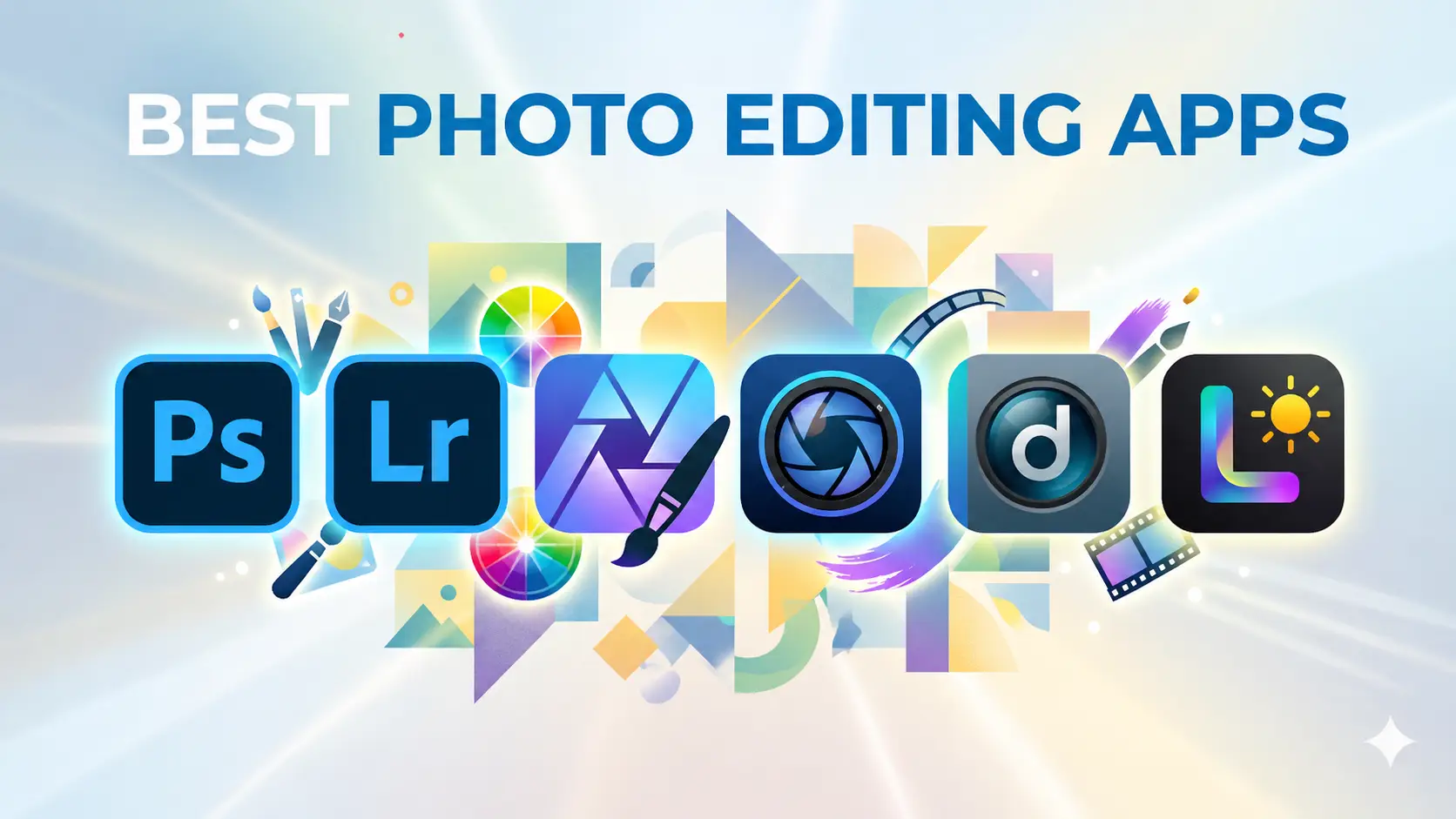
Best Photo Editing App for Desktop Software
Adobe Photoshop
Adobe Photoshop is one of the most powerful photo editing tools. Many ecommerce brands use it for product photo retouching. You can remove backgrounds, fix colors, and adjust lighting with precision. It also supports layers, which helps you control every detail. Photoshop works well for complex edits and creative designs. You can create high-quality product images for online stores and ads. The software offers many tools, so beginners may need time to learn. However, it delivers professional results.
Adobe Lightroom
Adobe Lightroom focuses on photo organization and color editing. This photo editing software can adjust exposure, contrast, and tones quickly. It works well for batch editing, which saves time for ecommerce sellers. Lightroom helps keep colors consistent across all product images. You can also manage large photo collections easily. The interface stays simple and clean. This makes it easier for beginners to use. Many photographers use Lightroom for fast and effective image editing.
Affinity Photo
Affinity Photo offers powerful editing tools at a lower cost than Photoshop. You can retouch images, adjust colors, and remove backgrounds. The software supports layers and advanced tools for detailed editing. It works well for ecommerce product images and creative projects. Affinity Photo runs smoothly on most systems. It also provides a one-time purchase option. This makes it a good choice for users who want professional features without a subscription.
DxO PhotoLab
DxO PhotoLab focuses on high-quality image correction. You can improve lighting, fix colors, and reduce noise easily. The software uses smart technology to enhance details. It works well for RAW image editing. DxO PhotoLab helps you create clean and sharp product photos. The interface stays user-friendly. You can get great results without complex steps. This tool suits photographers who want accurate and natural-looking edits.
Capture One
Capture One offers advanced color control and image editing tools. Many professionals use it for product and fashion photography. You can adjust colors, lighting, and details with precision. The software also supports tethered shooting. This helps you edit images in real time during a shoot. Capture One provides strong performance and fast processing. It helps you create high-quality product photos. The tool works well for brands that need full control over image quality.
Skylum Aurora HDR
Skylum Aurora HDR focuses on high dynamic range editing. You can improve lighting and balance highlights and shadows. The software helps create bright and detailed images. It works well for product photos with complex lighting. Aurora HDR uses smart tools to simplify editing. You can enhance images without overprocessing them. The interface stays clean and easy to use. This tool helps you create more dynamic and eye-catching visuals.
Luminar Neo
Luminar Neo uses AI tools to simplify photo editing. You can enhance lighting, remove backgrounds, and adjust colors quickly. The software also offers sky replacement and object removal. It works well for ecommerce and creative projects. Luminar Neo keeps the editing process simple. You can get strong results without advanced skills. The AI features save time and improve workflow. This makes it a good choice for beginners and small businesses.
Darktable
Darktable is a free and open-source photo editing software. It works as an alternative to Lightroom. You can edit RAW images and adjust colors, exposure, and details. Darktable offers many advanced tools for professional editing. The interface may feel complex at first. However, it gives you strong control over your images. This tool suits users who want powerful features without paying for software.
ON1 Photo RAW
ON1 Photo RAW combines photo editing and organization in one tool. You can adjust colors, remove backgrounds, and enhance details. The software also offers effects and presets for quick edits. It works well for ecommerce product photos. ON1 supports non-destructive editing, so you can make changes without losing quality. The interface stays easy to navigate. This helps you edit images faster. It suits both beginners and professionals.
CorelDRAW / Corel PHOTO-PAINT
CorelDRAW and Corel PHOTO-PAINT offer a complete design and editing solution. This software focuses on graphic design, while PHOTO-PAINT handles photo editing. You can retouch images, adjust colors, and create marketing visuals. These tools work well for ecommerce branding and product design. They provide strong control over details. The interface feels different from Adobe tools but remains powerful. This software suits users who need both design and photo editing in one place.
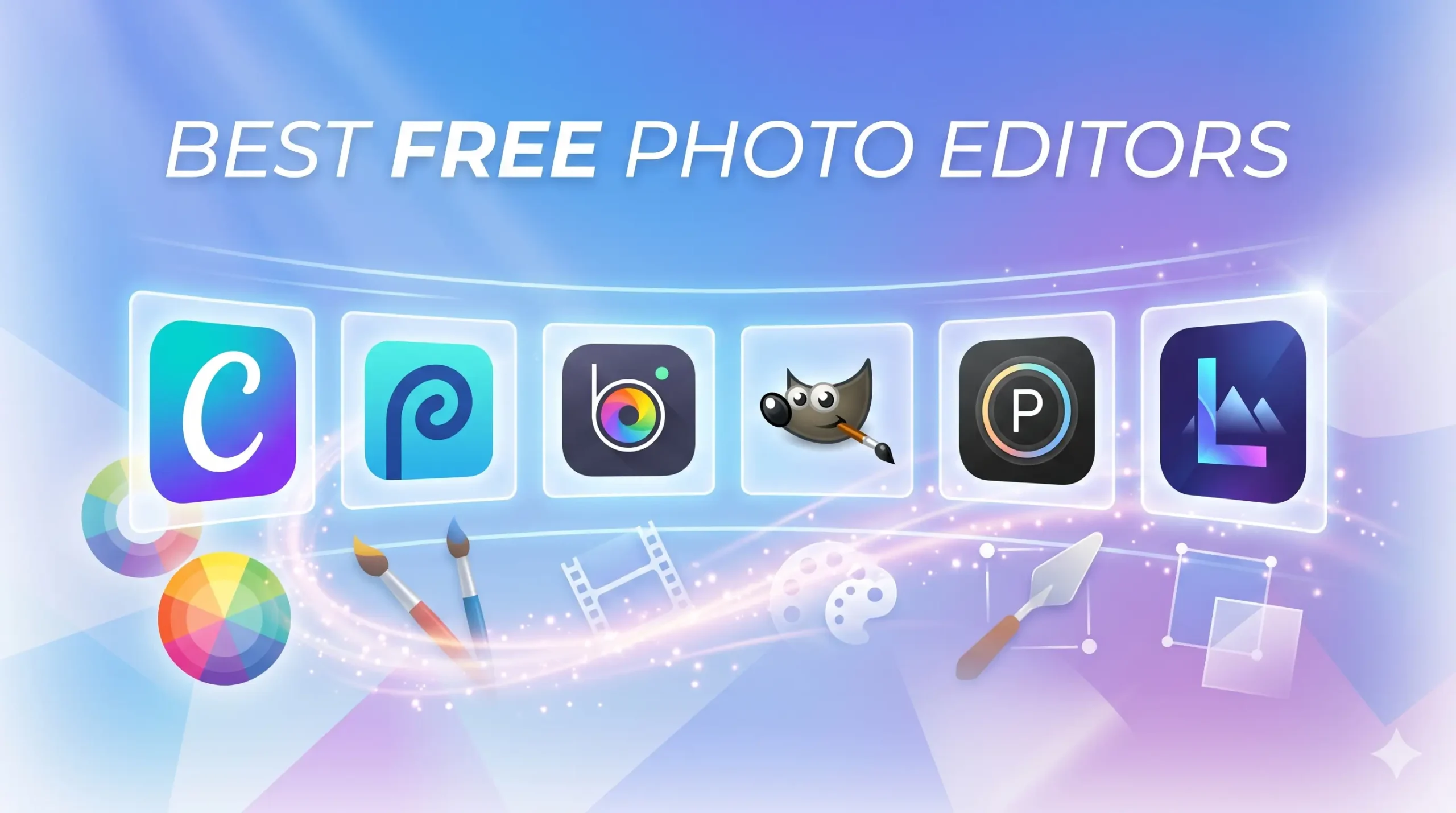
Best Free and Accessible Editors
Canva
Canva is a popular and easy-to-use design tool. You can edit product photos and create marketing visuals in one place. It offers drag-and-drop features, which makes editing simple. You can remove backgrounds, adjust colors, and add text quickly. Canva also provides ready-made templates for ecommerce and social media. It works on both web and mobile devices. This makes it flexible for different users. Beginners can start fast without any design experience.
Photopea
Photopea is a browser-based photo editor that looks similar to Photoshop. You can edit product images without installing any software. It supports layers, masks, and advanced tools. You can remove backgrounds, adjust colors, and retouch product images. Photopea also works with PSD files. This makes it useful for designers and ecommerce sellers. The interface may feel advanced at first. However, it offers strong editing power for free.
BeFunky
BeFunky offers simple tools for photo editing and design. You can adjust brightness, contrast, and colors with ease. It also includes background removal and retouching features. The interface stays clean and beginner-friendly. You can create product images and marketing graphics quickly. BeFunky works on web browsers, so you do not need to install anything. This makes it a good option for quick edits and simple projects.
GIMP
GIMP is a free and open-source photo editing software. It offers many advanced tools like Photoshop. You can retouch images, remove backgrounds, and adjust colors. GIMP supports layers and detailed editing. This free color correction apps works well for ecommerce product photos. The interface may feel complex for beginners. However, it gives you full control over your edits. This tool suits users who want powerful features without paying for software.
Polarr
Polarr offers photo editing tools with a focus on filters and color control. You can adjust lighting, tones, and details easily. The app works on web and mobile devices. Polarr provides presets that help you edit images quickly. It works well for ecommerce and social media visuals. The interface stays modern and easy to use. This makes it suitable for beginners and casual users.
InPixio
InPixio helps you edit photos with simple tools. You can remove backgrounds, erase unwanted objects, and improve image quality. The software focuses on quick and easy edits. It works well for ecommerce product images. You can create clean and professional visuals without advanced skills. The interface stays simple and user-friendly. This makes it a good choice for beginners who want fast results.
LightX
LightX is a mobile photo editing app with useful features. You can remove backgrounds, adjust colors, and apply effects. The app also allows object removal and image blending. LightX works well for quick ecommerce edits on mobile. The interface stays simple and easy to understand. You can create attractive product images without complex steps. This makes it a good option for small businesses and creators.
Snapseed
Snapseed is a free mobile app developed by Google. It offers powerful editing tools in a simple interface. You can adjust brightness, contrast, and colors with precision. Snapseed also includes tools for sharpening and detail enhancement. It works well for product photo editing. The app supports fine control over edits. This helps you create clean and natural-looking images. It suits both beginners and experienced users.
Pixlr
Pixlr is a web-based photo editor with simple tools. You can edit images directly in your browser. It offers features like background removal, filters, and color adjustments. Pixlr works well for quick ecommerce edits. The interface stays easy to use. This helps beginners start without confusion. You can create clean and professional product images fast. It is a good option for users who need quick results.
Ecommerce-Specific Editing Tool
Zyro AI Image Upscaler
Zyro AI Image Upscaler helps you improve low-quality product images. You can increase image resolution without losing detail. This tool works well for ecommerce stores that need sharp and clear visuals. You can upload an image and get results in seconds. Zyro keeps the process simple and fast. It helps you prepare images for websites, ads, and marketplaces. Clear images build trust and improve user experience. This tool suits small businesses that need quick image enhancement.
Icons8 Smart Upscaler
Icons8 Smart Upscaler uses AI to enlarge images and improve quality. You can upscale product photos while keeping details sharp. The tool removes noise and enhances textures. It works well for ecommerce images that need better resolution. You can use it online without installing software. Icons8 keeps the editing process simple. It helps you create high-quality visuals for product listings. This improves the overall look of your store and attracts more customers.
Retouch4me
Retouch4me focuses on automated photo retouching using AI. You can fix skin tones, remove blemishes, and enhance details quickly. The tool works well for fashion and jewelry ecommerce images. It helps you keep a natural look while improving quality. Retouch4me saves time by automating complex edits. You can use it as a plugin or standalone tool. It helps maintain consistency across product images. This improves brand quality and visual appeal.
Slazzer
Slazzer is a fast background removal tool for ecommerce images. You can remove backgrounds in seconds with high accuracy. The tool works well for product photos that need a clean look. You can upload images in bulk and save time. Slazzer also offers API support for automation. This makes it useful for large ecommerce stores. Clean backgrounds help products stand out. This improves focus and makes images look more professional.
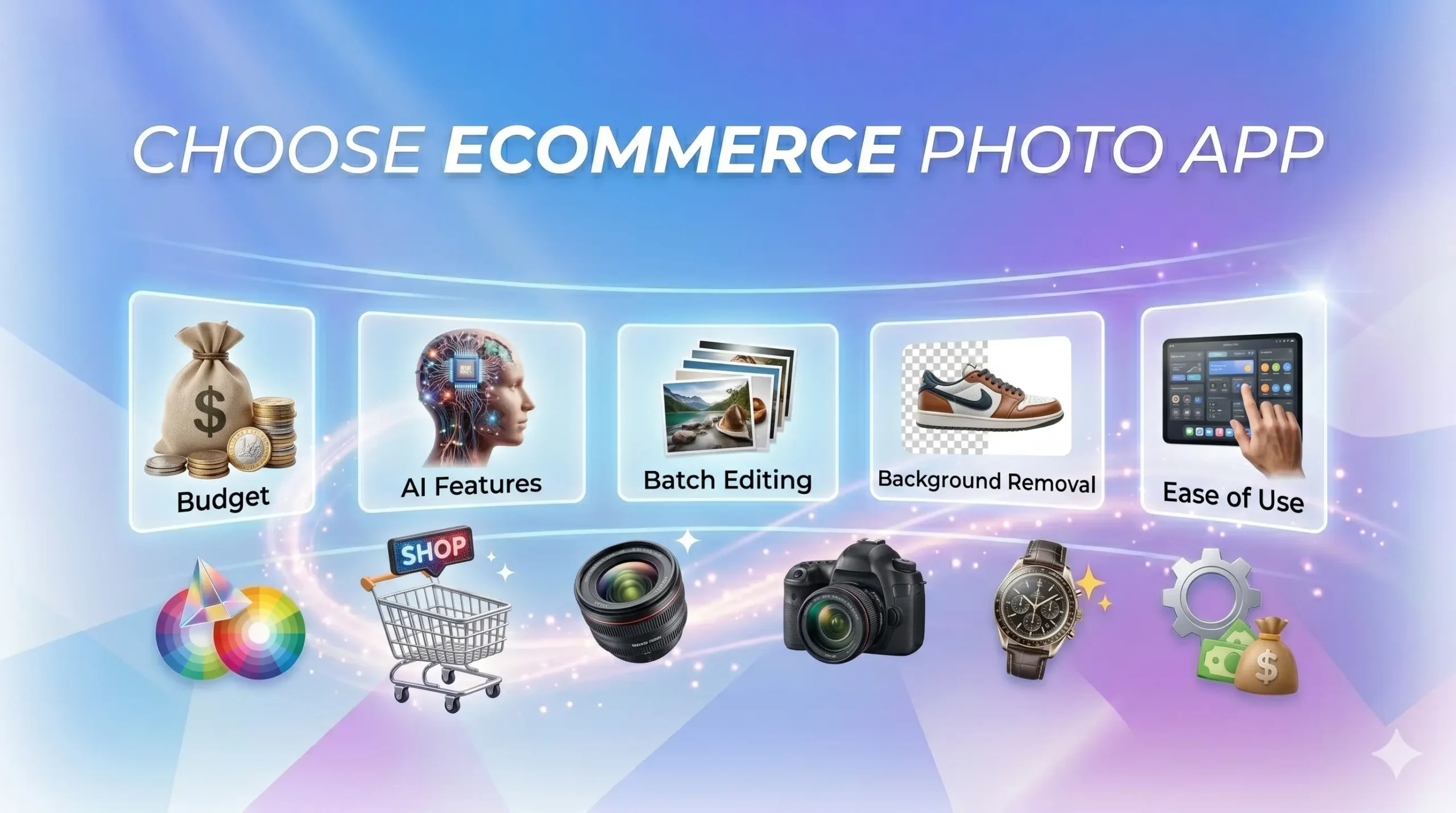
Why Choose the Best Photo Editing App for Ecommerce
Choosing the right photo editing app is important for your ecommerce business. The right tool helps you create high-quality product images and improve conversions. Focus on features that match your workflow and goals.
Budget
Start with your budget. Some tools offer free plans, while others require a monthly subscription. Free tools work well for beginners and small businesses. Paid tools provide advanced features and better performance. Choose a tool that fits your budget but still meets your needs. Do not overspend on features you will not use. A good balance between cost and value helps you grow your business.
AI Features
AI features help you edit images faster and more efficiently. Many apps now include background removal, auto-enhancement, and object cleanup. These tools save time and reduce manual work. AI also helps improve image quality with one click. Ecommerce sellers often rely on AI for fast editing workflows. Look for apps that offer smart automation without reducing image quality. AI tools have become essential for modern ecommerce editing.
Batch Editing
Batch editing allows you to edit multiple images at once. This feature saves time when you work with large product catalogs. You can apply the same edits to many photos in one click. This keeps your images consistent across your store. Many ecommerce tools support batch editing for resizing, lighting, and backgrounds. It also helps you prepare images for platforms like Amazon or Shopify faster.
Background Removal
Clean backgrounds make product images look professional. Many apps offer one-click background removal. This feature helps you create white or custom backgrounds quickly. It also improves focus on the product. Background removal is a key feature for ecommerce sellers. It helps meet marketplace image requirements and improves visual appeal. Choose tools that provide accurate and clean cutouts.
Ease of Use
Choose a tool that is easy to use. A simple interface helps you edit faster without confusion. Beginners should look for drag-and-drop tools and clear controls. Advanced users may prefer more customization options. A good user interface improves productivity and reduces learning time. Your team should be able to use the tool without constant help. Easy tools help you focus more on selling and less on editing.
Conclusion
Choosing the best photo editing app for ecommerce can help you create cleaner, sharper, and more professional product photos without wasting time. The right tool can fix lighting, remove backgrounds, improve colors, add shadows, and make your store look more trustworthy.
But every business has different needs. A small Shopify store may need a simple mobile app. A large online store may need batch editing, AI tools, or advanced ecommerce product retouching software. So, compare the features, check your budget, and choose the app that makes your work easier.
In the end, strong ecommerce product photo editing helps your products look better and helps customers feel more confident before they buy. A good photo editing app is not just a design tool. It is a smart way to improve your product presentation, save time, and support more online sales.















