

Let’s be honest, Instagram is competitive. Everyone posts good photos now. So basic photo editing is not enough anymore. You need the right tools, and more importantly, you need to know how to use them.
I’ve tested a lot of photo editing apps for Instagram over time. Below, I’m sharing 20 apps that actually help — divided into free and paid options.
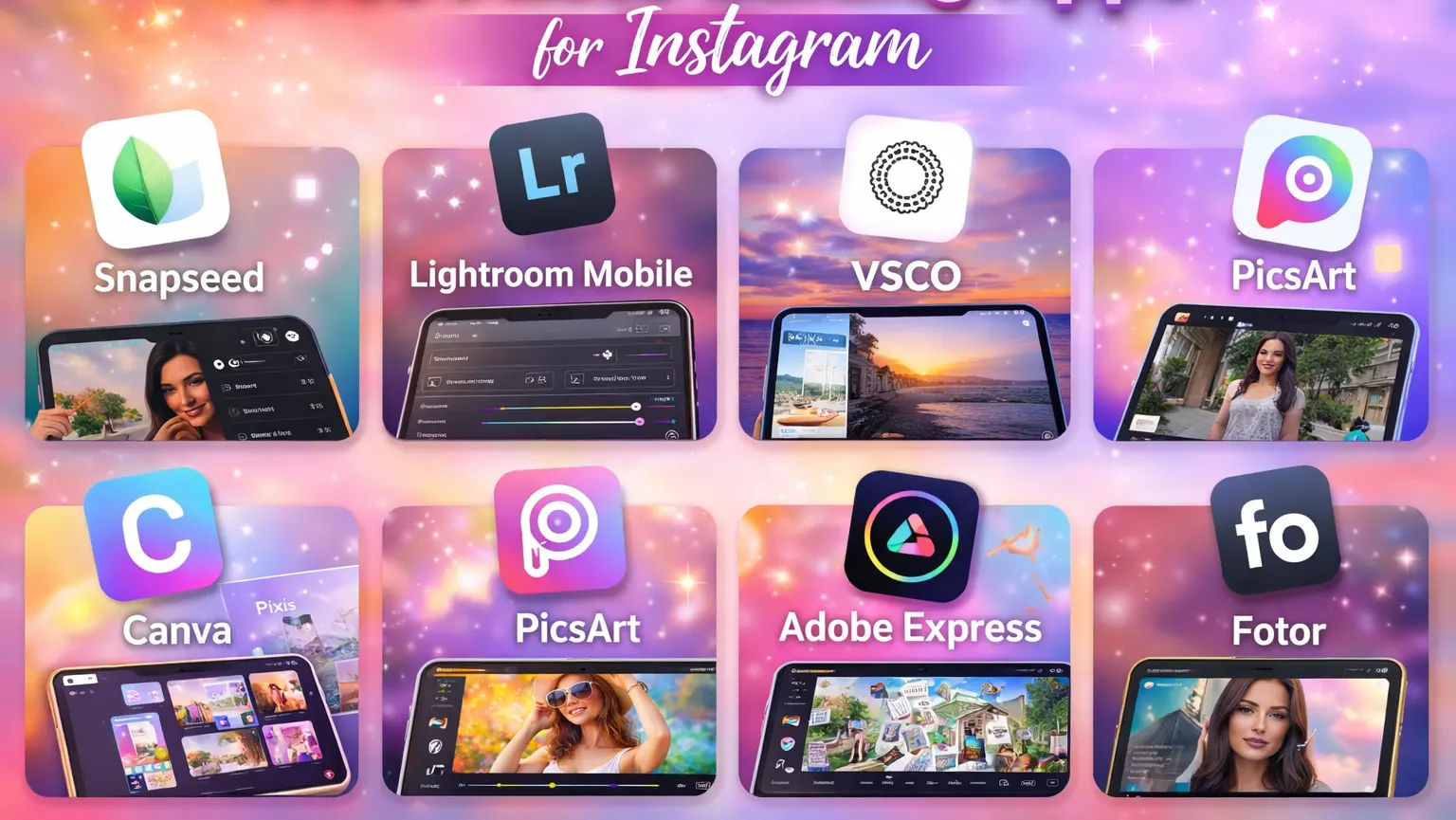
Free Photo Editing Apps for Instagram
1. Snapseed Best Instagram Photo Editor
If you want something powerful but free, Snapseed is hard to beat. It doesn’t look fancy at first, but the tools inside are serious. The selective adjustment feature alone is worth using. You can brighten just the face or fix small distractions easily. For a free app, it feels surprisingly professional.
2. Lightroom Mobile App to Edit Photos for Instagram
Lightroom is one of the most popular Photo Editing Apps for Instagram. You can adjust exposure, contrast, highlights, shadows, and color balance very smoothly. The edits look natural instead of overly filtered. Presets are especially helpful if you want your Instagram feed to look consistent. It works beautifully for improving skin tones and fixing lighting issues. The interface feels clean and professional. Many creators use this as their main editing app.
3. Cool Photo Editing Apps for Instagram Vsco
VSCO is perfect if you like soft, aesthetic edits. The filters are subtle and modern, not dramatic or artificial. It works best for lifestyle, travel, and fashion content. The app doesn’t overload you with complicated tools. Instead, it keeps things simple and focused. You can quickly adjust tone, warmth, and grain. If you prefer minimal photo editing, VSCO is a comfortable choice.
4. Canva Best Editing Apps for Instagram Photos
Canva is not just a photo editor; it is also a design tool. You can edit photos and create Instagram posts, stories, and covers. It offers simple editing tools like brightness and color adjustment. Canva is very beginner-friendly and easy to use. It is a great option for quick Instagram content creation.
5. Pixlr app to edit photos for Instagram
Pixlr is a simple app when you just want to fix something quickly. It’s not overloaded with advanced tools, and that’s actually a good thing. You can crop, adjust brightness, add a filter, and be done in minutes. The layout feels clean and easy to move around in. It’s especially useful when you’re editing on the go. If you don’t want to overthink your edits, Pixlr keeps things straightforward and fast.
6. Picsart: Best Free Editing Apps
PicsArt is one of those Photo Editing Apps for Instagram that feels creative and fun rather than technical. It gives you space to experiment with stickers, text, artistic filters, and different visual styles. If you enjoy adding personality to your photos instead of keeping them plain, this app makes it easy. The background removal feature is especially helpful for quick design-style posts. It doesn’t feel overwhelming, even though it offers many tools. For bold, colorful, and expressive Instagram content, PicsArt is a strong choice.
7. Adobe Express Instagram Editing Apps
Adobe Express stands out among Photo Editing Apps for Instagram because it balances simplicity with a polished look. You can adjust lighting, crop images, and add clean text overlays in just a few steps. It works well for both personal pages and business accounts. The interface feels organized, so you don’t waste time searching for features. Even if you’re not a designer, you can create professional-looking posts easily. If you want your Instagram content to look clean, branded, and consistent, Adobe Express is a reliable option.
8. Fotor Instagram Picture Editor
Fotor is a good option if you don’t want anything too complex. It covers the basics like filters, brightness control, and light retouching. Portrait edits look soft and natural when used carefully. The interface is easy to understand on the first try. It doesn’t overload you with advanced features. For simple and everyday Instagram photos, Fotor does the job well.
9. Edit Photo to Fit Instagram with Youcam Perfect
YouCam Perfect focuses mostly on selfies and portraits. It smooths skin and enhances facial features gently. The background editing feature is also helpful. You can adjust the lighting to make your face look brighter. The tools are very easy to use. It’s popular among beauty influencers. If your Instagram content is portrait-heavy, this app fits well.
10. Inshot Free Instagram Editing Apps
InShot is widely known for video editing, but its photo editor is also useful. You can apply filters, adjust brightness, crop, and resize easily. It works well for people who create both reels and photo posts. The interface is clean and simple. Everything feels fast and responsive. It saves time by combining photo and video editing in one app. That convenience makes it popular among content creators.
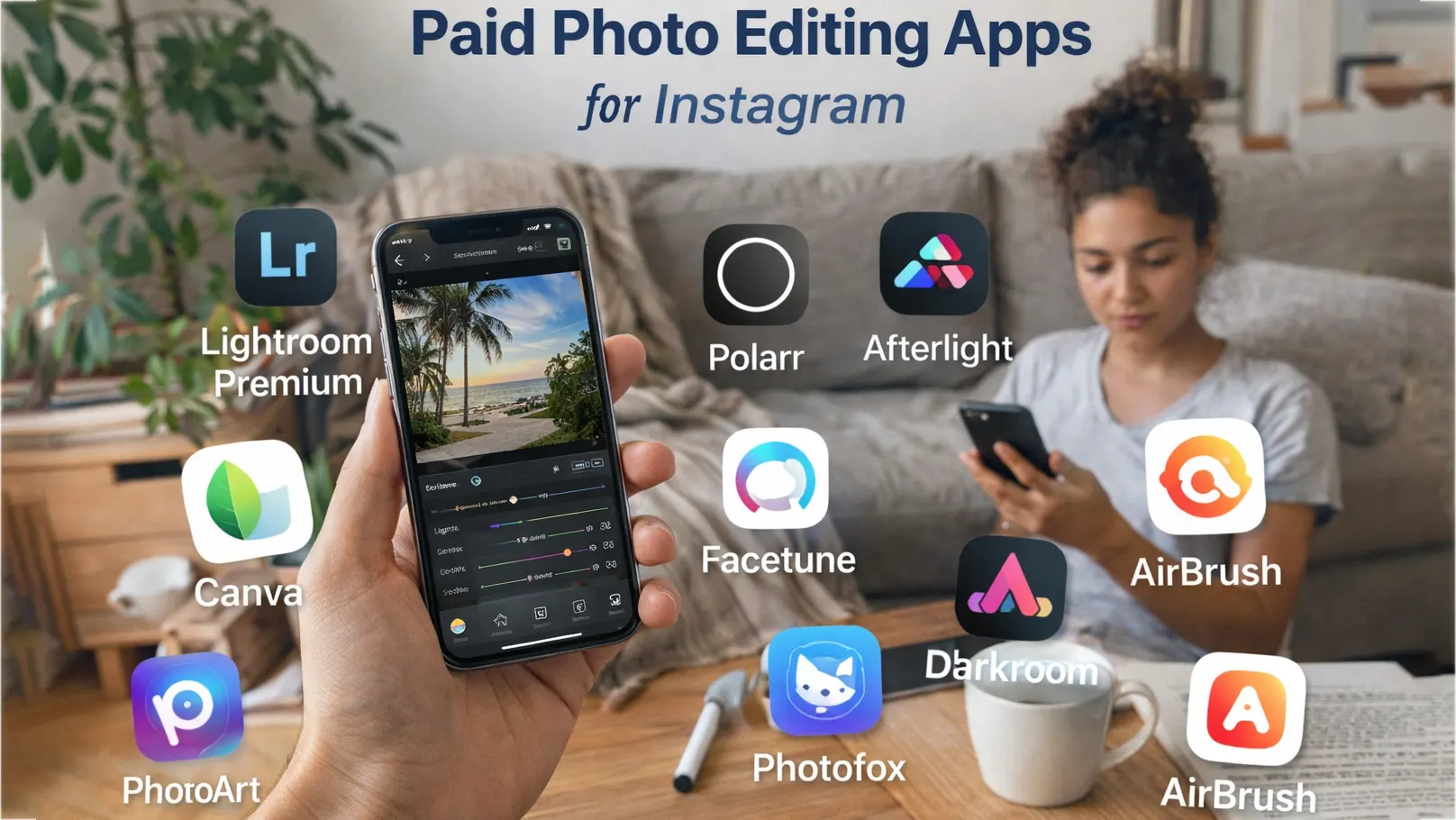
Paid Photo Editing Apps for Instagram
11. Lightroom Premium: Best Photo Editing Apps for Instagram
Lightroom Premium takes mobile editing to a professional level. You get advanced tools like masking, selective color grading, and detailed light control. This allows you to adjust specific areas of the photo with precision. The results look clean, sharp, and natural rather than over-edited. It’s especially powerful for product photos, portraits, and travel shots. If you want full control over your Instagram edits, this upgrade is worth considering. Many professional creators rely on it daily.
12. Polarr App to Edit Photos for Instagram
Polarr is a powerful editing app with advanced color grading tools. It gives you detailed control over highlights, shadows, and curves. Many creators like it for creating custom filters. The interface looks modern and professional. It works well for aesthetic Instagram feeds.
13. Afterlight Cool Photo Editing Apps for Instagram
Afterlight is known for its trendy and modern editing style. It offers creative filters, textures, and advanced color tools. The interface is smooth and easy to navigate. You can create subtle edits or bold artistic looks depending on your preference. It’s especially popular for fashion and lifestyle content. The app gives you flexibility without feeling overwhelming. If you like experimenting with creative tones, Afterlight is a great choice.
14. Facetune Good Photo Editing Apps for Instagram
Facetune focuses mainly on portrait enhancement. It allows detailed adjustments to skin, lighting, and facial features. The tools are strong but easy to apply. Many influencers use it to refine their selfies before posting. The key is to keep the edits natural and not overdo them. It also offers background touch-ups for cleaner results. If portrait quality is important for your Instagram, this app can make a noticeable difference.
15. Touchretouch Photo Editing App for Instagram Story
TouchRetouch is designed to remove unwanted objects from photos. It works well for cleaning up small distractions like wires, signs, or random people in the background. The removal process is simple and surprisingly accurate. You just highlight the object, and the app handles the rest. It saves a lot of time compared to manual editing. This is especially useful for travel and outdoor photography. Clean images always look more professional on Instagram.
16. Darkroom Apps to Edit Photos for Instagram
Darkroom offers advanced color grading and tone control. It supports RAW editing, which is helpful for serious photographers. The app feels fast and responsive. It allows detailed adjustments without lag. Many mobile photographers prefer it for precise color work. The design is modern and easy to understand. If you want professional-level color control, Darkroom is worth trying.
17. Enlight Photofox Apps for Instagram Photo Editing
Enlight Photofox is ideal for creative and artistic editing. It allows double exposure, blending, and dramatic effects. The tools give you room to experiment with visual storytelling. It’s not just about correcting photos; it’s about transforming them. The interface may take some time to explore, but the results can be impressive. This app is perfect for unique Instagram posts. If you like bold creativity, Photofox delivers.
18. Prisma Best Photo Editing App for Instagram Posts
Prisma turns ordinary photos into artwork. It uses AI-based filters that mimic painting styles. The results are often bold and eye-catching. It’s great for standing out in a crowded Instagram feed. The app focuses more on creativity than realism. If your goal is to create artistic content, Prisma works well. It adds a different vibe compared to standard editing apps.
19. Editing Apps for Instagram Photos Bazaart
Bazaart is excellent for collage and layered editing. It allows background removal, blending, and graphic-style designs. Many small businesses use it for promotional posts. The editing process feels smooth and flexible. You can combine multiple images easily. It’s perfect for Instagram marketing visuals. If you run a brand account, Bazaart can help elevate your content.
20. Airbrush App Instagram for Photo Editing
AirBrush is another popular portrait editing app. It smooths skin, enhances lighting, and brightens eyes naturally. The results can look very polished if used carefully. The interface is simple and beginner-friendly. Many beauty and lifestyle influencers use it regularly. It focuses on subtle enhancements rather than dramatic changes. If your Instagram content includes a lot of selfies, AirBrush is a reliable option.
Why You Still Need an Image Editing Expert
Apps are tools. Tools don’t replace experience. A professional editor understands light, balance, color harmony, and composition deeply. They notice small details most people ignore. For brands and businesses, that difference matters. Professional editing increases trust and visual quality.
If you want your Instagram to look premium, consistent, and brand-ready, sometimes working with an image editing expert is the smartest move.
Conclusion
Finding the right photo editing apps for Instagram can truly improve how your content looks. Some apps are perfect for quick edits, while others give you deeper creative control. The most important thing is choosing a tool that matches your style and content goals.
Free apps are great for learning and experimenting. Paid apps offer more flexibility and advanced features. But no matter what you use, clean edits and consistency matter more than heavy filters.
At the end of the day, great photos come from smart editing — not just powerful apps.
FAQs – Frequently Asked Questions
What Is the Best App to Edit Photos for Instagram?
The best app depends on your editing style and experience level. Many creators prefer Lightroom because it offers strong color control and natural results. VSCO is great for soft, aesthetic filters, while Snapseed works well for free advanced editing. If you want professional control, Lightroom Premium is often considered one of the best options.
Lightroom is widely considered one of the best photo editing apps for Instagram because it gives full control over exposure, color, and detail. For portrait editing, Facetune or AirBrush are popular choices. If you prefer creative edits, PicsArt or Afterlight may be better. The “best” app really depends on your content style.
What App Do You Use to Edit Photos for Instagram?
Many influencers use Lightroom or VSCO for consistent feed aesthetics. Business accounts often use Canva or Adobe Express for branded content. Portrait-focused creators prefer Facetune or AirBrush. The app you choose should match your goals and the type of content you post.
What App to Use to Edit Photos for Instagram as a Beginner?
If you are just starting, Snapseed and Canva are very beginner-friendly. They offer simple tools like brightness, contrast, and color adjustment without feeling complicated. VSCO is also easy to use for soft filter-based edits. These apps are great for learning basic editing skills.
What Are Good Photo Editing Apps for Instagram?
Some good photo editing apps for Instagram include Lightroom, Snapseed, VSCO, Afterlight, and PicsArt. Free apps are perfect for simple improvements and quick edits. Paid apps provide advanced features and more creative control. Choosing the right one depends on your editing needs and style.















