


Photo editing has changed a lot in the last few years. You no longer need to spend hours adjusting every small detail. Modern AI tools now handle many of those tasks in seconds. In this Luminar Neo review, I’ll walk you through how this software actually performs in real-world use.
Luminar Neo has gained attention for its smart AI features and easy workflow. Many photographers in the United States use it for portraits, landscapes, and even client work. But is it worth your money? Let’s take a closer look.
What Is Luminar Neo?
Luminar Neo is a photo editing program built by Skylum. It runs on both Mac and Windows, so most users can install it without issues. You can use it on its own or connect it to Lightroom and Photoshop if you already have those in your workflow.
What makes it stand out is how it mixes automation with control. Instead of forcing you to tweak dozens of sliders, it gives you smart tools that handle lighting, object removal, and background changes quickly. At the same time, you still get room to adjust things manually if you want a more personal touch.

Key Features of Luminar Neo Photo Editing
Many free color correction apps only offer basic filters and simple sliders. Luminar Neo gives you more powerful AI tools for better and more detailed editing. Below, we explain the most important features and how they work in real situations.
AI Sky Replacement
Sky Replacement is one of the most talked-about tools in this Luminar Neo review. With just a few clicks, you can swap out a dull sky for something dramatic and colorful. The software adjusts the lighting in the rest of the image so everything looks natural.
You can also adjust warmth, brightness, and sky position to make it blend better. This feature works especially well for landscape and real estate photos.
Relight AI with Luminar Neo
Relight AI helps you fix uneven lighting in a photo. If your subject looks dark but the background looks fine, you can adjust them separately. That saves time and prevents over-editing.
You control depth and brightness with simple sliders. The results usually look balanced and realistic without heavy manual work.
How Good Is Portrait Bokeh AI?
Portrait Bokeh AI creates background blur to give your photos a professional look. The software detects your subject automatically and applies blur only to the background.
You can control how strong the blur appears. This feature works well for portraits, social media photos, and headshots.
Erase Tool in Luminar Neo
The Erase tool removes unwanted objects from your images. You simply brush over the distraction and let the software fill in the area.
It works well for small objects like wires, spots, or background distractions. For larger removals, you may need small adjustments, but overall, it performs well.
Layers and Masking with Luminar Neo
Luminar Neo also supports layers and masking for more advanced editing. You can apply adjustments only where you need them.
This gives you more creative control. If you like detailed edits, this feature helps you move beyond simple one-click changes.
Pricing Breakdown of Luminar Neo
Luminar Neo offers two payment options. You can choose a subscription plan or a lifetime license. Many users prefer the lifetime option because it avoids monthly payments.
Skylum often runs promotions, so prices may change throughout the year. You can also test the software through a trial before committing. Luminar Neo costs more than most free color correction apps. However, it offers stronger AI tools and more creative features that give you better overall results.
Pros and Cons of Luminar Neo
Pros
- The AI tools save time and reduce manual editing. They work well for everyday photography and client work.
- The interface feels clean and easy to navigate. Beginners can learn it quickly without feeling overwhelmed.
- You can buy a lifetime license instead of paying monthly. That makes it attractive compared to subscription-only software.
- Sky Replacement and Relight AI deliver strong visual improvements in just a few clicks.
Cons
- The program can run slowly on older computers. Heavy edits may require stronger hardware.
- Some AI effects may look slightly artificial if you push them too far. Small manual tweaks fix this issue.
- It does not fully replace Photoshop for advanced graphic design or detailed compositing work.
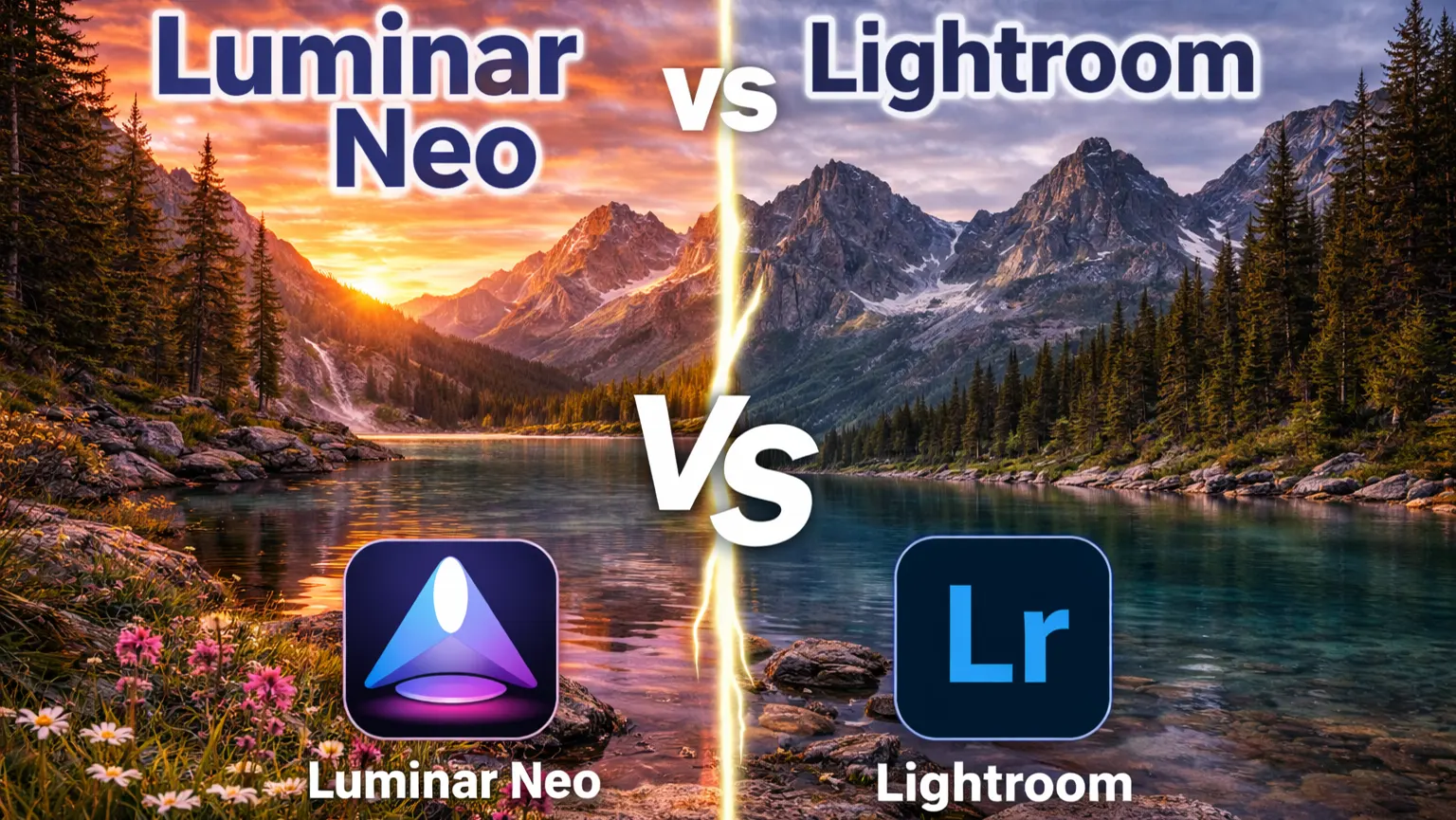
Luminar Neo vs Lightroom
In this Luminar Neo review, it’s important to compare it with Lightroom since many photographers consider both options.
Lightroom focuses on professional workflow and catalog management. It helps photographers organize large photo libraries and make detailed manual adjustments. Luminar Neo, on the other hand, focuses more on AI-driven creative edits that speed up the process.
If you want quick enhancements and dramatic results, Luminar Neo may feel easier to use. If you need advanced file organization and full manual control, Lightroom may be a better fit. Many photographers actually use both together to get the best of both worlds.
Who Should Use Luminar Neo?
Luminar Neo works best for photographers who want faster editing without complicated steps. Portrait, landscape, and real estate photographers can benefit from its smart AI tools.
Content creators and social media users also enjoy how quickly they can improve images. If you prefer simple controls and faster results, Luminar Neo is a practical option.
Final Thoughts
After spending real time with the software, I can say it delivers where it matters. It makes editing faster, and the AI tools genuinely save time without making photos look fake or overdone. For everyday photography, the results look clean and polished.
It won’t replace advanced tools for heavy graphic design or complex composites. But most photographers don’t need that level of control every day. For portraits, landscapes, and client work, it handles the job well.
It keeps things simple, speeds up your workflow, and helps you get professional-looking results without extra stress. This Luminar Neo review clearly shows delivers reliable AI performance and a smooth editing experience.















