

Getting a passport photo used to take time and effort. You had to visit a studio, wait in line, and often pay more than expected. Now, things are much simpler. With a passport photo app, you can take and edit your photo at home in just a few minutes. Still, not every app works the same way. Some miss the correct size, while others add unwanted marks. So, picking the right app really matters. In this guide, you will find a few reliable options and simple tips to get a clean, usable photo.
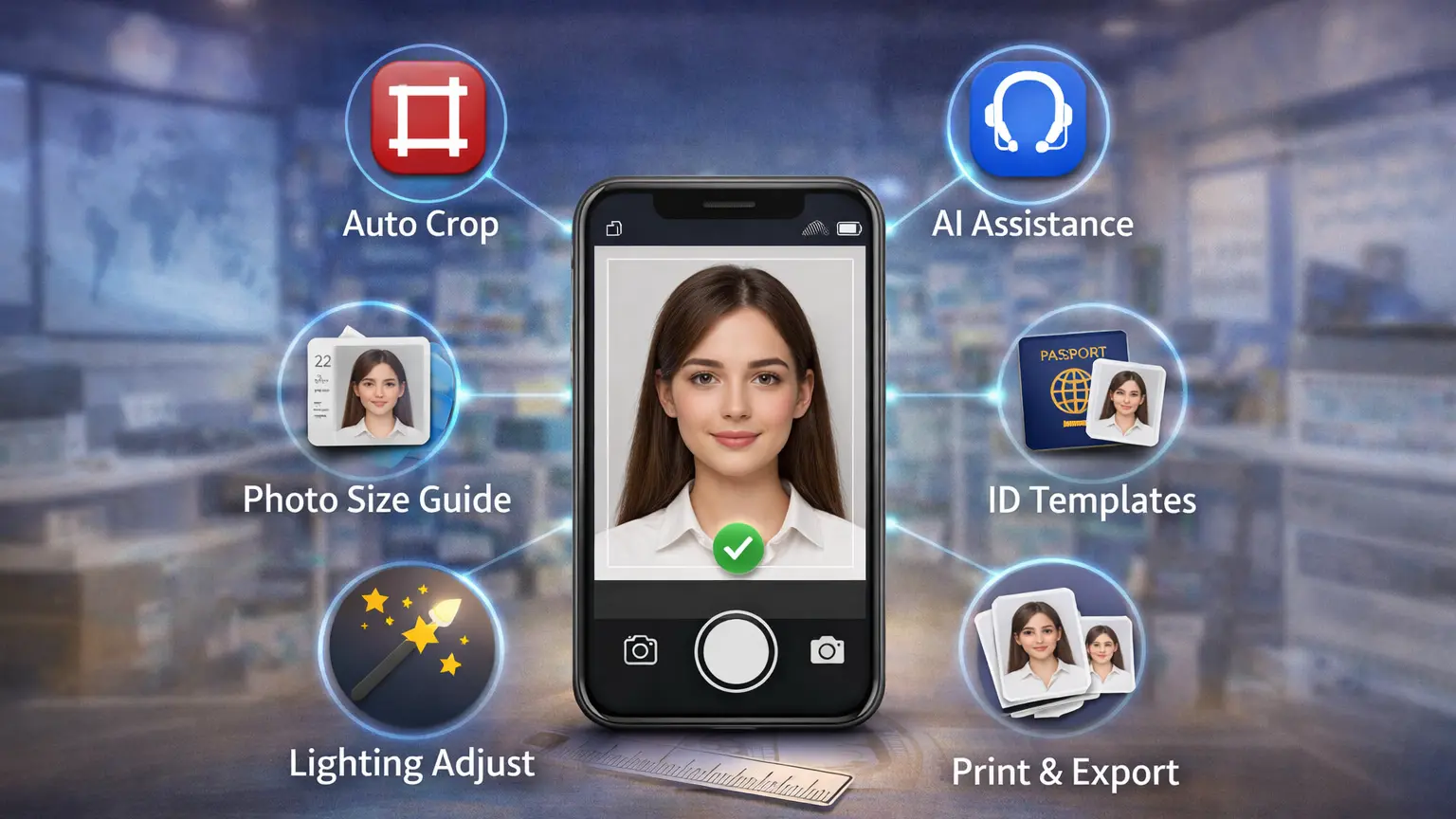
What Makes a Good Passport Photo App?
Not every passport photo app gives the same result, so it is important to know what to look for. First, the app should follow the correct size and official rules. If the size is wrong, your photo may not be accepted.
Next, a good app should make background removal easy. You should be able to get a plain white background without much effort. Also, the app should not add any watermark, because that can ruin the final photo.
In addition, the app needs to be simple to use. You should not feel confused while editing your photo. Finally, image quality matters a lot. A clear and sharp photo always looks more professional and has a better chance of approval.
Top 5 Best Passport Photo Apps
1. Passport Photo Maker – VISA/ID
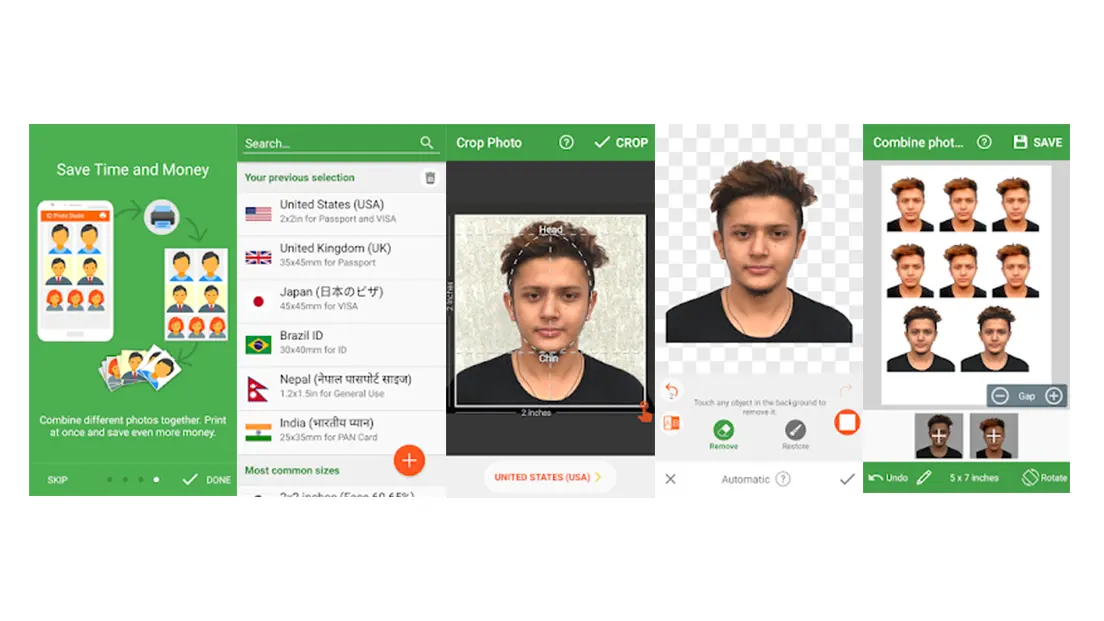
If you just want something simple and quick, this app does the job pretty well. You don’t have to think much. Just pick your country, and it adjusts the size for you. That alone saves a lot of time.
It’s not packed with fancy tools, but honestly, most people don’t need that. The basic editing options are enough to get a clean passport photo.
Key Features:
- Supports different country sizes
- Simple background editing
- Easy crop and resize
Pros:
- Very easy to understand
- Works without internet
- Quick result
Cons:
- Some features are not free
Best for: People who want something straightforward without extra steps
2. PhotoAiD: Passport Photo App
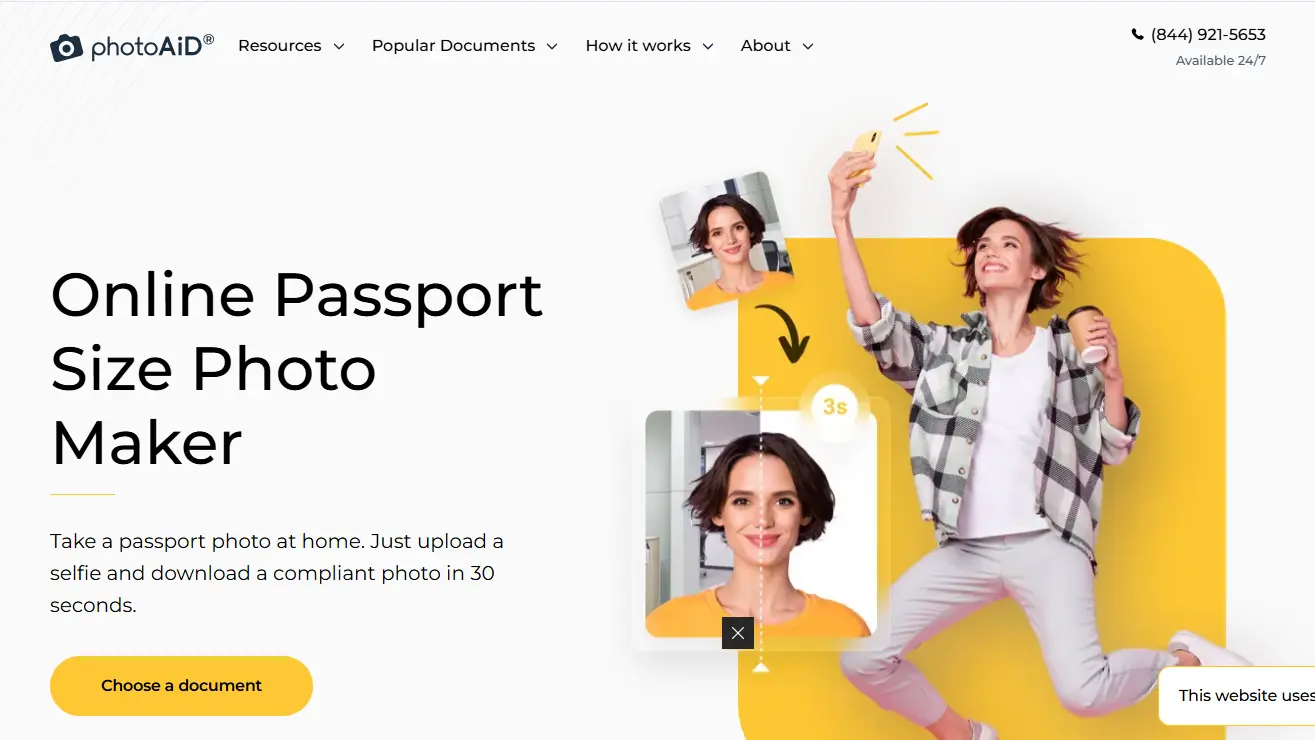
This one feels a bit smarter than the others. What stands out is how it checks your photo before you use it. So if something is off, you get a warning early.
That said, it’s still easy to use. You don’t need any editing skills. Just follow the steps, and it guides you through.
Key Features:
- AI photo checking
- Automatic background removal
- Ready templates for many countries
Pros:
- More accurate results
- Looks clean and professional
- Easy process
Cons:
- Some parts require payment
Best for: Users who want fewer mistakes and more confidence
3. Passport Size Photo Maker
This app gives you a bit more control, which can be good or bad depending on you. If you like adjusting things yourself, you’ll probably enjoy it.
You can change size, fix the background, and try different layouts. It takes a little more effort, but you get more control in return.
Key Features:
- Custom size settings
- Background tools
- Multiple format support
Pros:
- Flexible editing
- Works for many ID types
- Lightweight
Cons:
- Interface feels a bit old
Best for: People who like to tweak things instead of relying on auto tools
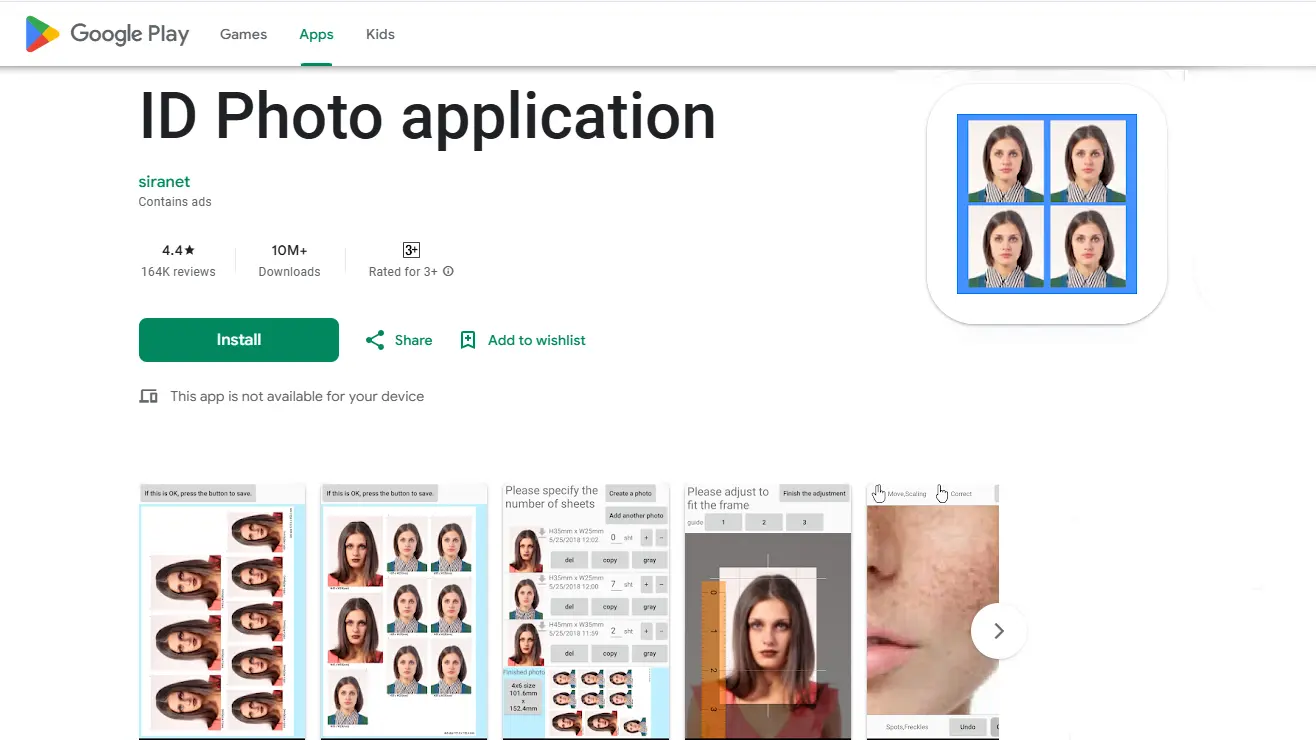
4. ID Photo Application (ID Photo App)
Not everyone wants too many options, and this app understands that. It keeps things simple and shows you what to do step by step.
You take a photo, make small adjustments, and you’re done. No extra confusion, no unnecessary tools.
Key Features:
- Step-by-step help
- Auto crop
- Basic editing
Pros:
- Very simple
- Fast to use
- Good for beginners
Cons:
- Limited features
Best for: Anyone who just wants to get it done quickly
5. Snap2Pass Passport Photo
Snap2Pass is a bit different because it’s online. You don’t install anything. You just upload your photo, and it handles the rest.
It’s actually useful when you don’t want to download another app. However, you will need internet, so keep that in mind.
Key Features:
- Works in browser
- Automatic background removal
- Fast processing
Pros:
- No install needed
- Very quick
- Works on any device
Cons:
- Needs internet
Best for: People who want a quick online solution
Free vs Paid Passport Photo Apps
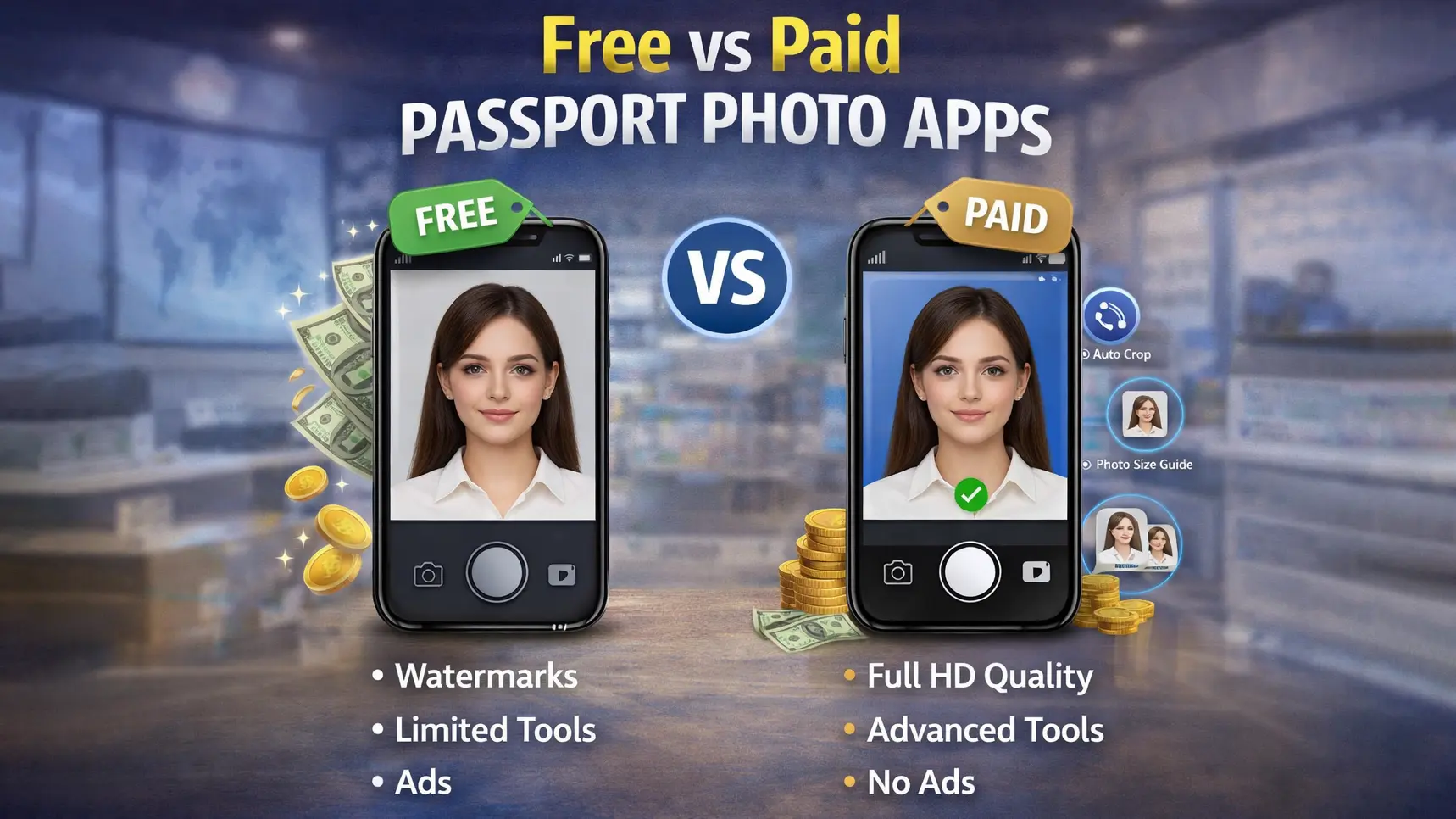
Free passport photo apps can do the basic job quite well. You can take a photo, adjust the size, and change the background without paying anything. For many people, this is already enough. However, free apps often come with limits. Some add watermarks, while others lock important features.
On the other hand, paid apps offer a bit more comfort. You usually get better background removal, higher image quality, and no watermark at all. In addition, some apps even check your photo based on official rules, which can save you from rejection.
So, which one should you choose? If you just need a quick photo and don’t mind small limits, a free app is fine. But if you want a clean, accurate, and stress-free result, a paid app is often the better choice.
How to Take a Perfect Passport Photo Using Apps
Taking a good passport photo at home is not as hard as it seems. First, open your passport photo app and choose the correct photo size for your country. Then, stand in front of a plain white or light background. Make sure the room has enough light, but avoid strong shadows on your face or behind you.
Next, place your phone or camera at eye level. Keep your head straight and look directly at the camera. Try to keep a neutral face, and do not tilt your head. After that, take a few shots so you have options to choose from. Finally, use the app to crop the photo, fix the background if needed, and check the size before saving. A clear photo, good light, and the right position usually make the biggest difference.
Common Mistakes to Avoid
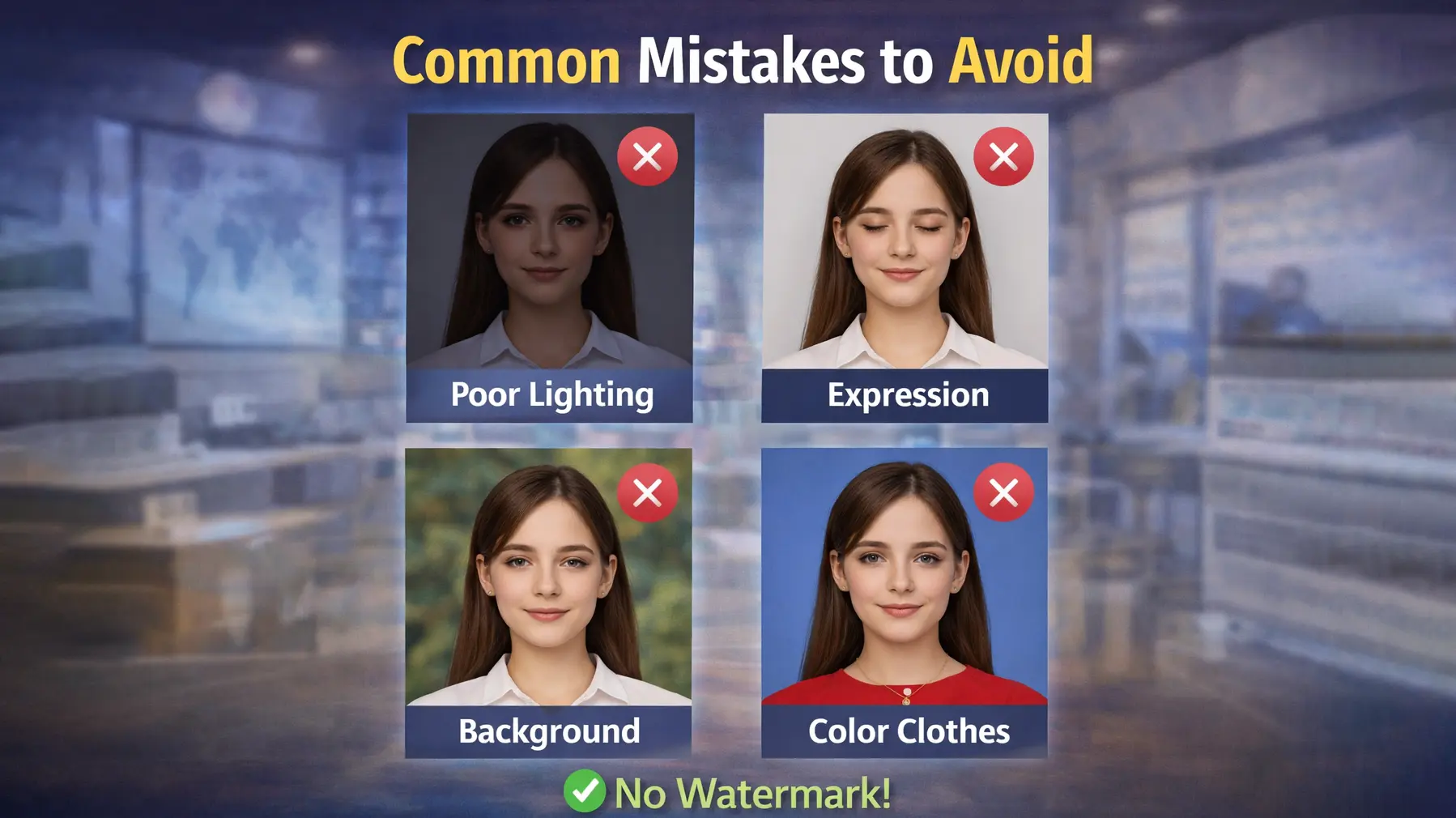
Many people make small mistakes when taking passport photos, and these can lead to rejection. One common issue is using the wrong size. Even a small difference in size can cause problems, so it is important to select the correct format in the app.
Another mistake is poor lighting. If the light is too low or too harsh, your face may not look clear. As a result, the photo can appear dull or uneven. Shadows are also a problem. For example, shadows behind your head or on your face can make the photo unacceptable.
Finally, the background matters more than most people think. A busy or dark background does not meet passport rules. So, always use a plain white or light background to stay safe
Best Passport Photo App Without Watermark
If you want a clean passport photo, choosing an app without a watermark is very important. A watermark can make your photo look unprofessional and may even lead to rejection in some cases.
One good option is PhotoAiD, which offers high-quality photos without adding marks, especially in its paid version. Another useful choice is Snap2Pass, since it works online and gives clean results quickly. In addition, Passport Photo Maker – VISA/ID can also work well if you use its unlocked features.
So, which one should you pick? If you want the easiest and most accurate result, PhotoAiD is a safe choice. However, if you prefer something quick and simple, Snap2Pass is a great option.
Frequently Asked Questions
Which is the best passport photo app?
The best passport photo app depends on your needs, but PhotoAiD and Passport Photo Maker – VISA/ID are strong choices. They offer accurate sizing and easy editing, which helps you get a usable photo quickly.
Can I take a passport photo at home using an app?
Yes, you can easily take a passport photo at home using an app. You just need good lighting, a plain background, and the right size settings in the app.
Are passport photo apps free to use?
Many passport photo apps are free, but they often have limits like watermarks or locked features. Paid versions usually give better quality and more tools.
Which app makes passport photos without watermark?
Apps like PhotoAiD and Snap2Pass can create passport photos without watermarks. However, you may need the paid version for the best results.
How do I get the correct passport photo size?
You can select your country inside the app, and it will set the correct size automatically. Most apps include ready-made templates to make this easy.
Conclusion
Taking a passport photo no longer needs to be difficult or expensive. With the right app, you can create a clean and correct photo at home in just a few minutes. As we have seen, some apps focus on simplicity, while others offer more advanced features.
So, which one should you choose? If you want accuracy and fewer mistakes, PhotoAiD is a strong option. However, if you prefer something quick and easy, apps like Passport Photo Maker – VISA/ID or Snap2Pass can do the job well. In the end, the best app is the one that fits your needs and makes the process simple for you.















