

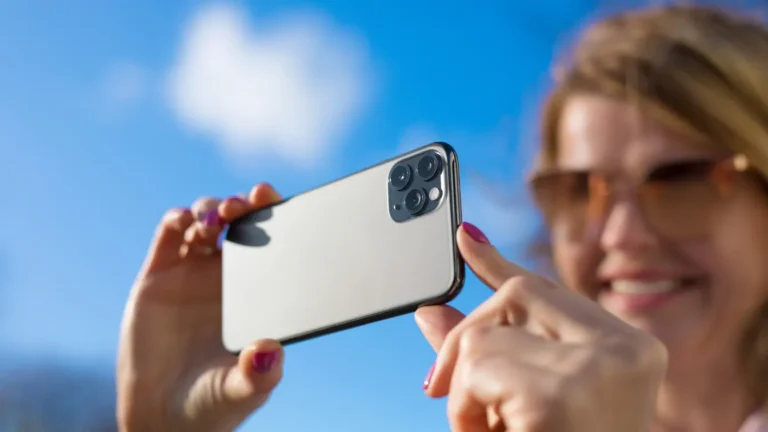
Mobile photography has evolved dramatically in recent years because of AI-powered technology. AI camera apps now help users capture professional-quality photos without expensive equipment. From improving low-light shots to making selfies look better, these apps make photography easy for everyone. Whether you are a beginner or a content creator, the right AI-based camera app can improve your photography. It can also turn your smartphone into a powerful tool for professional-quality images.
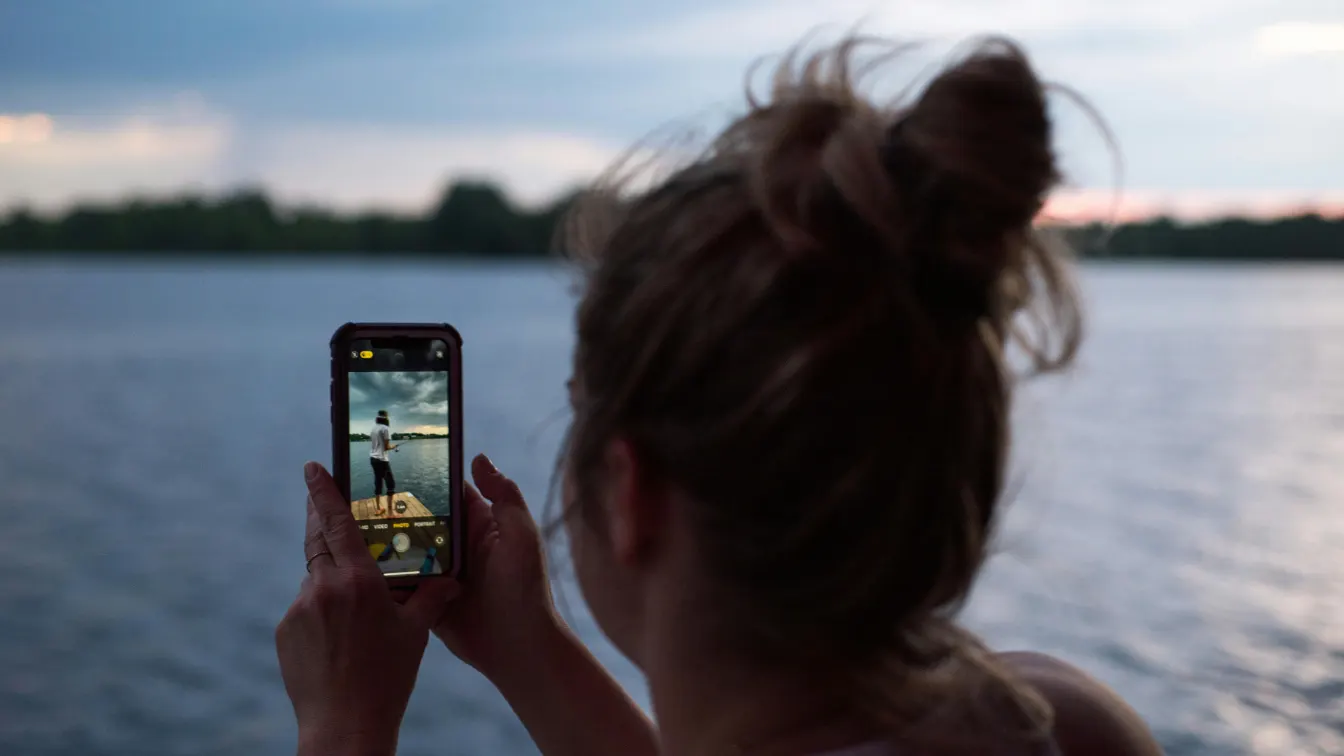
How AI Works in Mobile Photography
Artificial intelligence in photography helps make every photo look better and more balanced. Unlike normal camera apps, an AI camera app automatically changes settings based on the scene. These apps study lighting, focus, colors, and the subject. As a result, users can take high-quality photos without changing settings manually.
Modern AI camera apps can recognize faces, objects, and backgrounds in a photo. They adjust brightness, contrast, and sharpness for better results. In low light, AI reduces noise and improves details. AI portrait modes also blur backgrounds to create a clean, professional look.
Another big advantage of AI photography is speed. AI-based camera apps process photos instantly, so users can preview and share images quickly. This is helpful for social media creators who need good photos fast. Some AI camera apps Android versions also detect scenes like food, landscapes, or city views and apply the best settings automatically.
Key Features to Look for in AI Camera Apps
When selecting the best AI camera app, consider these essential features. Not all apps offer the same level of intelligence, so understanding your requirements is crucial.
Automatic Scene Recognition: AI camera apps detect various environments automatically. This feature adjusts exposure, contrast, and saturation for every scene. You don’t have to manually select modes, making photography quicker and easier.
Portrait and Background Enhancement: Look for apps that provide AI beauty and background blur tools. These allow professional-looking portraits without a DSLR. AI algorithms separate the subject from the background flawlessly.
Low-Light Photography Optimization: Some AI camera apps free or premium versions include low-light enhancement. These apps capture bright and detailed photos in dim conditions. Noise reduction and dynamic range adjustments improve image quality.
One-Tap Editing: Editing features are integrated in many AI-based camera apps. A single tap can enhance color, adjust brightness, and refine sharpness. This is particularly useful for social media users seeking fast results.
AI-Powered Filters and Effects: AI filters automatically adapt to the subject and lighting. For instance, AI generator selfie apps create unique looks while maintaining natural colors.
Compatibility and Updates: Check whether the app is available for AI camera app for Android or iOS. Regular updates ensure new AI models improve performance and add features.
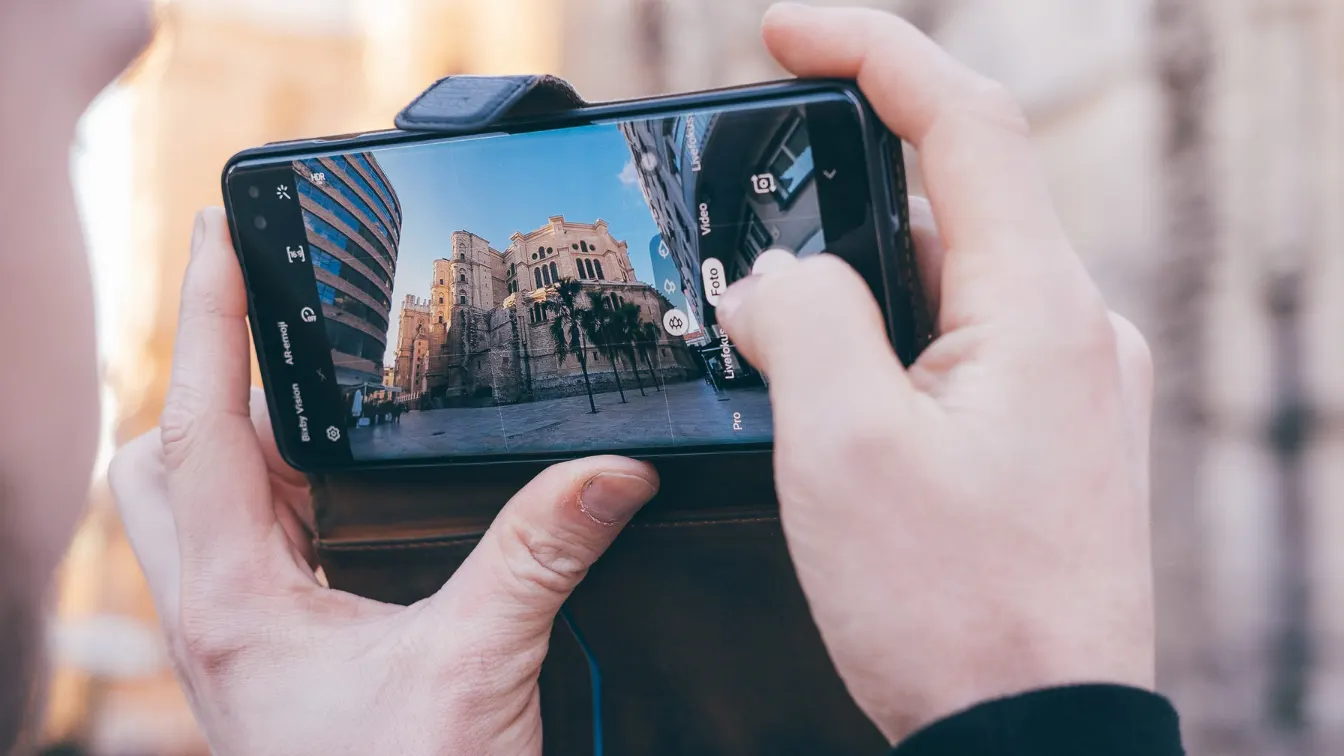
Best AI Camera Apps for Mobile Photography
Choosing the right AI camera app can greatly improve your mobile photography experience. Popular apps like Google Camera (GCam), ProCamera, Camera+ 2, YouCam Perfect, and Lensa AI use AI-powered tools to improve photo quality, boost low-light performance, and make editing easier. These apps help users take professional-looking photos using only a smartphone.
Google Camera (GCam)
Google Camera uses HDR+ and Night Sight to create bright colors, sharp details, and balanced lighting. Night Sight helps capture clear photos in low-light or indoor settings. Its AI-powered image processing automatically adjusts exposure, contrast, and sharpness while reducing noise, giving clean and natural-looking results. This makes the app very reliable for everyday and night photography.
ProCamera
ProCamera includes an AI low-light mode that brightens dark photos without changing natural colors. Users can choose manual controls or let the AI adjust settings automatically. This flexibility makes ProCamera a good choice for advanced users who want more control over mobile photography. It is especially useful for users who enjoy adjusting camera settings themselves.
Camera+ 2
Camera+ 2 uses AI scene optimization to adjust camera settings for landscapes, portraits, or close-up shots. The AI improves facial details and macro photos easily. With a simple interface, the app works well for both serious photographers and casual mobile users. It helps users get better photos without complicated steps.
YouCam Perfect
YouCam Perfect uses AI beauty and portrait tools to enhance selfies naturally. It smooths skin, adjusts facial features, and removes or blurs backgrounds quickly. This makes it a great option for users who want clean, polished photos for social media platforms. The app is easy to use and gives fast results.
Lensa AI
Lensa AI offers automatic AI photo enhancement by adjusting brightness, contrast, and colors. Its face retouching tools improve portraits without heavy editing. With a one-tap professional look, users can quickly create high-quality images for social media or professional profiles. It is ideal for users who want stylish photos with minimal effort.
Specialized AI Photography Tools
Beyond general AI camera apps, some tools focus on special photography needs. These apps use smart AI technology to improve photos creatively and make editing easier. They are helpful for users who want unique and professional-looking images beyond basic camera features.
PhotoApp
PhotoApp offers AI-based editing and artistic filters that turn normal photos into eye-catching images. Its AI adjusts colors, contrast, and brightness automatically. This helps users create professional results easily, even without editing skills. It is perfect for users who want to add a creative touch to every photo. The app also makes experimenting with different artistic styles simple and fun.
Claid AI
Claid AI focuses on improving backgrounds and colors in photos. The AI finds the main subject and background, then edits them naturally. It works well for social media posts, product photos, and images that need a clean, polished look. Users can achieve professional-quality images quickly and easily with this app. It also allows users to highlight their main subject while keeping the background appealing.
Prisma
Prisma uses AI to change photos into artistic styles. It turns pictures into painting-like visuals using smart filters. This app is great for users who want creative photos for social media or art projects. It allows anyone to create unique and visually striking images effortlessly. The app makes it easy to share artistic creations online immediately.
DiffSnap-AI
DiffSnap-AI is an AI camera app free that helps create artistic and AI-enhanced images. It adds unique effects, improves details, and balances photo composition. This app is ideal for users who enjoy experimenting with AI photography and creative selfies. It provides a fun and easy way to make original digital art from photos. Users can quickly transform ordinary images into standout creations using its AI tools.

Tips to Get the Best Results from AI Camera Apps
To get the most out of any AI camera app, it is important to know some basic photography and AI features. Following simple tips helps capture better photos and avoid mistakes. Understanding how AI adjusts exposure, colors, and sharpness can improve results a lot. Practicing with different apps also helps users learn each app’s special tools. This makes mobile photography easier and more fun for everyone.
Good Lighting Matters: Even the best AI camera app cannot fix very poor lighting. Natural light improves colors, details, and sharpness in photos. Using available indoor light or AI low-light modes can make pictures clearer. Good lighting helps the AI do its job better and produce professional-looking images.
Customize AI Settings: Adjust AI-powered filters and enhancements to make photos look natural. Fine-tune brightness, contrast, and saturation for the best results. Customizing settings also helps match your own style. Small changes can make a big difference in final photo quality.
Avoid Over-Editing: Too much AI can make photos look fake or unnatural. Subtle adjustments work best with apps like Lensa AI or YouCam Perfect. Keep photos natural while still using AI improvements. Less is often more when editing with AI tools.
Keep Original Images: Always save unedited photos before applying AI changes. This allows you to fix or edit the image later if needed. Keeping originals gives more flexibility and prevents losing the original details.
Experiment With Different Apps: Each android AI camera app has different features. Trying several apps helps find the best AI tools, filters, and controls for your needs. Experimenting also encourages creativity and helps you take better photos consistently.
Conclusion
AI camera apps are changing mobile photography completely. They combine smart technology with ease of use, making professional-quality photos possible for everyone. You can use Google Camera, Lensa AI, or niche apps like DiffSnap AI. Using the right app makes photography easier and more fun. By understanding key features, using AI settings properly, and following good habits, users can always take stunning photos. Embrace these AI-based camera apps and unlock the full photography potential of your smartphone today.















