Many people notice that their photos lose quality after uploading them to Instagram. This usually happens when the image size or aspect ratio is incorrect. If the Instagram image size is not right, Instagram may crop or compress the picture automatically.
In this guide, you will learn how to resize pictures for Instagram without losing quality. We will explain the best Instagram photo size, correct image dimensions, and the ideal aspect ratio for posts, stories, and reels. You will also learn simple ways to resize images so they look sharp and professional on Instagram.
Why Instagram Image Size Matters
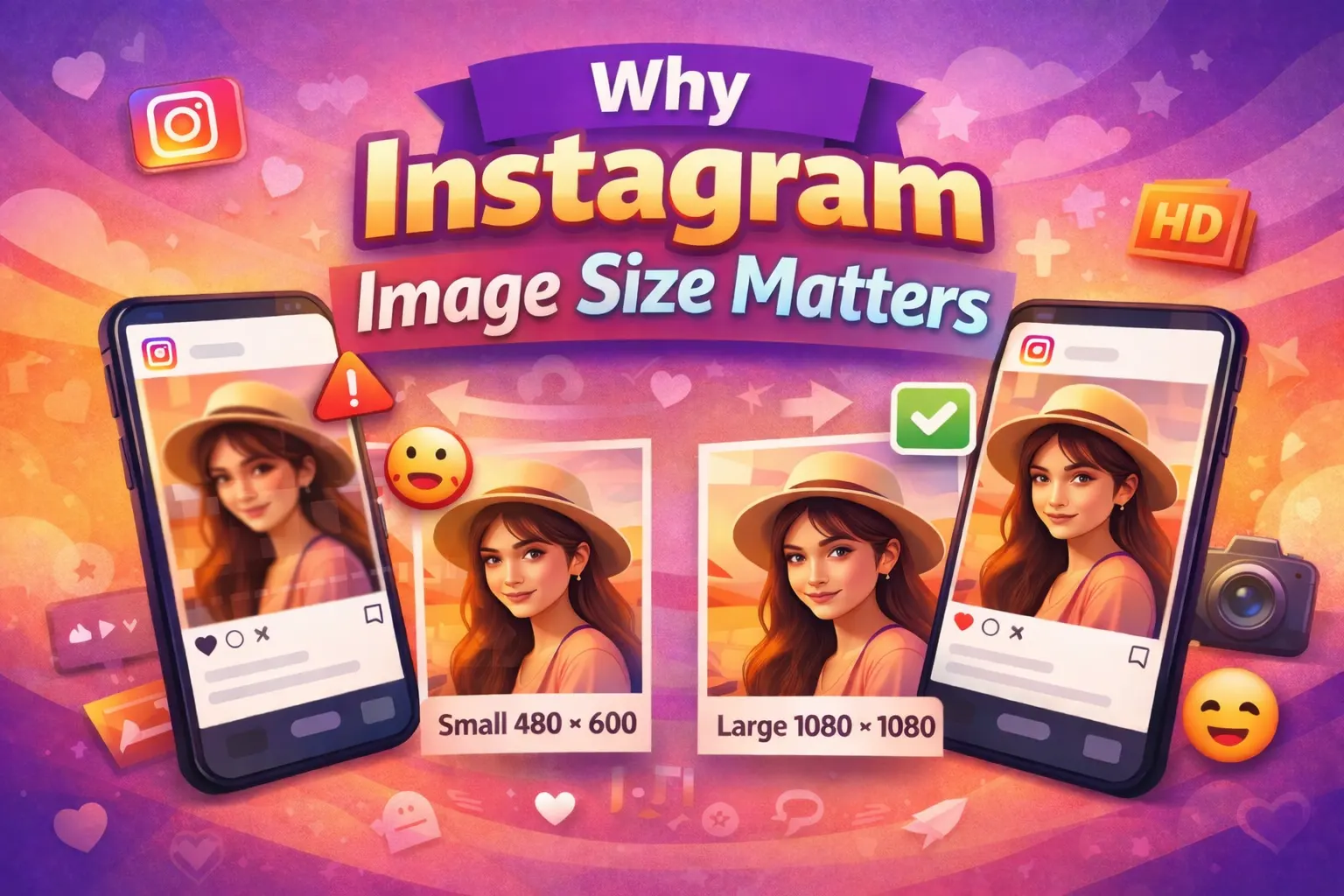
Instagram automatically resizes and compresses images when they do not match the recommended dimensions. The platform does this to reduce file size and make images load faster on different devices. However, this process can lower image quality if the original size is not optimized for Instagram.
When you upload a photo with the wrong Instagram image dimensions, the platform may crop or compress the picture. As a result, the image can look blurry, stretched, or poorly framed. This problem often happens when photos are too large, too small, or use the wrong aspect ratio.
Using the correct Instagram photo size helps maintain image clarity and sharpness. When your image matches the recommended dimensions, Instagram does less compression. Because of this, your photos appear cleaner, more professional, and better aligned in the feed.
Best Instagram Image Size and Dimensions
Different types of content on Instagram require different image sizes. Using the correct Instagram image dimensions helps your photos appear clear and properly aligned. It also reduces automatic cropping and compression. Therefore, choosing the right size is important when you resize pictures for Instagram.
Instagram Post Size
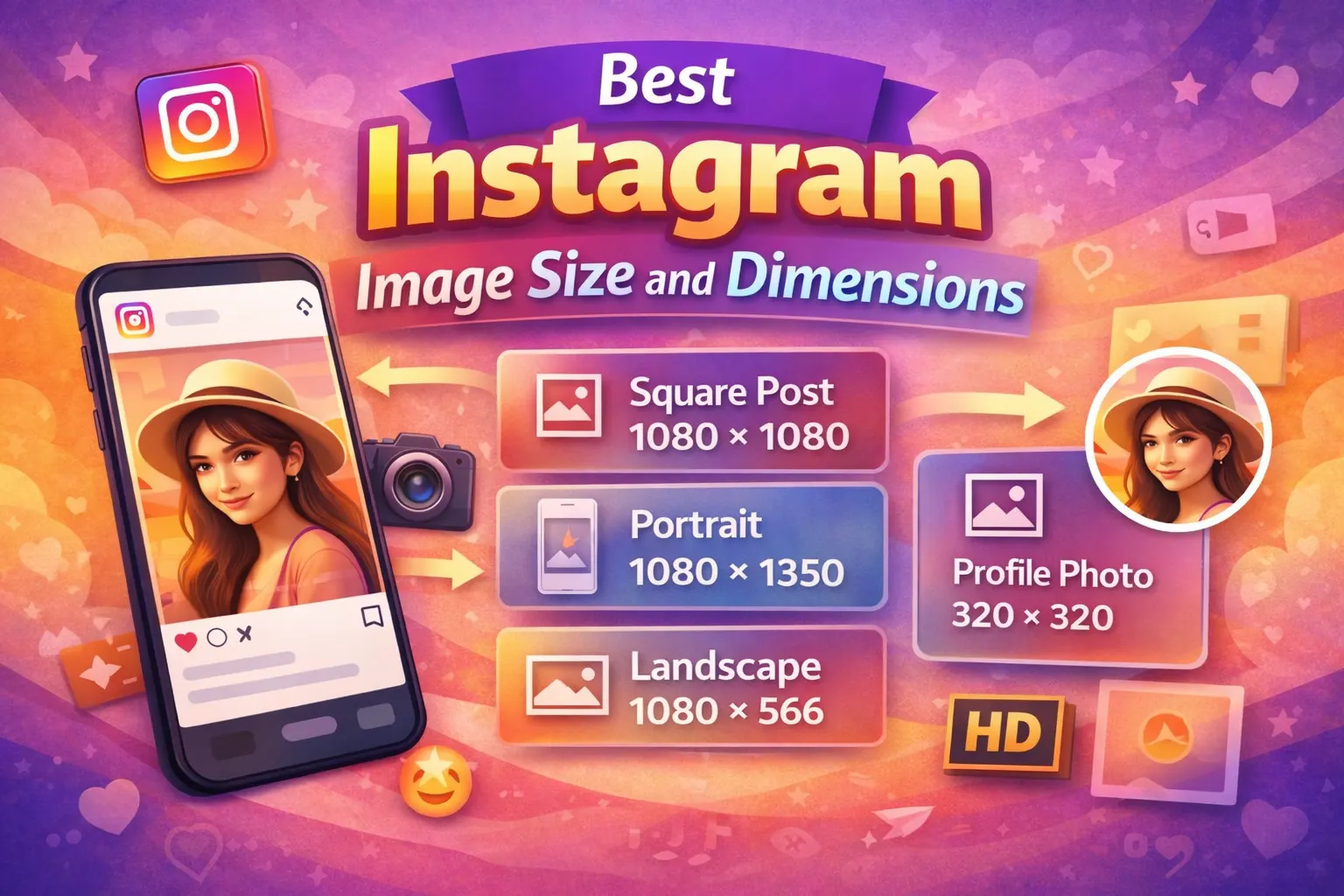
Instagram posts can appear in three main formats: square, portrait, and landscape. Each format has a recommended Instagram photo size that helps maintain image quality. When you upload photos with the correct dimensions, Instagram does less cropping and compression.
Using the proper Instagram image size also helps your photos look sharp in the feed. Most creators prefer portrait images because they take up more space on the screen. As a result, the post becomes more noticeable.
Recommended Instagram post sizes:
- Square: 1080 × 1080 pixels (aspect ratio 1:1)
- Portrait: 1080 × 1350 pixels (aspect ratio 4:5)
- Landscape: 1080 × 566 pixels (aspect ratio 1.91:1)
Instagram Story Size
Instagram Stories use a vertical layout that fills the entire mobile screen. Therefore, using the correct Instagram story size is important. If the image size is wrong, Instagram may crop parts of the photo.
To avoid this problem, always use the recommended Instagram image dimensions for stories. This keeps the content clear and properly aligned on the screen.
Recommended story size:
- 1080 × 1920 pixels
- Aspect ratio: 9:16
Instagram Reel Size
Instagram Reels also follow a vertical format. Because Reels appear in full-screen mode, using the correct Instagram reel size is very important. When the dimensions match the platform’s requirements, the content looks cleaner and more professional.
If the size is incorrect, important parts of the image or video may get cropped. Therefore, it is best to prepare your content using the recommended Instagram image dimensions.
Recommended Reel size:
- 1080 × 1920 pixels
- Recommended aspect ratio: 9:16
How to Resize Pictures for Instagram Without Losing Quality
Resizing images the right way helps keep your photos sharp on Instagram. If the size is too large or too small, Instagram may compress the image. As a result, the photo can lose quality. Therefore, it is important to resize pictures before uploading them.
Below are simple methods you can use to resize pictures for Instagram without losing quality.
Method 1: Resize Using Photoshop
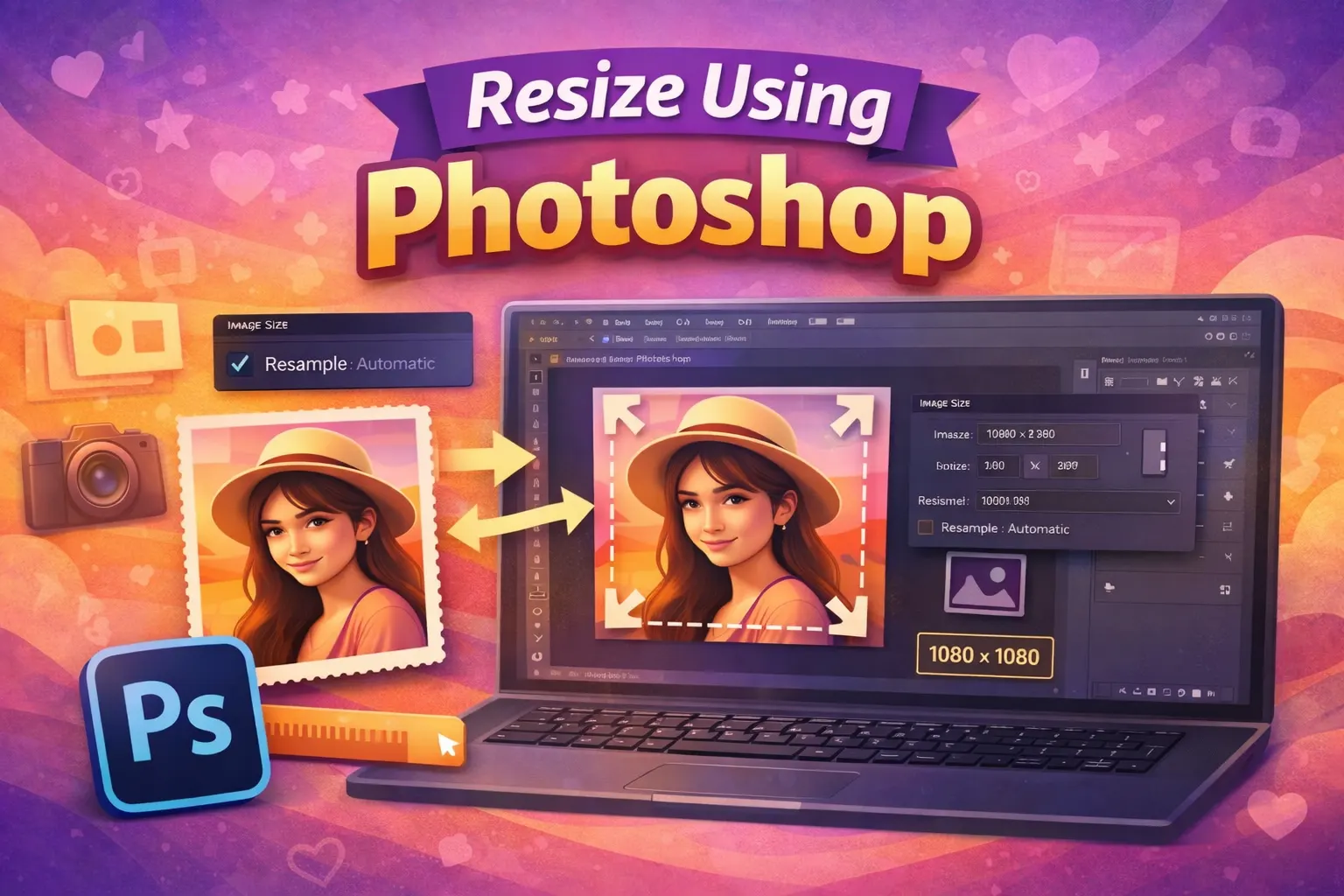
Photoshop is one of the best tools for resizing images while keeping high quality. It allows you to control image size, resolution, and export settings.
First, open your image in Photoshop. Then go to Image → Image Size from the top menu. After that, change the width to 1080 pixels, which is the recommended size for Instagram posts. Make sure the proportions remain locked so the image does not stretch.
Finally, export the image using File → Export → Save for Web or Export As. Choose a high-quality JPG setting so the image stays clear when uploaded to Instagram.
Method 2: Resize Images Using Online Tools
If you do not use Photoshop, online tools provide a quick and easy solution. These tools allow you to resize images directly in your browser. In addition, they work well for beginners.
Popular online tools include:
- Canva
- Adobe Express
- Simple Image Resizer
Most of these tools already include preset Instagram image sizes. Therefore, you can quickly resize your photo without adjusting dimensions manually.
Method 3: Resize Pictures Using Mobile Apps
Many people edit photos on their phones before posting to Instagram. Fortunately, several mobile apps can resize images without reducing quality.
Some useful apps include:
- Snapseed
- Lightroom Mobile
- Instagram crop tool
These apps allow you to adjust the aspect ratio, crop the image, and export it at the correct size. As a result, your photos will look sharp and properly formatted for Instagram.
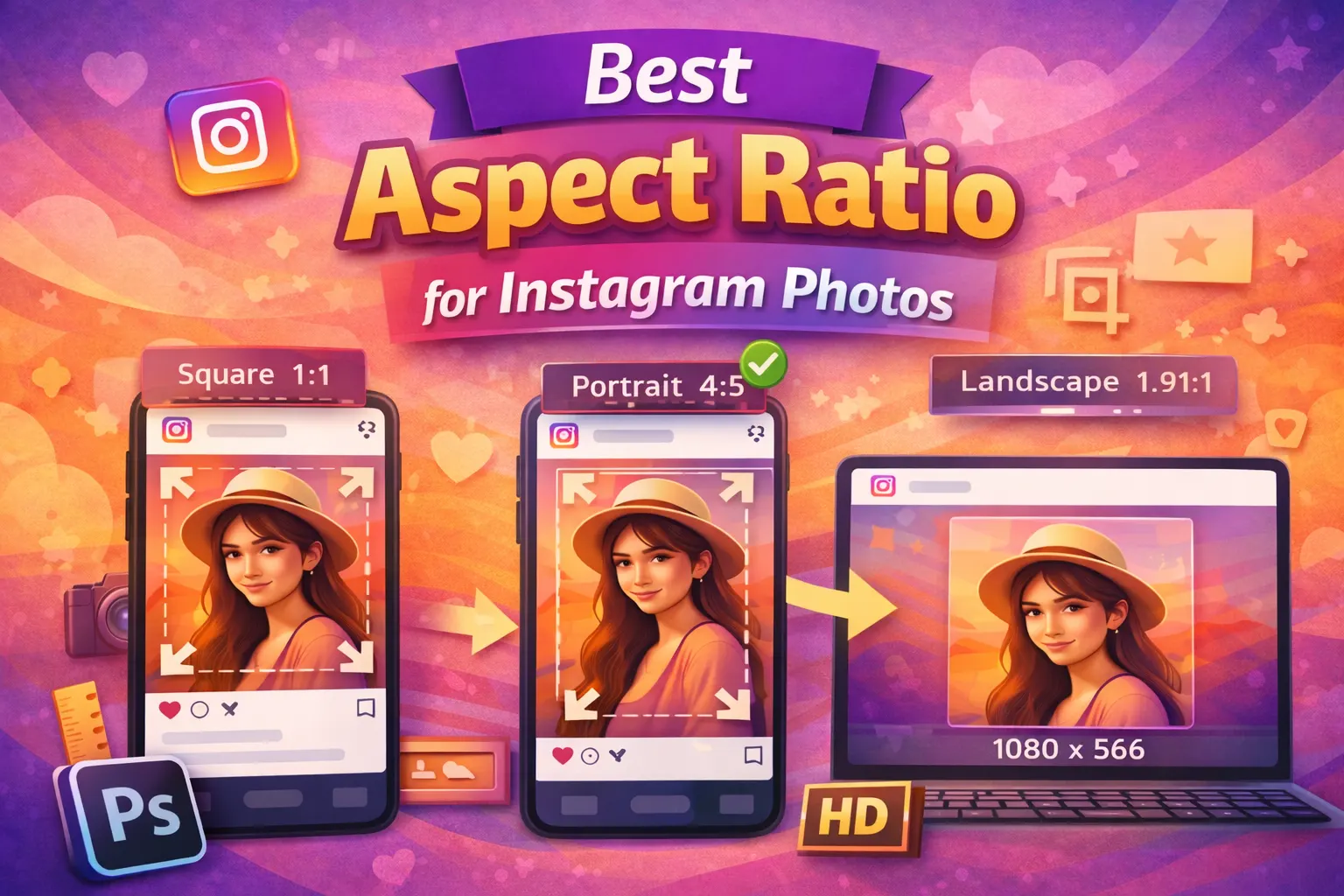
Best Aspect Ratio for Instagram Photos
The aspect ratio describes the relationship between the width and height of an image. Using the correct aspect ratio helps your photos fit perfectly on Instagram. It also prevents unwanted cropping and keeps the image looking natural.
When you resize pictures for Instagram, choosing the right aspect ratio makes the process easier. In addition, it helps maintain the original composition of the photo.
Common Instagram aspect ratios include:
- Square photos: 1:1
- Portrait photos: 4:5
- Landscape photos: 1.91:1
These ratios match the recommended Instagram image dimensions. Therefore, Instagram does less automatic cropping when you upload your photos. As a result, the image appears clear, balanced, and professional in the feed.
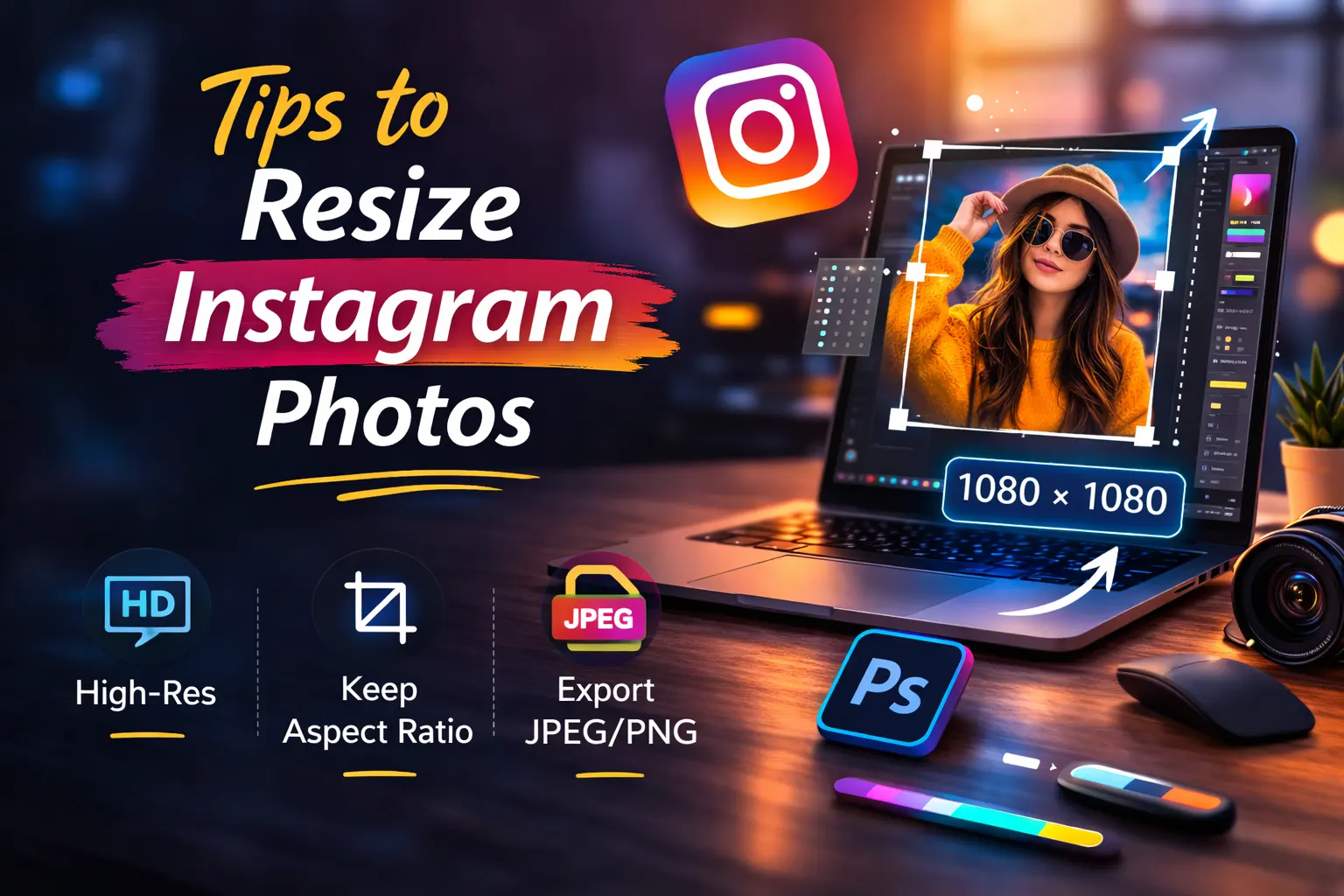
Tips to Resize Instagram Photos Without Quality Loss
Resizing images correctly helps keep your photos sharp on Instagram. If the size or quality settings are wrong, Instagram may compress the image. As a result, the photo can appear blurry. Therefore, it is important to follow a few simple tips when preparing images for Instagram.
- Use 1080px width: Instagram displays most images best at 1080 pixels wide. When you resize pictures to this width, the platform applies less compression. As a result, your photo keeps better quality.
- Upload high-resolution images: Always start with a clear and high-resolution photo. Low-quality images often look blurry after resizing. Therefore, using a high-resolution image helps maintain better detail.
- Keep JPG quality between 80–90%: When exporting images, choose JPG quality between 80% and 90%. This setting keeps the file size reasonable while maintaining good image clarity.
- Use the correct Instagram aspect ratio: Always match your image with the correct Instagram aspect ratio, such as 1:1, 4:5, or 1.91:1. When the ratio is correct, Instagram does less cropping. Because of this, the photo looks cleaner and more professional in the feed.
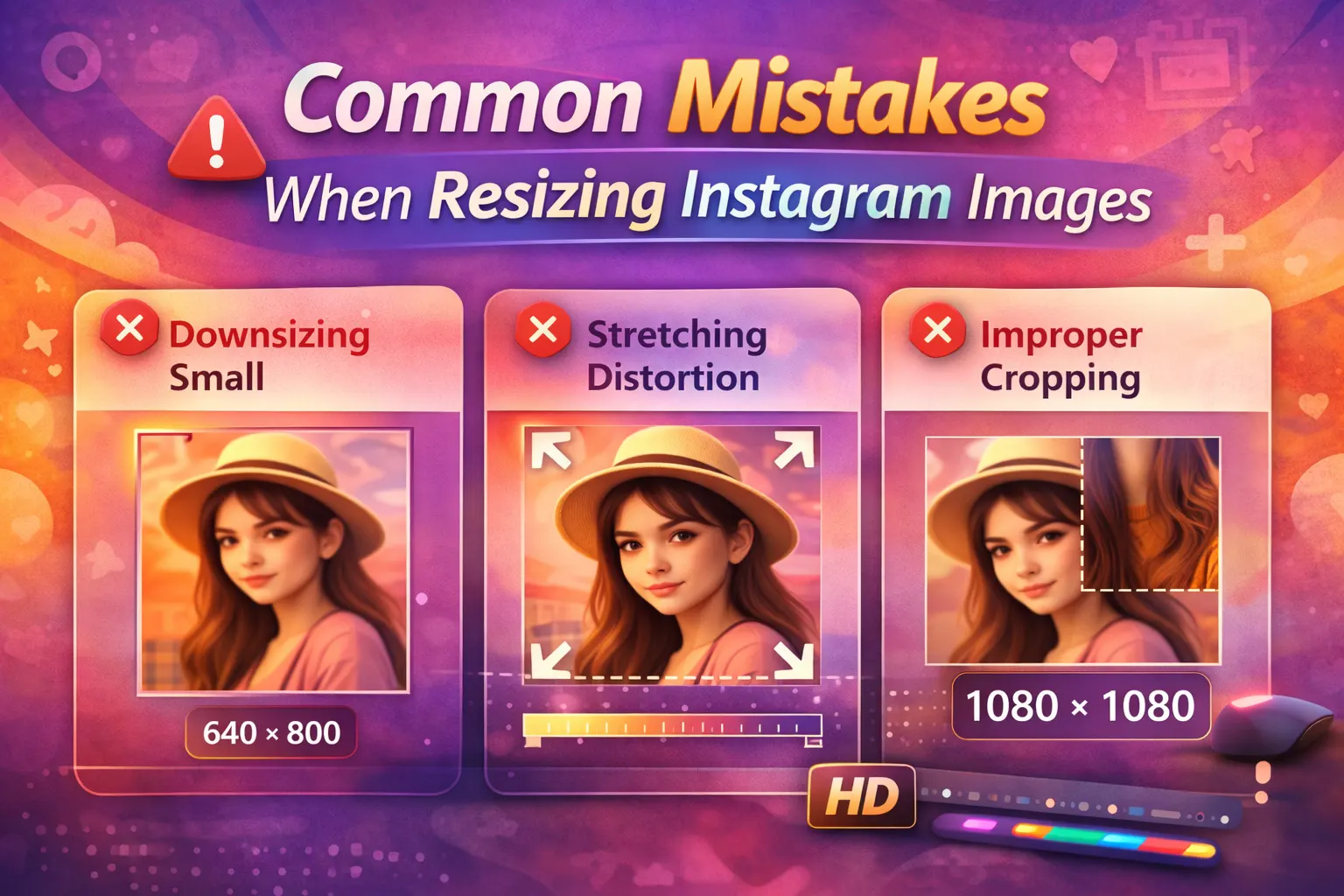
Common Mistakes When Resizing Instagram Images
Many people resize images for Instagram but still lose quality. This often happens because of a few common mistakes. When you avoid these problems, your photos will look clearer and more professional on Instagram.
- Uploading very small images: Very small images often look blurry after uploading. Instagram may stretch the image to fit the feed. As a result, the photo can lose sharpness. Therefore, always start with a higher-resolution image.
- Using the wrong Instagram image dimensions: If the Instagram image dimensions are incorrect, the platform may crop or compress the photo. This can change the composition of your image. Using the correct size helps maintain the original look.
- Exporting images in low quality: Sometimes images lose quality because of poor export settings. If the JPG quality is too low, the image may appear dull or pixelated. Keeping export quality around 80–90% usually gives better results.
- Cropping directly inside Instagram: Cropping photos only inside the Instagram app can sometimes reduce quality. Instead, it is better to resize and crop the image before uploading. This helps keep the final photo clear and properly formatted.
Best Tools to Resize Instagram Photos
Several tools can help you resize images for Instagram while keeping good quality. Some tools work on desktop, while others run directly in your browser. Choosing the right tool makes it easier to set the correct Instagram image size and aspect ratio.
Below are some popular tools that many creators use.
Photoshop: Photoshop gives full control over image size, resolution, and export settings. You can easily set the width to 1080px and adjust the quality before saving the image. Because of this, Photoshop is a great option for professional photo editing.
Canva: Canva is simple and beginner-friendly. It includes ready-made templates for Instagram posts, stories, and reels. As a result, you can quickly resize images without adjusting the dimensions manually.
Adobe Express: Adobe Express is another easy online tool. It offers preset Instagram image dimensions and quick editing options. Therefore, you can resize and export images in just a few steps.
Figma: Figma is mainly a design tool, but many designers also use it to prepare social media graphics. You can create frames with the correct Instagram photo size and export high-quality images.
Online Image Resizer: Simple online resizer tools allow you to upload a photo and change the size quickly. These tools are useful when you need a fast way to resize pictures for Instagram without installing software.
Frequently Asked Questions
What is the best Instagram image size?
The recommended Instagram image size is 1080 pixels wide. This width works well for most posts and helps keep the image clear. When you upload photos at this size, Instagram applies less compression. As a result, the photo usually looks sharper in the feed.
How do I resize photos for Instagram without losing quality?
To resize photos without losing quality, use the correct Instagram photo size and export the image in high quality. It is also helpful to keep the width around 1080 pixels. In addition, using the right aspect ratio can reduce cropping and compression.
What aspect ratio is best for Instagram posts?
The most common Instagram aspect ratios are 1:1 (square) and 4:5 (portrait). Both formats work well in the Instagram feed. However, portrait images often perform better because they take up more space on the screen.
Why does Instagram reduce image quality?
Instagram reduces image quality because it automatically compresses files during upload. This process helps the platform load images faster on mobile devices. However, using the correct Instagram image dimensions can reduce the amount of compression.
Conclusion
Using the correct Instagram image size helps your photos look clear and professional. When you resize pictures for Instagram with the right dimensions and aspect ratio, the platform applies less compression. As a result, your images stay sharp and avoid cropping or blur.