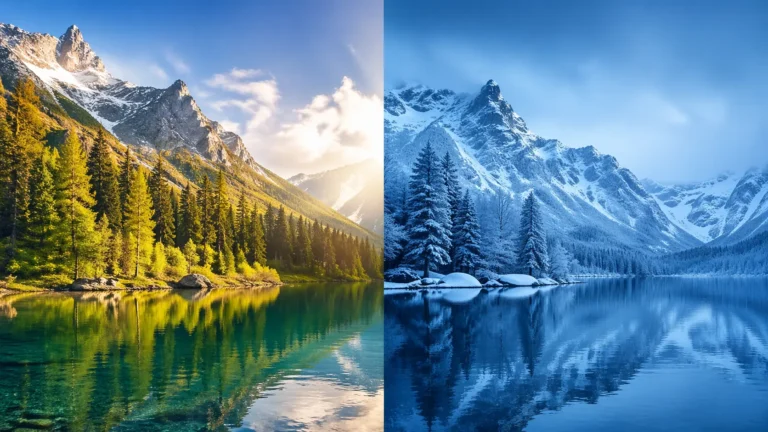
Changing image hue and color is now easier than ever. Changing image hue and color is now easier than ever. You can use an AI-powered image hue changer to adjust colors in seconds without using complex software.
Whether you are working on social media posts, design projects, or AI product photography, AI helps you get fast and clean results. You can change image hue, try new styles, and create professional-looking images with just a few clicks.
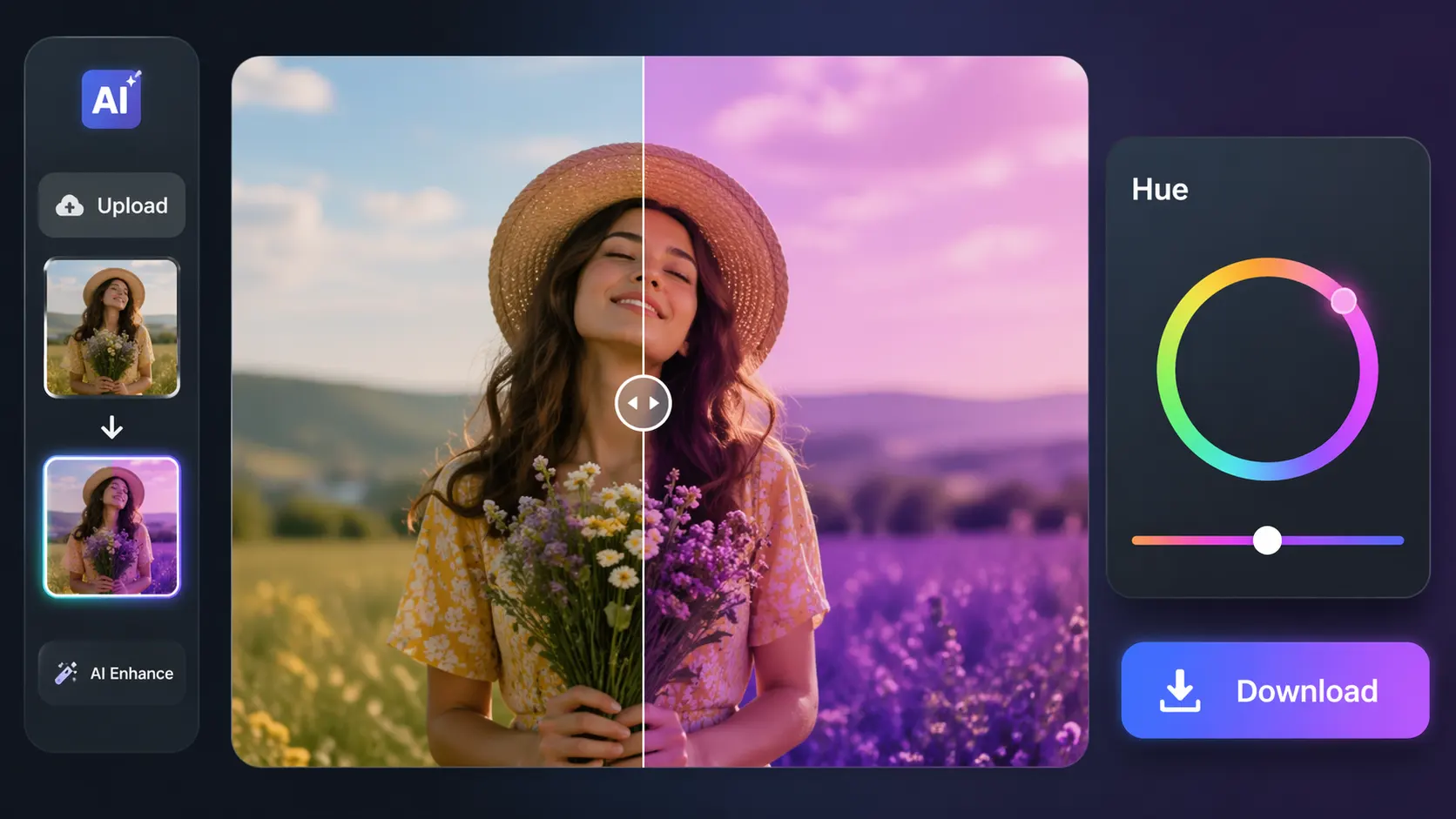
How to Change Hue of Image with AI (Step-by-Step)
Step 1: Upload your image
Start by uploading the image you want to edit into the AI tool. Most platforms support common file formats like JPG, PNG, and WebP for quick and easy editing. Use an online AI editor like Image Expert India to upload your photo.
Step 2: Select the hue adjustment option
Once your image is uploaded, look for the hue or color adjustment feature in the editor. This option allows you to shift the overall color tone of your image with just a few clicks.
Step 3: Let AI analyze the colors
The AI scans your image to understand its existing colors, tones, and visual balance. This helps the tool apply smoother and more accurate hue changes without making the image look unnatural.
Step 4: Adjust the hue to match your style
Use the slider or adjustment controls to move the hue toward the color effect you want. You can create subtle improvements or dramatic color changes depending on your design goal.
Step 5: Preview and download the final image
Before saving, preview the edited version to make sure the new hue looks clean and balanced. Once you are happy with the result, download the final image in your preferred format.
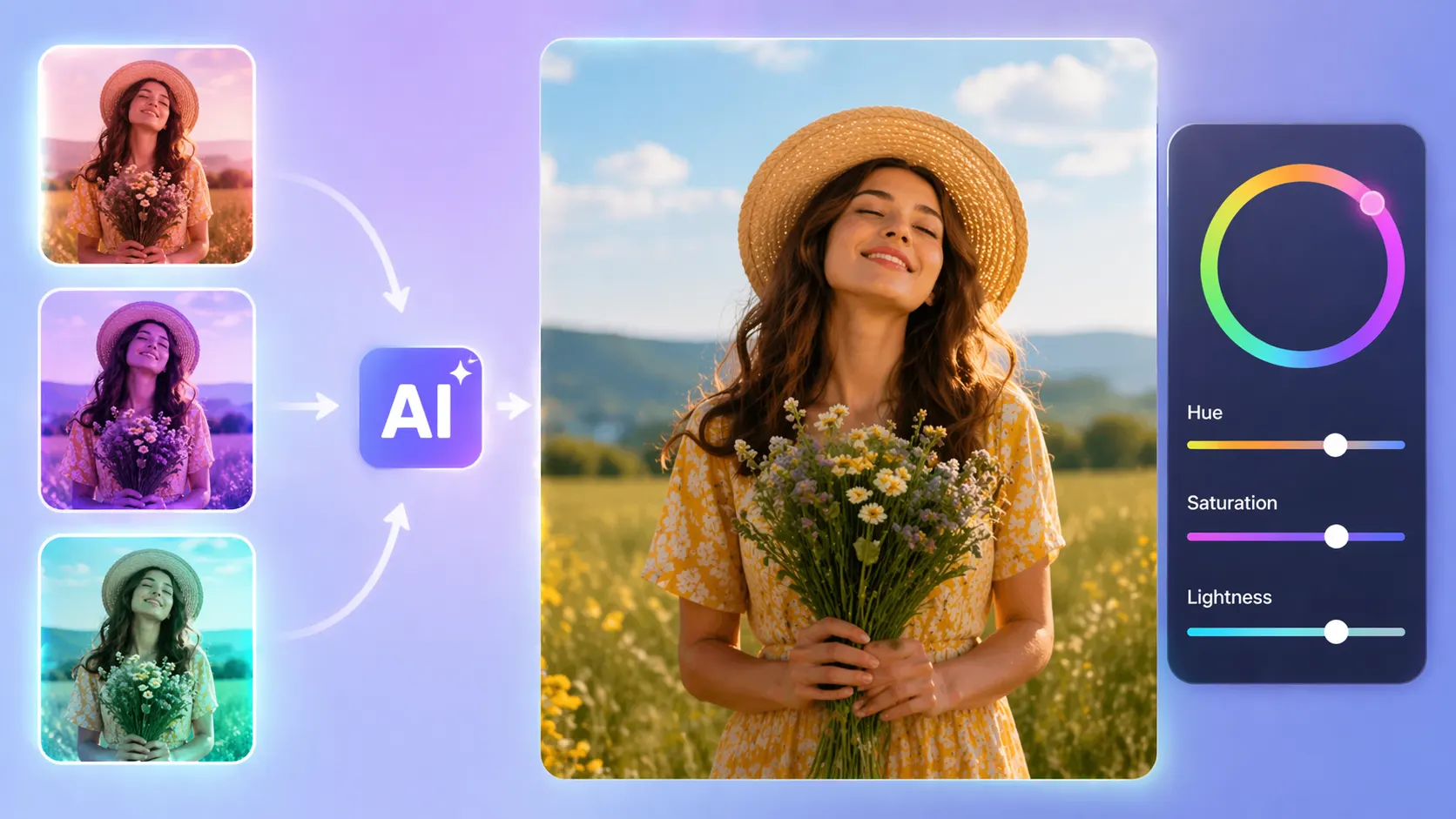
Why Use AI to Change Image Hue
AI has changed the way we edit images. It makes color adjustments faster and easier for everyone.
You can use these tools for social media, branding, or AI product photography. They help you change image hue quickly while keeping the image quality clean and balanced.
You don’t need complex software or advanced skills. With AI, you can make quick edits, test new color styles, and create professional-looking results in just a few clicks.
Speed
AI tools can adjust image hue in just a few seconds, saving you time compared to manual editing. You can use image hue changer to AI change image hue and color online for fast and professional results. Instead of using complex software, you get instant results with minimal effort.
No editing skill needed
You don’t need any professional design or photo editing experience to use AI tools. The interface is usually simple, so anyone can change image colors with just a few clicks.
Better consistency
AI ensures that color adjustments remain balanced and natural across the entire image. This helps avoid uneven tones or mistakes that often happen with manual editing.
Quick experiments for design/branding
You can easily try different color variations to match your brand or creative vision. This makes it perfect for testing multiple looks before finalizing your design.
Easily Change Image Color Online
AI tools let you change the color of images online without installing any software or learning complex editing skills. With just a few clicks, you can adjust hues and instantly see the results in real time.
Change image color to build consistency
Maintaining consistent colors across images is important for branding and visual identity. AI helps you apply uniform color tones quickly, making your designs look more professional and cohesive.
Customize Image Hue and Colors with AI
AI tools give you flexible control to customize hue, saturation, and overall color tone based on your needs. You can experiment with different styles and create unique visuals without affecting image quality.
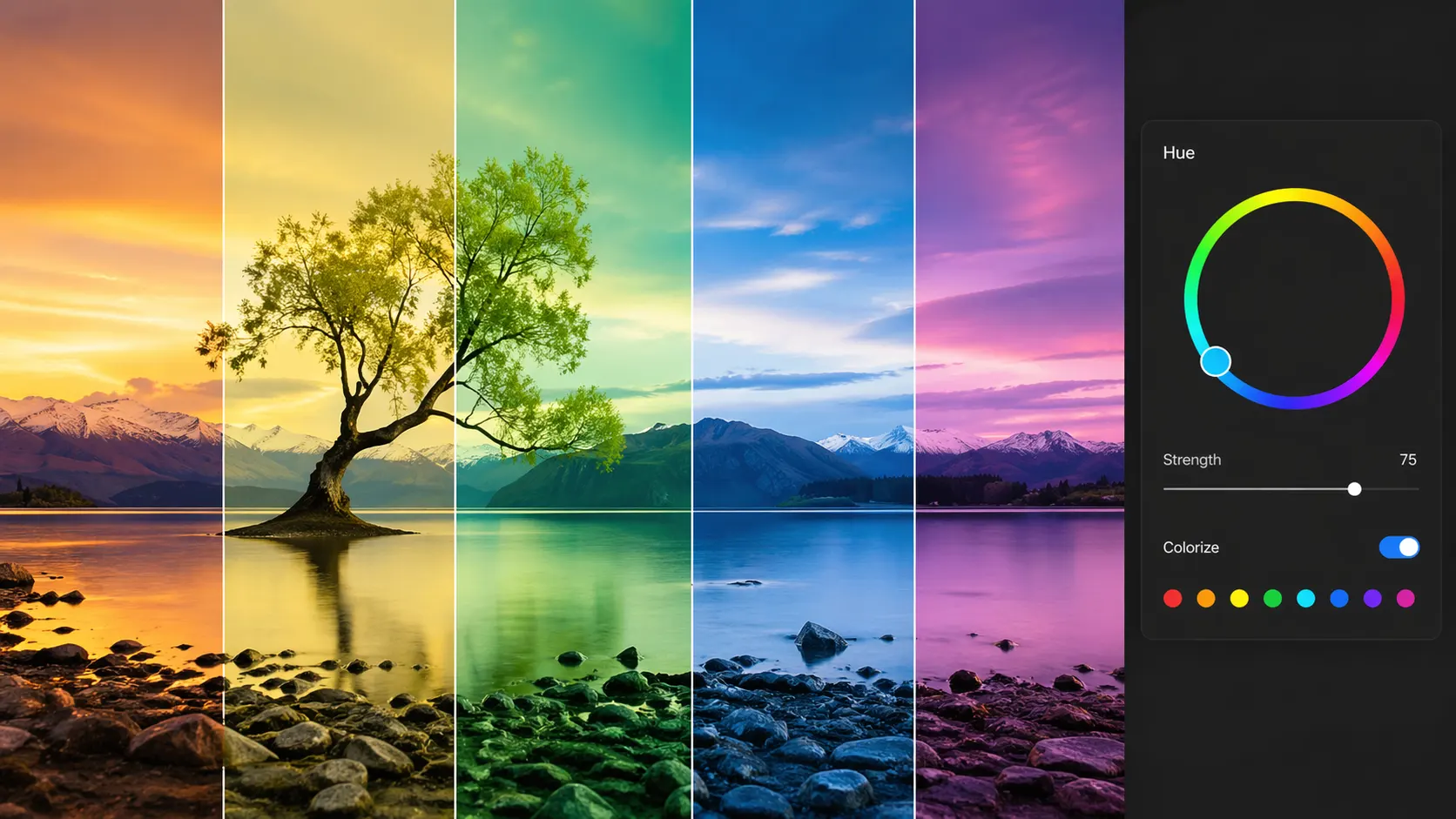
Best AI Tools to Change Image Hue
Choosing the right tool makes it easier to change image hue. It also helps you get better results in less time. Today, many AI tools offer simple controls and fast processing. You can edit colors without any advanced skills and best image hue changer.
These tools are useful for social media, design work, and AI product photography. You can adjust colors, try new styles, and create clean, professional images with ease.
Canva AI
Canva is one of the easiest tools for changing image hue and colors using AI. It allows you to adjust color properties, apply filters, and even edit specific parts of an image with simple sliders and one-click options.
Fotor
Fotor offers powerful AI color correction tools, including hue, saturation, and lightness adjustments. Its HSL sliders make it easy to fine-tune colors and achieve natural or creative looks without complex editing skills.
Pixlr
Pixlr is a free, browser-based AI photo editor that supports quick color and hue adjustments. It’s designed for fast, professional-looking edits with an intuitive interface and no need for installation.
Adobe Express
Adobe Express provides AI-powered editing with advanced color adjustment tools like brightness, contrast, and hue control. It combines professional-quality results with a simple interface, making it suitable for both beginners and creators.
Picsart AI
Picsart is a powerful AI-powered photo and video editing platform that helps you create and enhance images easily. It offers advanced tools like color adjustment, background removal, filters, and AI effects in one place.
Conclusion
AI tools have made image editing simple and fast. You can easily change image hue and color without any advanced skills.
Whether you want quick edits or creative color changes, these tools help you get better results in less time. Try different tools, experiment with colors, and create images that match your style and brand.