

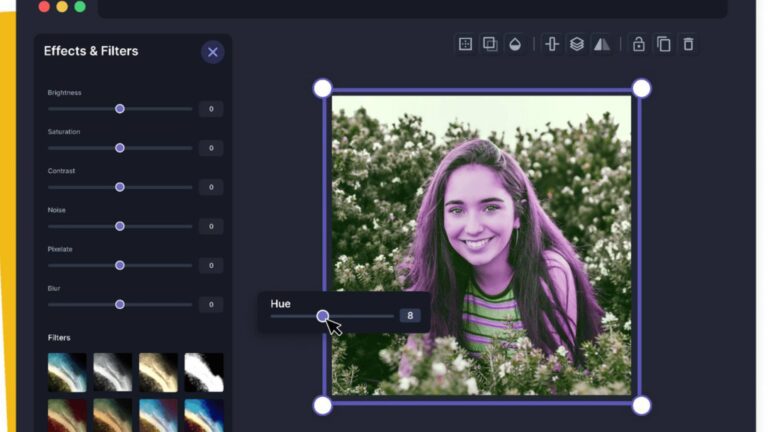
In the world of digital photo retouching, changing the hue of an image is an easy way to improve its look. An image hue changer helps photographers, marketers, and hobbyists adjust colors to fit their needs. AI-powered tools can change hue of image online quickly and deliver high-quality results. AI product photography can create various model, styles or color versions of your product. You no need to models, studios, or photo-shoot because AI tools can create and edit product images digitally.
A photo hue changer allows you to adjust the colors of your images quickly, giving you complete control over the final appearance. We’ll explore both desktop and online tools, highlighting their features, ease of use, and how they can enhance your creative projects. We’ll dive deep into some of the best image hue adjusters available today and show you how they can help you with instant color adjustments.
What is an Image Hue Changer?
Before diving into the tools themselves, let’s first understand what an image hue changer is and why it’s so essential. The hue of an image refers to the color itself—whether it’s red, blue, yellow, or any other color on the spectrum. A photo hue changer allows you to shift these colors in the image, adjusting the color scheme while maintaining the overall structure and quality of the image.
In simpler terms, an image hue adjuster lets you manipulate the colors of an image to create a different aesthetic. You need to change image hue for various purposes: changing the mood of a photo, matching colors to a brand, experimenting with design variations, or correcting color imbalances.
Now, let’s look at some of the best photo color editor apps that make it easy to adjust the colors of your images in a matter of seconds.
1. Change Image Hue with Image Expert India
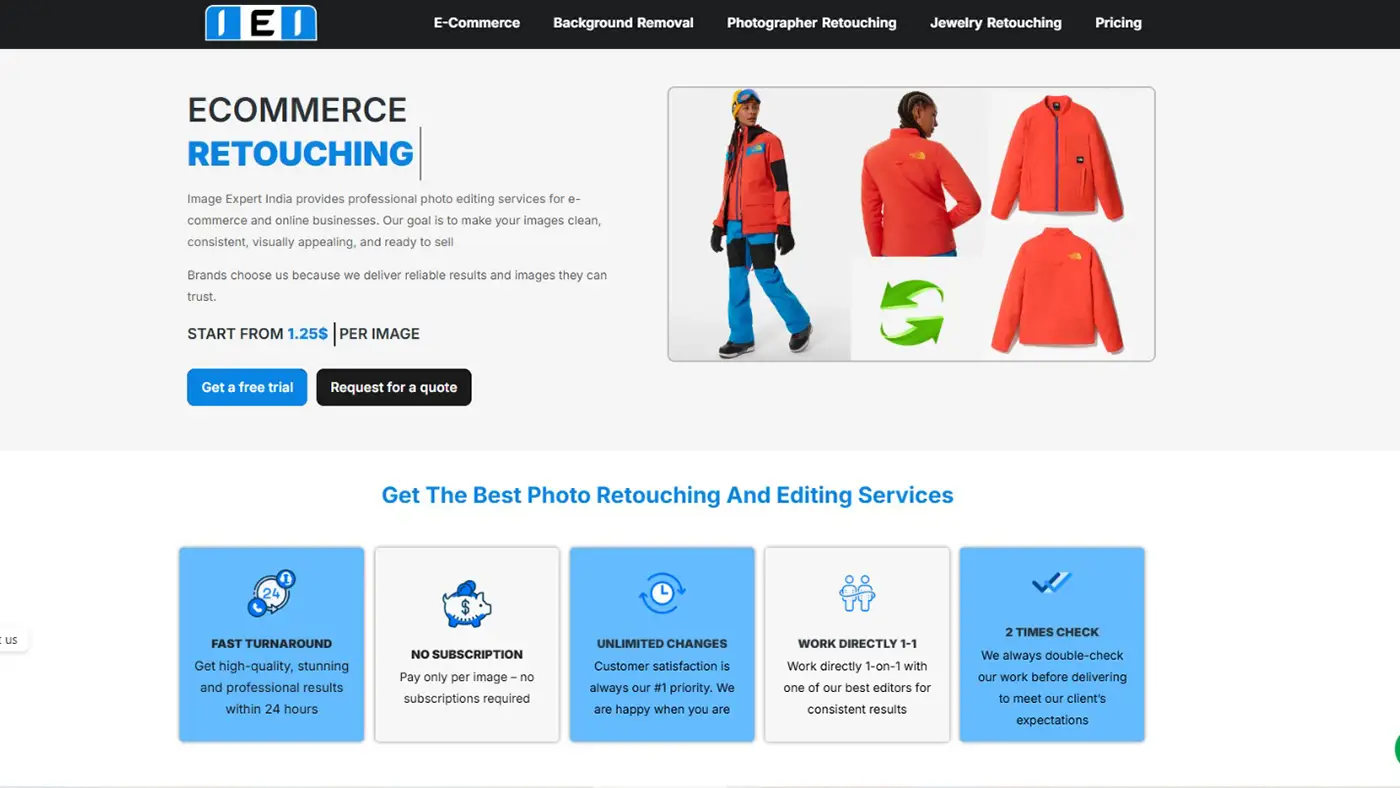
Image Expert India is the best choice for fast and high-quality color changes in your product photos. They use both manual and AI tools to get perfect results. Whether it’s for e-commerce or commercial photography, they make sure every color change looks natural and professional.
AI Product Photography Service for Hue Changing
Image Expert India offers AI product photography service. This photo editing with AI enhances your product photos by adjusting colors, tones, and details. You don’t need models, studios, or complex setups for a photoshoot.
AI product photography can generate different styles, model, pose and colors of the same product. You just need to send your product image and tell them which colors, model or styles you want. They will take care of the rest.
It quickly generates accurate results, saving time and money for your business. They can handle both simple and complex image fixes.
You can try the AI product photography service for free! Just upload your product image and experiment with different styles, model, and colors before making a decision.
2. Adobe Photoshop: The Industry Standard Image Hue Changer
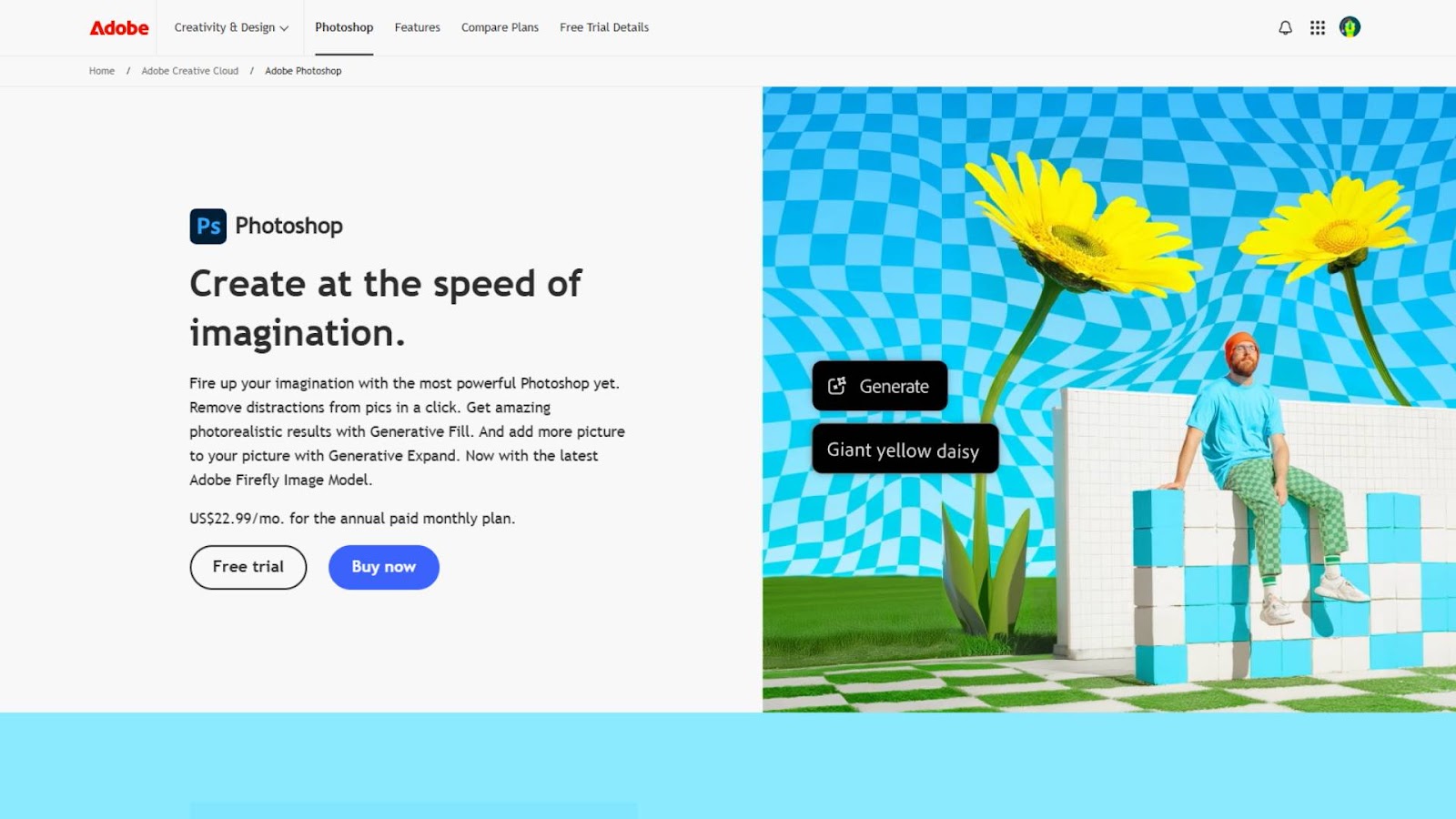
When it comes to professional image editing, Adobe Photoshop is the go-to software for many photographers and graphic designers. One of the key features in Photoshop that makes it an excellent image hue changer is the “Hue/Saturation” adjustment layer. This powerful tool gives you full control over the hue, saturation, and lightness of an image, making it a go-to choice for anyone looking to change the color of their image in a fast and precise manner.
To change the hue of an image in Photoshop, you simply need to go to the “Image” menu, select “Adjustments,” and choose “Hue/Saturation.” From there, you can drag the “Hue” slider left or right to change the color of the image. You can also adjust the saturation and lightness to fine-tune the color, ensuring that the adjustments look natural and consistent.
One of the biggest advantages of using Photoshop as your image hue changer is the level of customization it offers. You can work with specific color ranges (reds, yellows, greens, etc.) using the drop-down menu in the “Hue/Saturation” panel. This means you can change image hue of just one part of the image without affecting others.
Photoshop’s advanced tools, like the ability to create masks, layer adjustments, and detailed color correction options, make it the best color change photo editor for professionals who need fine-tuned control over their colors.
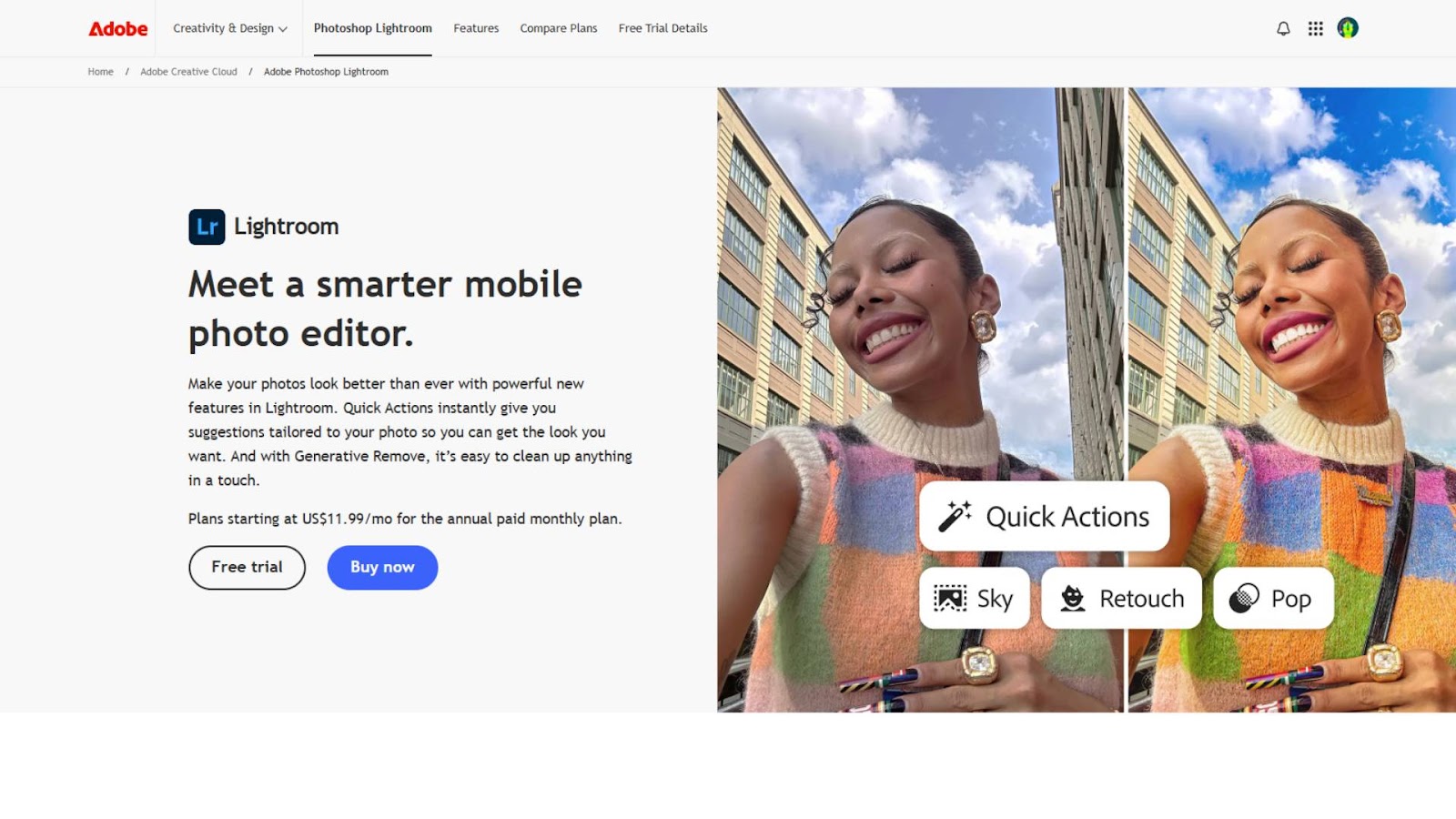
3. Lightroom: A Seamless Hue Adjuster for Photographers
Adobe Lightroom is another powerful tool that can serve as an excellent image hue changer. While it’s specifically tailored to photographers, its color editing features are highly intuitive and easy to use, making it a top choice for anyone looking to make quick color adjustments to their images. Lightroom’s “HSL/Color” panel is where you’ll find the hue sliders that let you tweak the individual colors in your image.
In Lightroom, the HSL panel stands for Hue, Saturation, and Luminance. Within the Hue section of the panel, you can adjust the hue of the primary colors in the image, such as red, orange, yellow, green, blue, purple, and magenta. By moving the sliders, you can shift the hues to create entirely new looks, like turning a green landscape into a golden sunset or changing a blue sky to a soft purple.
What makes Lightroom a great image hue changer is its ability to edit images in bulk. You can apply your hue adjustments to multiple photos at once, which is incredibly useful for projects that involve a large number of images. Additionally, Lightroom allows you to compare the “before” and “after” images side by side, so you can see the impact of your hue changes immediately.
4. GIMP: A Free and Open-Source Hue Changing Tool
For those who don’t want to spend money on expensive software like Photoshop or Lightroom, GIMP (GNU Image Manipulation Program) is an excellent free alternative that offers a range of tools for editing and manipulating images, including a reliable image hue changer. GIMP is a powerful open-source software that is available for both Windows and macOS users.
To change image hue in GIMP, you can use the “Hue-Saturation” tool, which is found under the “Colors” menu. Just like in Photoshop and Lightroom, GIMP gives you the option to adjust the hue, saturation, and lightness of the image. By moving the hue slider, you can shift the colors in your image to any part of the color spectrum. The tool also allows you to adjust specific color ranges, giving you control over how different colors in the image are affected by the change.
GIMP is an excellent photo color editor app for beginners or those on a budget. While it may not have all the advanced features of Photoshop, it offers a solid range of editing tools for quick and effective color adjustments.

5. An Easy Online Hue Adjuster Canva
Canva is one of the most popular online graphic design tools, and it also includes a simple but effective image hue shifter. Canva is known for its user-friendly interface and is ideal for non-professionals or those who need quick color adjustments without diving into complicated editing software.
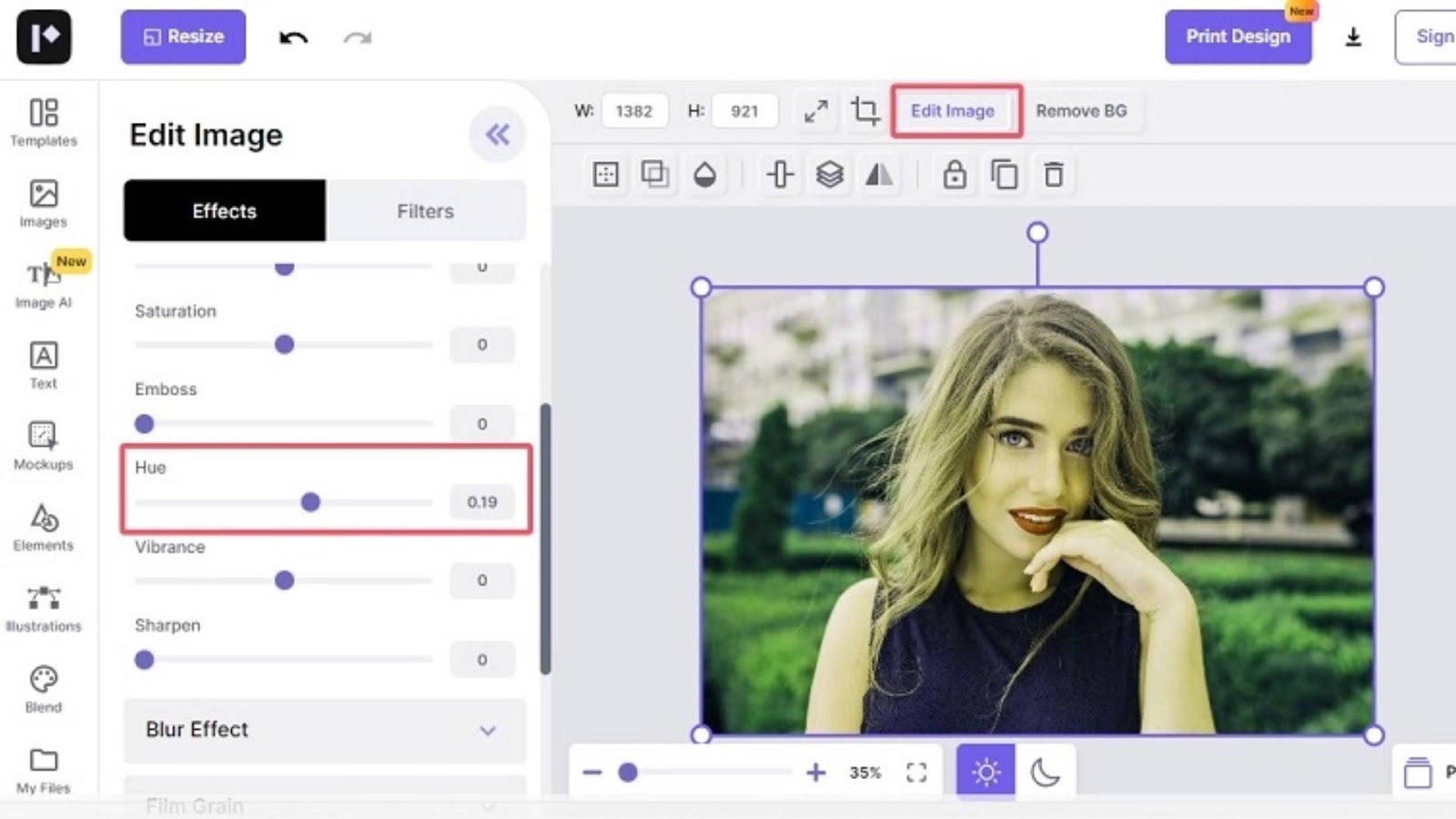
To change the color of an image in Canva, simply upload your photo, select the image, and click on the “Edit Image” button. From there, you’ll have access to several basic color-editing tools, including a hue slider. Canva’s image hue changer lets you shift the color of your photo instantly, and the results are visible in real-time. It’s perfect for creating social media posts, posters, and other marketing materials where you need to quickly adjust the mood or color scheme of an image.
Although Canva’s hue changer app is not as powerful as Photoshop or Lightroom, it is ideal for simple color adjustments and quick fixes. The online platform is easy to navigate and can help users without advanced design skills to make their images stand out with minimal effort.
6. Free Online Hue Changing Tool Pixlr for Instant Edits
Pixlr is another great free online tool that offers an image hue changer. This photo color editor app provides a more advanced set of editing tools compared to Canva, but it remains easy to use for those who need to quickly change the color of their images. The interface is similar to Photoshop, which makes it a great choice for people familiar with the desktop version of Adobe’s image editing software.
To adjust the hue of an image in Pixlr, simply open the image and go to the “Adjust” menu. From there, you can select “Hue & Saturation” and use the sliders to change the overall color of your image. Like in other software, Pixlr allows you to adjust the saturation and lightness in addition to the hue, giving you full control over your image’s color palette.
Pixlr’s hue changer app is perfect for anyone who needs a quick and simple way to adjust the colors of their images without installing any software. It’s free to use, and because it’s web-based, you can access it from any device with an internet connection.
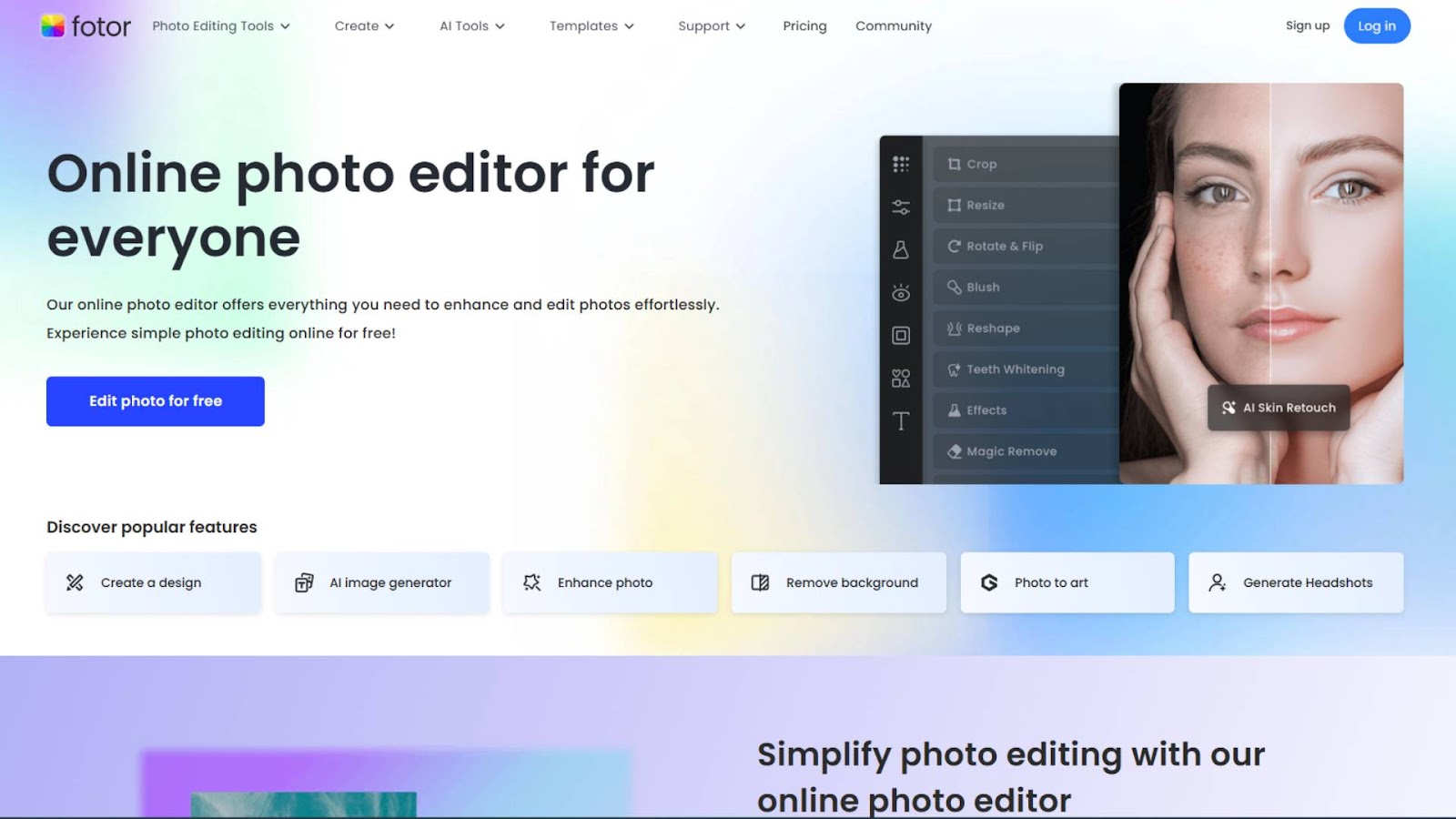
7. Fotor: A Simple Online Tool with Powerful Hue Adjustment Features
Fotor is another online photo editing tool that includes a basic but effective image hue changer. This hue changer app is known for its easy-to-use interface and quick processing, which makes it perfect for those who need to make quick adjustments to their images.
The process of changing the hue in Fotor is simple. After uploading your image, you can access the color adjustments panel, which includes a hue slider. You can use this slider to instantly shift the colors in your image to create the desired effect. Whether you want to warm up a cold image or give it a cool, serene tone, Fotor allows you to change the hue with just a few clicks.
While Fotor doesn’t have the advanced color correction features of more professional software, it’s a great photo hue changer for quick edits and straightforward tasks.
Conclusion
Choosing the best image hue changer depends on your needs, preferences, and the level of control you want over the image editing process. Whether you’re a professional designer using Adobe Photoshop or a beginner using free online tools like Pixlr or Canva, there’s a hue changer that fits every requirement.
If you’re looking for precision and professional-grade tools, software like Adobe Photoshop or Lightroom will offer the most powerful features for color adjustments. However, if you’re on a budget or need quick fixes, tools like GIMP, Pixlr, and Fotor are excellent options.
By using the right image hue adjuster, you can transform the color of your images in an instant, enhancing their overall look and achieving the exact result you desire. Experiment with different tools to find the one that works best for you and start creating vibrant, eye-catching images today!















