

Finding the right free photo editing software for Mac can feel overwhelming. There are dozens of options, and many of them claim to be the best. The good news? You don’t need to spend money to edit photos like a pro.
Whether you’re fixing family pictures, creating social media content, or editing RAW files from a DSLR, there’s a free tool that fits your needs. Below are the best free options Mac users in the United States can download or use online right now.
1. GIMP – Best Overall Alternative to Photoshop
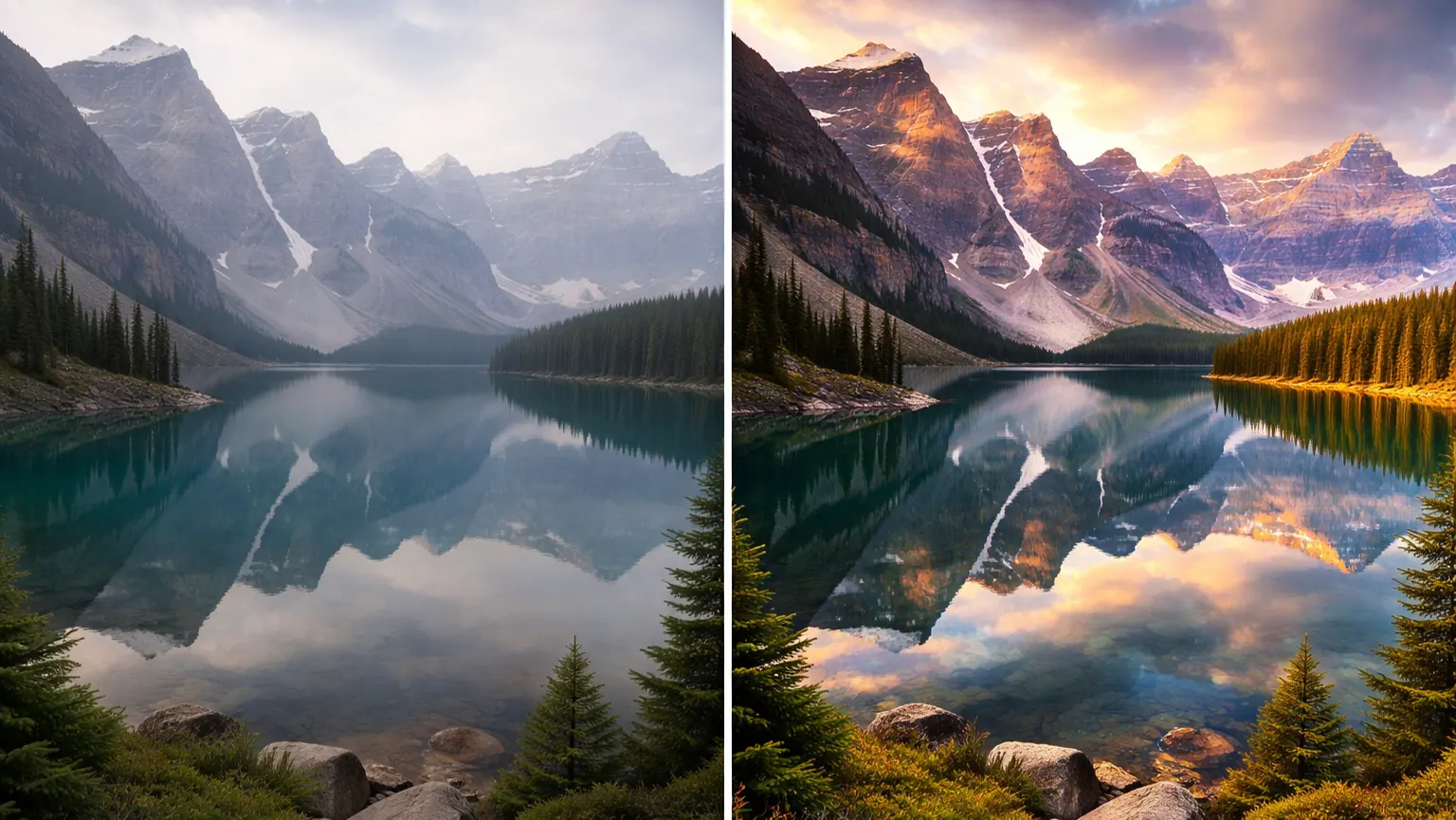
GIMP has been around for years, and it continues to be one of the most powerful free tools available. Many Mac users choose it when they want serious editing features without paying for Adobe.
GIMP lets you work with layers, which means you can edit different parts of your image separately. You can add masks to control exactly where effects show up. That gives you more control over detailed edits.
It also includes strong retouching tools. You can remove blemishes, fix lighting, adjust colors, and clean up distractions. GIMP is professional-level photo software for Mac.
2. PhotoScape X – Easy and Feature-Packed
PhotoScape X feels more beginner-friendly right away. The layout is clean, and you won’t feel lost when you open it.
One feature people love is batch editing. You can edit multiple photos at the same time instead of repeating the same steps over and over. That saves time if you’re working on events or product photos.
It also supports RAW files, which is important if you shoot with a DSLR or mirrorless camera. For users who want to edit photos on a Mac without a steep learning curve, this is a great pick.
3. Darktable – Best for Serious Photographers
If you shoot in RAW format, darktable deserves your attention. It focuses on giving photographers detailed control over light and color.
You can adjust exposure, contrast, highlights, shadows, and color balance with precision. The software keeps your original photo untouched, so you can always go back and make changes.
Darktable works especially well for users who want advanced control from their free photo editing software for Mac without paying for Lightroom.
4. Canva – Best for Social Media and Quick Designs
Canva works differently from traditional editors. It focuses more on design and fast results.
You can remove backgrounds with one click. You can also choose from thousands of templates for Instagram posts, YouTube thumbnails, or business graphics. That makes it perfect for content creators and small businesses.
Because Canva runs in your browser, you don’t need to install anything. If you want simple and fast photo editing software for Mac, Canva makes things easy.
5. Pixlr (X & E) – Simple but Powerful Online Editor
Pixlr gives you two editing modes. This software handles quick edits. Pixlr E gives you more advanced tools.
You can use layers, adjust colors, remove backgrounds, and add effects. The interface looks modern and feels smooth.
Since it runs online, you can open it anytime without downloading software. For flexible browser-based free photo editing software for Mac, Pixlr works well.
6. Fotor – Great for Quick Enhancements
Fotor focuses on speed. It works well when you just want to improve a photo quickly. You can use one-click enhancement to fix brightness and color. It also offers simple portrait tools that smooth skin and adjust lighting.
The layout feels simple and clean. If you want fast results from free photo editing software for Mac, Fotor keeps things easy.
7. Krita – Strong for Creative Projects
Krita is popular with digital artists, but it also works for photo editing. It offers strong layer support and powerful brush tools.
You can add creative effects, paint over photos, or create detailed edits. The interface feels more advanced, but creative users enjoy the control.
If you mix art with photography, Krita gives you flexible, Apple Photo editing software.
8. Photopea – Online Photoshop-Style Experience
Photopea looks very similar to Photoshop. If you’ve used Adobe before, the layout will feel familiar.
You can open PSD files, use layers, add masks, and apply blending modes. It runs fully in your browser, so you don’t need to install anything.
For users who want professional tools in online free photo editing software for Mac, Photopea is a strong option.
9. Apple Photos – Built-In and Convenient
Every Mac comes with Apple Photos. Many people overlook it, but it handles basic edits well.
You can crop, adjust exposure, fix color, and apply simple filters. The software keeps your original image safe so you can undo changes anytime.
If you only need light editing, Apple Photos offers built-in photo software for Mac that works smoothly.
10. Adobe Photoshop Express – Quick and Simple Fixes
Photoshop Express keeps things simple. It focuses on fast corrections instead of deep editing.
You can crop images, adjust lighting, and apply filters quickly. The layout feels clean and easy to understand.
For small adjustments and quick uploads, this lightweight free photo editing software for Mac gets the job done.
How to Choose the Best Free Photo Editor for Mac
Choosing the right editor depends on what you actually need. Not every photo editing software for Mac works the same way. Some tools focus on quick fixes, while others offer advanced controls for photographers and designers.
Before downloading anything, think about how you plan to use it.
Do You Need RAW Support?
If you shoot with a DSLR or mirrorless camera, RAW support matters. RAW files keep more image detail, which gives you better control over lighting and color.
Programs like darktable and PhotoScape X handle RAW files well. They work great for users who want stronger control than basic photo editing programs for Mac.
Are You a Beginner or a Professional?
Your experience level matters. Beginners usually prefer simple layouts and quick tools. If you are new to editing, Canva, Fotor, or Apple Photos are easier to learn. They are great options for free photo editing for Mac without a steep learning curve.
If you have more experience, you may want deeper control. GIMP and darktable offer stronger tools and more advanced adjustments. They work better for users looking for full free picture editing software for Mac.
Do You Need Layer Editing?
Layer editing gives you more flexibility. You can edit one part of an image without affecting the rest. If you plan to remove backgrounds, combine images, or create detailed graphics, choose tools like GIMP, Photopea, or Pixlr E.
These options feel closer to professional MacBook photo editing software.
Do You Prefer Online or Offline Editing?
Some people prefer browser-based tools. Others want software installed directly on their computer. Online tools like Canva, Pixlr, and Photopea let you edit from anywhere. You don’t need to download anything.
Offline tools such as GIMP and darktable give you more power and don’t rely on internet speed. Many users searching for the best photo editing software for beginners on Mac often start with online tools and move to offline programs later.
Need Professional Photo Editing or Retouching?
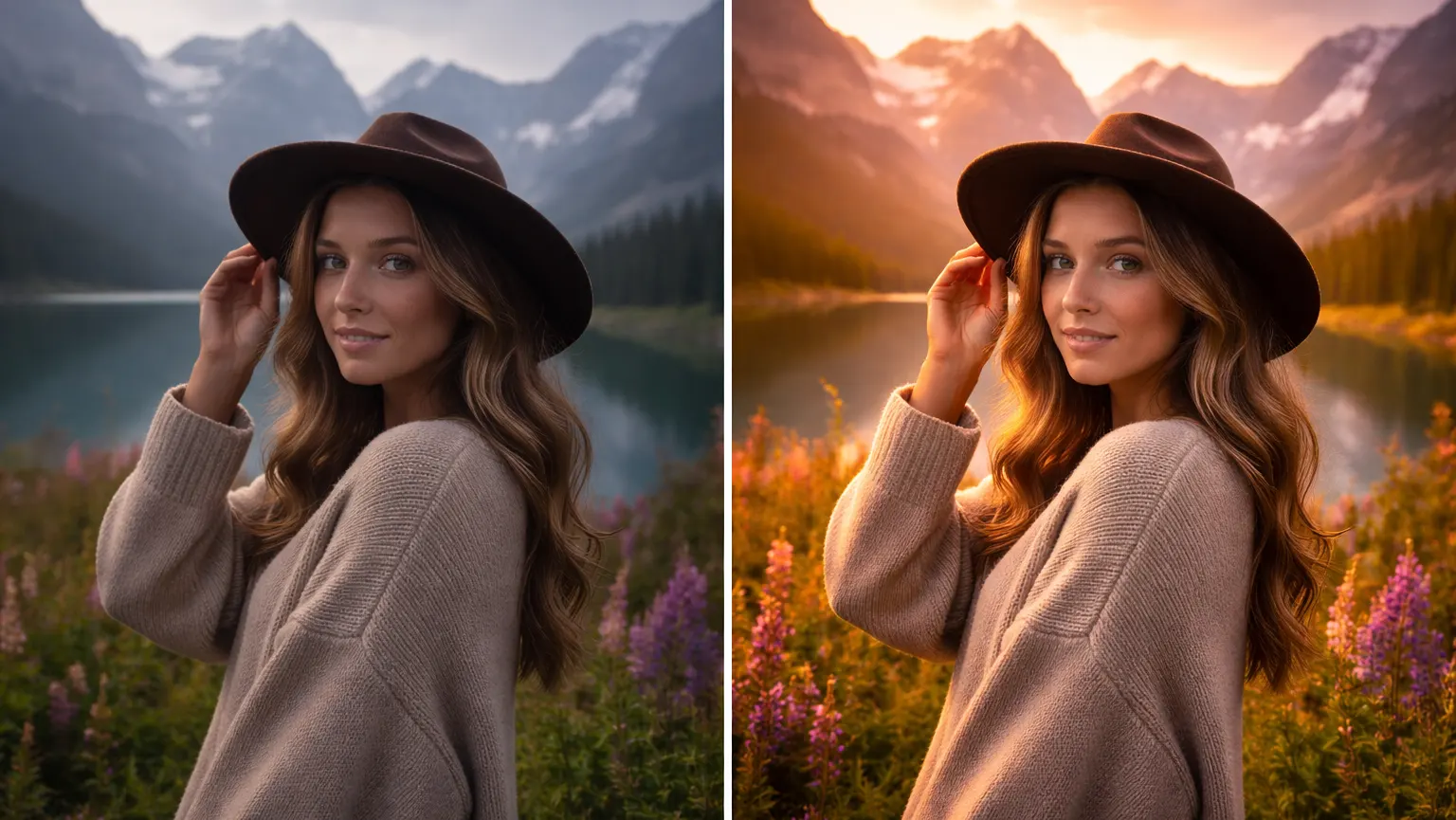
Free tools are great when you want to edit photos yourself. But sometimes you just don’t have the time — or you need results that look polished and professional.
If you’re working on product photos, real estate images, portraits, or social media content for your brand, small details matter. Clean lighting, natural skin tones, background removal, color correction — these things can make a huge difference.
That’s where we can help. We offer professional photo editing and retouching services tailored to your needs. Whether you need basic touch-ups or advanced retouching, our team delivers high-quality results with fast turnaround times.
Instead of spending hours learning software, you can focus on your business — and let us handle the editing.
Click here to request a free trial or upload your photos today.
Conclusion
There’s honestly no single photo editor that works for everyone. Some people just want to fix the lighting and post a picture. Others enjoy digging into layers, colors, and small details for hours. What works for your friend might not work for you — and that’s completely fine.
If you’re new to editing, start simple. Play around with a basic tool and see how it feels. You’ll know pretty quickly whether you want something more advanced. And if you do, there are stronger programs out there waiting for you.
Don’t stress about picking the “perfect” one. Try a couple, keep the one you like, delete the rest. With the right free photo editing software for Mac, you can get great results without paying for expensive subscriptions.















