Vintage photo editing is popular because it gives photos an old film look. Many people like the soft colors, film grain, and classic tones of vintage photos. Today, vintage photo editing software makes this style easy to create on modern images. This blog explains the best tools and key elements needed for a true retro look.
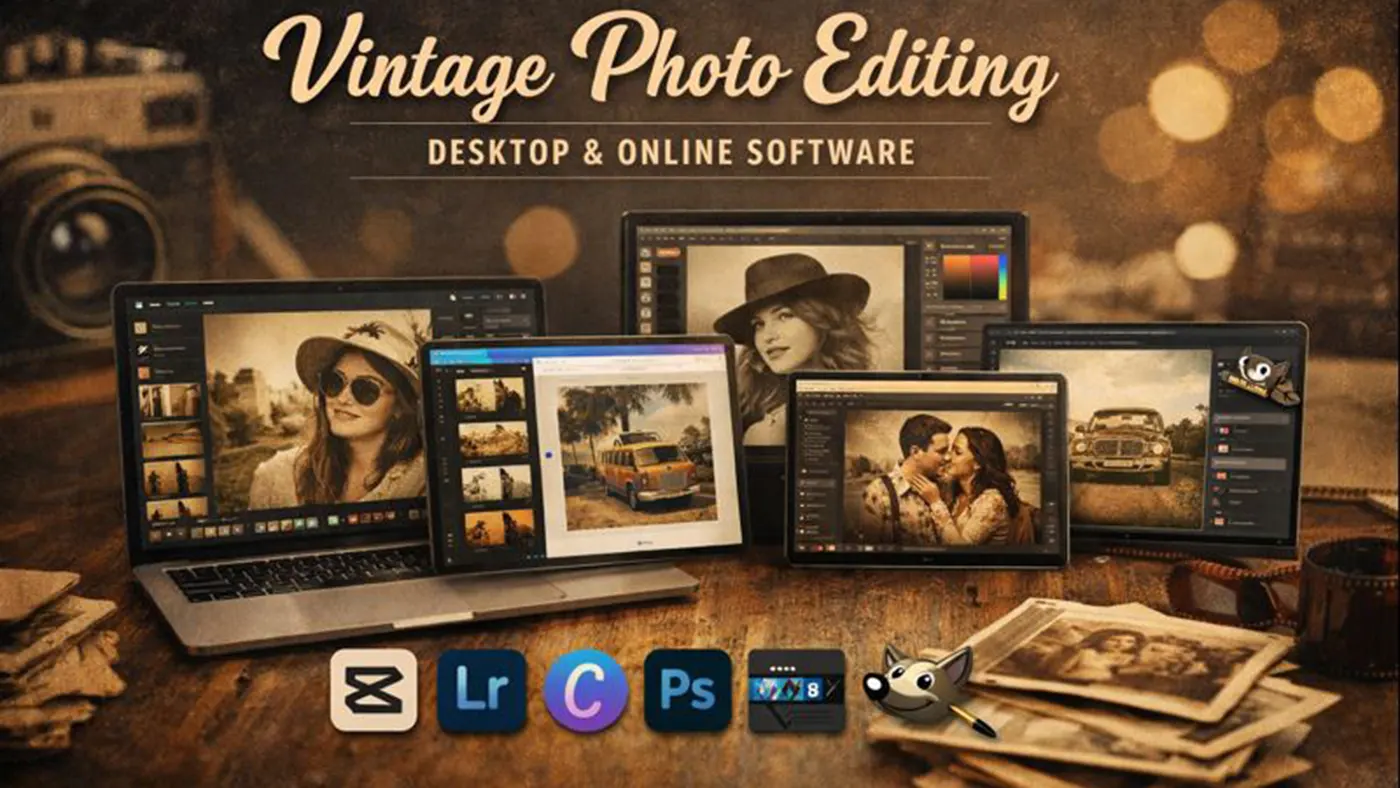
Vintage Photo Editing Desktop & Online Software
Vintage photo editing software is used to give photos the look and feel of old film cameras. These types of tools usually help create faded colors, film grain, light leaks, and sepia or muted tones. Many people use them for personal photography, social media content, or creative projects. Below, we discuss some of the best vintage photo editing software available for both desktop and online use.
CapCut (Online/Desktop)
CapCut is a beginner-friendly photo editing software that works on both online and desktop platforms. Content creators use CapCut to create vintage or retro looks in a short time. The software includes built-in retro filters, grain effects, and color fade options. Users can apply these effects with a single click. The software is very easy to use, so even users with no editing experience can work comfortably. However, when it comes to advanced color grading or deep customization, CapCut has some limitations.
Adobe Lightroom
Adobe Lightroom is a professional photo editing software that is extremely popular for creating vintage looks. Photographers use it to get full control over color, tone, and texture. Lightroom allows users to create very realistic retro effects using film-style presets, grain controls, and tone curves. The software takes some time to learn, but once mastered, the results are highly professional. The software requires a subscription and often feels complex for complete beginners.
Canva
Canva is an online design tool mainly used for quick and easy vintage photo editing. It is especially suitable for social media posts, thumbnails, and marketing designs. Canva offers built-in vintage filters and retro-style templates that make it easy to create an old-fashioned look. The tool is very easy to use and works directly in the browser. However, the tool offers limited manual adjustments and professional-level editing options.
Adobe Photoshop
Adobe Photoshop is the most powerful photo editing software, allowing users to create fully customized vintage effects. It is commonly used by advanced users, designers, and for photo restoration work. Photoshop makes it possible to create era-specific retro looks using layers, blending modes, texture overlays, and detailed color adjustments. However, the software takes time to learn and can feel complicated if not used regularly. Its price and system requirements can also be limiting for many users.
GIMP
GIMP is a free and open-source photo editing software, widely known as an alternative to Photoshop. It is used for vintage photo editing, basic retouching, and creative effects. GIMP allows users to create retro looks using color adjustments, grain effects, and texture overlays. While the software is somewhat technical, it is learnable and a good option for users looking for a free solution. Its limitations include an outdated interface and a lack of ready-made vintage presets.
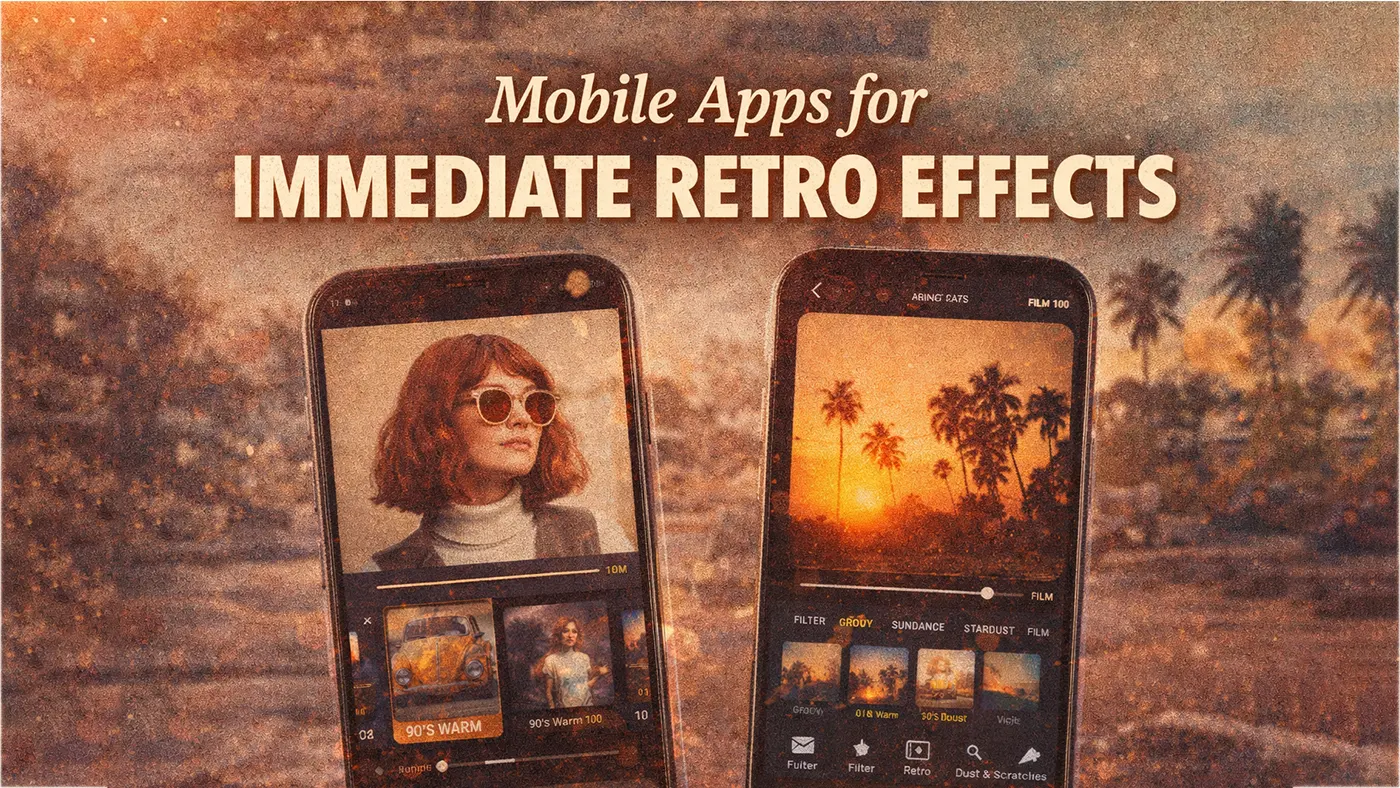
Mobile Apps for Immediate Retro Effects
Sometimes, users prefer to edit vintage photos directly on mobile devices instead of using desktop software. In such cases, mobile apps offer a fast and convenient solution. Below are some popular retro photo editing apps.
1998 Cam & Dazz Cam
1998 Cam and Dazz Cam create old digital camera and disposable camera-style effects. Many users choose these apps to get an instant retro look, especially for Instagram and TikTok content. They include automatic date stamps, noise, and faded color effects. The apps are very easy to use and allow one-tap photo editing. However, due to limited manual control, they are not ideal for professional editing.
VSCO
VSCO is a high-quality photo editing app that is popular for creating subtle and aesthetic vintage looks. It is widely used by photographers and content creators who prefer soft retro tones. VSCO offers film-inspired presets and excellent grain control. While the app is relatively easy to use, access to premium presets requires a subscription. Its limitation is that heavy editing or complex effects are not supported.
Vintify
Vintify is a dedicated vintage photo editing app designed specifically to create old film-style looks. It is suitable for casual users who do not want to learn advanced editing techniques. The app allows easy application of retro filters, scratches, and faded tones. It is fast and straightforward to use. However, limited customization options make the app feel too basic for advanced users.
BeFunky
BeFunky is an easy-to-use photo editing app available on both mobile and online platforms. It is commonly used for vintage effects, photo enhancement, and creative edits. BeFunky offers classic retro filters along with basic adjustment tools. The app is very beginner-friendly and accessible. Its main limitation is the lack of advanced color grading and film-accurate effects.
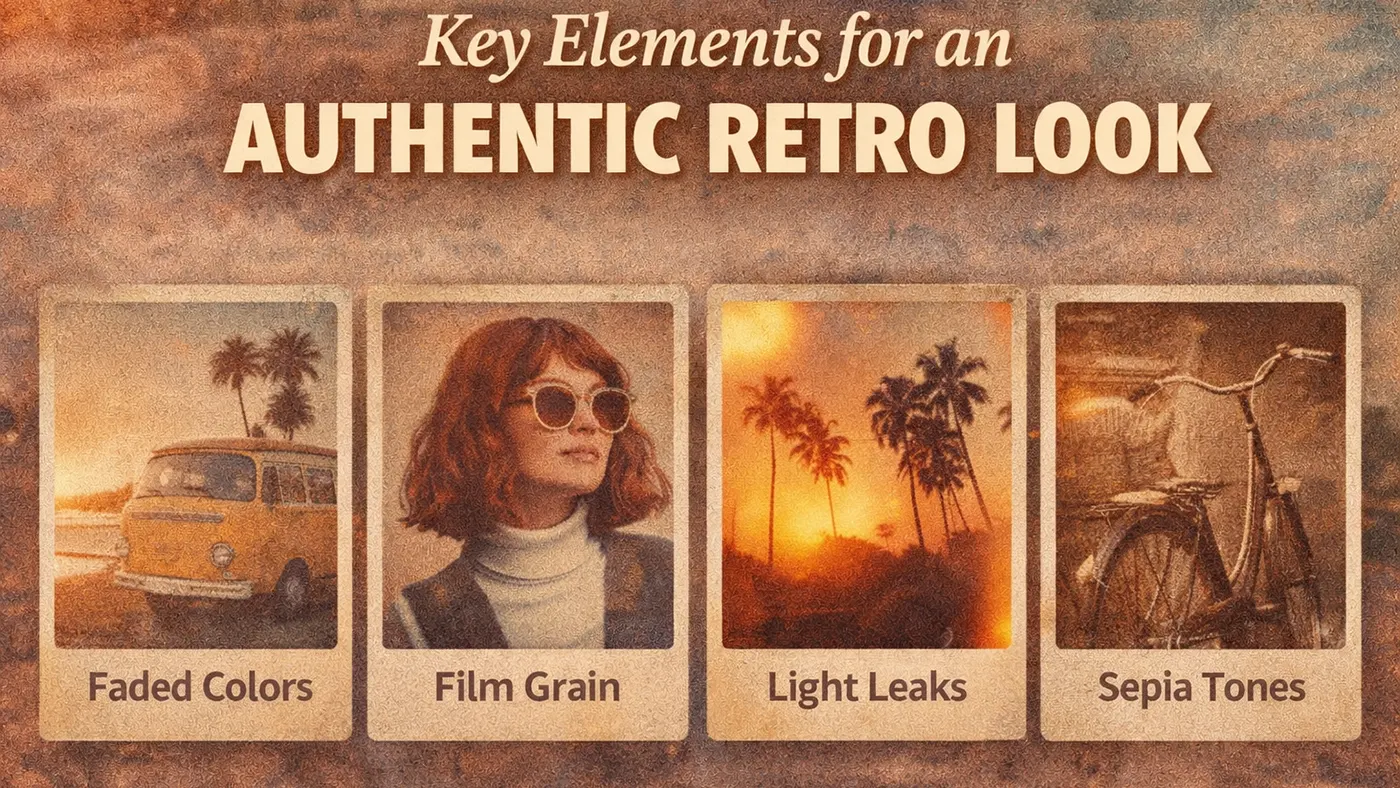
Key Elements for an Authentic Retro Look
Creating an authentic retro look requires more than simply applying a filter. True vintage-style photos recreate the natural imperfections and color behavior of old film cameras. These visual elements help modern images feel nostalgic, warm, and time-worn. Below are the most important components that define a realistic retro aesthetic.
Film Grain
Film grain is one of the most important elements of a vintage photo. It adds a subtle texture that mimics the natural noise found in analog film photography. When applied correctly, film grain makes images feel less digital and more organic. Too much grain can make a photo look messy, so it should be balanced carefully. Most vintage editing software allows users to control the size and intensity of grain for a natural result.
Faded Colors and Low Contrast
Faded colors and reduced contrast are common characteristics of old photographs. Over time, film naturally loses color depth, resulting in soft, muted tones. Recreating this effect involves lowering saturation and slightly flattening contrast. This gives photos a washed-out, nostalgic appearance without making them look dull. Proper fading helps create a calm and timeless visual style.
Light Leaks
Light leaks occur when unwanted light enters a camera or film roll, creating bright flares or color streaks. In vintage editing, light leaks are used creatively to add warmth and character to an image. When applied subtly, they enhance the retro mood and make photos feel candid and unpolished. If you overuse light leaks, they can distract from the main subject, so apply them with care.. Many editing tools offer customizable light leak overlays for better control.
Sepia or Monotone
Sepia and monotone effects are classic styles associated with early photography. Monotone styles, such as black and white, focus on contrast and texture rather than color. Sepia tones add a warm brownish tint that gives photos a historical and emotional feel. These effects work especially well for portraits and storytelling images. Choosing the right tone depends on the mood and era you want to recreate.
Conclusion:
Vintage photo editing software gives photos an old film look. It uses grain, faded colors, and soft tones. Tools like CapCut, Canva, Lightroom, and mobile apps are easy to use. For better results, image editing companies create high-quality vintage photos using expert editing. Their experience helps create authentic, high-quality retro photos that basic tools cannot make.