

Product images play a big role in ecommerce. If images are too large or the wrong size, your website can become slow and difficult to use. This can affect user experience, SEO, and even sales. In this guide, you will learn how to resize product images for ecommerce step by step, along with the best image sizes and simple tips to optimize product photos for faster websites.

Why Product Image Size Matters in Ecommerce
Product image size is very important for an ecommerce website. If images are too large, your website can become slow. Slow pages can make visitors leave before they even see your products.
Proper image size also improves the user experience. Customers can open product pages faster and view images without waiting. This makes the shopping experience smoother and more enjoyable.
Image size also affects SEO. Search engines prefer websites that load quickly. Good ecommerce image optimization helps improve speed and can support better rankings.
Another reason is platform requirements. Many ecommerce platforms suggest a specific product image size for ecommerce so product photos look clear and consistent.
Best Image Size for Ecommerce Product Images
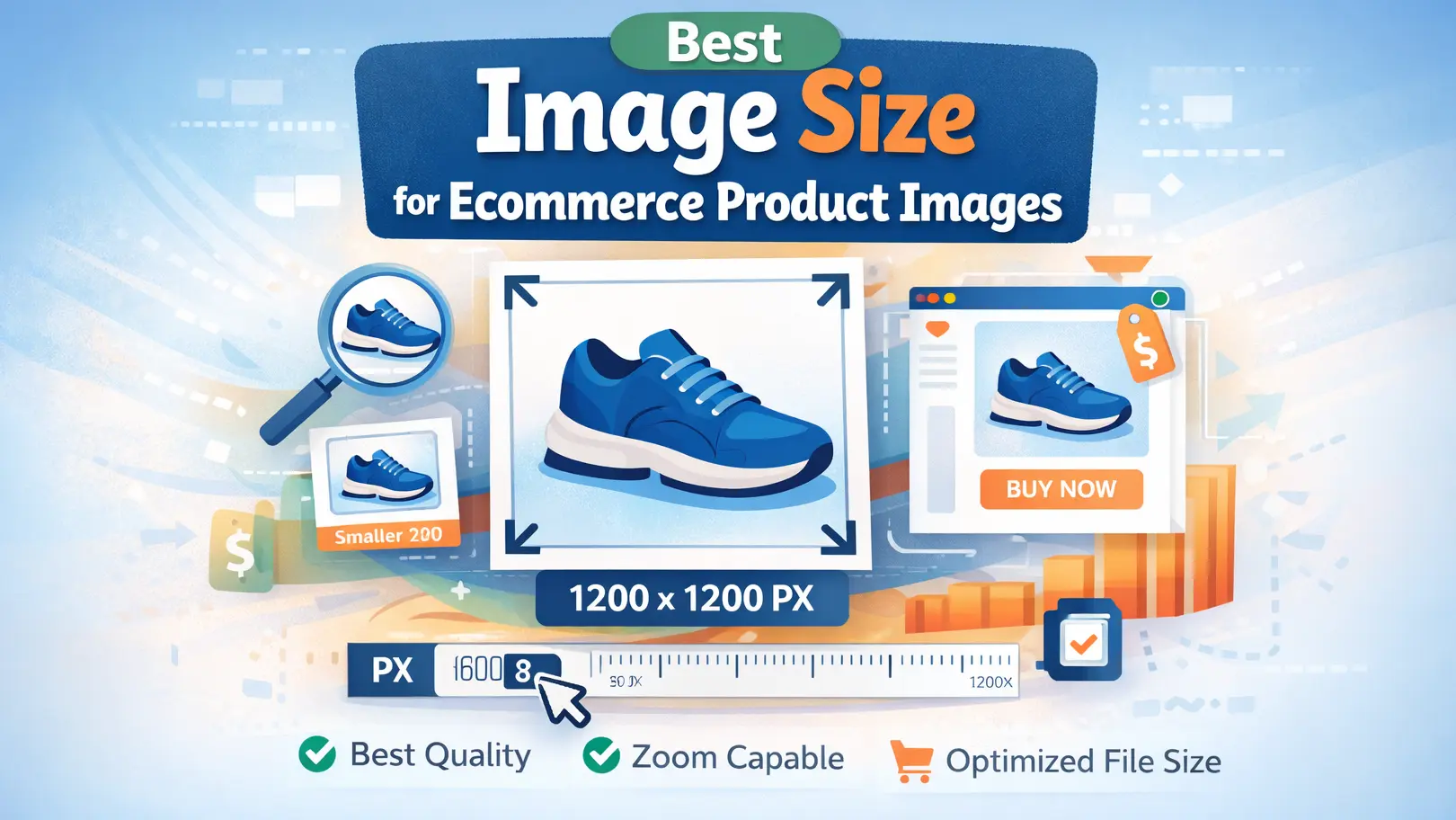
There is no single size that works for every store. Still, a clear and safe range is 1200 x 1200 px to 2048 x 2048 px for most product images. This size looks sharp on desktop and mobile without being too heavy. For many stores, square images also make product pages look clean and consistent. Shopify says 2048 x 2048 px usually works best for square product images, and it also recommends WebP for faster loading.
Shopify Product Image Size
For Shopify, a square image around 2048 x 2048 px is a strong choice. It looks sharp, supports zoom well, and fits many themes nicely. If your images are much larger, they can slow the page and create extra weight. That is why many store owners resize images before upload.
Amazon Product Image Size
Amazon allows product images from 500 px up to 10,000 px on the longest side. JPEG is the preferred format. In practice, sellers often use larger, clear images so shoppers can zoom in and see details better. The image should stay sharp, but it should not be heavier than needed.
WooCommerce Product Image Size
WooCommerce does not force one exact product image size for every store. Instead, image display depends on your theme and WooCommerce image settings. For that reason, it is smart to use a consistent size across all products. A square image in the 1200 x 1200 px to 2048 x 2048 px range is usually a safe choice for many WooCommerce stores. WooCommerce also registers different image sizes for product grids, thumbnails, and single product views.
Recommended Image Formats (JPEG, PNG, WebP)
JPEG is a good choice for most product photos because it keeps image quality strong while reducing file size. PNG works better when you need a transparent background or very crisp graphic details. WebP is often the best option for speed because it gives good quality with smaller file sizes. Shopify’s image guidance also points to WebP as a strong format for fast-loading websites.
Best Ecommerce Image Resizer Tools
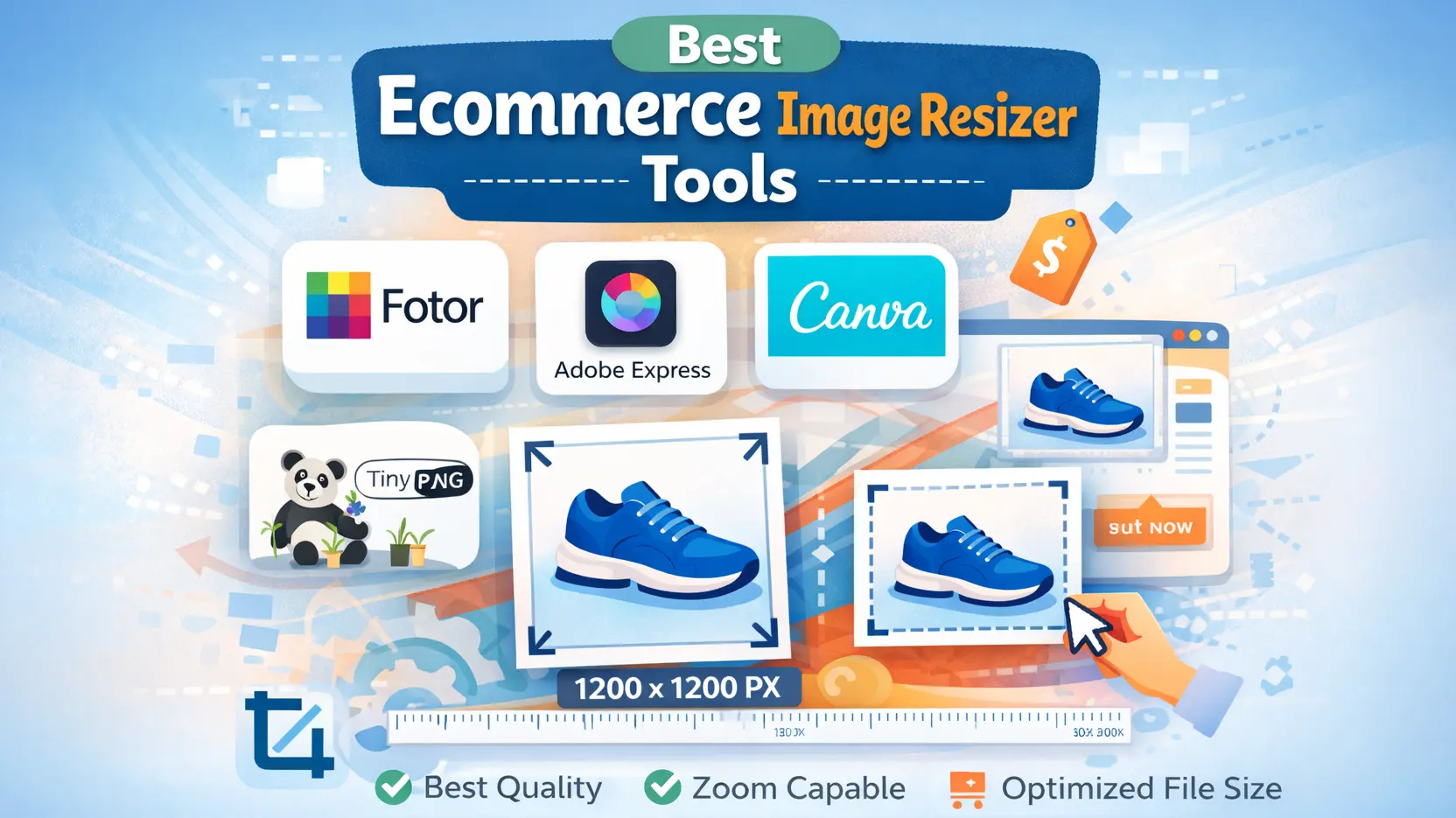
Choosing the right tool can make image editing much easier for an ecommerce store. Some tools help you resize images in a few clicks, while others give you more control over quality and file size. You do not need to use the most advanced option every time. What matters most is picking a tool that fits your work style and helps you create clear, fast-loading product images.
Canva Image Resizer
Canva is a simple tool for people who want quick results without a lot of extra steps. You can upload a product photo, enter the size you need, and download the new version in a short time. It works well for basic image edits and is a good option for store owners who do not want to spend too much time learning complex software. If your goal is to resize images quickly and keep the process easy, Canva can be a practical choice.
Photoshop Image Resize
Photoshop is better for people who want more control over image quality. You can adjust the width, height, and resolution with more accuracy, which is useful when product photos need a cleaner and more professional look. It is not as simple as Canva, but it gives you stronger editing options. If you often work with product images and want to manage both size and quality in one place, Photoshop can be a very useful tool.
TinyPNG Image Compressor
TinyPNG is helpful when your image file is too large and needs to be lighter for the web. It does not focus on resizing in the same way as Canva or Photoshop, but it can still improve your ecommerce images by reducing file size. This matters because heavy images can slow down a website and make product pages load late. Many store owners use TinyPNG after resizing because it helps keep images clear while making the file smaller.
Free Online Ecommerce Image Resizer Tools
Free online tools are useful when you need a quick and simple solution. You do not have to install software or spend time setting up anything. In most cases, you just upload the image, set the new size, and save the updated file. These tools are a good choice for beginners, small store owners, or anyone who wants to resize product images online without making the process complicated. They may not offer advanced controls, but they are often enough for everyday ecommerce image work.
How to Resize Product Images for Ecommerce (Step-by-Step)
Resizing product images for an ecommerce store is not difficult, but it does need a careful approach. If the image is too large, the page may load slowly. If it is too small, the product may not look clear. The aim is to keep the photo sharp, reduce the file size, and make sure it fits your store properly. When you do that, it becomes easier to optimize product images for ecommerce without hurting quality.
Step 1: Upload Your Product Image
The first step is to upload your product photo into the tool you want to use. This can be Canva, Photoshop, or any other editor you feel comfortable with. Before changing anything, take a quick look at the image itself. If the original photo is low quality, resizing will not really improve it. A clean and clear starting image always gives a better result.
Step 2: Choose the Correct Image Size
After that, set the image size that works best for your store. It is usually better to keep the same size for all product photos, because that makes the website look more neat and organized. Large images can slow the page down, but very small ones can make the product look weak or blurry. So this part matters more than many people think.
Step 3: Crop and Adjust the Image
Now crop the image if it needs a cleaner frame. Try to remove empty space that does not add anything useful. Keep the focus on the product, not on the background. You can also fix small things here, like brightness, alignment, or contrast, if the image feels a little off. These simple adjustments often make the photo look much better without a lot of editing.
Step 4: Compress the Image File
Once the size looks right, reduce the file size through compression. This is important because heavy image files can slow down your website, especially on product pages with many photos. Good compression helps make the file lighter while keeping the image clear enough for shoppers. It is one of the easiest ways to optimize product images for ecommerce and improve page speed at the same time.
Step 5: Export the Optimized Image
In the last step, save the image in the format that suits your store. JPEG is common for product photos, PNG is useful for transparent backgrounds, and WebP is often a smart choice for smaller file sizes. Before uploading it to your site, check the final image one more time. Make sure it still looks sharp, loads well, and fits the product page properly.

Tips to Optimize Ecommerce Product Images for Faster Websites
If your product images are not optimized, your website can feel slow. That is a problem in ecommerce, because people do not like waiting for pages to load. Good ecommerce image optimization helps your store run faster and makes product pages easier to browse. It can also improve the overall shopping experience.
One simple way to speed things up is to use WebP format. This format usually keeps the image clear while making the file size smaller. A smaller file puts less pressure on the page, so images can load faster. For many online stores, this is a better choice than uploading large image files without any changes.
It also helps to reduce the file size before you upload the image. Big files can slow down product pages, especially when you use more than one photo for the same item. When you compress product images for ecommerce, the page becomes lighter and quicker to open. The main goal is to make the image smaller without making it look bad.
File names matter too, even though many people ignore them. A clear file name is better than a random one because it helps you stay organized and gives search engines a better idea of what the image shows. Alt text is also useful. It supports SEO and helps people who use screen readers understand the image better.
Common Mistakes When Resizing Ecommerce Images
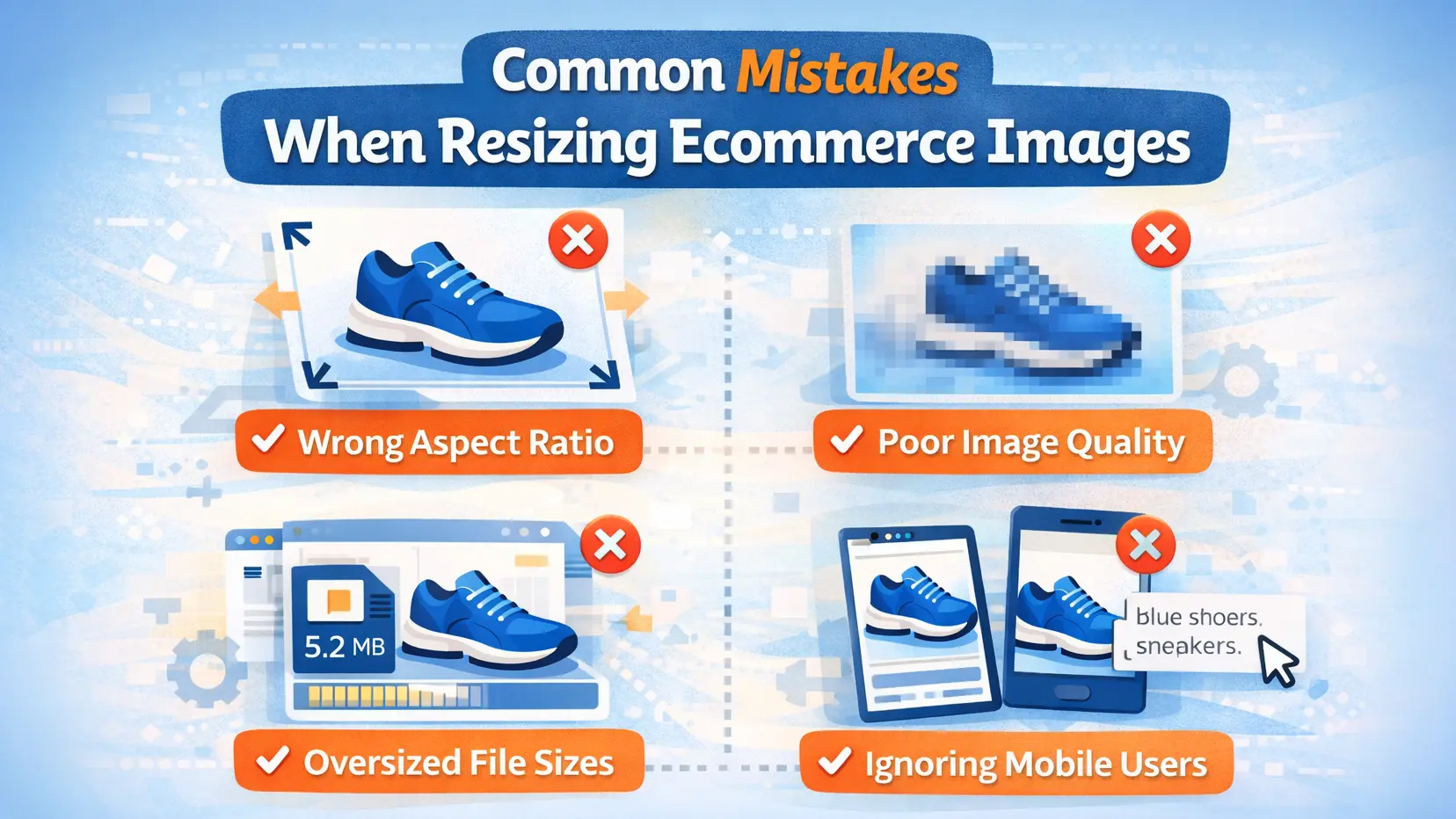
Many store owners resize product images, but small mistakes can still cause problems. Sometimes the image looks fine at first, yet it makes the page slower or the product photo look less professional. That is why it helps to know what to avoid before you upload the final version.
One common mistake is stretching the image to make it fit a certain size. When that happens, the product can look wide, flat, or unnatural. Another problem is keeping the file size too large. Even if the image looks sharp, a heavy file can slow down the page and affect the shopping experience.
Choosing the wrong format can also create issues. Some people use PNG for every image, even when a lighter format would work better. Others save the image in poor quality, which makes the product look blurry or dull. A resized image should look clear, fit the page well, and stay light enough for fast loading.
Frequently Asked Questions
What is the best size for ecommerce product images?
The best size for ecommerce product images is usually 1200 x 1200 px to 2048 x 2048 px. This range keeps images clear on most screens without making files too heavy. For Shopify stores, 2048 x 2048 px is a common recommendation for square product photos.
Can I resize product images without losing quality?
Yes, you can resize product images without a big drop in quality if you start with a clear original file and do not shrink it too much. It also helps to keep a consistent aspect ratio and save the image in a web-friendly format after resizing.
What is the best format for ecommerce product images?
For most ecommerce stores, JPEG is a strong choice for product photos because it balances quality and file size well. WebP is also a very good option when you want faster loading pages with smaller files. If you need a transparent background, PNG can work better. Shopify also notes that WebP is a strong format for faster loading.
Which tool is best to resize product images online?
The best tool depends on what you need. If you want something easy, an online resizer like Canva works well for quick changes. If you want more control, Photoshop is better. And if your image size is fine but the file is too heavy, a compression tool can help before upload.
Conclusion
Product images play a big role in ecommerce success. When images are resized the right way, your website looks cleaner and loads faster. This helps visitors view products more easily and creates a better shopping experience.
The correct image size also improves page speed and keeps product pages more organized. At the same time, the right ecommerce image resizer tool can save time and make the whole process much easier. If you want a faster and more professional online store, optimized product images are a smart place to start.















