

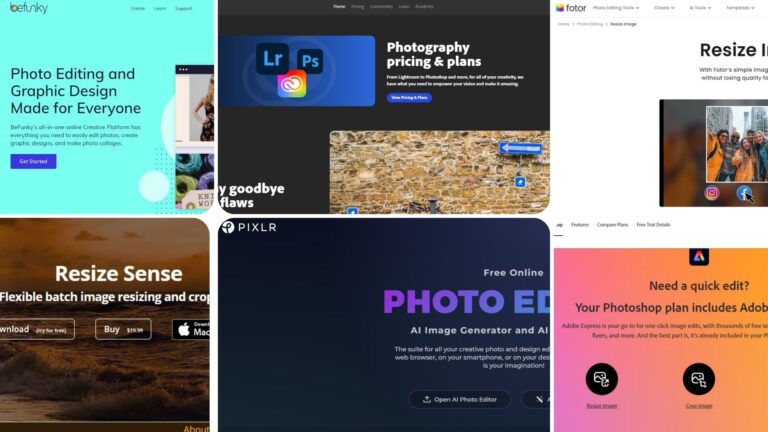
Finding the best photo resizer software can be a game-changer for photographers, graphic designers, and everyday users. With countless options available, choosing the right one to maintain image quality while resizing can be challenging. This article covers the top ten photo resizer software that ensures stunning image quality without sacrificing detail. You need to know how to resize an image to change its size easily using the best image resizer software.
Most Reliable Image Resizer Software for Fast and Easy Use

1. Adobe Photoshop: Best Photo Resizer Software
Adobe Photoshop is widely regarded as the best photo editing software available, and its photo resizing capabilities are unmatched. Photoshop offers a range of tools that allow you to resize images with precision, ensuring minimal loss of quality. This photo resize software uses advanced algorithms to maintain the sharpness and detail of your photos, making it an ideal choice for professionals who need the highest standards in image editing. With Adobe Photoshop, you have full control over the resizing process, allowing you to adjust the dimensions, resolution, and even the aspect ratio of your images.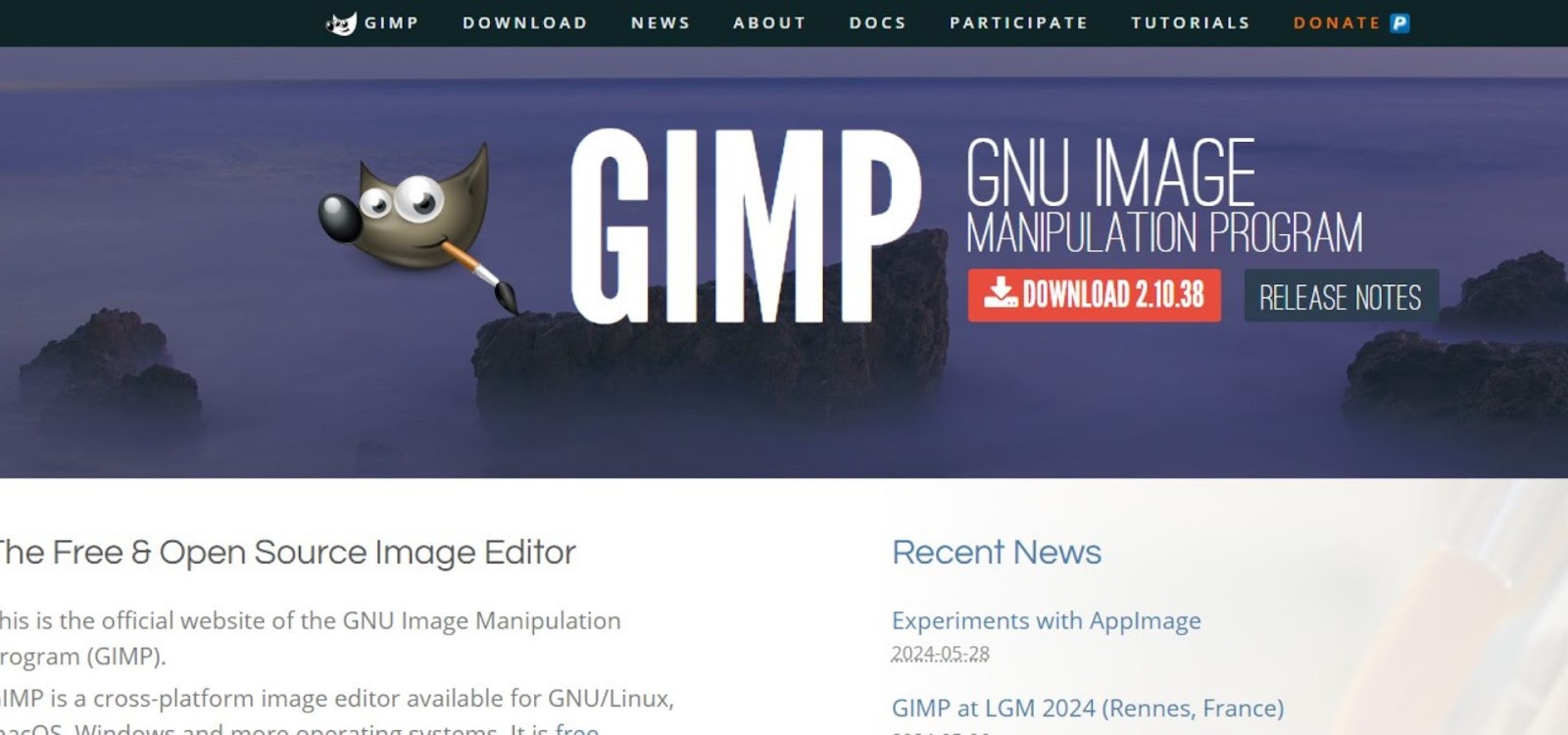
2. GIMP: The Best Free Alternative to Photoshop
GIMP, which stands for GNU Image Manipulation Program, is a powerful, free alternative to Adobe Photoshop. This open-source software provides robust photo resizing tools and supports a wide range of file formats. GIMP is perfect for users who want a cost-effective solution without compromising on features. It allows for precise resizing, and its community-driven development ensures that it stays up-to-date with the latest editing technologies. Beginners and professionals alike can benefit from GIMP’s extensive features, including layers, masks, and customizable brushes.
3.Topaz Gigapixel
Topaz Gigapixel AI is an AI-powered tool that helps you enlarge images without losing quality. It uses advanced machine learning to add detail and sharpness when you increase image size. It is also known as one of the best photo resizer software options for high-quality results.
You can upscale photos up to 6x while keeping them clear and natural. The software also reduces blur and noise, which improves overall image quality. It works as a standalone app and also as a plugin for tools like Photoshop.
The interface is simple, so beginners can use it easily. You just upload an image, choose your settings, and let the AI do the work. It is a paid tool, but it offers high-quality results that are hard to achieve with basic editing software.
4. WebSharp Pro: The Industry Standard for Professionals
WebSharp Pro is an online image sharpening tool that helps improve the clarity of blurry or soft photos. It uses AI-based processing to enhance edges, details, and textures without making the image look unnatural.
You can upload your image directly in your browser and apply sharpening with just a few clicks. The tool works well for photos, product images, and web graphics. It is useful when you want to fix slightly blurry images before posting them online.
WebSharp Pro does not require software installation, which makes it fast and easy to use. It is a good option for beginners who need quick results with the most reliable image resizer software. Some features may require payment, but basic sharpening tools are often available for free.
5. Why PicsArt Best Image Resizer Software
Picsart is a popular photo editing app that works on mobile and web. It offers many tools to edit, enhance, and customize images in an easy way. This website is known as one of the best photo resizer software options for everyday editing.
You can crop, resize, and adjust brightness, contrast, and colors. It also includes filters, effects, stickers, and drawing tools. Picsart uses AI features to remove backgrounds, sharpen images, and improve photo quality.
The app is simple to use, so beginners can edit photos without any problem. It also has advanced options for more creative edits. You can share your work directly on social media from the app.
Picsart offers both free and paid features, making it a flexible choice for everyday photo editing.
6. Adobe Lightroom: Designed Specifically for Photographers
Adobe Lightroom is another excellent option for photographers who need a specialized tool for managing and resizing their photos. Unlike Photoshop, which is more of a generalist tool, Lightroom is specifically designed for photographers. It includes a batch resizing feature that allows you to resize multiple images simultaneously, saving you valuable time. Lightroom also ensures that your photos remain sharp and vibrant after resizing, thanks to its powerful editing algorithms. Additionally, Lightroom’s seamless integration with Adobe’s Creative Cloud makes it easy to organize and access your photos from any device.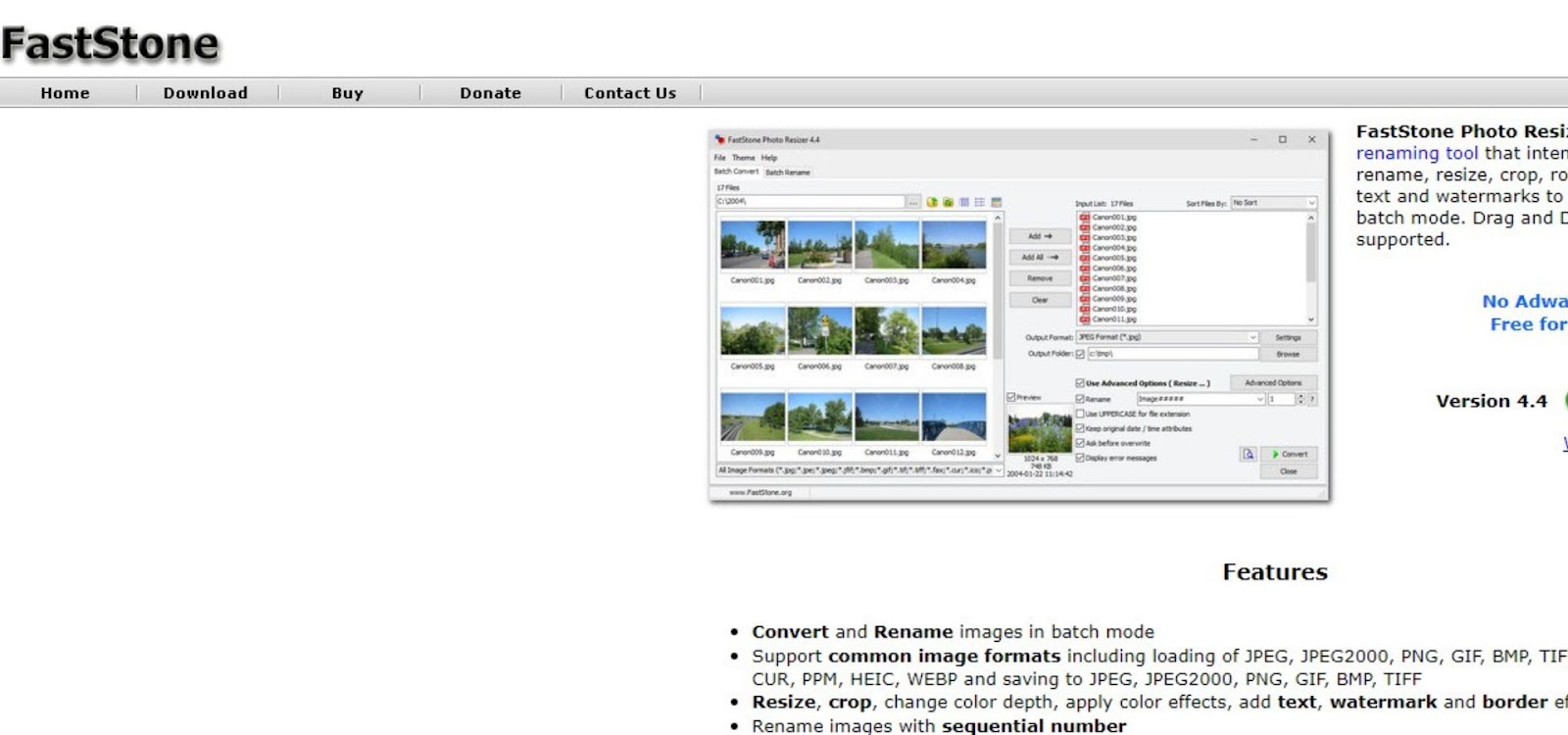
7. FastStone Photo Resizer: Easy-to-Use and Highly Efficient
FastStone Photo Resizer is a straightforward and efficient tool that is perfect for users who need a quick and easy solution for resizing images. This software is known for its user-friendly interface and supports batch processing, allowing you to resize multiple images at once. FastStone also provides a variety of editing tools, such as cropping, rotating, and color adjustments, making it a versatile choice for basic photo editing tasks. This best photo resizer software maintains excellent image quality, ensuring that your photos look their best after resizing.
8. ON1 Resize AI
ON1 Resize AI is an advanced image resizing tool that uses AI to enlarge photos without losing quality. It helps photographers and designers increase image size while keeping details sharp and clear.
The software can upscale images for large prints, posters, and high-resolution projects. It also includes tools for sharpening, noise reduction, and image enhancement. This makes your photos look clean even after resizing.
ON1 Resize AI supports batch processing, so you can resize multiple images at once. It works as a standalone program and also as a plugin for software like Photoshop.
The interface is user-friendly, which makes it easy for beginners. It is a paid tool, but it delivers high-quality results for professional use.
9. PicResize
PicResize is a simple online tool that lets you resize images quickly without installing any software. It works directly in your browser, which makes it fast and easy to use.
You can upload an image, choose a new size, and download the result in just a few steps. It also offers basic tools like cropping, rotating, and adding simple effects.
PicResize is great for resizing images for social media, websites, or email. This photo resize software supports common formats like JPEG, PNG, and GIF. The tool is free to use and works well for beginners who need quick results without complicated settings.
10. IrfanView: Lightweight and Highly Versatile
IrfanView is a lightweight photo resizer that is ideal for users who require a fast and simple tool for resizing images. Despite its small size, IrfanView is incredibly powerful and supports a wide range of file formats. It offers a variety of resizing options, including custom dimensions, aspect ratio adjustments, and batch processing. IrfanView also maintains high image quality, making it a popular choice among users who need a reliable and versatile photo resizer. Its simplicity and speed make it perfect for quick editing tasks.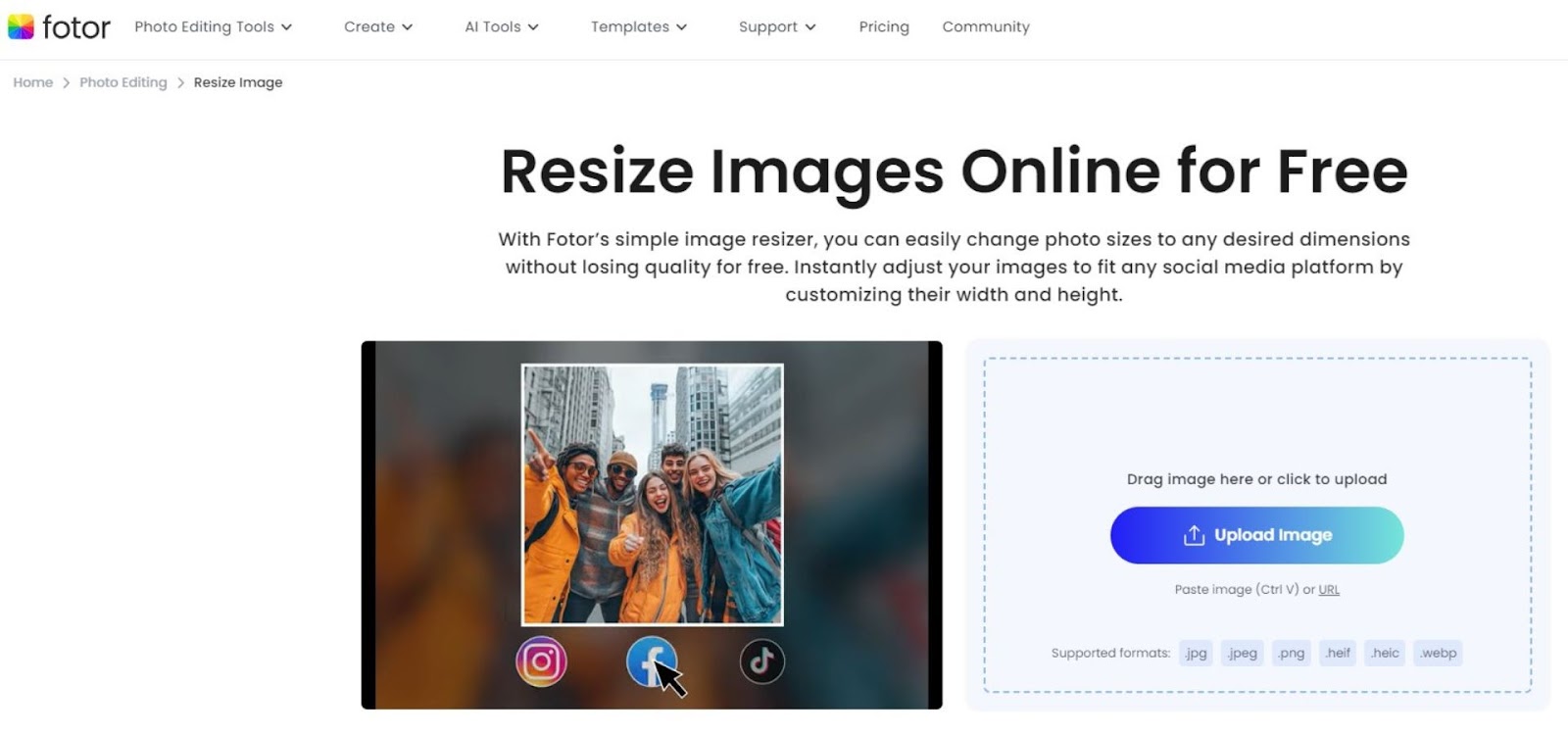
11. Fotor: A Convenient Online Resizing Tool
Fotor is an online photo resizer that provides a convenient solution for users who prefer not to download software. It offers a user-friendly interface with a variety of resizing options, making it an excellent choice for quick and simple resizing tasks. Fotor ensures that images remain crisp and clear, even after significant resizing. This online tool is perfect for users who need to make quick adjustments without the need for advanced editing features. Its accessibility from any web browser adds to its convenience and appeal.
12. Pixlr: A Powerful and Accessible Online Solution
Pixlr is another online photo resizer that combines powerful features with accessibility. It offers a comprehensive set of tools for resizing images while maintaining high-quality outputs. Pixlr’s intuitive interface makes it easy for users of all skill levels to resize their photos with just a few clicks. Additionally, Pixlr supports a variety of file formats and integrates with cloud storage services, allowing for seamless photo management and editing. It is an excellent choice for users looking for a flexible and accessible photo resizer.
13. BeFunky: A Creative and User-Friendly Resizer
BeFunky is a creative photo resizer that is perfect for users who want to add a personal touch to their images. It is also known as one of the best image resizer software options for creative editing. In addition to its resizing capabilities, BeFunky offers a variety of creative tools, such as filters, effects, and text overlays. This quick and easy resizing technique makes it one of the best photo resizer software options for professionals. BeFunky’s user-friendly interface makes it easy to navigate, and its creative features provide endless possibilities for enhancing your photos.
14. XnConvert: Advanced Batch Resizing and Conversion
XnConvert is a versatile photo resizer and converter that supports more than 500 file formats. This best image resizer software is perfect for users who need to resize and convert multiple images simultaneously. XnConvert’s advanced resizing options, including proportional resizing and DPI adjustment, ensure that your images maintain high quality after resizing. Additionally, XnConvert offers various editing features, such as color adjustments, filters, and effects, making it a powerful tool for photographers and graphic designers.
15. Resize Sense: Precision Resizing for Mac Users
Resize Sense is a user-friendly photo resizer designed specifically for Mac users. It provides precise control over the resizing process, allowing users to set custom dimensions, aspect ratios, and resolutions. Resize Sense also supports batch processing, making it easy to resize multiple images at once. The software’s drag-and-drop interface simplifies the resizing process, and its advanced options ensure that images retain their quality, making it an excellent choice for Mac users who need a reliable and efficient photo resizer.
Top Free & Batch Photo Resizers
16. FastStone Photo Resizer
FastStone Photo Resizer is a free and easy tool that helps you resize many images at once. It is great for batch processing, which saves time when you work with multiple photos.
You can resize, rename, crop, and convert images in one go. This resize photos software supports common formats like JPEG, PNG, and BMP. You can also adjust quality, add watermarks, and change file names.
The interface is simple, so beginners can use it without trouble. You just add your images, choose the settings, and start the process.
FastStone Photo Resizer works fast and gives good results, which makes it a solid choice for everyday image tasks.
17. XnConvert
XnConvert is a free tool that lets you resize and edit many images at once. This photo resize software is great for batch processing, so you can save time when working with large image files.
You can resize, crop, rotate, and adjust brightness or contrast in a few clicks. It supports over 500 image formats, which makes it very flexible. You can also convert images to different file types easily.
The interface is simple and works well for beginners. You just add your images, choose the actions, and run the process.
XnConvert works on Windows, Mac, and Linux, which makes it a good choice for different users.
18. IrfanView
IrfanView is a fast and lightweight tool for viewing and editing images. This best free image resizer is popular because it runs smoothly even on low-end computers.
You can resize images one by one or use batch mode to resize many images at once. It also lets you crop, rotate, and convert images to different formats like JPEG and PNG.
The interface looks simple, but it includes many useful features. You can also install plugins to add more tools.
IrfanView is free for personal use and works well for quick image editing tasks.
19. Fotosizer
Fotosizer is a simple tool that helps you resize many images at once. It is a good choice if you want fast results without using complex software.
You can change image size, adjust quality, and add basic effects in just a few clicks. It also lets you keep the image shape so your photos do not look stretched.
Fotosizer supports common formats like JPEG, PNG, and BMP. You can also rename files and choose where to save them.
The interface is clean and easy to use, which makes it perfect for beginners. This most reliable image resizer software offers both free and paid versions with extra features.
20. Icecream Image Resizer
Icecream Image Resizer is a simple tool that helps you resize images quickly. It works well for both single images and batch resizing.
You can add multiple photos, choose a new size, and resize them in one click. It also offers preset sizes for email, desktop, and social media, which makes the process faster.
The tool supports common formats like JPEG, PNG, and BMP. It also keeps the image proportions to avoid distortion.
The interface is clean and easy to use, so beginners can use it without any problem. Icecream Image Resizer offers both free and paid versions for different needs.
Conclusion
Choosing the right photo resizer software is crucial for maintaining image quality while resizing. The best photo resizer software lets professional resize images without losing clarity. This 20 options of reliable image resizer software provide advanced editing tools and a range of features and benefits.
From industry standards like Adobe Photoshop and Lightroom to free alternatives like GIMP, there is a photo resizer that meets every need. By selecting the right software, you can ensure that your images remain stunning, crisp, and vibrant, regardless of their size.
FAQs
What is photo resizer software?
Photo resizer software is a tool that allows users to change the dimensions of an image, either by reducing or enlarging its size. This software is essential for optimizing images for various uses, such as web publishing, social media, printing, or email sharing, while maintaining or minimizing the loss of image quality.
Why do I need photo resizer software?
Photo resizer software is crucial for optimizing images for different purposes. Large images can take up significant storage space and slow down website loading times. Resizing images helps reduce file sizes, making them easier to store, upload, and share. It also ensures that images are properly formatted for specific uses, such as social media posts, websites, or print materials.
Does resizing an image reduce its quality?
Resizing an image can affect its quality, especially if the image is reduced or enlarged significantly. However, high-quality photo resizer software uses advanced algorithms to minimize quality loss during resizing. Tools like Adobe Photoshop, Lightroom, and GIMP are designed to maintain image sharpness and detail even after resizing.
What is the difference between resizing and cropping an image?
Resizing an image changes its overall dimensions, either by enlarging or reducing its size while maintaining the entire image content. Cropping an image, on the other hand, involves cutting out a portion of the image, which can alter its composition and focus. Resizing affects the image size, while cropping changes the image’s framing.
Can I resize multiple images at once?
Yes, many photo resizer software options, such as Adobe Lightroom, FastStone Photo Resizer, and IrfanView, offer batch resizing features. This functionality allows users to resize multiple images simultaneously, saving time and effort, especially when working with large collections of photos.















