


Product images are very important in eCommerce. Buyers often look at the photo before anything else. Clear images help customers understand the product. However, poor images can reduce trust and lower sales.
Because of this, many stores improve their photos with product photo editing. Simple edits can make images look clean and more attractive. In this article, you will learn useful tips to improve product images using ecommerce photo editing.
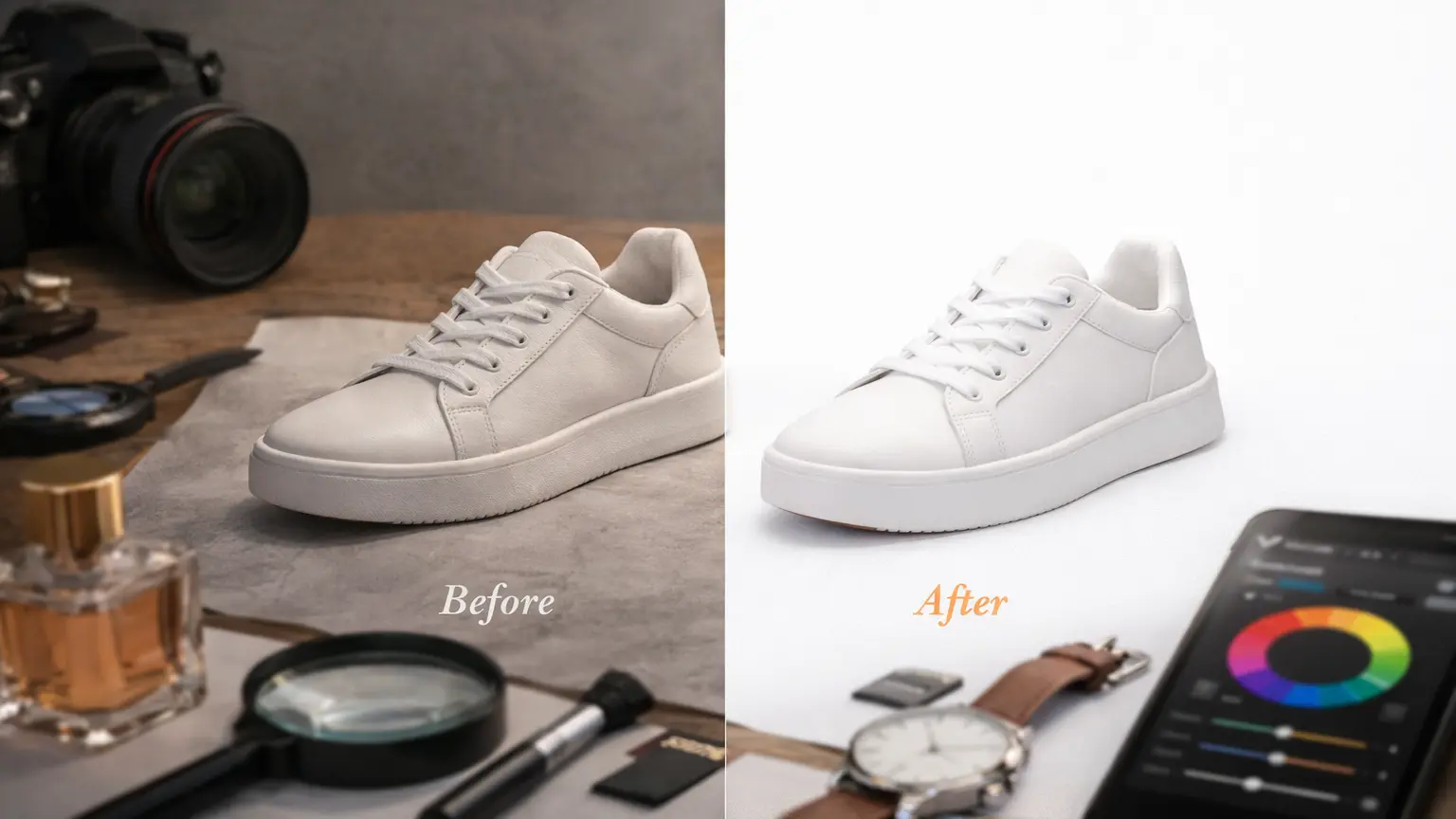
Why Photo Editing Matters for eCommerce Product Photography
Online shopping is very visual. Buyers cannot touch or try the product. Because of this, they depend on images to understand the item. Clear photos help shoppers see product details and make better decisions.
Good images can also bring more clicks to a product page. When a photo looks clean and clear, people are more likely to open the listing. Many stores improve their photos with product photo editing to make images more attractive.
Better images can also increase sales. When customers see clear and detailed photos, they feel more confident about buying. For this reason, many brands use ecommerce photo editing to improve product presentation and boost conversions.
10 Photo Editing Tips for eCommerce Product Photography
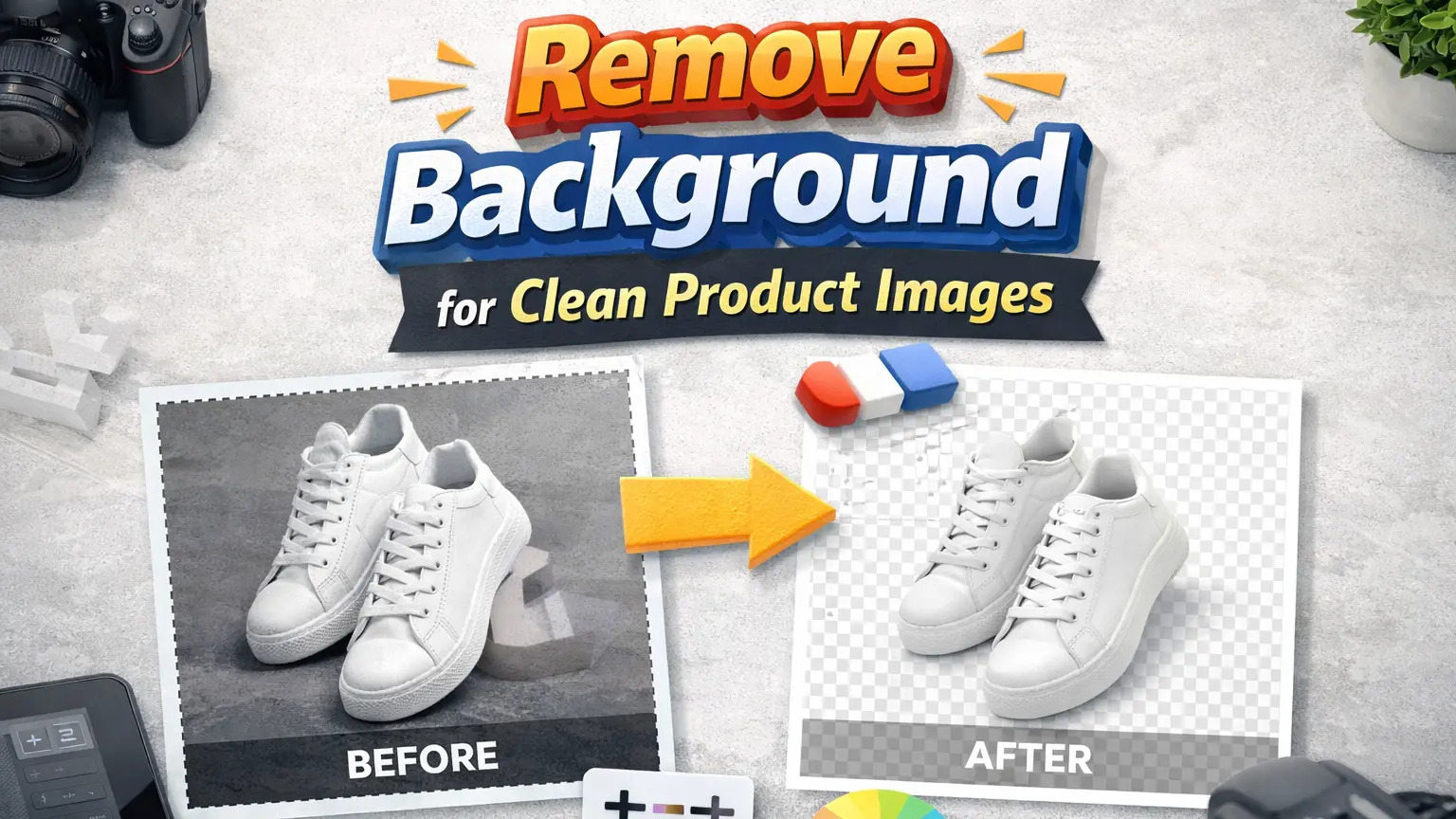
Remove Background for Clean Product Images
A busy background can pull attention away from the product. When too many elements are in the frame, buyers may find it hard to focus. In many cases, a simple or plain background works much better.
That is why many sellers remove the background before using product images. It is a common step in product photo editing. A clean image helps the product stand out and look more clear. Many store owners also use a background removal service to save time and keep all product images looking similar.
Adjust Brightness and Contrast
Sometimes product photos look too dark or too bright. This can make it hard for buyers to see the details. When the lighting is not balanced, the product may not look the same as in real life.
Adjusting brightness and contrast can fix this problem. It helps bring out product details and makes the image easier to view. This step is often used in product image editing to improve photo quality. Many stores also use ecommerce photo editing to make sure their product images look clear and well balanced across their listings.
Correct Product Colors
Product colors do not always look right in photos. Lighting and camera settings can change how colors appear. As a result, the product may look different from the real item. This can confuse buyers and may lead to returns.
Color correction helps fix this issue. Editors adjust tones so the product looks close to its real color. This step is an important part of product photo editing. It helps customers trust what they see. Many stores also use ecommerce photo editing to keep product colors accurate across all images.
Remove Dust and Imperfections
Small dust, scratches, or marks can appear in product photos. These details may seem minor, but they can affect how the product looks. When buyers see these flaws, the product may feel less appealing.
Removing these imperfections helps create a clean image. Editors fix small spots and smooth the product surface. This step is common in product photo editing. It helps improve the overall look without changing the real product. Many brands also use product photo retouching to make their images look more polished and ready for online stores.
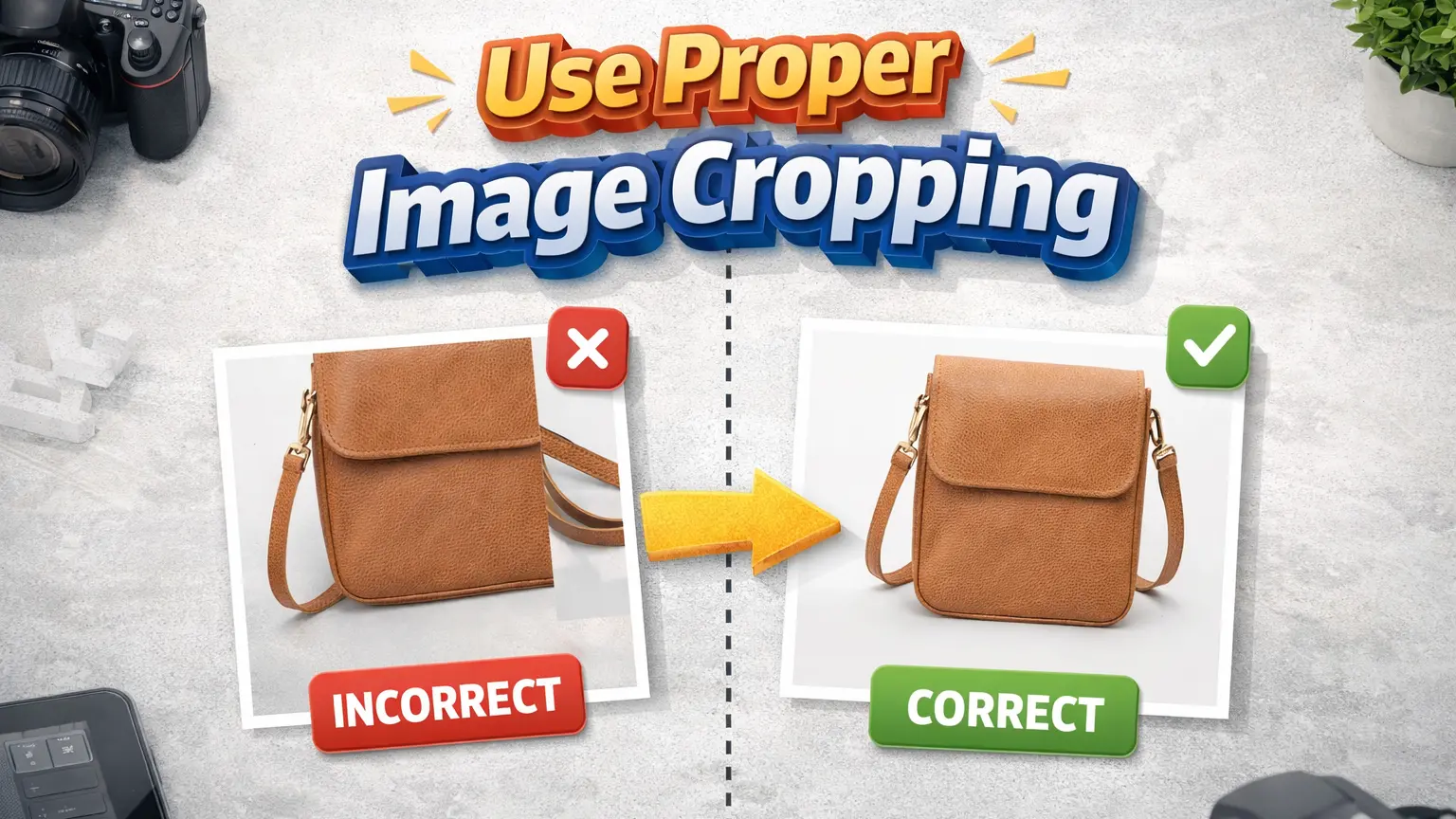
Use Proper Image Cropping
Image cropping helps show the product in a clear and focused way. If there is too much empty space, the product may look small. On the other hand, tight cropping can cut off important parts of the item.
Proper cropping keeps the product centered and easy to see. It helps buyers focus on the main details without distraction. This step is often used in product image editing to improve the layout of product photos. Many stores also use product photo editing to keep all images aligned and consistent across their listings.
Optimize Image Size for Web
Large image files can slow down a website. When a page loads slowly, buyers may leave before seeing the product. This can affect user experience and reduce sales.
Optimizing image size helps fix this issue. It reduces file size without losing too much quality. As a result, pages load faster and feel smoother to browse. This step is important in ecommerce photo editing for online stores. Many brands also use product image editing to balance image quality and loading speed for better performance.
Add Natural Shadows
Product images can sometimes look flat without shadows. When there is no shadow, the product may not feel real. It can look like it is floating on the background, which does not look natural.
Adding a soft shadow can improve the image. It gives depth and makes the product look more realistic. This is often done in product photo editing to improve the final look. Many stores also use ecommerce photo editing to keep shadows soft and consistent across all product images.
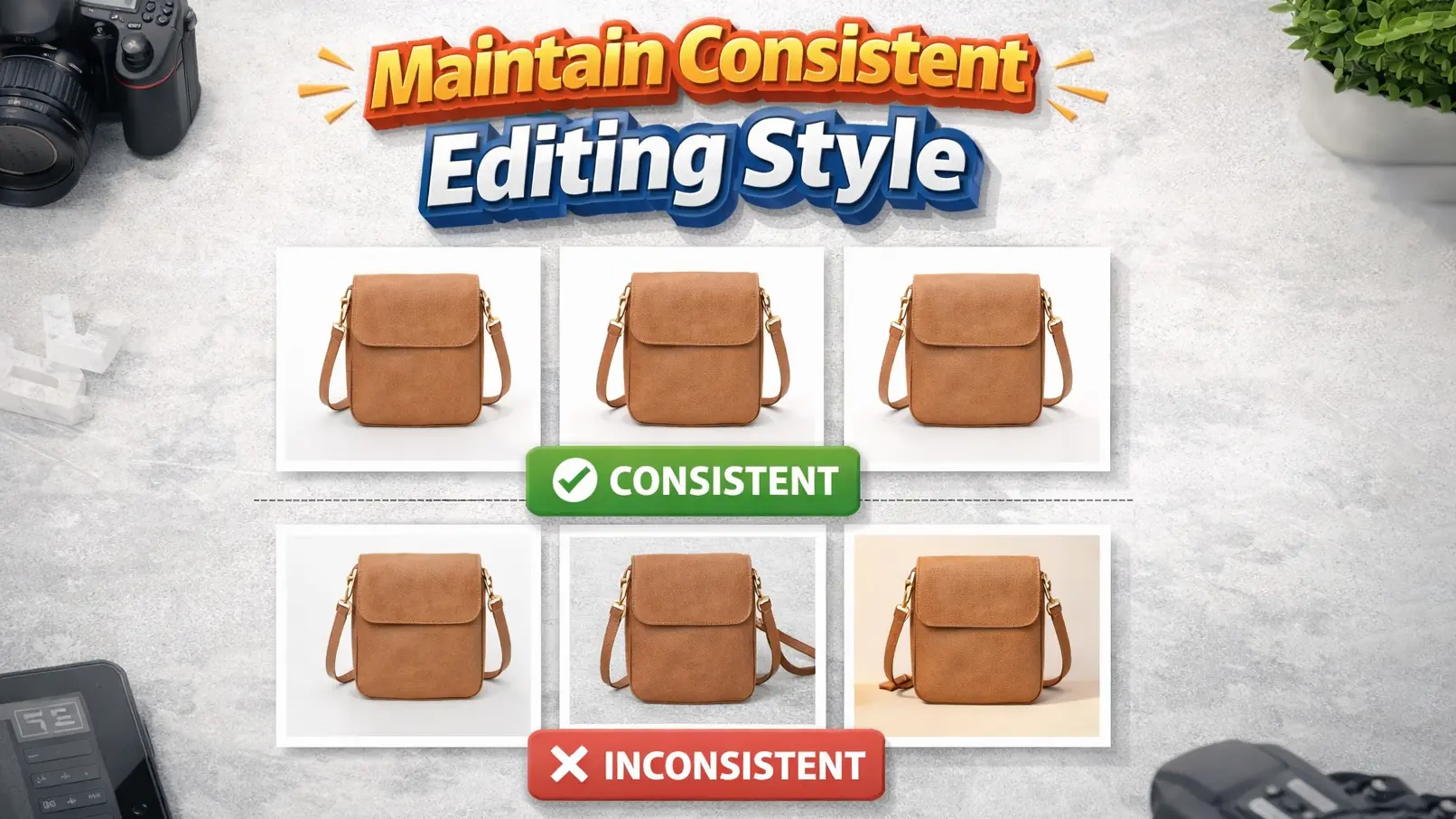
Maintain Consistent Editing Style
When product images look different from each other, it can affect how a store feels. Some images may look bright, while others look dull. This can make the product page look unorganized and less professional.
Keeping a consistent editing style helps solve this problem. It means using the same light, color tone, and background across all images. This makes the store look clean and more trustworthy. Many brands follow this approach in product photo editing. They also use ecommerce photo editing to keep all product images looking similar and well balanced.
Use High-Resolution Images
Low-quality images can make products look unclear. When the image is blurry or pixelated, buyers may not trust the product. It also becomes hard to see small details, which can affect buying decisions.
Using high-resolution images helps show the product more clearly. Buyers can zoom in and check details without losing quality. This makes the product look more real and professional. Many stores use product image editing to improve image clarity. They also rely on product photo editing to keep images sharp and ready for online use.
Optimize Images for eCommerce Platforms
Different eCommerce platforms have their own image rules. If images do not follow these rules, they may not display properly. Sometimes images look stretched, cropped, or unclear after upload.
To avoid this, sellers prepare images based on platform requirements. This may include using the right size, format, and background. It is a common step in ecommerce photo editing. Many store owners also use product photo editing to make sure their images fit well and look clean on platforms like Shopify or Amazon.
Common Mistakes in Product Photo Editing
Some editing mistakes can make product images look worse instead of better. Over editing is a common issue. When too many effects are used, the product may look fake. This can confuse buyers and reduce trust.
Wrong colors can also create problems. If the image color does not match the real product, buyers may feel disappointed. Low-quality images are another issue. Blurry photos make it hard to see product details. Because of this, many stores use product photo editing and ecommerce photo editing carefully to keep images clear and natural.
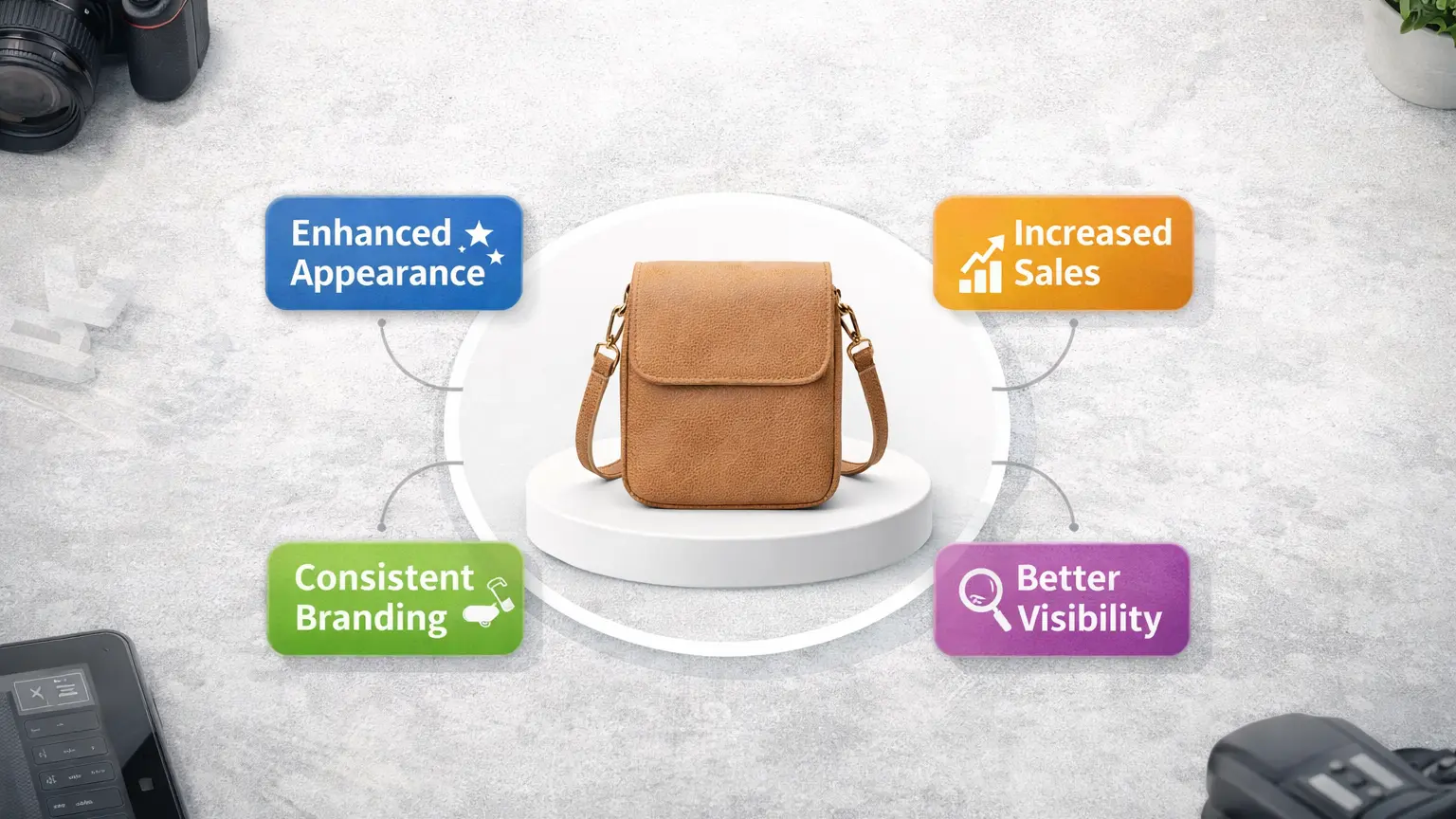
Benefits of Professional Product Photo Editing
Professional editing can make a big difference for online stores. One main benefit is time saving. Editing many images takes time, especially for large product catalogs. When professionals handle the work, store owners can focus on other tasks.
Another benefit is consistent results. All product images follow the same style, which makes the store look clean and organized. Better image quality is also important. Clear and well-edited photos help show product details more clearly. Because of this, many brands use product photo editing service and ecommerce photo editing to improve their product images.
Conclusion
Product images play a key role in eCommerce. Buyers often decide based on what they see. Clear and clean photos help them understand the product better. On the other hand, poor images can reduce interest.
Simple editing steps can improve product images a lot. Small changes like fixing light, removing distractions, and correcting colors make a big difference. Because of this, many brands use product photo editing and ecommerce photo editing to create better product listings and improve customer experience.
Frequently Asked Questions
What is product photo editing?
Product photo editing means improving product images to make them look clean and clear. It includes fixing light, adjusting colors, and removing small marks. These edits help the product look more attractive. Many businesses use product photo editing to prepare images for online stores.
Why is photo editing important for ecommerce?
Photo editing is important because buyers depend on images to understand a product. Clear and well-edited photos help build trust. They also make product pages look more professional. Because of this, many stores use ecommerce photo editing to improve their product images.
How to improve product images for ecommerce?
You can improve product images by using simple editing steps. Remove the background, fix lighting, and correct colors. These changes help make the product easier to see. Many sellers use product image editing to create clean and clear product photos.
What tools are used for product photo editing?
Many tools are used for product photo editing. Common tools include Adobe Photoshop and Lightroom. These tools help with background removal, color correction, and retouching. Many professionals use these tools for product photo editing to create high-quality images.















