

Creating professional model photos can be expensive and time-consuming. Hiring models, arranging photoshoots, and editing images often require a big budget. But today, things have changed. Ai product photography can create realistic model photos without hiring anyone.
In this guide, you will learn simple and effective ways to create high-quality model images. You will also learn how to edit images properly to make them look real and professional.
Editing Techniques to Create Realistic Model Photos
Head replacement: Swap the Face
Head replacement helps you change or improve a model’s face easily. This is useful when you want a different look or better expressions. It also helps keep brand consistency across images. With proper editing, the final result looks natural and professional.
Skin tone Adjustment
Skin tone adjustment makes the model look more realistic and balanced. Sometimes AI creates uneven or unnatural skin colors. Image retouching helps match the skin tone with lighting and the product. It creates a clean and polished final image.
Product Color Match
Product color matching ensures your product looks accurate in every image. Wrong colors can confuse customers and reduce trust. Photo editing helps match the product color with real-life tones. This keeps your brand consistent and reliable.
Detail Enhancement:
Detail enhancement improves the small elements of your product. It makes logos, patterns, and textures sharper and clearer. This helps customers see the quality of your product better. Clean details also make your images look more premium.
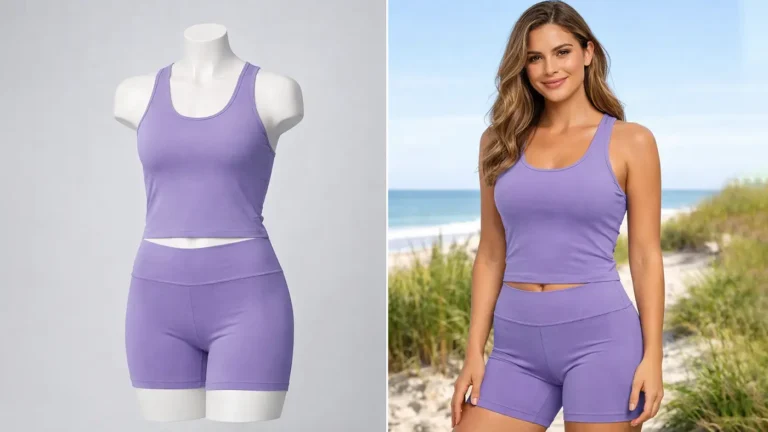
Use Mannequins or Dress Forms → AI Model
You can start with mannequin photos and turn them into real-looking models. Ai product photography saves money and time during photoshoots. Editing tools replace the mannequin with a human-like appearance. The final image looks like a real model wearing your product.
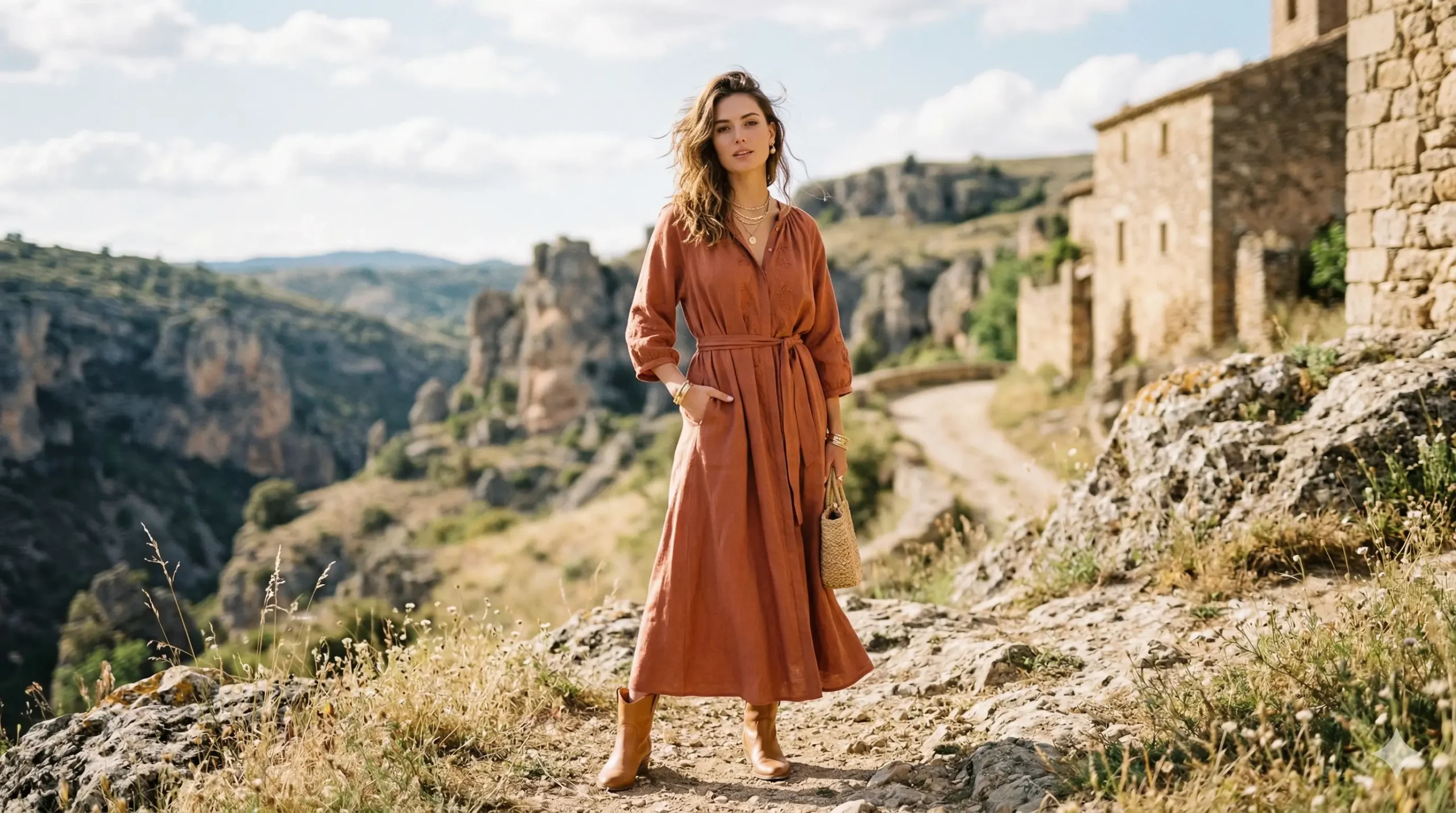
Change the Image Background to Outdoor
Changing the background makes your photos more attractive and realistic. Outdoor scenes create a lifestyle feel that customers love. It also helps your product stand out more. A good background can increase engagement and conversions.
Use Stock Photos + Editing
Stock photos are a quick way to get model images without hiring anyone. You can combine your product with stock model images using editing tools. Proper blending is important to make it look natural. This method is fast, affordable, and effective.
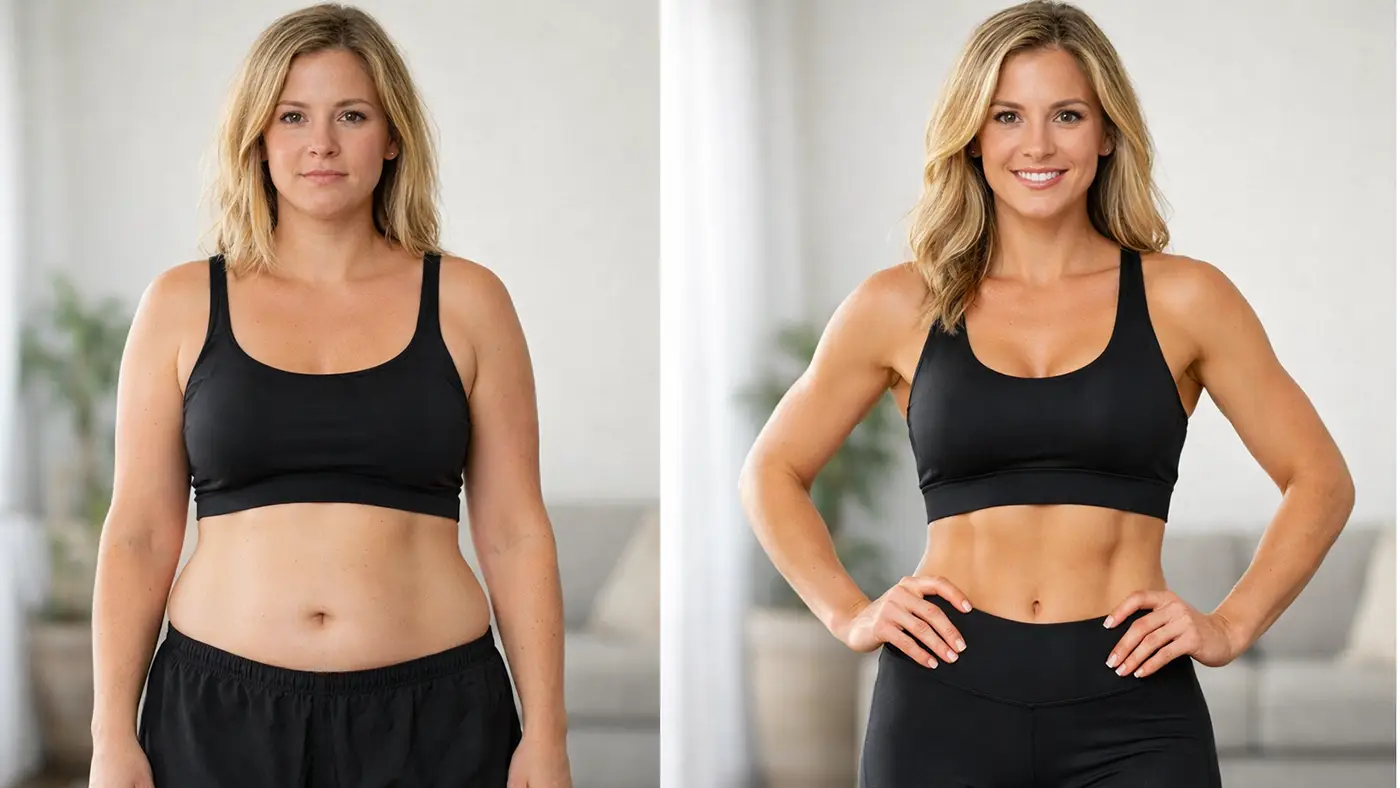
Major Step to Create Model Photos
Choose your method (AI, mannequin, etc.)
Start by choosing the method that fits your budget and goals. You can use AI models, mannequins, or even stock photos. Each option has its own benefits and limitations. Pick the one that works best for your product and brand style.
Capture your product images
Take clear and high-quality photos of your product first. Use good lighting and a simple background for best results. Make sure the product is clean and well-positioned. A strong base image makes editing much easier.
Use Editing Platforms
Use tools like Photoshop, Canva, or AI editing platforms to create model photos. These tools help you combine products with models or enhance images. Choose a platform that is easy for you to use. Good ecommerce editing tools can save time and improve quality.
Adjust lighting, shadows, and background
Lighting and shadows must match to make the image look real. Fix any mismatched light or unnatural shadows during editing. You can also change or improve the background for a better look. Ai product photography makes your image more professional.
Final export for web or ads
Export your final image in the right size and format. Use high resolution for websites and optimized files for ads. Make sure the image loads fast without losing quality. This step ensures your photos are ready for use everywhere.
Limitations of AI Model Photos And How We Fix Them
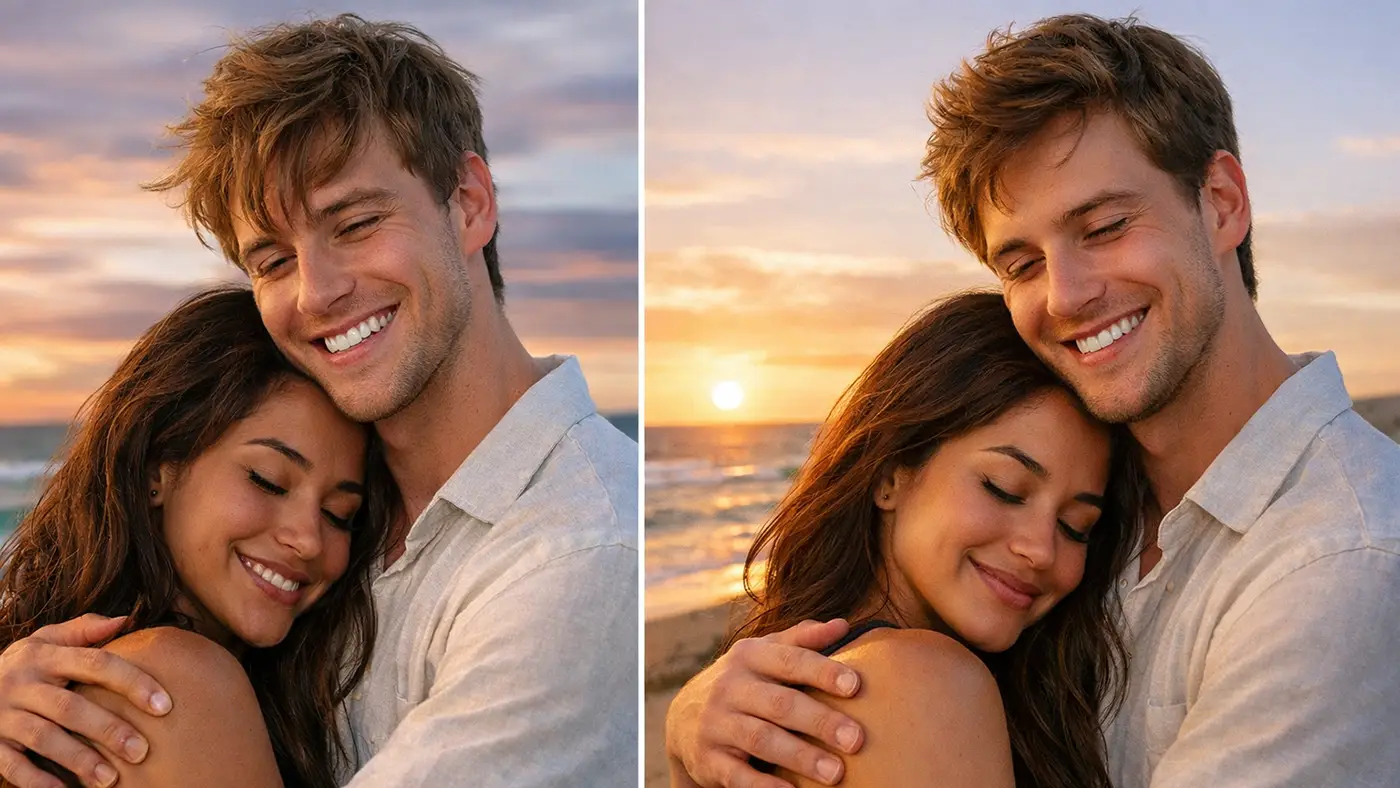
Problems of AI Generate Model Photo
1. Unrealistic Hands and Body Details
AI-generated models often create distorted fingers or unnatural body shapes. These small errors can make your images look fake and reduce customer trust. It becomes noticeable, especially in close-up shots.
2. Inconsistent Lighting and Shadows
AI images sometimes have lighting that doesn’t match the product. Shadows may fall in the wrong direction or look unnatural. This makes the image feel edited or unrealistic.
3. Poor Product Integration
In many AI images, products look like they are just pasted onto the model. Edges can be rough, and blending may feel off. This reduces the overall quality of the image.
4. Lack of Brand Consistency
AI tools often generate different styles for each image. This makes it hard to maintain a consistent brand identity. Your product images may not look uniform across platforms.
5. Limited Customization
AI tools don’t always follow exact instructions. It can be difficult to control poses, angles, or facial expressions. This limits your creative control.
Image Expert India Solves All These Problems
Image Expert India offers a complete solution for AI model photo issues. They fix body details and remove unnatural shapes. Their team also corrects lighting and shadows to make images look real.
They blend your product with the model so it looks natural, not pasted. Ai product photography keeps your brand style consistent by matching colors and tones.
Conclusion
Most importantly, they customize every image based on your needs. This gives you full control over the final result. With image editing, your photos look clean, real, and ready to attract customers.
Creating model photos without hiring models is now easier than ever. With the right tools and techniques, you can produce high-quality, realistic images for your brand. Methods like AI editing, mannequin conversion, and stock photo blending can save both time and money.
However, it’s important to fix common issues like lighting, product blending, and unrealistic details. With proper editing and expert support, your images can look natural and professional.















