

Many people download a PSD template, but cannot open it. The main reason is simple. PSD files are created in Adobe Photoshop, and not everyone has access to this software. Photoshop is expensive and can feel complicated for beginners.
The good news is you can edit PSD file online for free without installing anything. Modern browser-based tools allow you to upload, edit, and download PSD files quickly. The process is simple, fast, and suitable for beginners.
In this guide, you will learn how to edit PSD file online for free step by step. You will also discover the best tools, useful tips, and solutions to common problems.
What is a PSD File?
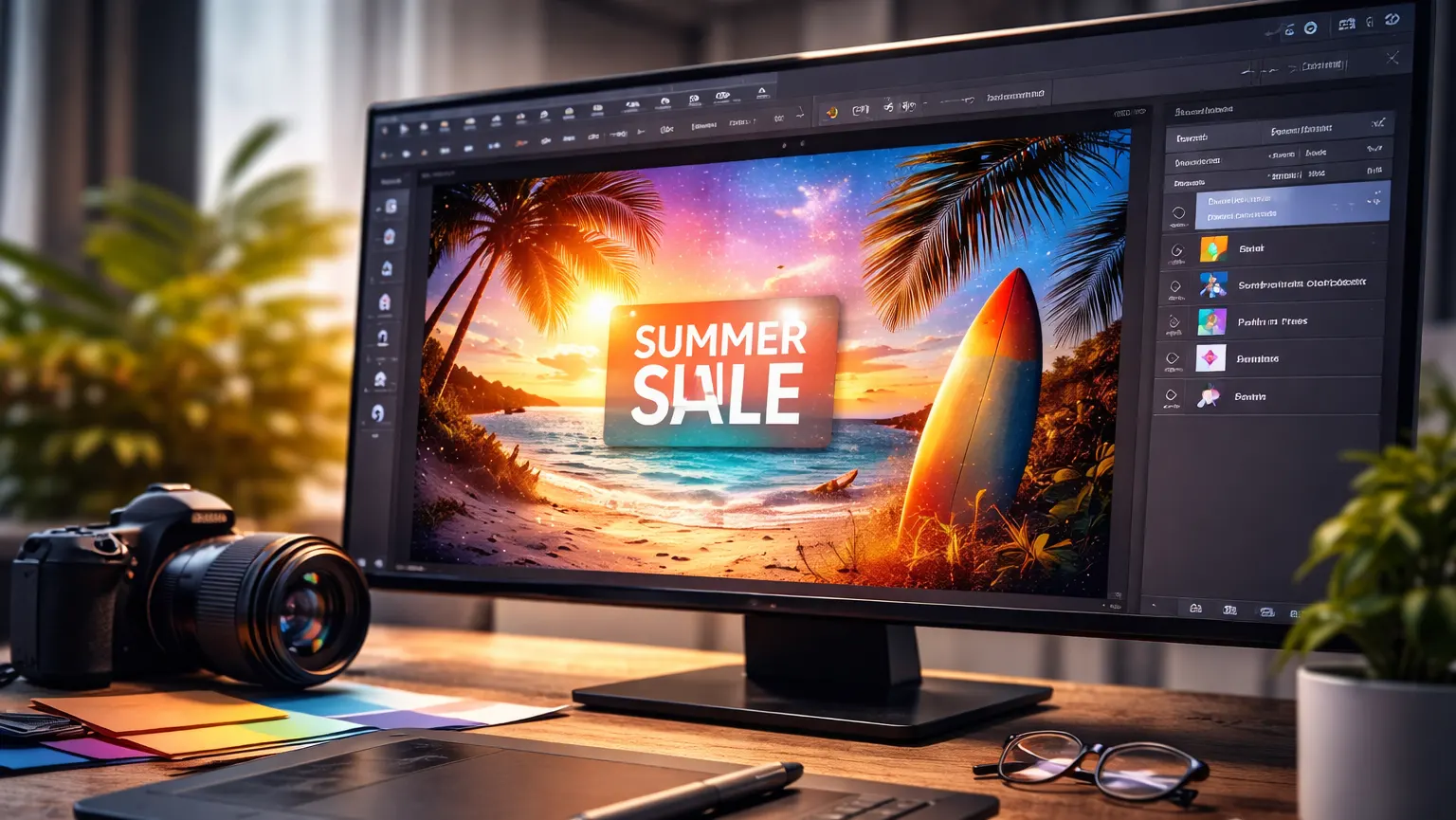
A PSD file stands for Photoshop Document. It is the default file format used by Adobe Photoshop. Designers use PSD files to create banners, social media posts, mockups, business cards, posters, and many other graphics.
The most powerful feature of a PSD file is layers. Each element in the design, such as text, images, shapes, and effects, can be placed on separate layers. This allows easy editing without affecting the entire design.
Because PSD files store layered and advanced editing information, they require special tools to open properly. Regular image viewers cannot handle PSD layers correctly. That is why you need Photoshop or an online PSD editor.
Can You Edit a PSD File Online for Free?
Yes, you can edit PSD file online for free using modern web-based tools. Many online editors now support layered PSD files and basic smart object editing.
Below are the key benefits of online editing:
- No installation needed: You do not need to download heavy software on your computer. Everything works directly inside your web browser. This saves storage space and setup time.
- Works on Windows, Mac, or Chromebook: Online editors are platform-independent. As long as you have a browser and an internet connection, you can access them. This makes them highly convenient.
- Free basic features: Most tools offer free editing options like text editing, image replacement, and exporting. You can complete simple projects without paying. This is perfect for students and small businesses.
- Easy interface for beginners: Many online PSD editors have clean and simple layouts. Even if you are not a professional designer, you can understand the tools quickly. Photo editing becomes very easy.
- Quick export options: After editing, you can download your design in formats like JPG, PNG, PDF, or PSD. The export process usually takes only a few seconds. It is fast and user-friendly.
Online editing is ideal for small to medium design tasks.
Best Free Online PSD Editors
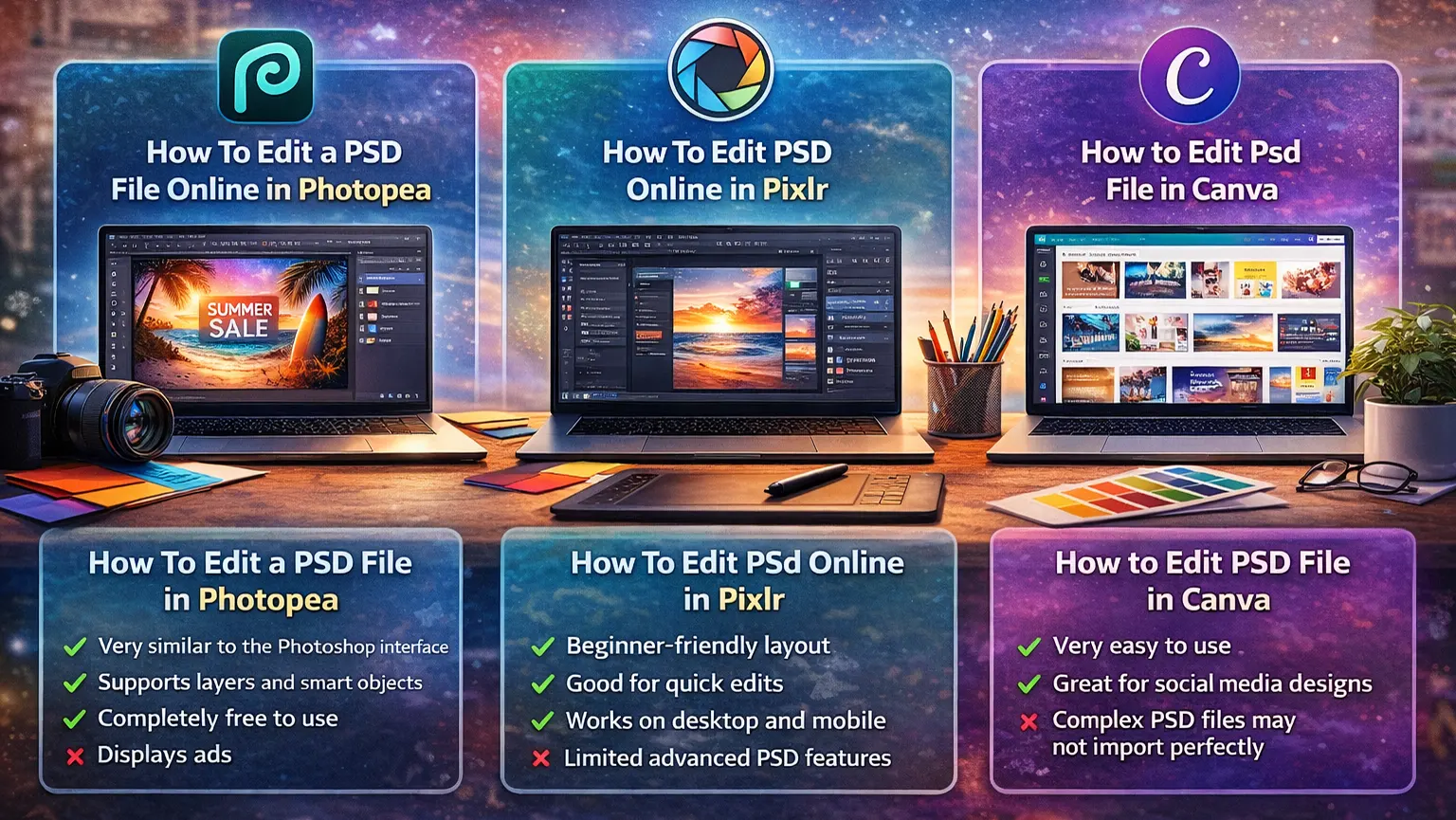
Here are three popular tools you can use:
1: How To Edit a PSD File Online in Photopea
- Very similar to the Photoshop interface: The layout and tools look almost like Adobe Photoshop, so it feels familiar and easy to use.
- Supports layers and smart objects: You can edit layers and replace smart objects just as you would in desktop software.
- Completely free to use: Most features are available without a fee, making it a budget-friendly option.
- Displays ads: The free version shows advertisements while you work.
- Requires internet connection: Since it runs in a browser, you must be online to use it.
2: How To Edit Psd Online in Pixlr
- Beginner-friendly layout: Pixlr has a clean and simple interface that is easy to understand, even for new users.
- Good for quick edits: It works well for small tasks like changing text, resizing images, or adjusting colors.
- Works on desktop and mobile: You can use Pixlr on both computers and mobile browsers, which makes it flexible.
- Limited advanced PSD features: Some complex layers, effects, or smart objects may not work perfectly.
3: How to Edit Psd File in Canva
- Very easy to use: Canva is designed for beginners, so editing feels simple and smooth.
- Great for social media designs: It offers ready-made templates and quick export options for social platforms.
- Complex PSD files may not import perfectly: Advanced layered PSD files can lose formatting or effects during upload.
All these tools allow you to edit PSD file online for free for basic and medium-level design needs.
How to Edit PSD Files Online Free (Step-by-Step Guide)
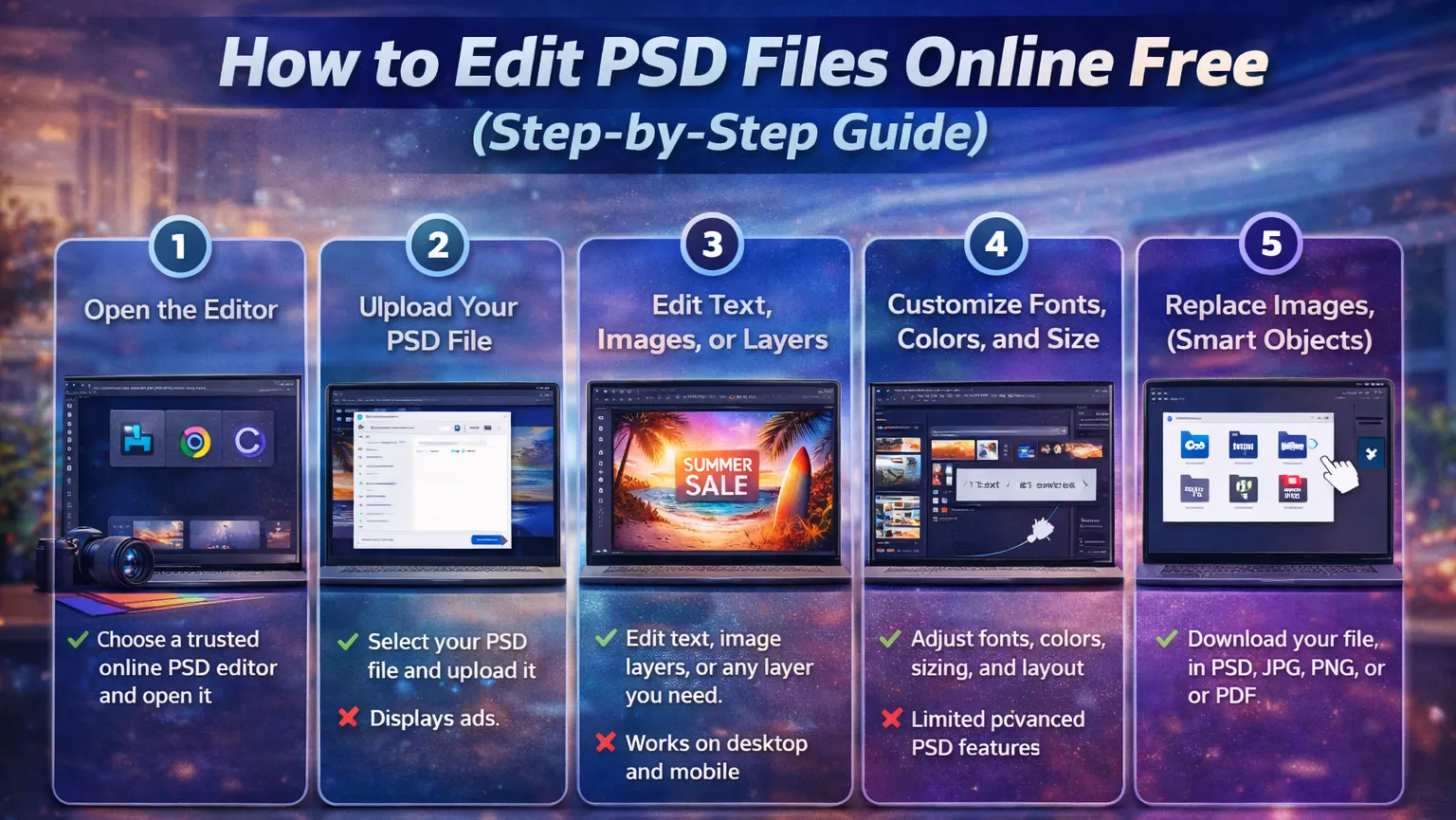
Follow these simple steps to edit PSD file online for free:
Step 1: Open the Editor
Choose a trusted online PSD editor and open it in your browser. Make sure your internet connection is stable for smooth loading.
Step 2: Upload Your PSD File
Click on the upload or open option. Select your PSD file from your device. Wait for the editor to fully load all layers.
Step 3: Edit Text, Images, or Layers
Once the file loads, you will see a layer panel. Click on text layers to change text. Select image layers to resize, move, or adjust them.
Step 4: Customize Fonts, Colors, and Size
You can change font style, font size, text color, and alignment. You can also adjust shapes and backgrounds. Keep the design balanced and readable.
Step 5: Replace Images (Smart Objects)
If the PSD includes smart objects, open the smart layer and replace the image inside it. Save the changes to update the main design automatically.
Step 6: Download Your File
After completing edits, export your file. Choose the format you need, such as JPG, PNG, PDF, or PSD.
The entire process usually takes only a few minutes.
Tips for Editing PSD Files Online
- Keep layers organized: Organized layers make editing easier and faster. Rename important layers if necessary. This helps avoid confusion while editing.
- Use supported fonts: Some fonts used in PSD files may not be available online. If a font is missing, replace it with a similar one. This keeps the design clean and professional.
- Check export settings: Before downloading, review the file format and resolution. Make sure the quality matches your purpose, whether for web or print. This prevents quality loss.
- Avoid very large PSD files: Large files may load slowly in a browser. Try to use optimized files for smoother editing. Smaller files perform better online.
Key Features of Online PSD Editors
- Fully Functional Layers: Most online editors allow you to move, hide, group, and delete layers. You can control each design element separately. This gives flexibility similar to desktop software.
- Smart Object Support: Many modern tools support smart object editing. This allows easy image replacement in mockups. It saves time during design updates.
- No Registration Required: Some platforms allow you to edit without signing up. You can start editing instantly. This makes the process faster.
- Fast & Browser-Based Processing: Online PSD editors process files directly in your browser. You do not need high-end hardware. Basic systems can handle most editing tasks.
Common Problems & Fixes
File Not Opening: If the file does not open, it may be too large. Try refreshing the page or using another browser. Make sure your internet connection is stable.
Missing Fonts: If fonts are missing, replace them with similar fonts available in the editor. This usually fixes text layout issues.
Layer Issues: Some complex effects may not work perfectly online. Simplify the design or flatten certain layers if necessary.
Need Professional Help Editing Your PSD File?
Editing a PSD file online for free is perfect for simple tasks. But sometimes, designs need expert attention. If your file has complex layers, advanced effects, or detailed smart objects, small mistakes can break the layout.
If you want pixel-perfect results, professional formatting, or high-quality design updates, working with an image expert is the smart choice. A professional designer can:
- Fix broken or complex PSD layers
- Replace smart objects correctly
- Improve design quality and alignment
- Optimize files for print or web
- Maintain brand consistency
Instead of struggling with advanced edits, you can save time and get professional results.
Need help with your PSD file? Contact our image editing experts today and get fast, professional service.
We ensure high-quality editing, quick turnaround, and affordable pricing.
FAQs (Frequently Asked Questions)
How to edit PSD without Photoshop?
You can use free online PSD editors like Photopea or Pixlr. Simply upload your file and start editing directly in your browser.
Is it safe to edit PSD online?
Most well-known tools are safe. Avoid uploading confidential designs and use trusted platforms only.
Can I edit PSD on mobile?
Yes, some online editors work on mobile browsers. However, a desktop provides better control and accuracy.
Conclusion
Editing PSD files no longer requires expensive software. You can easily edit PSD file online for free using modern browser-based tools. The process is simple, fast, and suitable for beginners.
Just upload your file, make your edits, and download it in your preferred format. Whether you need to update text, change images, or customize a template, online PSD editors make the job easy.















