

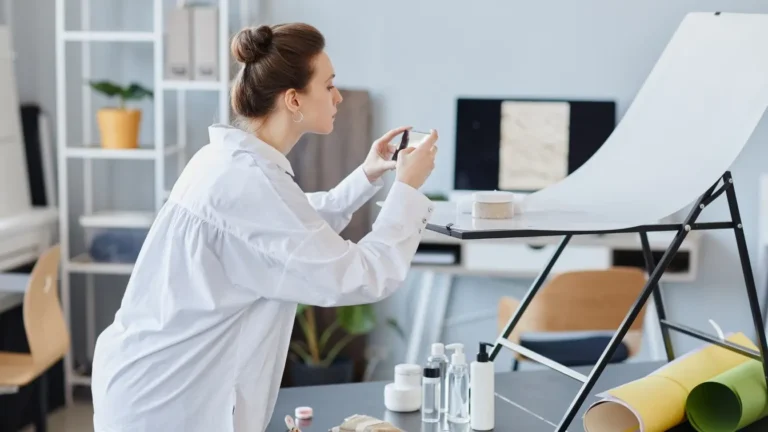
Taking photos indoors can be tricky because low light and shadows affect image quality. Artificial lights can also make pictures look blurry or dull. A good smartphone camera for indoor photography can fix most of these problems easily. Modern phones use big sensors, smart AI, and image stabilization to capture bright and clear photos. You don’t need a heavy camera for indoor shots. Whether it’s a family photoshoot at home or a maternity photoshoot indoor, the right phone helps. It can also make casual moments look professional and clear. With the right features and simple tips, anyone can take beautiful indoor photos at home.
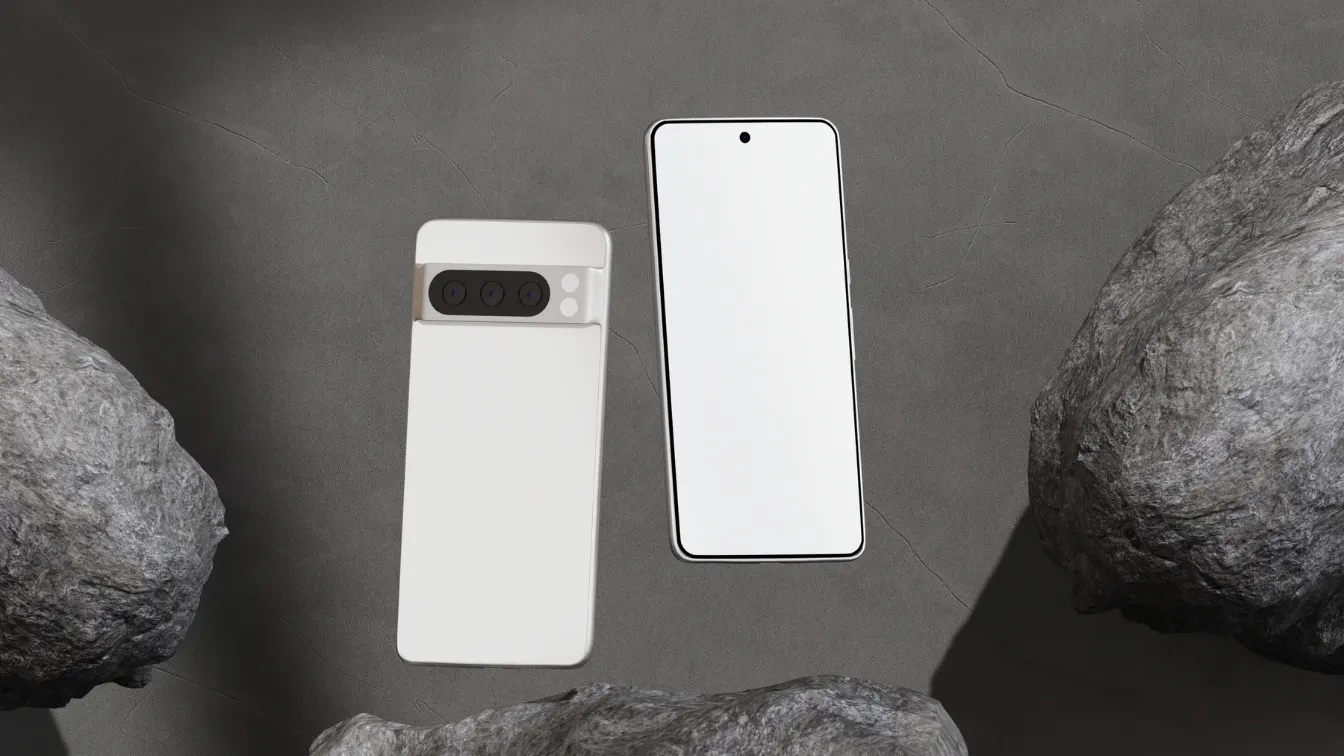
Key Features to Look for in a Smartphone Camera for Indoor Photography
Indoor photography is harder than outdoor photography because light changes and shadows appear. Choosing the right phone is very important. A good smartphone camera for indoor photography should take clear pictures in low light, reduce blur, and keep colors natural.
Low-Light Performance
Low-light performance is the most important feature for indoor photography. Phones with bigger sensors collect more light, and wider apertures make photos brighter in dark rooms. Night mode reduces noise and makes images clear. This is very useful for a newborn home photoshoot, where soft lighting is common. Strong low-light performance keeps images sharp without using flash.
Image Stabilization
Image stabilization prevents blurry photos indoors. Optical Image Stabilization (OIS) uses hardware to reduce hand shake, while digital stabilization uses software to fix motion blur. As a result, this feature is very helpful for indoor photoshoots and indoor portrait photography. Especially when you are holding the phone without a tripod, stabilization keeps photos sharp and clear. It keeps faces and details sharp.
AI and Software Enhancements
AI helps beginners take great indoor photos. It adjusts brightness, reduces noise, and fixes colors under artificial lights. This is useful for a family photoshoot at home or maternity photoshoot indoor, saving time and giving better results without changing settings manually.
Lens Options
Different lenses make indoor photos more flexible. Wide lenses capture groups in small spaces, ultra-wide lenses show more of the room, and macro lenses capture close-up details. Lens variety is helpful for indoor portrait photography and newborn home photoshoot sessions. It allows creative shots and different angles.
Best Smartphones for Indoor Photography in 2026
Smartphones in 2026 are very powerful for indoor photography. They combine strong sensors, AI, image stabilization, and multiple lenses. These phones can capture bright and detailed indoor photos without professional equipment.
Apple iPhone 17 Pro / 17 Pro Max
The iPhone 17 Pro and 17 Pro Max have big sensors and wide apertures. Night mode works well in low light, and Smart HDR balances bright and dark areas.
Pros: Bright images, sharp details, natural colors.
Cons: Expensive and limited zoom.
Best for: Family photoshoot at home, indoor portrait photography, maternity photoshoot indoor.
Google Pixel 10 Pro / XL
The Pixel 10 Pro and XL use AI to improve indoor photos. Night Sight brightens shadows and reduces noise. Colors stay natural even in dim rooms.
Pros: Excellent low-light performance, easy to use.
Cons: Limited zoom.
Best for: Indoor family photos, casual indoor photoshoot sessions.
Samsung Galaxy S25 Ultra
The Galaxy S25 Ultra has wide, ultra-wide, and telephoto lenses. Low-light mode brightens indoor images, and AI improves color and clarity.
Pros: Great low-light performance, versatile lenses, strong zoom.
Cons: Camera settings may feel complex for beginners.
Best for: Indoor photoshoot, newborn home photoshoot, indoor family photoshoot.
Xiaomi 15 Ultra
The Xiaomi 15 Ultra has a high-resolution sensor and fast autofocus. It captures clear indoor photos and keeps colors accurate. Software improves clarity in low light.
Pros: Sharp details, strong performance, good value.
Cons: Night mode performance is slightly limited.
Best for: Indoor photography, everyday indoor photoshoots.
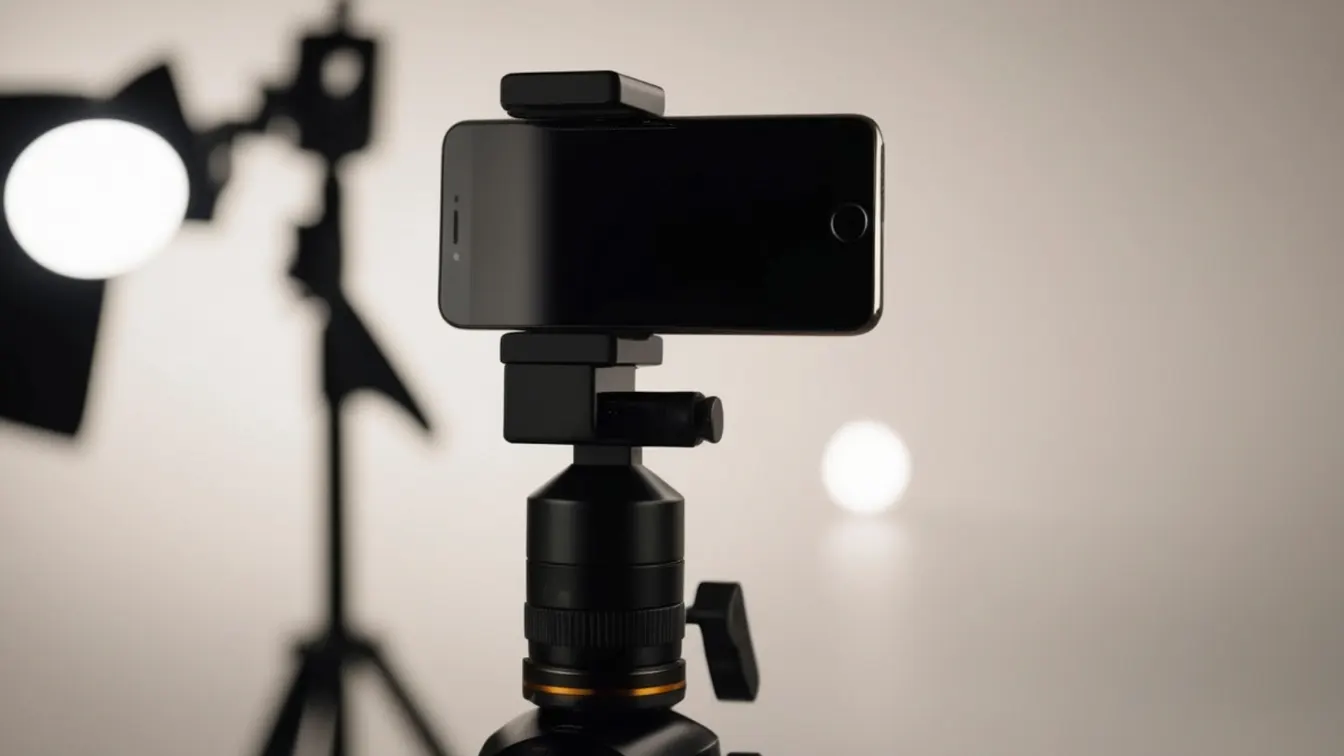
Tips for Taking Stunning Indoor Photos with a Smartphone
Even the best smartphone camera for indoor photography needs proper technique. Follow these simple tips for better indoor pictures:
Use natural light: Place your subject near windows to get soft and even lighting. Natural light reduces harsh shadows and improves photo quality. It also makes skin tones and colors look realistic.
Avoid harsh artificial lighting: Strong lights create dark shadows and uneven brightness indoors. Use lamps or diffusers to soften the light. Soft lighting helps photos look balanced and natural.
Keep your phone steady: Hold your phone with both hands to reduce shaking. A small tripod helps in low-light situations. Steady hands keep indoor photos sharp and clear.
Try night mode, HDR, and portrait mode: Night mode brightens dark indoor areas without using flash. HDR balances bright and dark spots in the photo. Portrait mode softly blurs the background for a professional look.
Tap to focus and adjust exposure: Tapping the screen locks focus on your subject. It also adjusts brightness correctly. This helps prevent overexposed or dark photos.
Edit photos gently: Use apps like Snapseed or Lightroom Mobile for light adjustments. Avoid strong filters or heavy color changes. Gentle editing keeps photos natural and realistic.
These tips improve lighting for indoor photography and produce clean, professional-looking results.

Common Mistakes to Avoid in Indoor Smartphone Photography
Small mistakes can ruin even good indoor photos. Avoid these to take better pictures:
Using flash too often: Flash creates harsh shadows and washes out natural colors indoors. It makes photos look flat and unnatural. Avoid flash unless there is no other light.
Ignoring composition and framing: Poor composition makes photos look messy and confusing. A cluttered background can distract from the subject. Always check the frame before taking the photo.
Holding the phone with one hand: One-handed shooting increases camera shake in low light. This often causes blurry indoor photos. Use both hands or a tripod for stability.
Over-editing photos: Too much editing removes natural colors and fine details. Heavy filters can make photos look fake. Light editing keeps photos clean and realistic.
Avoiding these mistakes helps you capture sharp, balanced, and professional-looking indoor portrait photography, indoor family photoshoot, and everyday indoor moments.
Conclusion
A strong smartphone camera for indoor photography makes indoor photography fun and easy. From family photoshoot at home to maternity photoshoot indoor, the right phone and techniques create beautiful results. Focus on low-light performance, stabilization, AI, and lens variety. Use natural light, night mode, and gentle editing for professional results. With the right smartphone, indoor photography is simple, fun, and rewarding.















