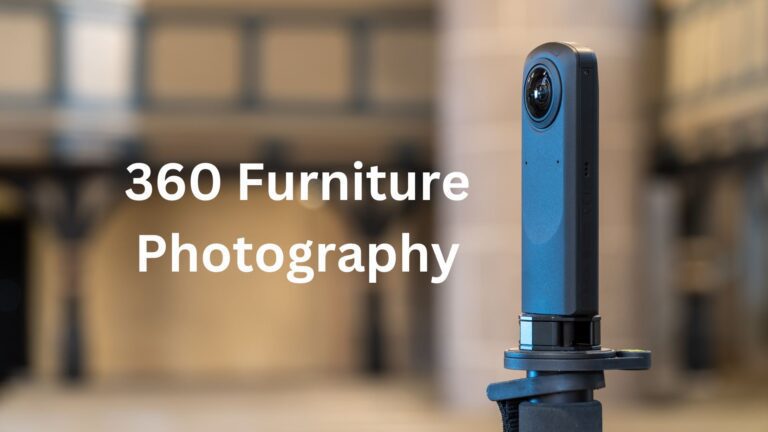
In the competitive world of online furniture sales, visual content plays a crucial role in influencing customer decisions. When shopping online, customers mainly rely on images to understand the quality, design, and usability of furniture. This is where the furniture 360 view becomes a game-changer. It allows customers to view furniture from every angle, eliminating the gap between online browsing and the in-store showroom experience. In this guide, we will cover all the important aspects of professional 360-degree furniture photography—from choosing the right equipment to optimizing images for e-commerce platforms.
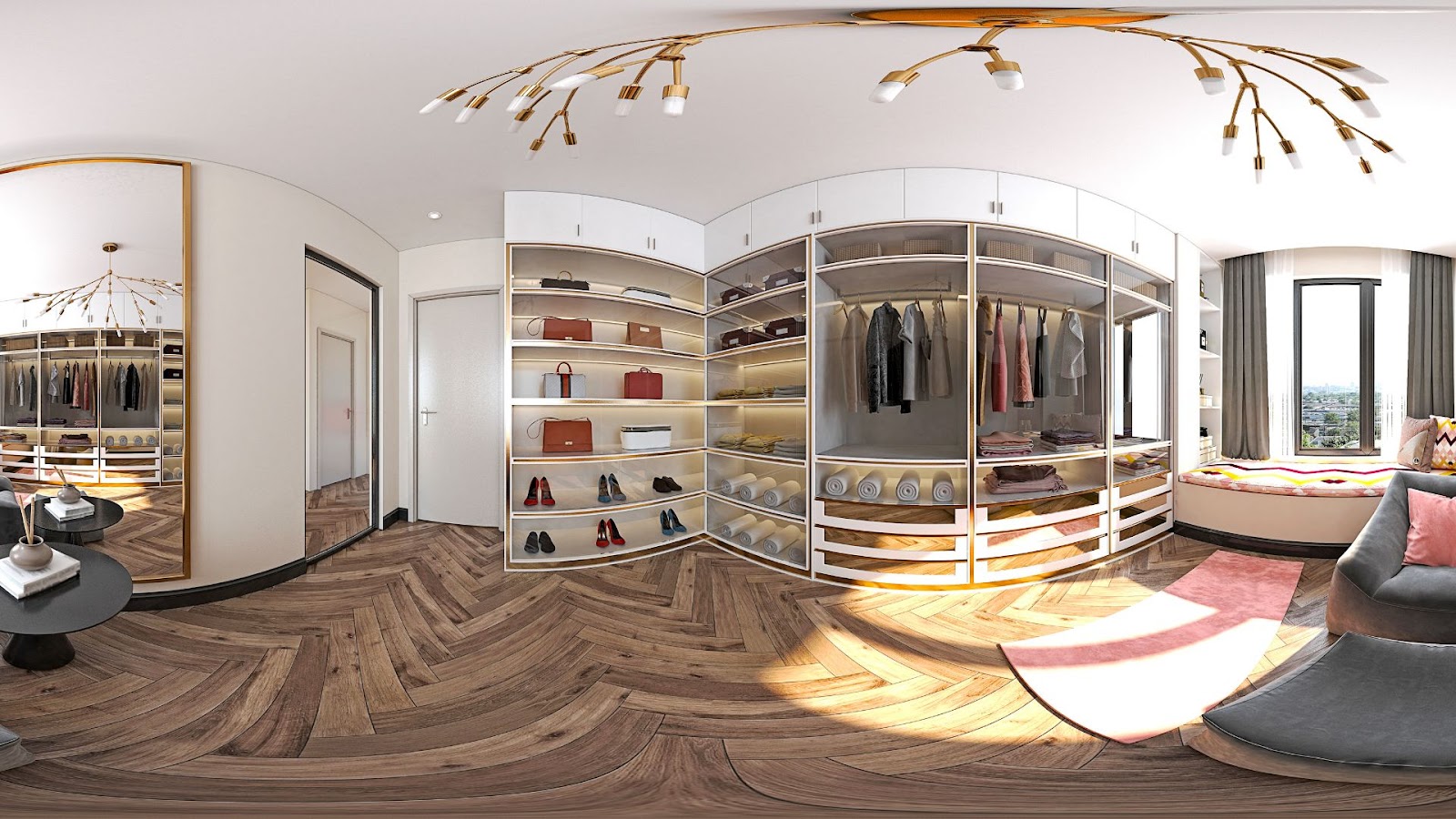
Understanding 360 Furniture Photo
Furniture 360 view involves capturing multiple images of a piece of furniture from all sides and stitching them together. As a result, online customers can rotate and view the product from every angle, creating a showroom-like experience. With 360-degree furniture photography, the design, texture, stitching, and fine details of the furniture are clearly visible. This modern technology builds customer trust, makes purchasing decisions easier, and reduces return rates caused by unmet expectations. It is a powerful e-commerce furniture photography solution for items such as sofas, chairs, and tables.
360 Furniture Photography Kit & Equipment
Essential Equipment
A heavy-duty motorized turntable is the core of the entire system. Furniture pieces can be heavy, so the turntable must be strong, stable, and capable of rotating smoothly without shaking. It turns the product at fixed angles, allowing consistent photos from every direction. This consistency is what makes the final 360-degree rotation look fluid and professional.
The camera is responsible for capturing all visual details, such as texture, color, and material quality. DSLR or mirrorless cameras are commonly used because they offer high image quality and full manual control. Once the camera settings are locked, every image remains uniform throughout the shoot.
A sturdy tripod or camera mount keeps the camera completely still during the entire rotation process. Even a small movement can ruin alignment and affect the final furniture 360 view. A strong, stable mount ensures that every frame is captured from the exact same angle.
Continuous LED lighting is preferred for furniture photography because it provides even and consistent illumination. Unlike flash, continuous lighting allows you to see shadows and reflections in real time. Soft lighting helps reduce harsh shadows and highlights, making furniture surfaces look more natural and appealing.
A computer or workstation is used to control the shooting process and handle image processing. It connects to the camera and turntable, runs automation software, and stores large image files. A system with sufficient processing power helps maintain a fast and smooth workflow.
The background should be clean and distraction-free so the furniture remains the main focus. White or neutral backgrounds are commonly used because they work well for e-commerce and maintain brand consistency across product listings.
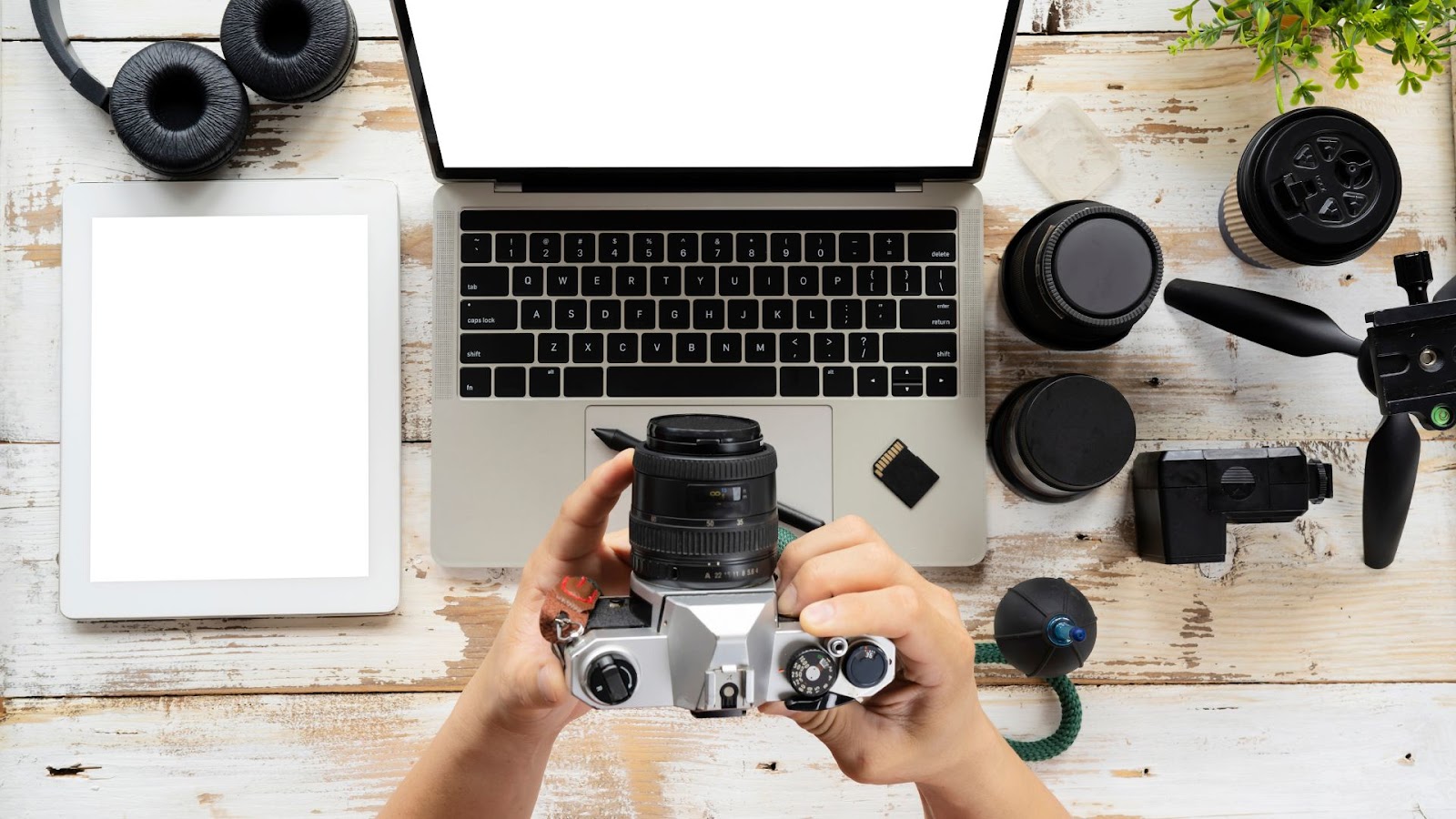
Camera Settings for Furniture 360 View
Aperture should be chosen based on the size and depth of the 360 furniture view. For most furniture pieces, an aperture between f/8 and f/11 works well. This range provides enough depth of field to keep the entire product sharp while maintaining good image clarity and detail.
Shutter speed should be adjusted to match your lighting setup. Because continuous LED lights are commonly used, slower shutter speeds are usually acceptable. Since the camera remains completely still on a tripod, motion blur is not an issue. The key is to find a shutter speed that produces correct exposure without introducing noise.
ISO should be kept as low as possible, typically ISO 100 or 200. A low ISO setting reduces digital noise and preserves fine details, which is especially important for showing textures like wood grain, fabric, or leather.
White balance must be set manually rather than using auto white balance. This prevents color shifts between frames and ensures accurate color representation. Setting white balance according to your lighting source keeps the furniture color consistent throughout the entire rotation.
Focus should also be set manually. Once focus is locked on the product, it should not be adjusted again during the shoot. This ensures every frame remains sharp and perfectly aligned.
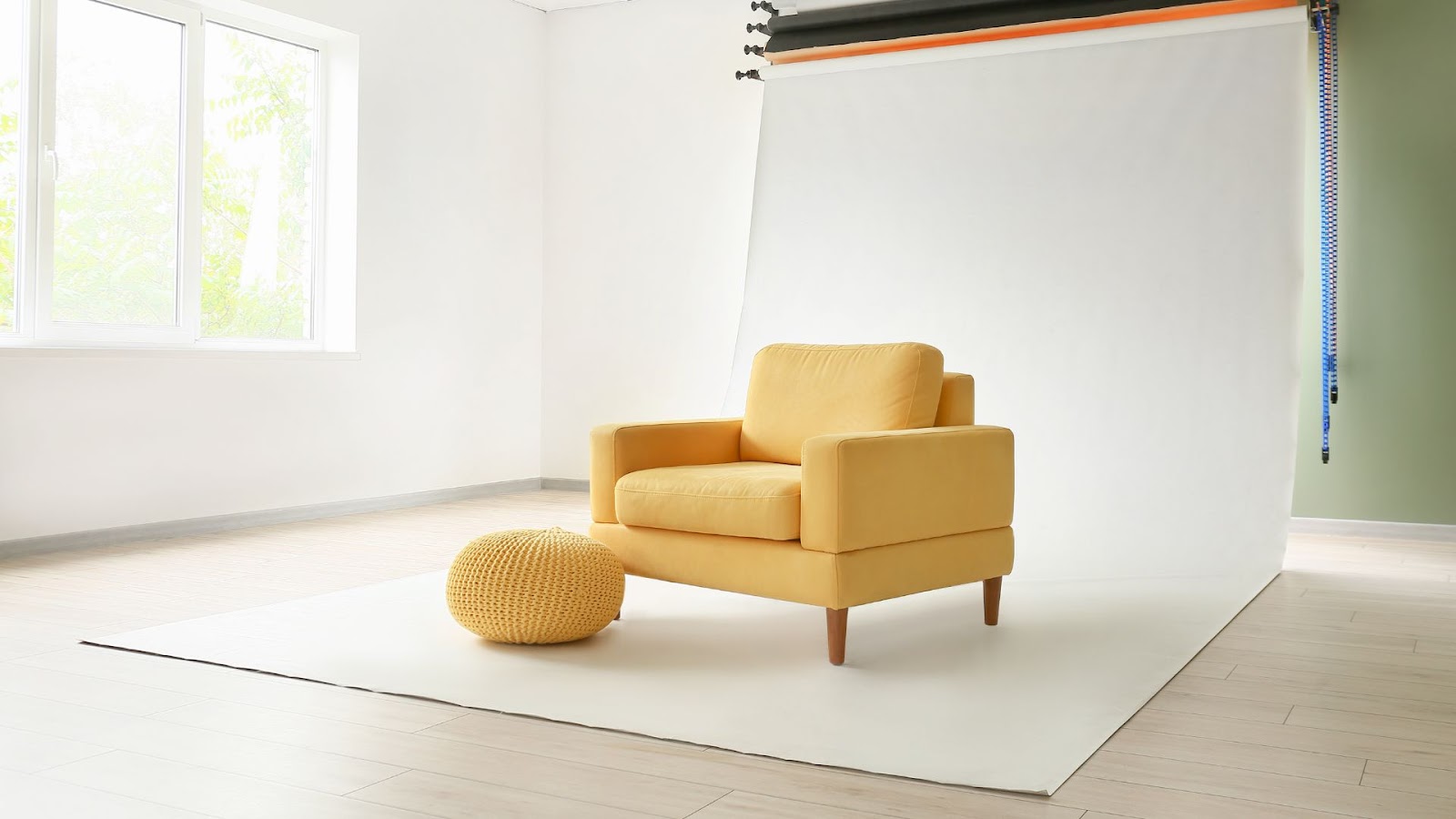
Shooting Process for 360 Furniture Photography
Once your studio, camera, and lighting are ready, the shooting process itself becomes straightforward. A consistent and careful approach at this stage ensures clean images and a smooth 360-degree rotation in the final result.
Prepare the Furniture
Before placing the furniture on the turntable, it should be thoroughly prepared. Dust, fingerprints, tags, or protective covers must be removed, as even small imperfections become noticeable when the product is viewed from every angle. Cushions should be aligned properly, doors or drawers closed neatly, and all parts positioned exactly as you want them to appear in the final images.
Position the Furniture
The furniture should be placed at the center of the motorized turntable and balanced correctly. Proper positioning prevents wobbling during rotation and keeps the product aligned in every frame. The camera height and distance should be adjusted so the furniture stays centered and fills the frame consistently throughout the rotation.
Light the Scene
Lighting should already be set before shooting begins, but this is the stage to fine-tune it. The goal is even illumination across the entire product, with minimal shadows and no harsh highlights. Soft, continuous LED lighting helps maintain consistent exposure as the furniture rotates, ensuring every image matches the next.
Capture the Images
Once everything is set, the capture process can begin. Using automation or remote triggering, the turntable rotates step by step while the camera captures an image at each angle. During the shoot, it’s important not to touch the camera, lights, or furniture. Monitoring images on the computer as they are captured helps catch any issues early and avoids reshoots.
Software for 360 Degree Furniture Photography
Automation and capture software connect the camera and turntable into a single system. It automatically triggers the camera as the turntable rotates, ensuring perfect timing and reducing manual effort. This software improves accuracy and speeds up production, especially when photographing multiple products.
360-view creation or stitching software takes all captured images and combines them into a smooth, interactive rotation. It aligns the images in sequence and generates a viewer that allows users to rotate the product on a website or online store.
Photo editing software is used to refine the images before final output. This includes adjusting colors, cleaning backgrounds, fixing lighting inconsistencies, and removing small imperfections. Batch editing features are especially helpful when working with many images per product.
A remote trigger, while optional, is highly recommended. It allows the camera to take photos without physical contact, reducing vibrations and ensuring sharper images. In automated setups, it adds another layer of precision and reliability.
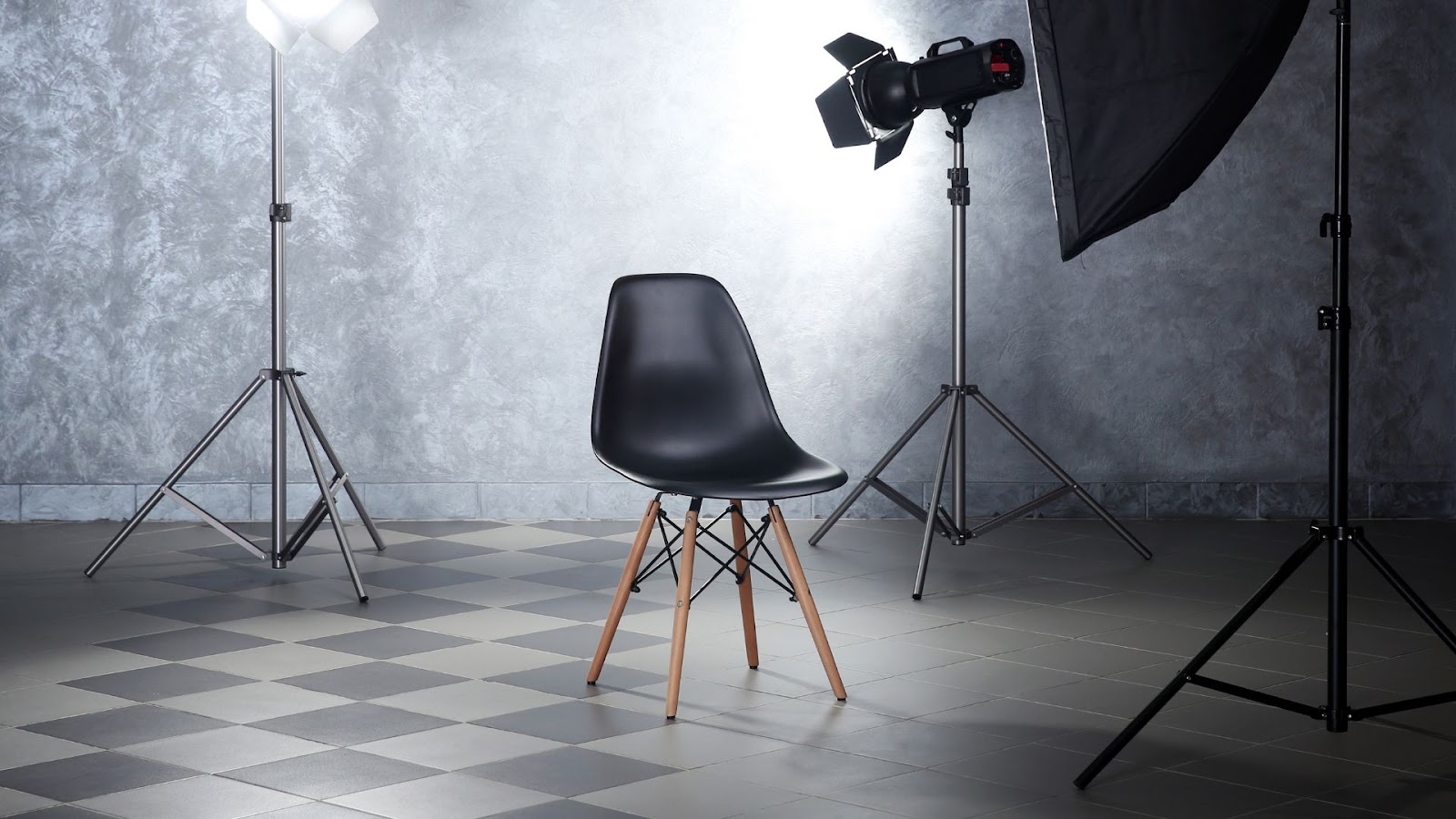
Capturing Perfect Shots for 360 Furniture Photography
Capturing perfect shots is the most critical part of creating high-quality 360-degree furniture photography. Since every image becomes part of a rotating sequence, each shot must be consistent in lighting, focus, and framing. Even small mistakes can become noticeable once the product starts spinning.
The process begins with absolute consistency. Camera settings should remain locked in manual mode throughout the entire shoot. Exposure, white balance, and focus must not change from one frame to the next. This ensures a smooth and professional rotation without flickering or color shifts.
Framing and alignment are equally important. The furniture should stay centered in the frame during every rotation step. If the product shifts even slightly, the final furniture 360 view can appear shaky or uneven. Using a level turntable and a fixed camera position helps maintain perfect alignment.
Lighting plays a major role in image quality. The goal is to create soft, even light that wraps around the furniture without creating harsh shadows or bright reflections. As the product rotates, lighting must remain consistent so that no side appears darker or brighter than the others.
Timing and rotation accuracy also matter. The turntable should rotate in equal increments, capturing the same number of images for each product. This creates a smooth, natural spinning motion when the images are stitched together. Automated capture systems help achieve precise timing and reduce human error.
Image sharpness should be checked regularly during the shoot. Reviewing images on a connected computer allows you to zoom in and confirm that details like textures, edges, and materials are clear. Catching issues early prevents costly reshoots later.
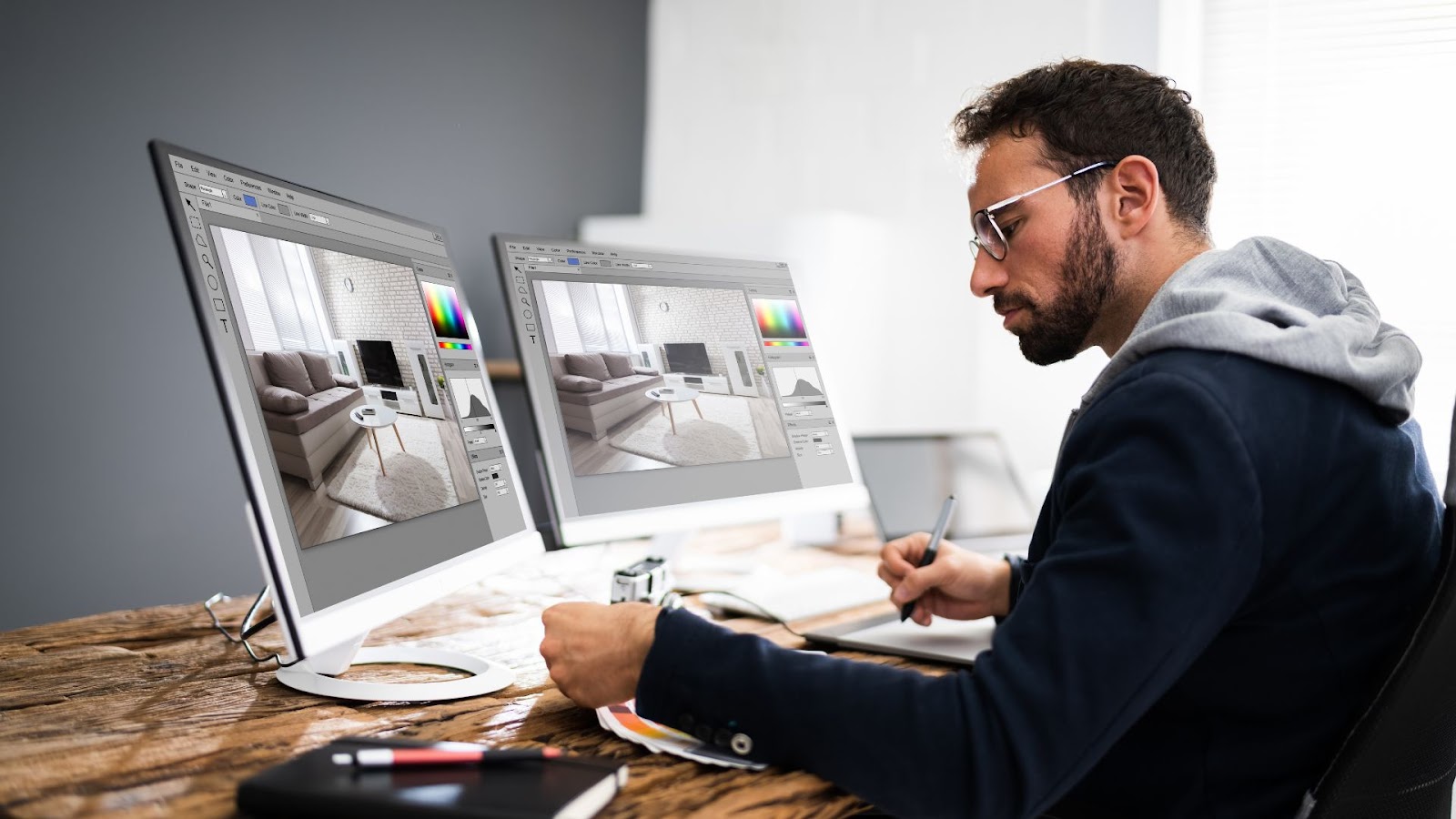
Optimizing 360 Furniture Photo for E-Commerce
Creating a furniture 360 view is only part of the job. To truly benefit from it, the images must be optimized for e-commerce platforms. Proper optimization ensures fast loading times, smooth interaction, and a seamless shopping experience that helps customers feel confident about their purchase.
The first step is image consistency and quality. All frames in the 360 sequence should have uniform lighting, color balance, and sharpness. Any flicker, color shift, or misalignment can distract customers and reduce the perceived quality of the product. Furniture editing enhances visual appeal, making products look more polished, credible, and trustworthy to buyers.
Image size and file optimization are critical for online performance. High-resolution images should be optimized without sacrificing visual quality. Large file sizes can slow down page loading, which negatively affects user experience and conversion rates. Proper compression ensures smooth rotation while keeping loading times low.
Background cleanliness plays an important role in eCommerce presentation. Neutral or white backgrounds keep the focus on the furniture and match most online store layouts. A consistent background across all products also strengthens brand identity and creates a more polished catalog.
User interaction should feel smooth and intuitive. The 360 viewer must respond quickly to mouse or touch input, allowing customers to rotate the product easily. Smooth rotation creates a more realistic viewing experience, helping users better understand the size, shape, and design of the furniture.
It’s also important to ensure cross-device compatibility. Customers may view products on desktops, tablets, or mobile phones. Optimized furniture 360 view should perform equally well across all devices, maintaining quality and responsiveness without excessive loading times.
Finally, integrating 360-degree views strategically within product pages can increase engagement. When combined with standard product images, zoom features, and detailed descriptions, 360 photography adds depth and confidence to the buying decision.
Conclusion
Professional 360-degree furniture photography is a powerful way to build customer trust and increase sales. It highlights every fine detail of the furniture and showcases the quality of craftsmanship. By using the right equipment, consistent camera settings, a careful shooting process, and proper optimization for online platforms, you can create high-quality 360-degree visuals. Investing time and effort in this process not only enhances your brand’s professionalism but also improves customer satisfaction and reduces return rates in the long run.