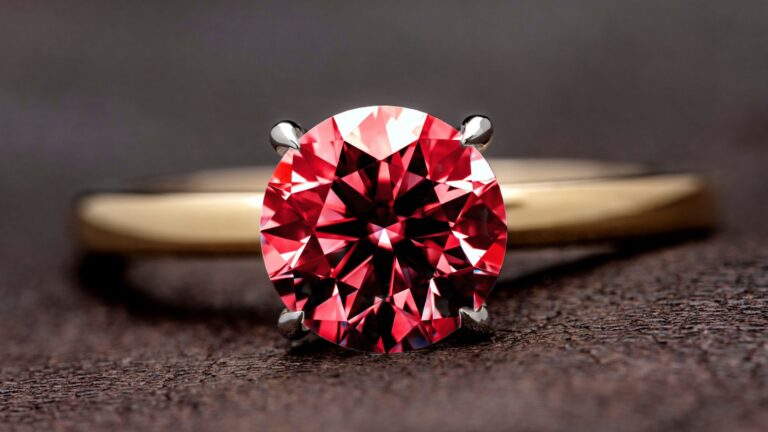
Only professional jewelry image retouching can reveal the true beauty and unique features of pieces like rings, necklaces, and other jewelry products. A retouched jewelry image not only enhances the product’s appearance but also builds customer trust. Jewelry photo editing highlights details like gemstone sparkle, metal shine, and intricate designs. So, you can use professionally retouched images on any e-commerce platform, which can help attract more customers and increase sales.
Why Editing Jewelry Photos Matters
Jewelry photo capturing is more difficult than clothing or shoes because it has complicated designs, reflective surfaces, and delicate materials. Even high-quality cameras cannot capture perfect jewelry photos without editing. High-end jewelry retouching ensures the color, reflection, clarity, and overall presentation. Only retouching jewelry can reveal the true beauty and brilliance of jewels, gemstones, and metals. Professional jewelry retouching ensures the image looks clean and is free from distractions like dust or scratches. If you want to make your jewelry business trustworthy and attractive on an e-commerce platform, you should use professionally retouched images.
How Do You Clean Up Jewelry Image?
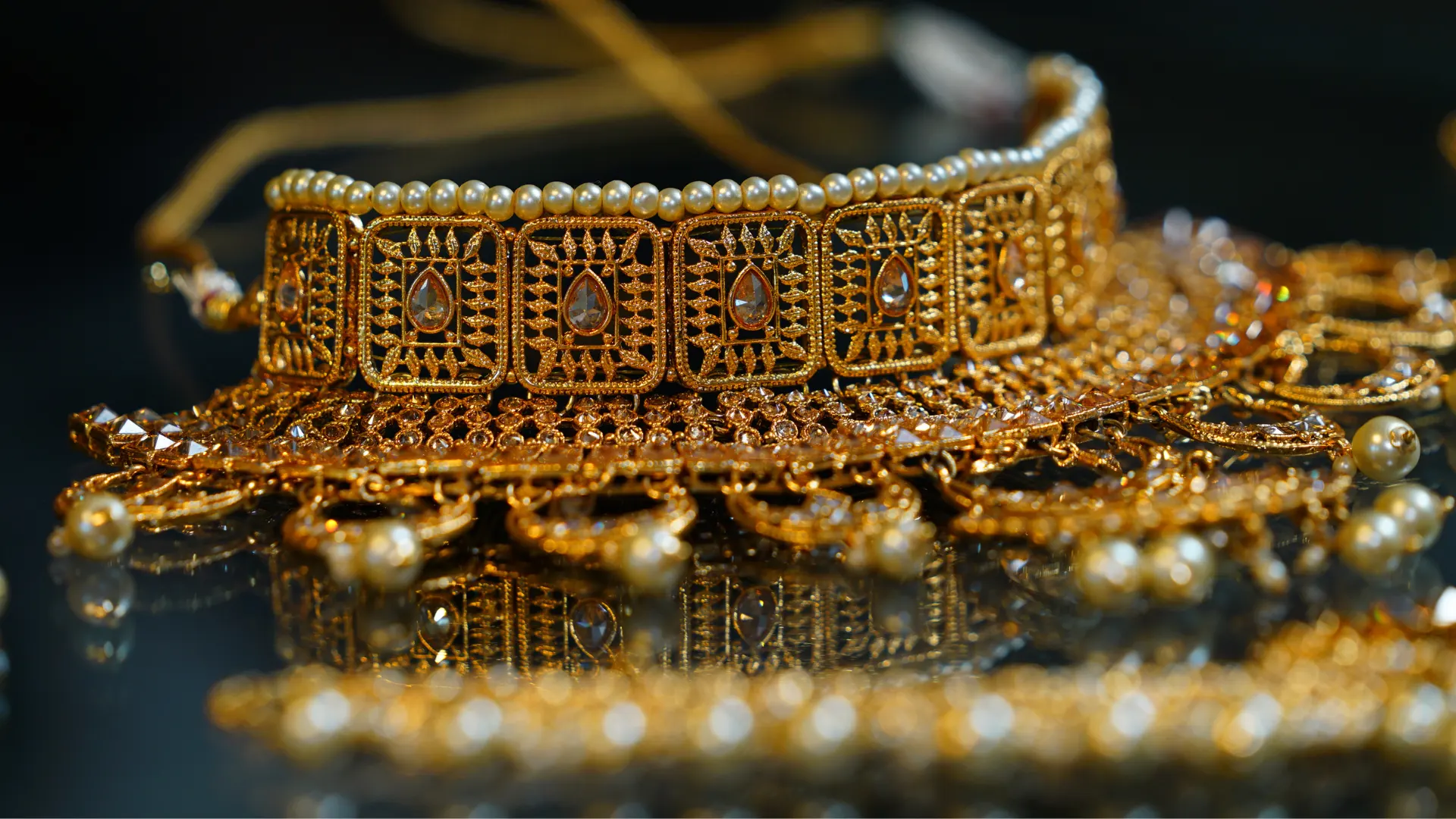
Cleaning and perfecting jewelry images is essential for presenting your products in a professional and trustworthy way. Even small issues like dust, scratches, reflections, or inaccurate colors can make high-end jewelry appear cheap or unappealing. Jewelry photo editing focuses on making each piece look flawless while staying true to its real-life appearance. Clean and perfect jewelry images are the first step in making your products look professional and attractive.
Dust and Scratch Removal
The most important step is to remove tiny imperfections that can distract viewers. Even the most carefully captured jewelry photos can still show small dust particles, fingerprints, or minor scratches. Retouchers carefully clean these imperfections using tools like the Spot Healing Brush or Clone Stamp in Photoshop.
Correct Jewelry Exposure and White Balance
Correcting exposure and white balance means adjusting a photo’s brightness, contrast, and colors so the jewelry looks natural and attractive. Brightness and contrast help metals and gemstones catch the light and sparkle. Even professional cameras take photos that are too bright, too dark, or have a color tint from the lighting. Adjusting the white balance fixes these color issues so gold, silver, diamonds, and gemstones look the way they do in real life. You can adjust exposure by increasing or decreasing brightness and contrast in photo-editing software like Photoshop or Lightroom.
Sharpen and Detail Enhancement
Sharpening brings out the fine details of jewelry, such as gemstone facets, metal edges, and engravings. It’s important to apply sharpening only to the jewelry itself and avoid over-sharpening. Reviewing the image at full size ensures that details remain crisp and clear, especially when customers zoom in to inspect the piece closely. Sharpening techniques allow editors to highlight cuts, facets, and engravings so that every element stands out.
Colors Adjustment
Accurate colors are one of the most important aspects of jewelry photography. Only proper color correction can bring out the true beauty of gemstones, metals, and other materials. Jewelry typically features metals like gold, silver, platinum, or rose gold, each with its own tone, and gemstones such as diamonds, rubies, sapphires, emeralds, or pearls. Gold should maintain its warm glow, silver should appear clean and polished, and diamonds should sparkle with clarity. Jewelry photo editors adjust hue, saturation, and vibrance in software like Photoshop or Lightroom.
How Do You Add Realistic Depth and Shine?
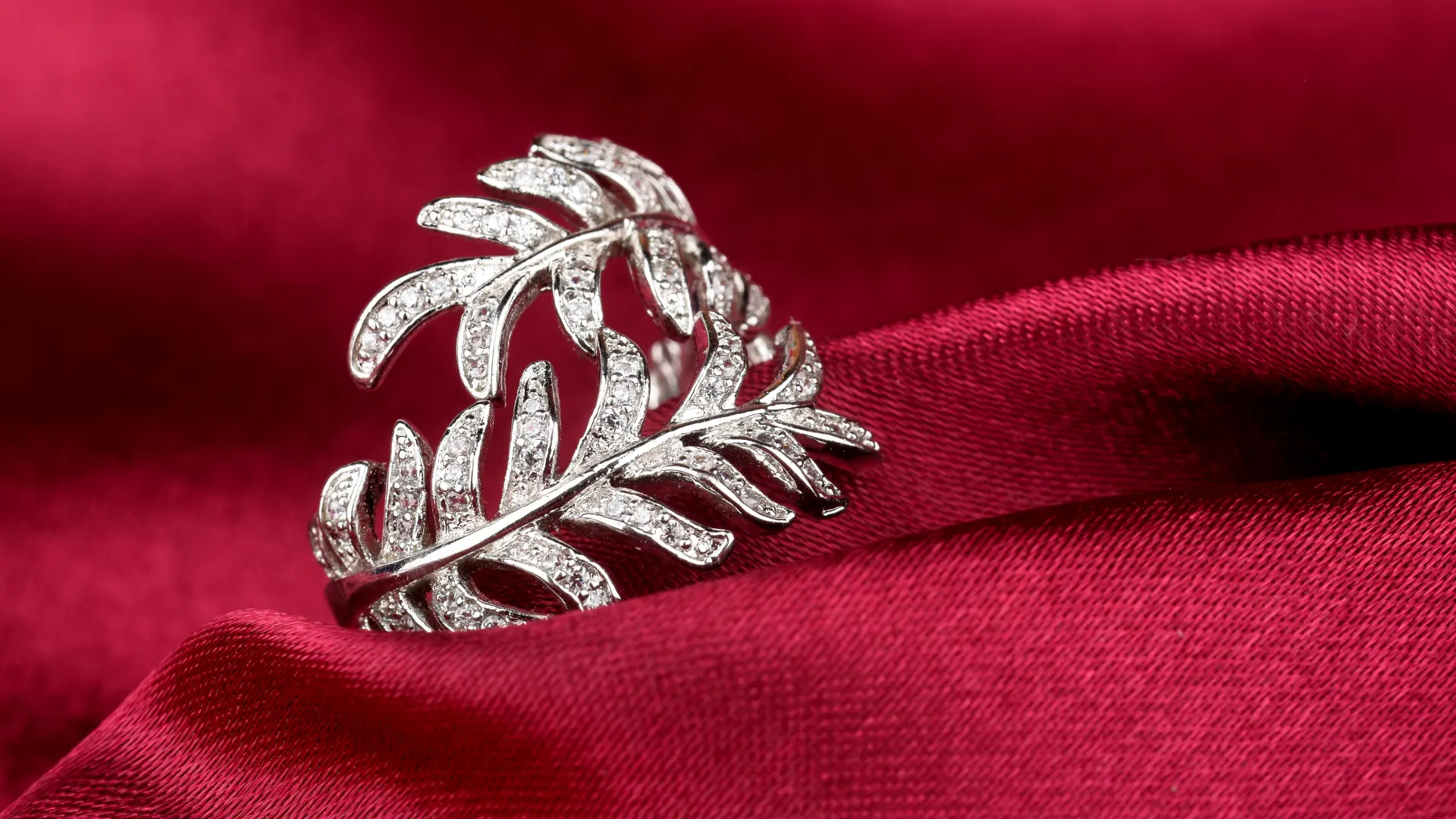
Adding realistic depth and shine means creating a three-dimensional look for jewelry in photos. This includes enhancing shadows, reflections, highlights, and the natural sparkle of metals and gemstones. Flat images can make even beautiful jewelry look dull or lifeless. A three-dimensional look can make the jewelry product lifelike and visually appealing. Jewelry brands, e-commerce stores, photographers, and marketing teams all benefit from adding depth and shine.
Add Shadows and Depth
Adding shadows and depth makes jewelry photos look more realistic and visually appealing. Flat images can make even beautiful pieces appear dull, while subtle shadows create a sense of dimension and weight. For example, a soft shadow beneath a ring or pendant can make it feel grounded, and gentle reflections can add a luxurious touch to necklaces or earrings. Shadows and depth help highlight the jewelry’s shape, contours, and sparkle, making it easier for customers to see the craftsmanship.
Enhance Sparkle and Brilliance
Jewelry is all about shine and sparkle, and enhancing these qualities makes the pieces more attractive in photos. Gemstones, diamonds, and polished metals catch light in unique ways, and cameras cannot capture the true beauty. This should be done carefully to keep the jewelry looking realistic, not overexposed or artificial. Metals are a key part of jewelry, including gold, silver, platinum, and rose gold. Proper jewelry photo editing ensures metals maintain their true color, shine, and texture, highlighting their quality.
How to Create the Right Background
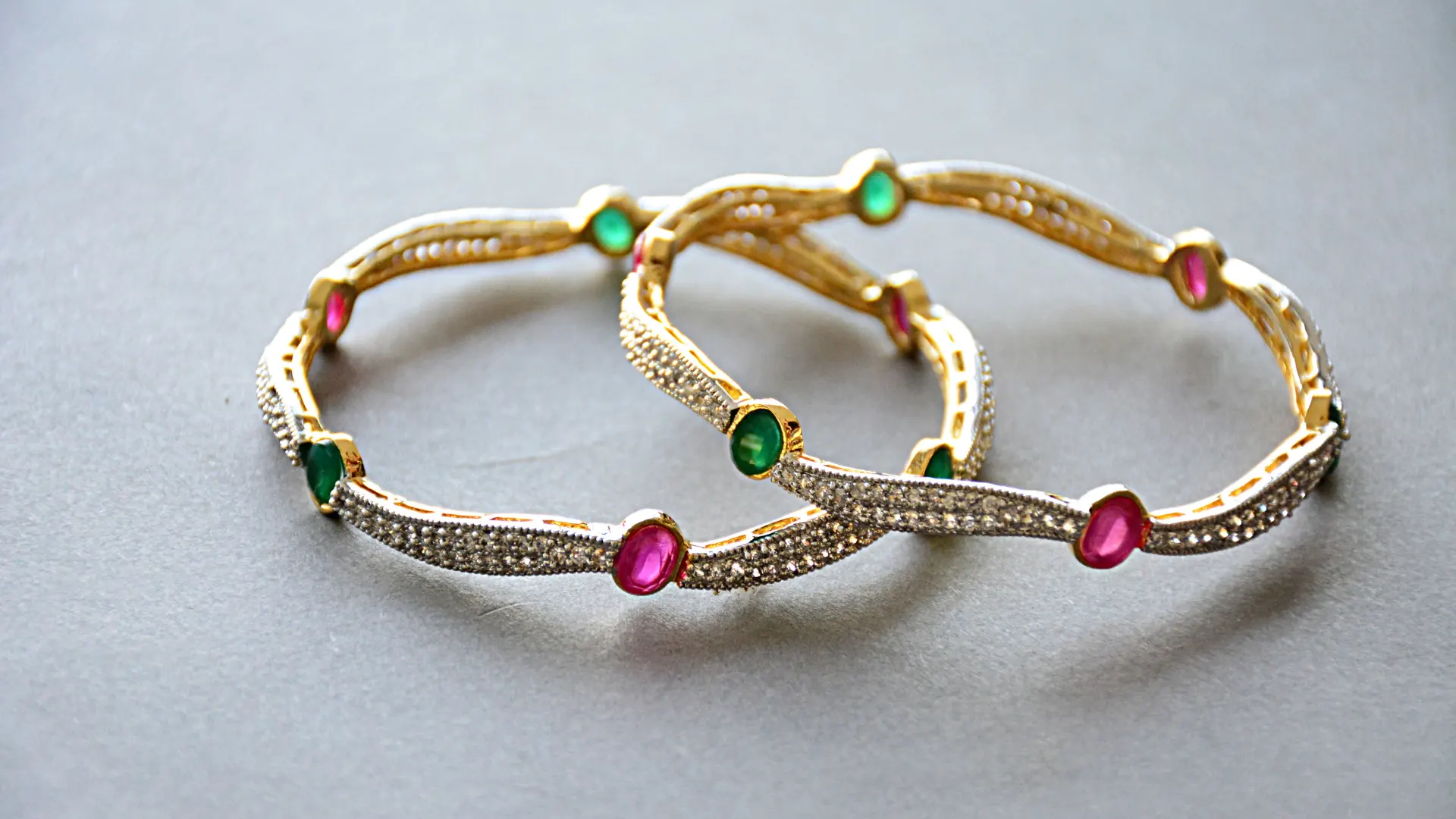
Another important step in jewelry photo editing is adjusting the background of the image. A clean and suitable background ensures that the focus remains on the jewelry. Clean white backgrounds are often preferred for e-commerce platforms because they keep the focus entirely on the jewelry. The appropriate background ensures your jewelry stands out, looks attractive, and appeals to potential buyers.
Clean and Retouch
Cleaning and retouching the background is an important step in jewelry photo editing. Even a simple white or neutral background can have dust, wrinkles, shadows, or uneven lighting that distracts from the jewelry. Many raw photos are either too dark or too bright or have uneven tones caused by lighting conditions. Even the most carefully handled jewelry collects imperfections that become visible under the camera lens. Dust, fingerprints, and tiny scratches can make an otherwise beautiful piece look flawed. Jewelry retouching service can make a jewelry piece look flawless, polished, and true to its real-life beauty.
Choose the Right Background
Choosing the right background is essential in jewelry photography because it helps highlight the product. Choosing the right background depends on the platform and the brand’s overall presentation style. Different backgrounds serve different purposes. White or neutral backgrounds are ideal for e-commerce platforms because they create a consistent and professional look. Dark or colored backgrounds can add a dramatic or luxurious feel to marketing or social media images. Lifestyle backgrounds, such as showing jewelry on a model’s hand or neck, help customers visualize.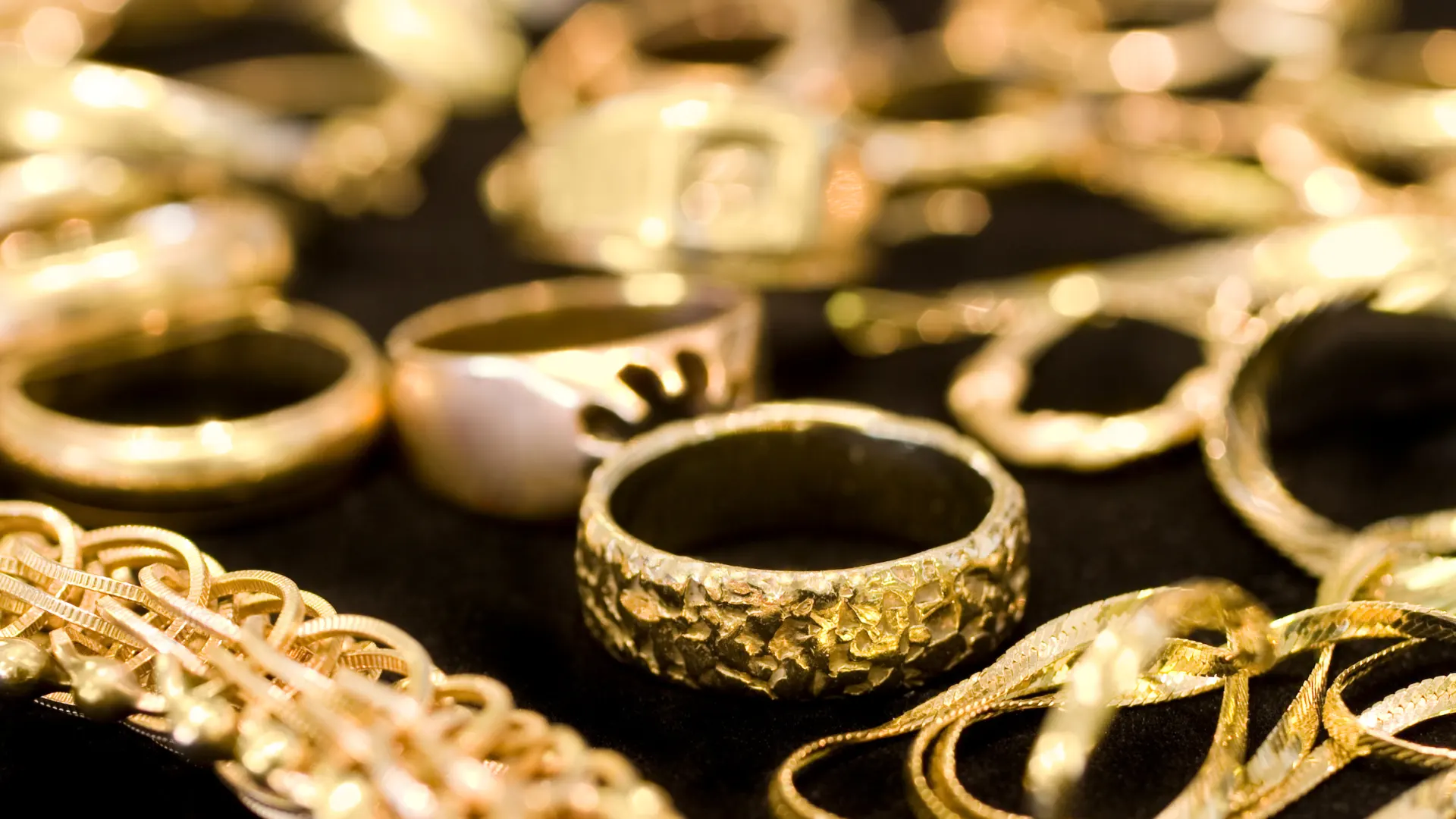
What’s the Biggest Mistake to Avoid?
One of the biggest mistakes in jewelry photography is failing to edit the images properly or relying solely on raw photos. Over-editing colors can make gemstones and metals look unnatural and may mislead customers. Ignoring reflections and glare can cause shiny jewelry surfaces to show unwanted objects or light spots, which distract from the jewelry product. Excessive sharpening can make the jewelry appear harsh and unrealistic, reducing its visual appeal. Unrealistic color enhancements can distort the true appearance of metals and gemstones, making the piece look different from real life and lowering customer trust.
Conclusion
Jewelry photo editing is more than just making images look attractive; it’s about presenting each piece with accuracy, elegance, and professionalism. The retouching process includes removing dust and scratches, correcting colors, enhancing sparkle, adding depth, and choosing the right background. Professional editing transforms ordinary jewelry into powerful selling products, helping jewelry brands showcase their products with confidence and elegance. Professionally edited photos build trust with customers, highlight the true beauty of metals and gemstones, and make your products stand out on e-commerce platforms.
FAQs
What software is best for editing jewelry photos?
Adobe Photoshop and Lightroom are the top choices, but GIMP and Affinity Photo are great alternatives.
How can I make gemstones look more vibrant in photos?
Enhance the color saturation and use selective color adjustments to make gemstones pop without altering the rest of the image.
What are the common mistakes to avoid in jewelry photo editing?
Avoid over-sharpening, over-saturating colors, and using inconsistent lighting. Always aim for a natural, polished look.
How can I achieve a professional look in my jewelry photos?
Focus on clean, detailed shots with balanced lighting. Use advanced techniques like focus stacking and HDR to capture all details.
Is it necessary to use a high-end camera for jewelry photography?
While a high-end camera helps, good lighting, proper settings, and excellent editing can achieve professional results even with a mid-range camera.