Jewelry Retouching Guide for USA Online Market
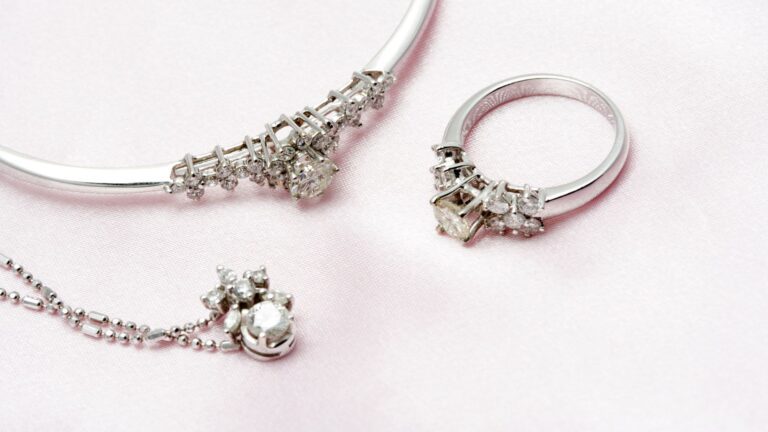
Professional jewelry retouching ensures that every piece shines, highlights intricate details, and appears polished and realistic. In today’s competitive USA online market, high-quality jewelry photography is essential for attracting buyers and boosting sales. This jewelry retouching guide walks you through the complete process, from preparation and lighting to advanced editing techniques.
Preparing Jewelry for Photography
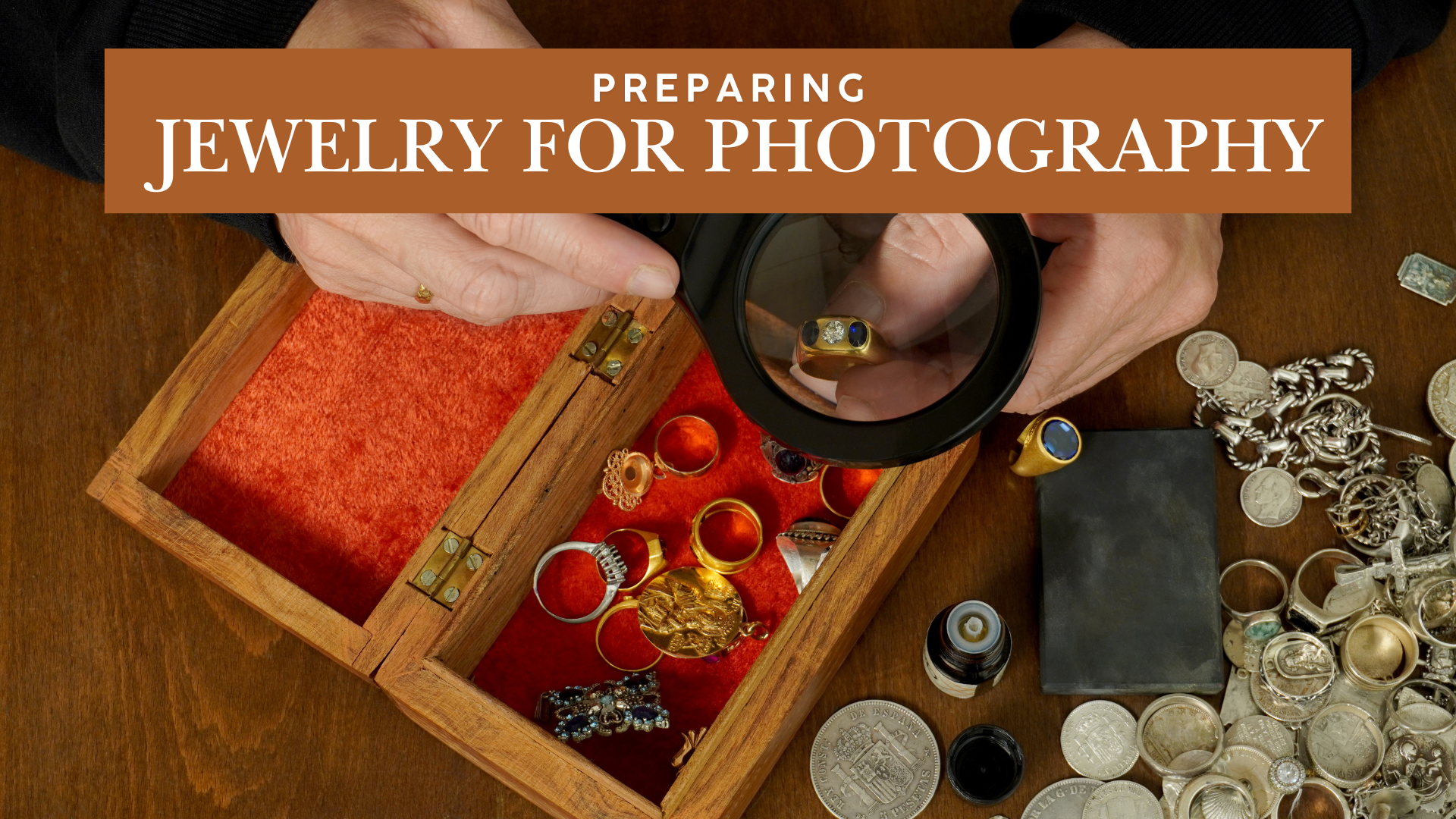
Jewelry photographers need to prepare jewelry products to capture high-quality, professional images. Well-prepared parts cut down on editing time and make sure your pictures show off the jewelry’s real beauty. Cleaning, organizing, and positioning each piece meticulously brings out every detail and makes it shine. Proper preparation also makes sure that all of your shots look the same, which gives your product photos a polished and professional aspect.
Cleaning and Polishing
In the jewelry photo retouching process, you need to clean each jewelry piece completely to get rid of dust, fingerprints, and smudges. Polishing metals and diamonds will make them shine and sparkle more. Jewelry retouching can handle small stones and complex designs with special care to preserve their sparkle and delicate details. Cleaning and polishing are essential to edit jewelry photos for every e-commerce platform.
Arranging and Positioning
Place each jewelry piece carefully to highlight its best angles and features. It is important to position the rings, necklaces, or bracelets in the right way. Use props or holders in a way that does not detract from the object they are supporting. Careful arrangement and exact placement assist in making pictures that seem appealing and showcase the jewelry’s beauty and excellent craftsmanship.
Choosing the Right Background
Choose a clean, neutral background like white, black, or gray so that the jewelry stands out. Adding subtle textures like marble, velvet, or wood can make an item look more elegant without taking away from it. Make sure the background matches the color and design of the jewelry so that it looks better while still being professional and polished. Jewellery photo editing in Photoshop can add all kinds of backgrounds, like white, transparent, colored, and other backgrounds.
Lighting Preparation
Use soft, balanced lighting for jewelry photo editing to reduce sharp shadows and reflections. Put lights in the right places to bring out the shine, texture, and intricacies of metals and stones. Use light tents, softboxes, or reflectors to make sure that all sides are lit evenly. Jewelry image retouching enhances each piece, making it sparkle and ensuring the images look polished, professional, and visually captivating.
Essential Tools for Retouching
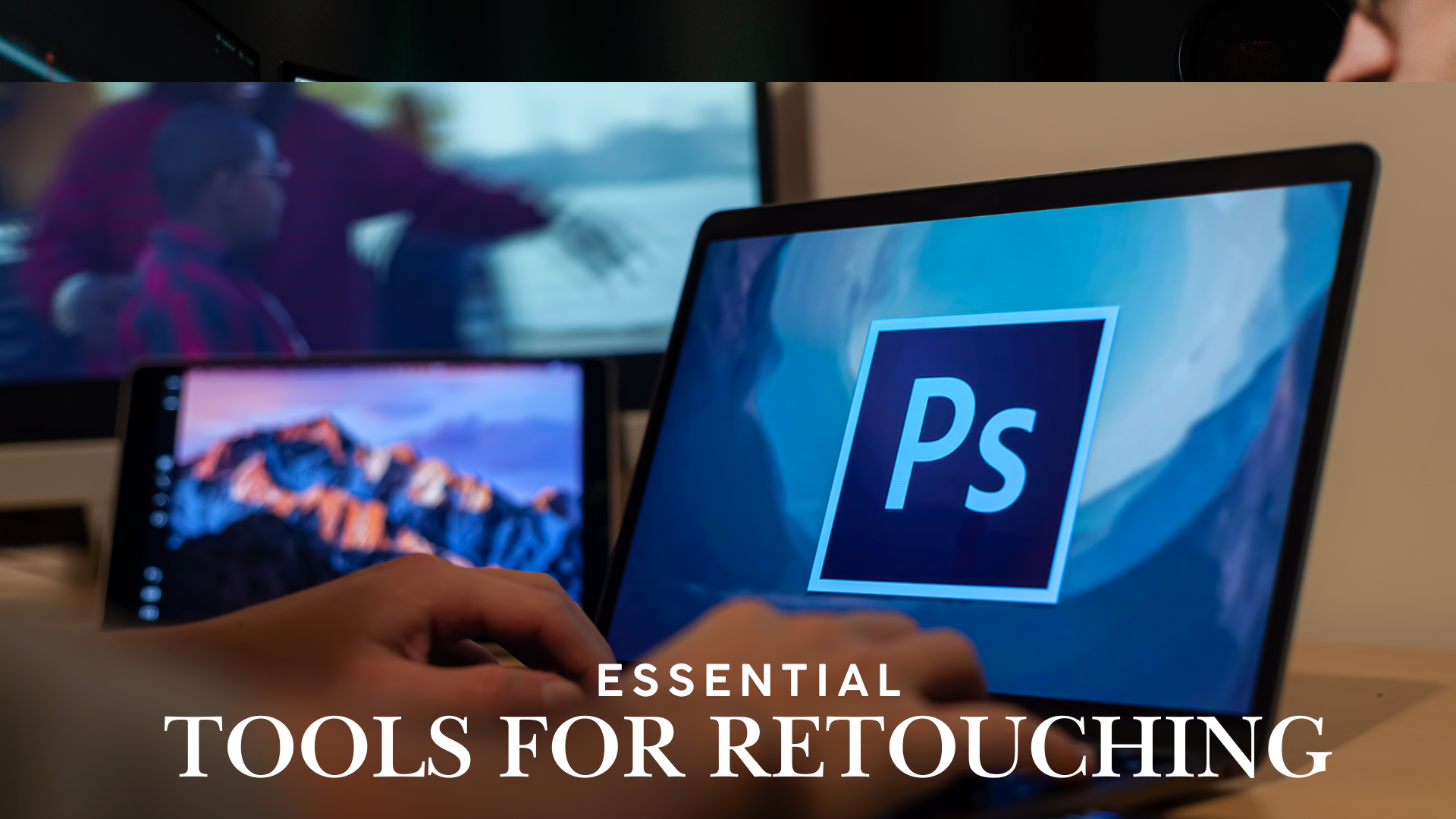
Using the right tools is important for taking professional-looking jewelry shots. The tools below are great for fixing colors, adding details, and getting rid of flaws. They help editors show off the brilliance of metals, the dazzle of jewels, and the meticulous work that went into each piece. Using the right tools also saves time, ensures that all of your images look the same, and helps keep a natural, realistic look. You can turn raw jewelry photos into high-quality pictures that draw in shoppers and improve your brand’s image by learning how to use these tools.
Photo Editing Software
Photo editing software is the basis of jewelry retouching, which lets you fine-tune every aspect with accuracy. Adobe Photoshop is the most common choice for more complex adjustments like background removal, color correction, and fine retouching. Adobe Lightroom works great for changing the exposure, contrast, and tones, especially when you have to edit a lot of photographs at once. Choosing the right software helps you always get results that are consistent and seem like they were done by an expert.
Adobe Photoshop
Adobe Photoshop is the highest standard in the industry for accurate jewelry retouching. It has strong tools for fixing flaws, changing colors, making things shine more, and fine-tuning every little thing. You can alter only certain parts of an image without changing the whole thing by using layers, masks, and advanced selection tools. Photoshop also makes it easy to replace backgrounds, control reflections, and highlight textures, helping each piece look flawless and professional. Photoshop also makes it easy to change backdrops, adjust reflections, and bring out textures, which makes each item look perfect and professional.
Adobe Lightroom
Adobe Lightroom is great for quickly and easily making changes to jewelry photos all over the world. You can adjust the exposure, contrast, and white balance to bring out the jewelry’s natural shine and colors. Its batch editing capability is great for keeping the look of several product photos the same. Lightroom also has strong capabilities for correcting colors and changing tones, which makes it perfect for making the overall look better while keeping the jewelry looking natural and professional.
Retouching Tools
Retouching tools help refine jewelry photos by removing imperfections and enhancing fine details. The Healing Brush tool is excellent for cleaning up dust, scratches, and small blemishes without disturbing the surrounding areas. The Clone Stamp tool lets you copy clean areas and use them to fix imperfections or reflections. For quick touch-ups, the Spot Removal tool works perfectly to eliminate minor distractions. If you use these tools correctly, your jewelry will appear perfect while keeping its natural sheen and texture.
Healing Brush
The Healing Brush is a key tool in jewelry photo retouching for removing imperfections like dust, scratches, or small blemishes. It makes the corrected area blend in perfectly with the rest of the texture, so the jewelry still looks natural. This tool is especially useful for delicate metals and gemstones, ensuring that corrections are invisible while maintaining the piece’s authentic shine and detail.
Clone Stamp
The Clone Stamp tool allows you to copy pixels from one area of an image and apply them to another. In jewelry photo editing, it is used to cover imperfections, remove distractions, or fix reflections without affecting the overall texture. This tool gives accurate control, helping maintain a flawless, professional look while preserving the jewelry’s natural details and shine.
Spot Removal Tool
The Spot Removal tool is great for removing minor imperfections rapidly, such as dust or small scratches on jewelry. It blends the selected area with nearby pixels to keep the look natural. This tool makes it easy to get clean, polished pictures that make the jewelry look perfect and professional.
Selection and Masking Tools
Selection and masking tools help separate specific areas of jewelry photos for precise editing. The Lasso Tool and Quick Selection help you pick out the jewelry or portions of the piece. Layer masks let you make changes to only the area you picked without changing the rest of the picture. The Pen Tool lets you control complicated shapes and edges with great accuracy.
Lasso Tool & Quick Selection
The Lasso Tool and Quick Selection Tool help you easily separate jewelry or specific parts of an image for precise editing. The Lasso Tool allows freehand selection for detailed or irregular shapes, while the Quick Selection Tool automatically detects edges for faster selection. Using these tools ensures that adjustments like color correction, sharpening, or background changes Impact only the selected area, keeping the rest of the image untouched.
Layer Masks
Layer Masks allow you to apply edits to specific parts of an image without affecting the entire photo. You can hide or show parts of a layer by painting on the mask. This makes adjustments or improvements accurate and non-destructive. This is really helpful in jewelry editing for adjusting colors, shadows, or highlights on certain areas while keeping the rest of the piece untouched and natural.
Pen Tool
The Pen Tool provides precise control for selecting and outlining complicated jewelry designs. It helps you to create smooth, accurate paths around complex shapes, making it ideal for detailed edits. Using the Pen Tool, make sure to get clean, professional results while preserving the jewelry’s natural edges and fine details.
Sharpening and Detail Enhancement Tools
Sharpening and detail enhancement tools help bring out the textures, facets, and fine details of jewelry. Tools like Unsharp Mask and High Pass Filter make gemstones sparkle and metal surfaces look clear and defined. Using these techniques carefully enhances clarity without making the image look artificial. Proper sharpening makes your jewelry images look professional, polished, and eye-catching.
Unsharp Mask
The Unsharp Mask is a sharpening tool used to enhance the details of jewelry photos. It increases contrast along edges, making gemstones, patterns, and metal textures stand out more clearly. Used carefully, it sharpens the image while keeping the jewelry looking natural and clean.
High Pass Filter
The High Pass Filter is a sharpening tool used to enhance precise features in jewelry photos. It brings out the edges and textures, making gems, metal surfaces, and design elements stand out. When applied carefully, it increases clarity without making the image look unnatural, ensuring the jewelry appears clean and professional.
Jewelry Photo Retouching Process
Retouching jewelry photos is important to make them look polished, professional, and appealing to potential customers. A structured process ensures every image highlights the sparkle, texture, and craftsmanship of each piece. Here’s a step-by-step approach:
Cropping and Resizing
Cropping and resizing allow the jewelry to stand out and make the pictures look clean and professional. Crop images to remove extra background and center the piece effectively. Resize photos to fit platform requirements, square for e-commerce and vertical for social media while keeping the resolution high. Cropping and resizing your jewelry correctly will make it look clear, well-framed, and nice to look at.
Adjusting Exposure, Contrast, and Color
Adjusting exposure, contrast, and color helps jewelry photos look vibrant and true to life. Correct exposure to avoid overexposed highlights or underexposed shadows. Enhance contrast to make gemstones and metal textures stand out. Fine-tune colors and white balance to match the jewelry’s real appearance, ensuring each piece looks appealing and accurate.
Enhancing Details
Enhancing details brings out the sparkle, texture, and delicate design of jewelry. Use sharpening tools like Unsharp Mask or High Pass Filter to make gemstones, metal surfaces, and delicate features stand out. Careful improvement ensures the jewelry looks sharp, professional, and visually appealing.
Removing Imperfections
Removing imperfections is important to make jewelry photos look flawless and professional. Use tools like Healing Brush, Clone Stamp, and Spot Removal to eliminate dust, scratches, fingerprints, or unwanted reflections. Refining the image carefully keeps the jewelry’s natural texture and shine, resulting in a clean, polished, and attractive final image.
Background Cleaning or Replacement
Cleaning or replacing the background makes the jewelry stand out and look professional. Remove distractions, wrinkles, or uneven surfaces from the original background. If you need to replace it with a clean, neutral backdrop like white, black, or subtle textures that complement the piece. A polished background focuses the focus on the jewelry, making it look better and making sure that all of the pictures have the same quality.
Adding Shadows and Reflections
Adding shadows and reflections gives jewelry photos depth and a realistic, three-dimensional look. Soft shadows help define the shape of the piece, while reflections enhance the shine of metals and gemstones. These enhancements add depth and sophistication, making the jewelry visually striking yet authentic.
Advanced Jewelry Editing Techniques
Advanced jewelry editing takes your images beyond basic retouching, emphasizing precision, detail, and visual appeal. These techniques help highlight the sparkle, texture, and craftsmanship of each piece, creating professional, high-end visuals. Using these techniques makes every part of the jewelry stand out, making the images more attractive and appealing to buyers. Advanced editing consistently gives all your product images a unified and polished appearance.
Focus Stacking
Focus stacking takes several images of the same piece of jewelry at different focus points and merges them into one picture where every part of the jewelry is clear and sharp. It works especially well for intricate designs and gemstones, showing even the smallest details clearly. This method improves clarity and depth, creating sharp, high-quality images that display the jewelry beautifully.
Reflection and Highlight Control
Controlling reflections and highlights is essential for keeping jewelry photos natural and polished. Managing reflections helps avoid unwanted glare on metals and gemstones, while adjusting highlights boosts their shine without making the image too bright. This balance helps reveal the jewelry’s natural beauty and ensures a graceful, elegant look in every photo.
Color Grading and Tone Adjustment
Color grading and tone adjustment play a big role in making jewelry photos look vibrant and realistic. These techniques fix lighting issues, enhance gemstone colors, and reveal the true tones of metals like gold and silver. Adjusting brightness, contrast, and tone helps make the jewelry look attractive and consistent in every image. Accurate color correction ensures each piece shows its true beauty, helping build trust and appeal to buyers.
Depth Enhancement
Depth enhancement adds a three-dimensional feel to jewelry photos, making pieces look more realistic and visually appealing. Adjusting shadows and highlights creates a sense of depth, highlighting the shape and contours of each piece. This technique helps the jewelry stand out from the background, giving the images a clean and professional look.
Removing Distractions
Removing distractions is essential for keeping the focus on the jewelry. Dust, scratches, fingerprints, or unwanted reflections can take attention away from the piece. Using Healing Brush, Clone Stamp, and Spot Removal tools, you can clean up these imperfections while preserving the jewelry’s natural texture and shine. This ensures the final image looks polished, professional, and visually appealing.
Optimizing Images for Online Stores
Optimizing jewelry images is crucial for e-commerce success. High-quality, well-optimized photos improve loading speed, enhance user experience, and increase the likelihood of sales. Here’s how to optimize your images effectively:
Resizing Images for Platform Requirements
Resizing images ensures your jewelry photos fit perfectly on different platforms. Many e-commerce sites need square photographs, but social networking sites may prefer images that are vertical or horizontal. Resize your photos to fit these specifications while keeping high resolution, ensuring the jewelry stays sharp, clear, and attractive on every platform.
Maintaining High Resolution
Maintaining high resolution in jewelry photos is crucial for highlighting fine details and craftsmanship. Maintaining high resolution in jewelry photos is crucial for highlighting fine details and craftsmanship. High-resolution images also keep your photos looking professional online and give buyers a clear idea of the jewelry’s quality.
Choosing the Right File Format
Selecting the right file format ensures your jewelry images look great and load quickly online.
- JPEG: Ideal for web use with smaller file sizes while maintaining good quality.
- PNG: Preserves transparency, useful for layered backgrounds or detailed designs.
- WebP: Provides fast loading and high quality, making it perfect for websites and e-commerce platforms.
Compressing Images for Faster Loading
When you compress photographs of jewelry, the file size goes down without losing quality. This makes your website load faster. Faster-loading pages improve user experience and can boost search engine rankings. Proper compression ensures high-quality images that display quickly and professionally on any device.
Conclusion
High-quality jewelry photography and editing are essential for attracting buyers and building trust in online stores. From careful preparation and lighting to advanced photo retouching and optimization, every step helps make your jewelry look polished, realistic, and visually appealing. Keeping colors natural, maintaining consistency, and presenting images professionally helps build a unified brand image, boost customer trust, and increase sales. By following these best practices, you can present your jewelry at its best and make an excellent impression on potential buyers.