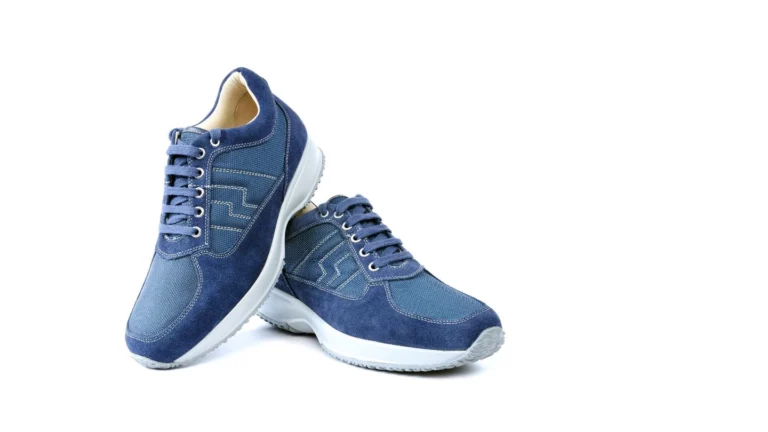
Photo of shoes editing background plays a crucial role in presenting products professionally across various online marketplaces. Each platform, such as Amazon, eBay, Shopify, Google Shopping, Zalando, Instagram, Facebook, and TikTok, has specific requirements for image clarity, background, resolution, and presentation. Proper background editing not only ensures compliance with these platform rules but also enhances product focus. Using professional tools helps maintain consistency, create natural shadows, and ensure accurate color representation.

General Marketplace Requirements
Pure White Background
A white background helps meet the mandatory requirements of many major e-commerce platforms. It removes unnecessary visual distractions, allowing customers to focus easily on the product’s shape and details. A white background makes product images look clean and professional. Using a consistent white background across all product images maintains brand and catalog consistency. White background images load faster and are clearly visible on mobile screens.
Product Focus & Framing
A hybrid strategy is essential to succeed across multiple online marketplaces. The core brand identity remains consistent, but product presentation is adapted to match each platform’s algorithm. The product’s core value proposition, target customers, and quality standards should stay the same on all platforms. A clear product focus makes operations and inventory management easier. Proper product framing helps a brand stand out in competitive markets and strengthens customer trust and confidence.
No Clutter/Text/Props
The product image must be free of watermarks, promotional text, logos, or third-party objects. A clean background directs the customer’s attention directly to the shoe’s color, design, and features. On a neutral background, the shoe’s texture and details are clearly visible, and the image can be scanned quickly. Therefore, most platforms prohibit any text, logos, or props on the main product image.
Natural Appearance
Shoe photo editing should improve the product’s clarity and correct small flaws, such as dust or scratches. The focus should be on keeping the product looking natural and true to life. Avoid excessive edits that can make the item appear fake or unrealistic. Natural appearance ensures the product remains appealing and trustworthy to customers.

Platform-Specific Requirements
Amazon
The main product image should display only the single shoe for sale, without any props, text, logos, or watermarks. The shoe should fill at least 85% of the image frame. The shoe image must display the left shoe at a 3/4 angle, pointing to the left. Images must be professional photos with accurate colors, sharp focus, and proper lighting. Illustrations or drawings are not allowed. Amazon accepts JPEG, PNG, TIFF, or non-animated GIF file formats. The image must be between 1,000 and 10,000 pixels in size and use either sRGB or CMYK color mode. The file name must include the product identifier and use the correct file extension.
eBay
The primary photo should be clean, uncluttered, and ideally on a white or neutral background. Secondary photos can include lifestyle shots or different backgrounds, but the product must remain the main focus. Backgrounds and images must be free of clutter, text, logos, or watermarks in eBay platform.
Shoe images should be at least 500 x 500 pixels, ideally 1600 x 1600 pixels. The image is no larger than 9000 x 9000 pixels, filling 80–90% of the frame. JPEG, PNG, TIFF, GIF, and BMP are the supported file formats in eBay platforms. The maximum file size is 12 MB, and 6–10 photos should be included for shoes to showcase all angles and details.
Shopify
Shopify has no specific shoes editing background rules, but product images should have a clean and consistent background. JPEG is suitable for regular photos, PNG for transparent backgrounds, and WebP is recommended for faster loading. Image size should not exceed 20 MB, with an optimal size of 2048 x 2048 pixels and a minimum of 800 x 800 pixels for zoom functionality. The sRGB color profile should be used, and 72 DPI resolution is recommended. Using large, high-quality images enables the zoom feature to view fine details.
Google Shopping
The primary shoe image should have a pure white or transparent background for Google Shopping. The main image must not include any promotional text, watermarks, logos, borders, multiple products, or unnecessary props. The product should fill 75–90% of the frame. The image must accurately represent the product with a clear, front-facing view, showing only the shoe. Product image size should be at least 250 x 250 pixels, with 1500 x 1500 pixels or larger recommended for zoom functionality. The image must not exceed 16 MB or 64 megapixels, and the recommended formats are JPEG and PNG.
Zalando
The main file must be submitted with a white background for packshot display for Zalando. Images should use the JPEG/JPG format, RGB or sRGB color space, and a vertical frame with a 1:1.44 aspect ratio. The recommended image size is 1801 x 2600 pixels, and the shoe photo file size should not exceed 20 MB. Images must be sharp and high-resolution, with overexposure, dust, or scratches removed. The primary packshot should display the left shoe pointing to the left, centered to cover about 80% of the frame. At least three images are required for regular shoes, while premium/designer shoes require four specific views.
Social Commerce (Instagram, Facebook, TikTok)
Social commerce platforms such as Instagram, Facebook, and TikTok require balances technical quality for shoes editing background. Images should be high-resolution, with a minimum of 1,000 pixels and ideally up to 2048 x 2048 pixels. They should be in JPG or PNG format and use the appropriate aspect ratio, such as square (1:1) for feeds or vertical (4:5) for mobile screens. File sizes should be under 150 KB for faster loading, and the shoe should fill 75–90% of the frame. Multiple angles and detail shots (front, side, back, sole, and details) should be included, and lifestyle images or videos can be used to showcase the product in real-life contexts. Main images must remain clean, without watermarks, text, or distracting elements.
Best Practices for Shoes Editing Background
Maintain Consistency
Maintaining consistency in the shoe background editing is a best practice. It helps build brand identity and trust, enhances the customer experience, and ultimately boosts sales while reducing returns. Uniformity in product images eliminates distractions and helps buyers focus on the product. The key reasons for maintaining consistency are:
- Builds Trust and Professionalism: Cohesive, professional-looking images make the brand appear reliable and detail-oriented.
- Strengthens Brand Identity: Using a specific background or lighting style helps customers recognize the brand and increases loyalty.
- Enhances Customer Experience: Consistent images make it easier to compare products online and provide a smoother, more enjoyable shopping process.
- Focuses Attention on the Product: Clean and uncluttered backgrounds highlight the product’s details, features, and color.
- Increases Sales and Conversion Rates: High-quality, consistent images build customer confidence and make purchasing easier.
- Reduces Product Returns: Accurate and consistent representation of color, texture, and appearance minimizes returns due to unmet expectations.
- Streamlines Workflow and Scalability: Following a style guide makes photography and post-production faster and more efficient, which is essential for large product catalogs.
Natural Shadows
Natural shadows are important in shoes editing background. This shadow enhances realism, adds depth, and creates a professional appearance. Shadows make the product look authentic and prevent the shoe from appearing to float. They add dimension to the image, helping customers better understand the shoe’s shape, contours, and texture, improving the online shopping experience and building trust.
Ensure Color Accuracy
Accurate color representation is crucial in shoe background editing. It builds customer trust, reduces returns, and maintains a professional brand image. Consistent and precise colors enhance the store’s professionalism, improve sales, and conversion rates. It highlights important product details like texture, material, and design. Proper color management ensures images remain consistent across different devices and platforms.
Use Professional Tools
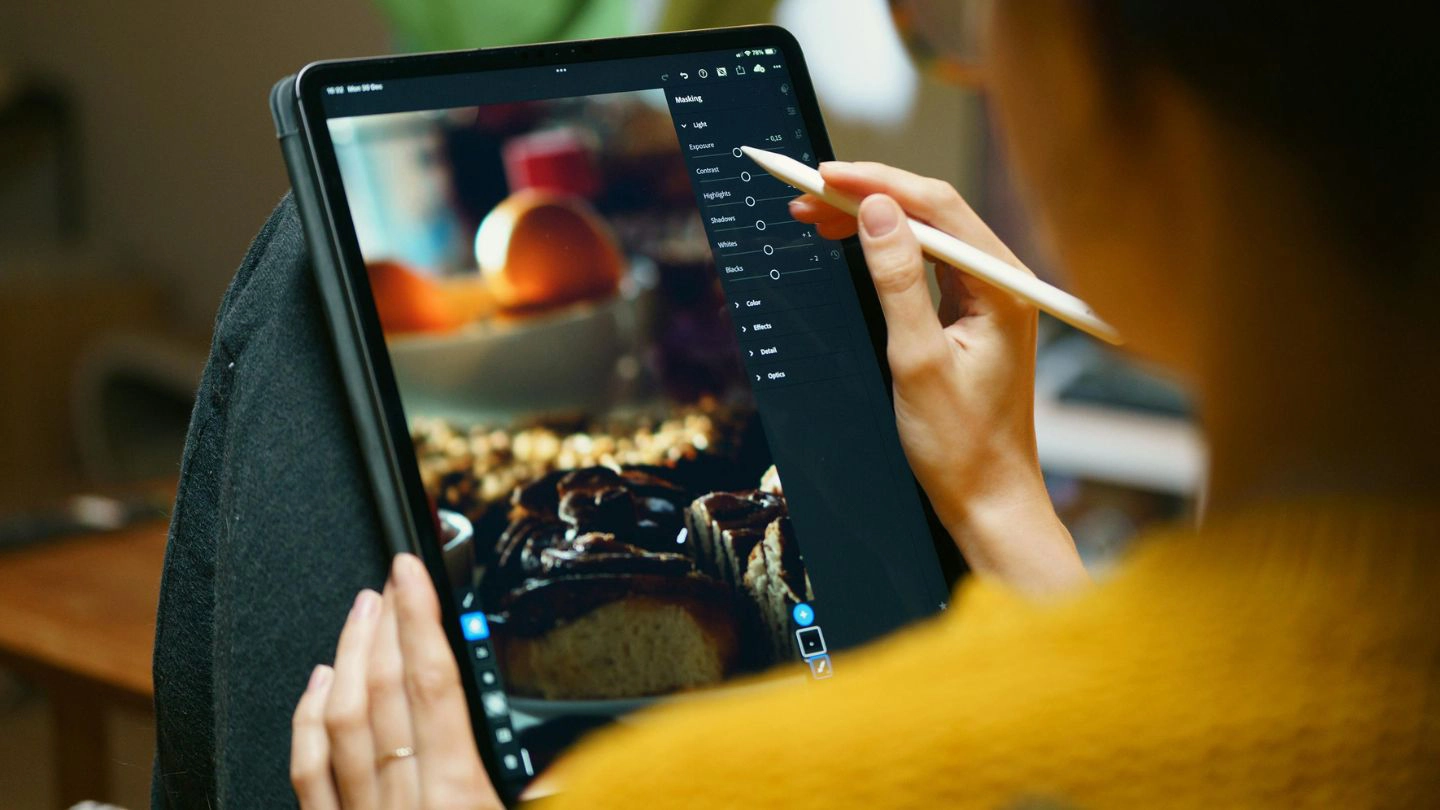
Professional tools for shoe background editing ensure high-quality, consistent, and accurate images. These tools help achieve precise background removal, maintain uniformity across all product photos, and ensure color accuracy. They also enable the creation of realistic shadows and reflections. With batch processing and AI automation features, large catalogs can be edited quickly and efficiently. Professional tools help meet marketplace standards and keep the customer’s focus solely on the product’s design, texture, and features, boosting sales and engagement.
Conclusion
Effective shoes editing background is extremely important for success across various online marketplaces. Maintaining a clean, consistent, and platform-approved background, along with natural shadows and color accuracy, makes the images more appealing and trustworthy. Professional background editing turns product images into a powerful tool and maximizes e-commerce performance.