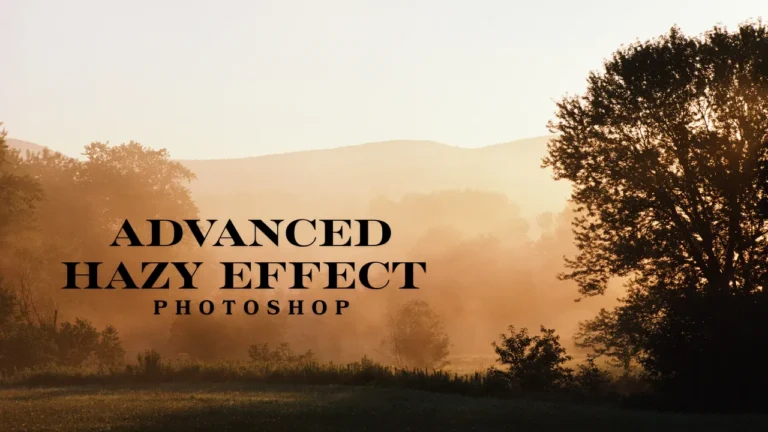
Hazy effect Photoshop editing helps create soft, cinematic visuals with emotional depth and professional polish. This technique reduces harsh contrast while diffusing light naturally across images. As a result, photos feel dreamy, atmospheric, and visually engaging. It works especially well for portraits, lifestyle photography, branding visuals, and modern digital marketing campaigns.
What Is Hazy Effect Photoshop Editing
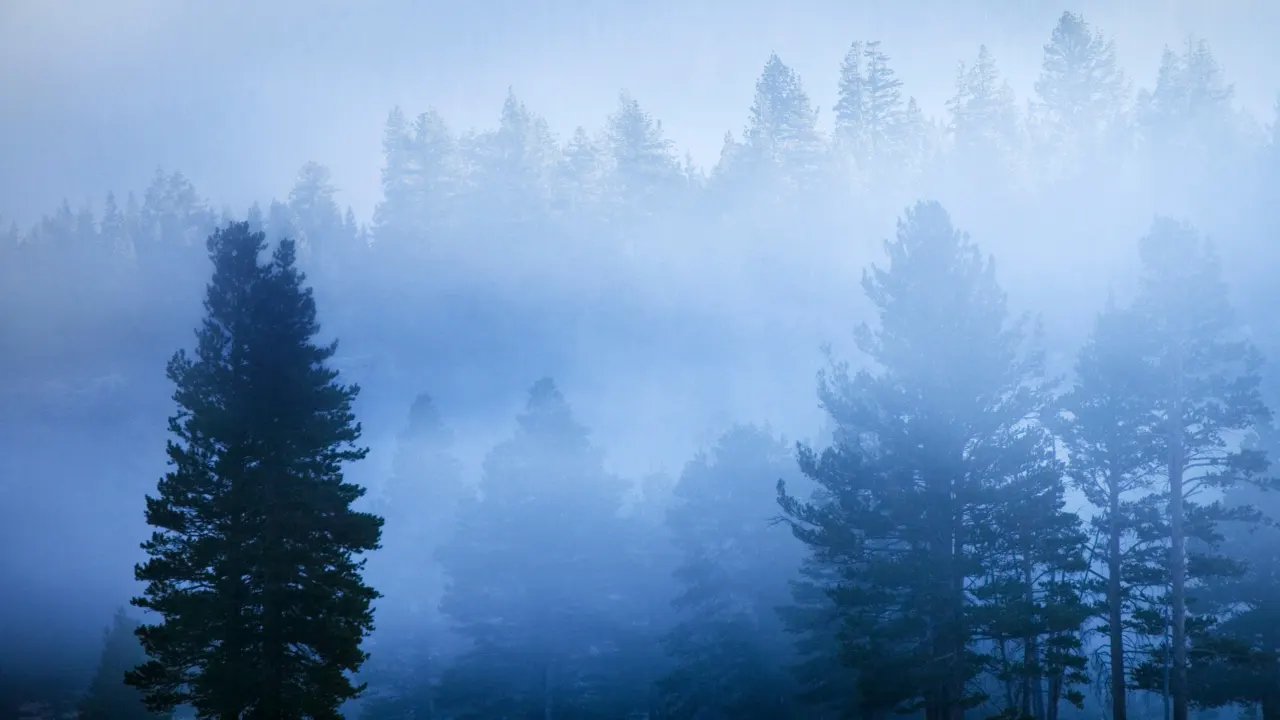
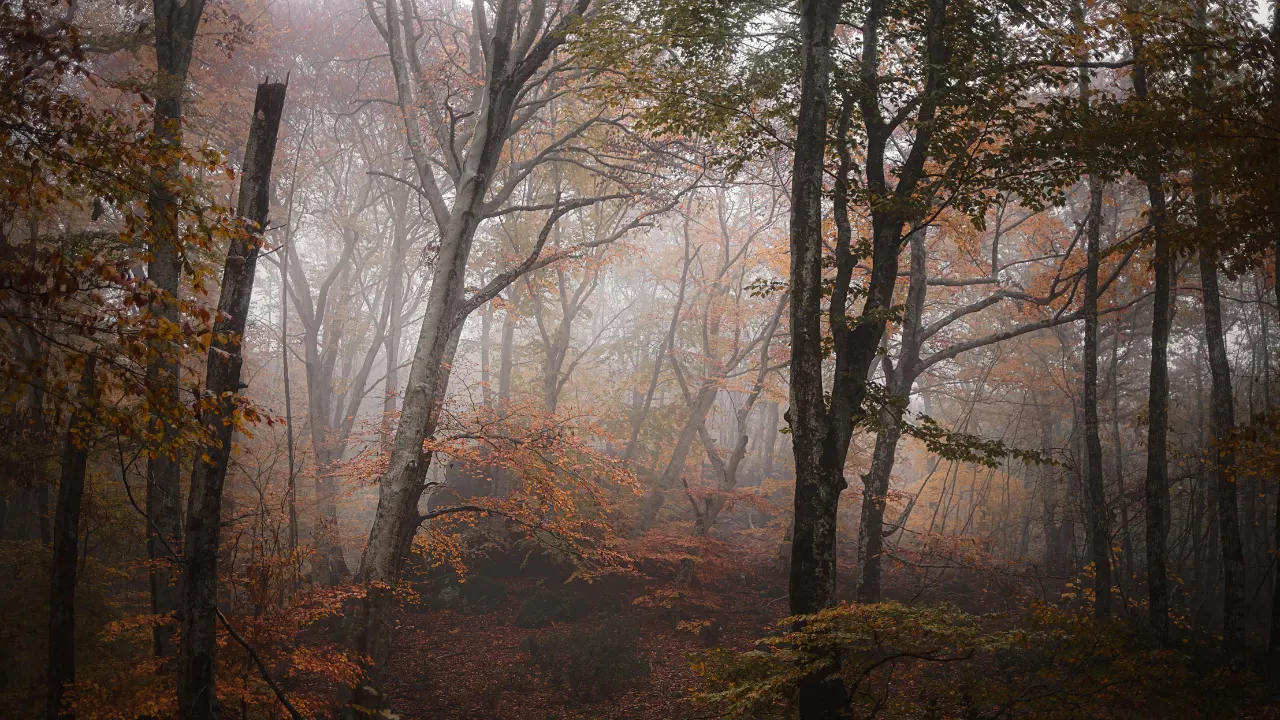
Hazy effect Photoshop editing creates a soft, atmospheric look by reducing contrast and diffusing highlights naturally. This effect mimics environmental elements like fog, mist, or scattered sunlight realistically. Therefore, images appear dreamy, cinematic, and emotionally engaging.
Additionally, haze softens harsh lighting transitions without removing important image details. Editors use this technique to enhance storytelling and visual flow. Moreover, hazy visuals guide the viewer’s attention smoothly across the frame.
This editing style remains popular in portrait, lifestyle, and fashion photography. It aligns strongly with modern visual trends in the USA and UK markets. When applied professionally, haze enhances realism while improving aesthetic appeal. Thus, understanding this effect forms a strong foundation for creative and commercial Photoshop editing success.
Purpose of Hazy Visuals
Hazy visuals create emotional depth and softness instantly. They reduce harsh lighting and strong contrasts effectively. As a result, images feel calm and cinematic. Therefore, photographers and brands use haze to enhance mood, storytelling, and viewer engagement across digital platforms.
How Haze Changes Mood
Haze changes the emotional tone of an image subtly. It introduces warmth, softness, and visual calm naturally. This makes visuals feel more inviting and professional. Therefore, editors use haze to influence emotional response without overwhelming viewers visually.
Best Photo Types for Hazy Effect
Not every image benefits equally from hazy effect Photoshop editing techniques. However, certain photo types respond exceptionally well. Portrait photography gains smoother skin tones and flattering light transitions. This effect enhances facial features while preserving natural textures.
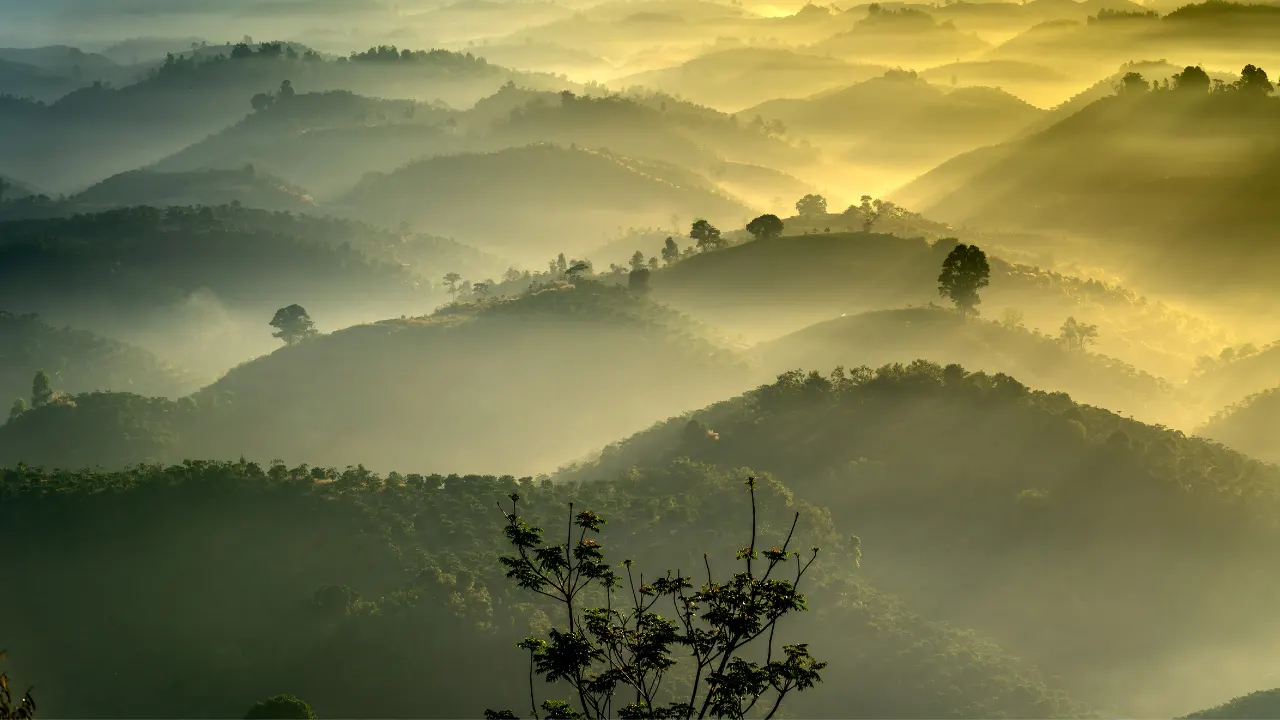
Lifestyle and outdoor photography also benefit from atmospheric haze application. It enhances sunlight, depth, and environmental mood effectively. Additionally, fashion photography uses haze for editorial and luxury aesthetics. Wedding photography relies on haze for emotional storytelling and romantic appeal.
However, technical product or architectural photography may lose clarity with haze. Therefore, editors must evaluate image purpose carefully. Choosing suitable images ensures professional results without unnecessary sharpness or contrast loss.
Portrait Photography Benefits
Portrait images gain softness and emotional warmth through hazy editing. The technique smooths lighting transitions naturally. It also flatters skin tones without heavy retouching. Therefore, haze remains popular for fashion, beauty, and personal branding portraits.
Lifestyle and Outdoor Scenes
Lifestyle and outdoor photos benefit from atmospheric depth and softness. Haze enhances sunlight diffusion and background separation effectively. As a result, scenes feel natural and immersive. This makes haze ideal for travel, editorial, and brand storytelling visuals.
Hazy Effect Photoshop Editing Workflow
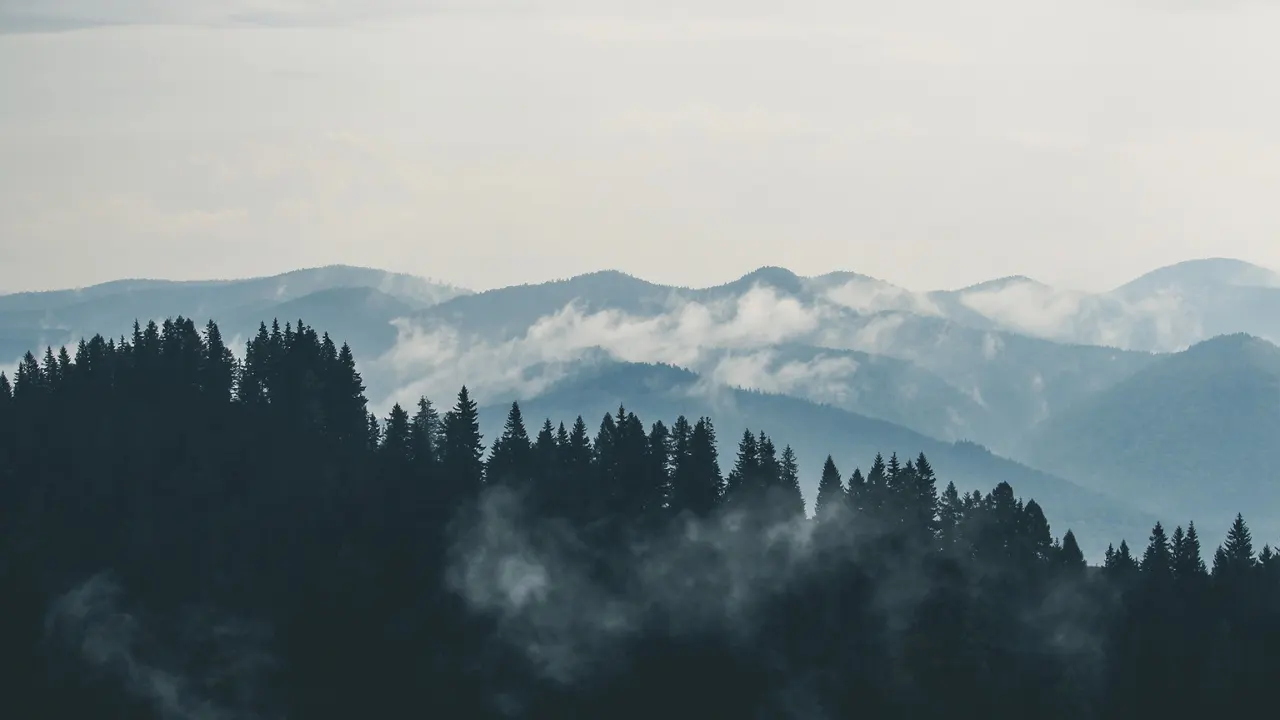
Professional hazy effect Photoshop editing follows a structured and non-destructive workflow. First, editors analyze lighting, contrast, and subject placement carefully. Then, they duplicate the background layer to protect the original image quality.
Next, adjustment layers help control haze intensity precisely. Curves adjustments lift shadow tones to create faded blacks naturally. Meanwhile, reduced contrast adds softness without flattening the image completely.
Furthermore, blending modes like Screen or Soft Light introduce atmospheric glow smoothly. Editors build haze gradually using low-opacity brushes. Finally, color grading unifies tones for cinematic consistency. This workflow ensures flexibility, quality, and professional results across creative and commercial projects.
Layer Preparation Basics
Layer preparation ensures safe and flexible editing workflows. Editors duplicate base layers before applying effects. Adjustment layers maintain non-destructive control throughout the process. Therefore, proper preparation allows easy revisions and protects original image quality consistently.
Curves and Contrast Control
Curves adjustments play a critical role in hazy photo editing. Lifting shadow points creates faded blacks naturally. Controlled contrast reduction enhances softness without losing detail. Therefore, curves help achieve balanced haze with professional depth.
Advanced Hazy Effect Photoshop Techniques
Advanced hazy effect Photoshop techniques elevate images beyond basic softness and contrast reduction. Editors refine light direction using dodge and burn adjustments carefully. This improves depth and subject separation effectively.
Additionally, selective haze application prevents important details from becoming soft or unclear. Editors use layer masks to control intensity precisely. Furthermore, cinematic color grading enhances emotional tone and visual consistency.
Texture control and subtle grain overlays add organic realism naturally. These techniques prevent images from appearing overly digital. When applied carefully, advanced haze methods elevate both creative and commercial photography results significantly.
Selective Haze Masking
Selective haze masking controls where softness appears within images. Editors protect faces and focal points using masks. This preserves sharpness and clarity where needed. Therefore, masking ensures haze enhances mood without overpowering important visual details.
Cinematic Color Grading
Cinematic color grading adds emotional depth to hazy images. Editors apply warm highlights and cool shadows strategically. This enhances storytelling and brand mood effectively. Balanced color grading transforms simple haze into premium cinematic visuals.
Common Mistakes in Hazy Editing
Many beginners overuse the hazy effect of Photoshop tools unintentionally. Excessive haze causes washed-out colors and reduced clarity. Therefore, editors should apply effects gradually and review changes frequently.
Another common mistake involves ignoring color balance adjustments. Haze should enhance mood, not distort natural tones. Additionally, applying haze evenly removes depth and focus. Professionals vary in intensity based on composition and lighting.
Using destructive edits also limits flexibility during revisions. Therefore, adjustment layers remain essential. Avoiding these mistakes ensures clean, professional, and client-ready images consistently.
Overusing Haze Effects
Overusing haze reduces contrast excessively and flattens image depth. It makes visuals look dull and lifeless. Therefore, subtle application remains essential. Editors should lower the opacity and compare the results carefully for balance.
Conclusion
Hazy effect Photoshop editing transforms ordinary images into cinematic and emotionally engaging visuals. When applied correctly, it enhances softness, mood, and storytelling naturally.
Understanding image selection, workflow structure, and advanced techniques provides creative control. Avoiding common mistakes ensures professional clarity and consistency.
Ultimately, mastering hazy photo effects improves both artistic quality and commercial value. With practice and restraint, haze becomes a powerful visual storytelling tool.