High-quality images are essential for photographers, retouchers, and creative professionals. The right photography software can make a significant difference in the quality and efficiency of image retouching. You should use powerful tools for professional photo retouching services. Professional photo editors depend on advanced features of software for professional photo retouching, color correction, and image enhancement. We explain here a list of the best photo editing software for professionals, beginners, and free software users.
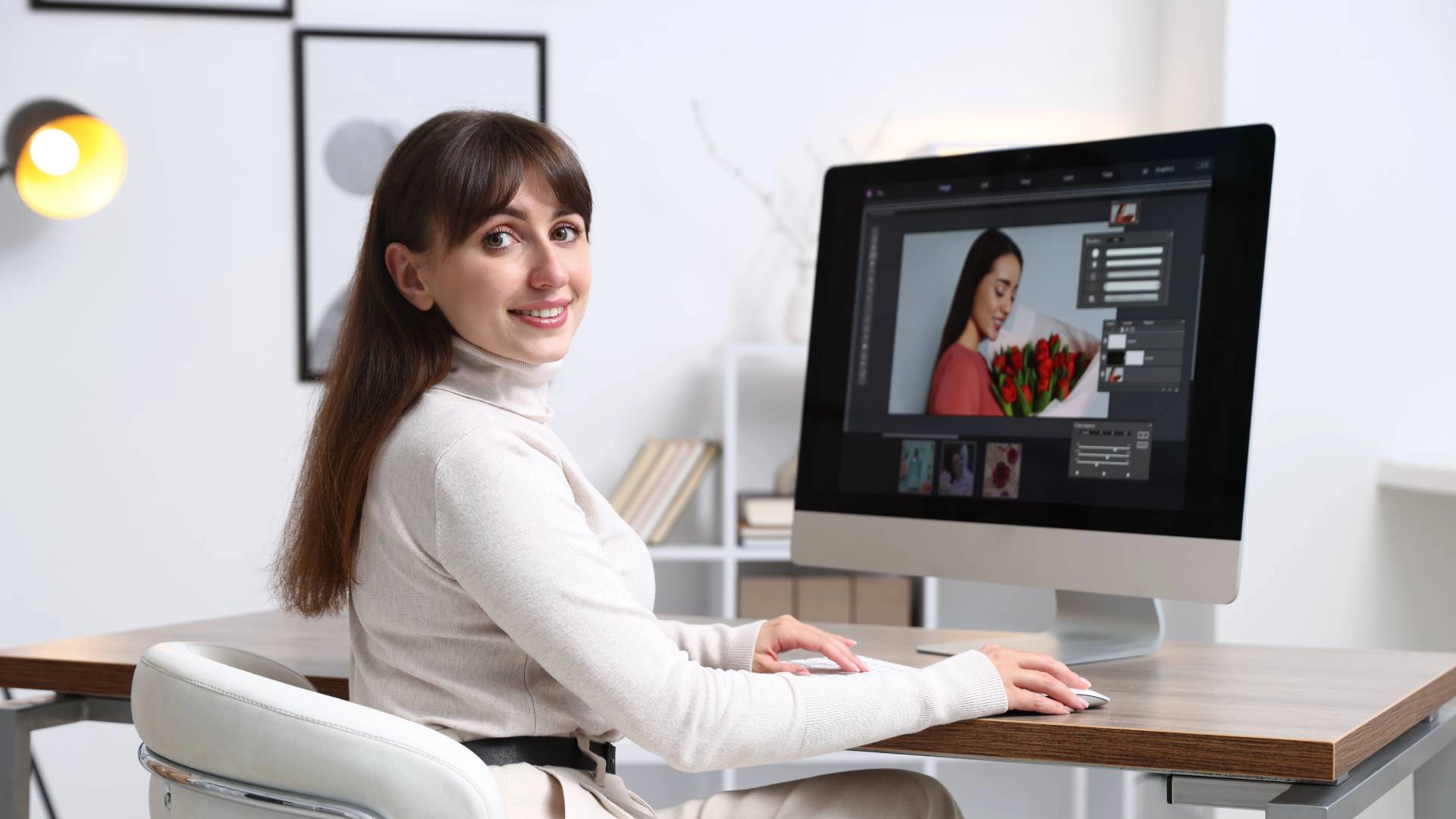
Best Photo Editing Software for Professionals
Professional photo retouchers and digital artists depend on powerful tools and features of photography editing software. The professional editing software enhances the precision, control, and efficiency of image editing. Even the best photo editing company uses the right image editing software to elevate its work and save valuable time. We’ve compiled a comprehensive list of the best photo editing software, like Adobe Photoshop, Capture One, and DxO PhotoLab.
Adobe Photoshop
Adobe Photoshop is the best photo editing software for professionals and experts. Photo editing companies use the software for retouching and compositing. Professional photo retouchers can adjust layers, masks, color, and shadow through this software.
Adobe Lightroom
Adobe Lightroom is a powerful and versatile image editing software. There are many efficient tools to manage, edit, and enhance large numbers of images. Professional retouchers can work on Lightroom Cloud from their computer, phone, or tablet.
Capture One
Capture One is a professional-grade photo editing software designed for professional retouchers. Photo editor for photographers ensures precision, quality, and complete control over their images. Capture One is a strong choice for photo editing service providers and photographers.
DxO PhotoLab
DxO PhotoLab is a high-end image correction, with natural-looking results and automatic enhancement tools. Professional photo retouchers can easily remove noise, dust, and all kinds of imperfections with this software. This software helps enhance natural colors and add a realistic depth to your photos.
Pixelmator Pro
Pixelmator Pro offers AI-powered editing, graphic design tools, and professional photo enhancement features. It automatically fixes colors, removes backgrounds, and selects objects with smart tools. Professional photo retouchers work smoothly on Macs with iCloud sync and full Apple Silicon support.

Top Photo Editing Software for Beginners
Beginners need to choose the right photography software for essay learning. Image editing software provides AI-powered tools, RAW support, and intuitive controls for natural-looking photo edits. These editing tools offer high-performance editing options suitable for both beginners and professionals. Photography software allows beginners and freelancers to apply creative effects quickly with a simple drag-and-drop interface.
Luminar Neo
Luminar Neo is considered one of the best photo editing software programs for beginners. This modern image editing software is perfect for a photo retoucher to make natural-looking images. Luminar Neo combines AI-powered editing, RAW support, and advanced retouching tools in one intuitive platform.
Affinity Photo
It’s professional photo retouching and high-performance software for both beginners and professionals. Affinity Photo provides an excellent alternative to other premium photographer editing software. Professional photo retouchers can achieve high-quality results efficiently. Many best photo editing companies and freelancers use it as a reliable and best photo editing software.
Darkroom
Darkroom is known as a fast and efficient editing software for the photo editor for photographers. This image editing software provides essential tools for professional photo retouching for all, from beginners to experts. Many of the best photo editing companies use it as a trusted photographer editing software for everyday retouching tasks.
Adobe Express
Adobe Express is an easy-to-use photo editor for photographers, perfect for beginners. This photographer’s editing software allows professional photo retouchers to enhance images and apply creative effects quickly and efficiently. Beginners and aspiring photo retouchers are looking for an intuitive image editing software. Freelancers and small businesses are creating visuals for social media or marketing.
Aurora HDR
Aurora HDR is a special and easy-to-use software for photo retouchers to merge multiple exposures, correct lighting, and enhance textures. It offers advanced professional photo retouching tools for AI-based enhancements. This user-friendly photo editing software offers a drag-and-drop workflow, enabling fast and effortless editing.

Free online Photo Editing Software
Free online photo editing software provides accessible tools for beginners, freelancers, and creative professionals. These platforms allow users to edit images, apply effects, and enhance photos without downloading heavy programs. Many free editors include templates, AI-powered tools, and preset filters to simplify professional photo retouching.
Canva
Canva is the best free photography editing software for all types of users. It is an easy-to-use photo editing software with templates, cropping, resizing, and preset tools. You can find thousands of ready-made free designs for marketing, social media, or personal projects. This free photo editing software also includes AI-powered features such as background removal, color adjustments, and one-click enhancements.
Photopea
Photopea is a powerful, browser-based, free professional photo editing software. Photo retouchers can use many features directly without installation. This best free photography editing software offers layer-based editing along with advanced text and vector tools.
Picsart
Picart is an AI-powered creative best free photography editing software for image retouching. This free image editing software enhances the resolution of low-quality photos without compromising clarity or detail. It also allows image retouchers to remove unwanted objects, people, or imperfections effortlessly.
Snapseed
Snapseed is a free, user-friendly photo editor for photographers, retouchers, and all. It offers a wide range of tools for professional photo retouching and creative enhancements. The key features of Snapseed include filters, presets, healing and retouching tools, professional editing tools, and non-destructive editing.
Conclusion
The right tools can significantly improve workflow, precision, and creativity for a beginner, an aspiring, or a professional photo retoucher. Professional software provides advanced features for color correction, layer management, and detailed retouching. Beginner-friendly options offer intuitive interfaces, AI-powered tools, and easy-to-use presets to simplify the editing process. Free online platforms make professional-level editing accessible to anyone, without the need for installation or expensive subscriptions. The best photo editing software depends on your skill level, workflow, and specific editing needs.