

Image editing in the modern digitalized world places great significance on pictures, ornamentation, and Internet business. Good visuals assist people in attracting attention even through posts on social media or product photos. Nevertheless, not everybody is able to afford such costly software as Photoshop. This is the reason why a lot of individuals use open source image editor. They are free and simple to work with by beginners, designers, and professionals. Through this blog we will examine the 15 best open-source image editor websites that you need to know. All the tools are useful and have such functions as photo editing, drawing, or color correction. These tools will enable you to enhance your photographs and save on time and money.
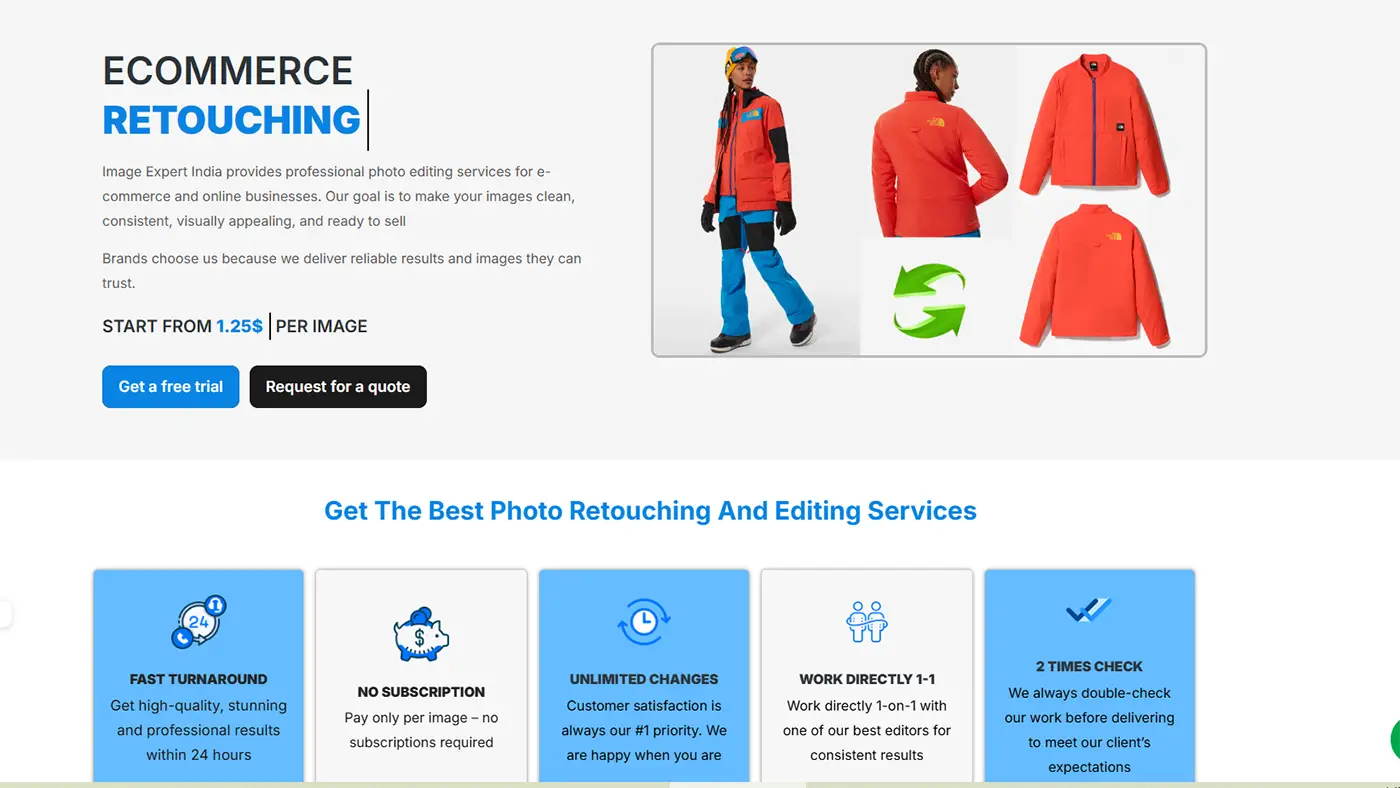
Image Expert India AI Image Editor
Image Expert India is a professional photo editing and image retouching service platform. It helps individuals, photographers, e-commerce sellers, and brands improve their images. The website offers many services, such as e-commerce photo editing, jewelry retouching, product retouching, background removal, clipping path, image masking, color correction, resizing, cropping-, ghost mannequin, shadow effect, and portrait retouching.
One special benefit of this platform is that it can turn a simple product photo into a realistic model photo or lifestyle image. This means businesses may not need expensive photoshoots, studio setups, or models. As a result, they can save both time and money. Users only need to send their product photo, and the AI product photography service can make it look more attractive for promotion.
It can also change a raw product photo into a clean, sharp, and ready-to-sell image. The main goal is to make images look better and more suitable for online business and marketing. This website also provides fast delivery, a free trial, clear pricing, and revision support. Therefore, Image Expert is a useful and modern website for professional photo editing and product photo enhancement.
Gimp Best Free Image Editor
GIMP stands for GNU Image Manipulation Program. It is a free image editing software. People use it to edit photos, make designs, and create digital art. With GIMP, users can crop and resize images, remove backgrounds, add text, and change colors. They can also use special effects to improve pictures. GIMP is a good choice for people who want strong editing tools without paying money. This open source image editor is often seen as a free alternative to Photoshop. Another big advantage is that GIMP works on Windows, macOS, and Linux. It also has plugins and custom settings, so users can change the software to fit their needs. Both beginners and skilled users can use it easily. Overall, GIMP is a useful, simple, and affordable program that is used by many people around the world.
Krita Image Editing Software for Free
Krita is a free and open-source digital painting program. People use it for drawing, painting, illustration, concept art, comics, and simple animation. It is a professional art software, but it is made to be affordable and easy for everyone to use. The website helps digital artists, illustrators, and other creative users learn about Krita, download it, and explore its tools. With Krita, users can create digital paintings, illustrations, comics, manga, and basic animations. Some of its main features are different brush types, layers, drawing assistants, stabilizers, and animation tools. This open source image editor also gives users helpful support, such as software downloads, tutorials, learning guides, resources, and materials. It also has an artist community where people can share ideas, show their work, and learn from others. Overall, Krita is a useful and simple platform for digital art and creative work.
Darktable Photo Editing Software
Darktable is a free, powerful open-source image editor and photography workflow tool. It’s designed for photographers who need advanced features without paying for expensive software.
Darktable works like a virtual lighttable and darkroom. It helps you organize, view, and enhance your digital photos from start to finish. You can easily view your images in a grid and make changes to RAW photos .
It supports color management, works with RAW and standard image formats, and has GPU-powered editing to speed up processing. Darktable works on Windows, macOS, Linux, and more, making it a flexible tool for many users.
Darktable provides powerful tools for exposure adjustment, color correction, noise reduction, and more. Open source image editors provide all of these features free of subscription fees. Plus, it’s supported by a large community of developers and users who keep improving it.
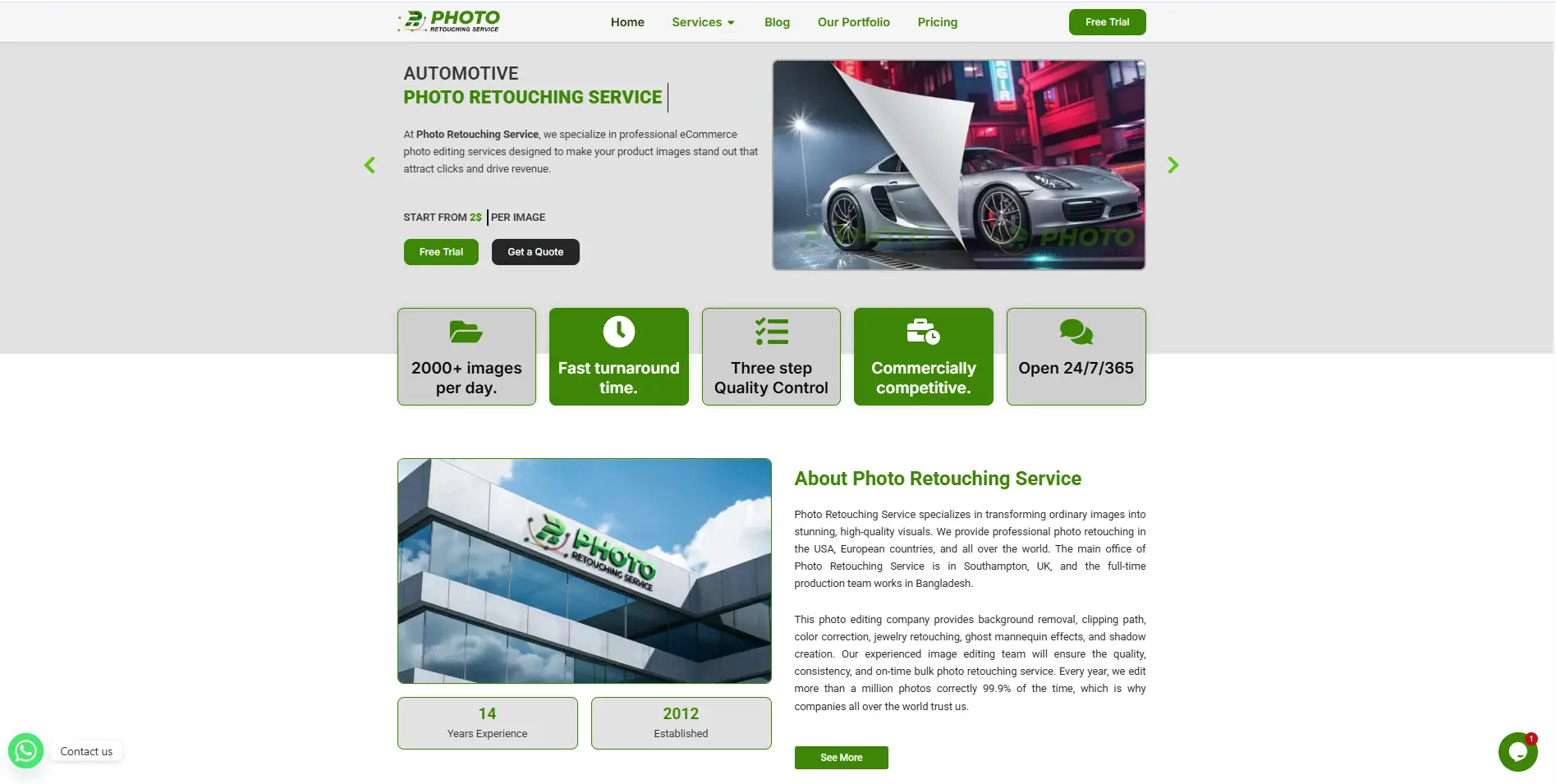
Photo Retouching Service
Photo Retouching Service is an online photo editing and retouching website. This website helps people and businesses improve their images. It is not a traditional image editor app like GIMP or Krita, but an online image editing service provider. Photo Retouching Service is good for people who want professional image edits without learning complex software. It saves time and gives polished, ready‑to‑use photos for websites, shops, and social media
They provide AI product photography services. Upload a clear image of your product, like clothing, jewelry, or accessories. Choose the model, pose, and style you want. If you’re unsure, leave it to the experts, who will pick the best options for you. The service creates photorealistic images based on your preferences to make your product look its best.
The site offers different services like:
- E‑commerce photo editing
- Apparel and fashion retouching
- Jewelry retouching
- Automotive image editing
- Headshot and portrait retouching
- Color correction, shadow effects, and background fixes
Rawtherapee Image Editing Software for Free
RawTherapee is a free, open-source image editor made for RAW photo processing. It works best as a RAW processor and a solid alternative to Adobe Lightroom. You get strong control over image quality without paying anything.
The software uses a non-destructive editing system, so it never changes your original photo. It also includes advanced tools for color and detail. RawTherapee supports Windows, macOS, and Linux, so you can use it on most computers.
Color accuracy is one of the strong points of this open source image editor. It supports ICC and DCP color profiles, which help keep colors true to life. Highlight recovery also works well, especially for RAW images.
The noise reduction tools are powerful. You can reduce both color noise and grain while keeping details sharp. The sharpening tools also help improve edges without adding unwanted noise.
RawTherapee uses your CPU (multi-core) to process images. It does not rely much on GPU acceleration. It can run on low-end PCs, but processing may feel slower than Lightroom on weak systems.
You can export images in JPEG, TIFF, and PNG formats. Best of all, it is completely free to use.
Inkscape Photo Editing Software
Inkscape is a free, open-source vector graphics editor. It helps you create logos, icons, diagrams, and illustrations. This open source image editor is similar to Adobe Illustrator but does not cost anything.
This software uses vector graphics, not pixels. That means your designs stay sharp at any size. You can resize images without losing quality.
Inkscape comes with many useful tools. You can draw shapes, lines, and curves. You can also edit text, apply colors, and use gradients. It supports layers, grouping, and object alignment, which helps you organize your design.
One powerful feature is path editing. You can change shapes, combine objects, and create custom designs. It also supports bitmap tracing, so you can turn images into vector graphics.
Inkscape supports many file formats. You can export files as SVG, PNG, PDF, EPS, and more.
It works on Windows, macOS, and Linux, so you can use it on most systems.
Inkscape is a great choice for beginners and designers who want a powerful tool without paying for software.
Photodemon Open Source Image Editor
PhotoDemon is a free, open-source photo editor. It is made for fast and easy image editing. You can use it as a lightweight alternative to Photoshop for basic and mid-level work.
This software is portable, so you do not need to install it. You can run it from a USB drive or any folder. It also uses very little space and system resources.
PhotoDemon works only on Windows. It supports many versions, from old systems like Windows XP to the latest Windows 11.
This open source image editor comes with many useful tools. You can edit colors, adjust brightness, fix exposure, and remove noise. It also includes layers, filters, and effects for creative editing. The software supports PSD, RAW, and other popular image formats.
One strong feature is its batch processing and macro tools. You can edit many images at once and save time. It also gives real-time previews, so you can see changes instantly.
PhotoDemon is 100% free with no hidden cost. It runs fast even on low-end PCs, which makes it a good choice for beginners and casual users.
Hugin Image Editor
Hugin is a free, open-source tool for panorama photo stitching. It is not a full photo editor like Photoshop or GIMP. It is made to join overlapping photos and turn them into one wide panorama. The Hugin site says it is a cross-platform panoramic imaging toolchain that can stitch overlapping pictures and build immersive panoramas.
Hugin works on Windows, macOS, and Linux. It is free to use, and the project also says users can modify and share it. That makes it a good choice for people who want a no-cost panorama tool.
One of Hugin’s best features is control over the stitching process. This open source image editor uses control points to match the same parts of overlapping photos. You can let the software align images automatically, and you can also adjust settings by hand when needed.
Hugin also supports exposure fusion and blending tools for hard lighting scenes. That helps when your photos have bright skies and dark ground. It can also handle multi-row panoramas, which is useful for bigger scenes.
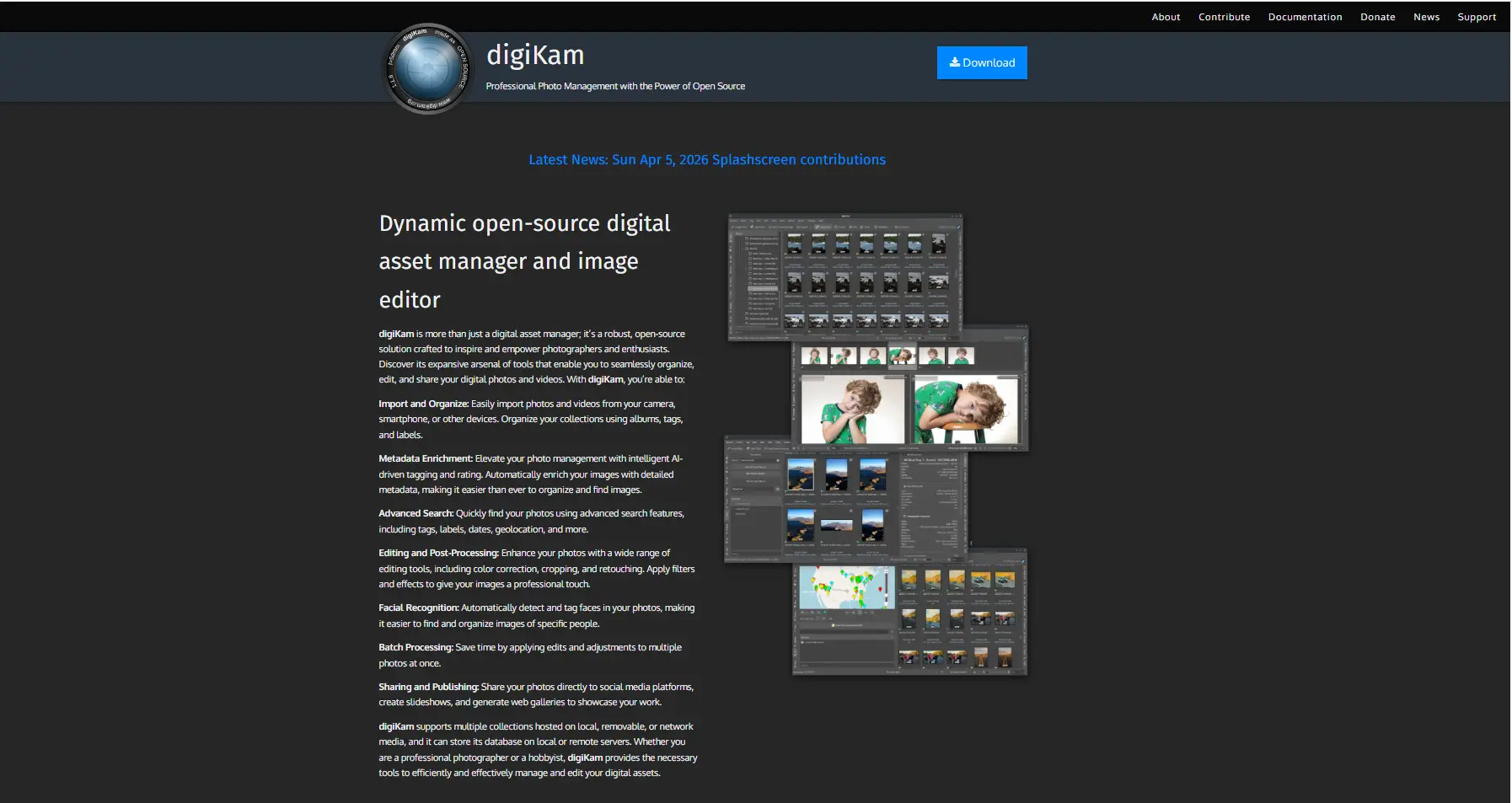
Digikam Open Source Image Editor
DigiKam is a free, open-source photo management and editing tool. It is not just a photo editor. It is also a digital asset manager made to organize large photo and video libraries. The official site says it helps users organize, edit, and share both photos and videos.
Its main strength is photo management. You can sort files with albums, tags, labels, ratings, dates, maps, and search tools. It also supports advanced search by things like tag, date, and location. digiKam is built for large collections and includes database and maintenance tools for handling very big libraries.
This open source image editor also supports RAW files, and the manual lists many camera RAW formats. It can manage videos too, so it works as more than a still-image tool.
For AI features, digiKam offers face detection, face recognition, and auto-tagging. Face recognition uses deep-learning models and needs some training with named faces first. The AI tools can run locally, and the FAQ also mentions optional OpenCL GPU acceleration for AI models on supported systems.
It also includes batch processing, metadata support for EXIF, IPTC, and XMP, and editing tools. That makes it useful for serious photographers. A workflow with tools like RawTherapee is possible, since digiKam can manage collections while other apps handle deeper RAW editing. That last point is an inference based on its management focus and RAW support.
About large team or multi-user setup: the official pages here describe desktop use, not a shared multi-user system, so I would not present that as a core strength.
Lightzone Image Editor Open Source
LightZone is a free, open-source photo editor made for photographers. It works mainly as a RAW image editor and a simple alternative to tools like Lightroom.
One of its key features is non-destructive editing. Your original image stays unchanged, and you can adjust edits anytime. LightZone uses a tool stack instead of layers, which makes editing simple and flexible.
It supports RAW files, so you can work with high-quality images. Color correction is strong, with tools for adjusting tone, contrast, and color balance. The ZoneMapper tool gives precise control over exposure and tones, which helps you fix highlights and shadows easily.
LightZone is also known for its Black & White conversion. It offers many styles and presets that give professional-looking results with just a few clicks. Open source image editor can also apply styles quickly, which makes editing faster.
The interface is clean and fairly easy to use, especially for beginners. However, it may feel different at first because it does not use traditional layers.
Performance is decent on most systems, including lower-end PCs, but large files may take more time to process.
Some features are limited. It does not support advanced retouching or full layer-based editing. Because of this, it may not fit complex or professional workflows like product editing.
LightZone is best for simple, high-quality photo editing, not full advanced editing or AI-based work.
Luminance Hdr
Luminance HDR is a free, open-source HDR imaging software. It is made for creating high dynamic range (HDR) photos, not for full photo editing.
HDR imaging means combining multiple photos with different exposure levels into one image. This helps show both bright and dark areas clearly. Luminance HDR lets you merge these images and create a balanced final photo.
A key feature is tone mapping. Tone mapping adjusts HDR images so they look good on normal screens. It controls brightness, contrast, and details. The software includes many tone mapping styles, so you can choose different looks easily.
Luminance HDR supports multiple exposure merging, which is great for landscape photography. It improves dynamic range and brings out more detail in shadows and highlights. You can also control the final look to avoid an unnatural or over-processed image.
The interface is simple but may feel a bit outdated for new users. Open source image editor supports batch processing, so you can work on many images at once.
This tool can handle large HDR files, but processing speed depends on your system. It does not include layer editing, advanced retouching, or AI tools. Luminance HDR is best for HDR work, not a full editing workflow.
Photoflow Open Source Image Editor
PhotoFlow is a free, open source photo editor made for advanced image editing. It works like a mix of RAW editor and layer-based editor, similar to Photoshop.
One of its main features is layer-based editing. Each adjustment (like brightness or color) works as a separate layer. You can change or remove any layer anytime. It also supports non-destructive editing, so your original image stays safe.
PhotoFlow supports high bit-depth (16-bit and 32-bit) images. This helps keep more detail and better color quality, which is useful for professional work. Color correction and exposure tools are strong, with support for curves, levels, and color balance.
It also includes masking and blending options, so you can control where edits apply. This makes it useful for detailed edits. The workflow is similar to Photoshop, but not as polished.
The software can handle large image files, but performance depends on your system. This open source image editor may feel slower on low-end PCs.
The interface is not very beginner-friendly. It may take time to learn, especially if you are new to editing.
PhotoFlow has limited plugin support and does not include AI-based tools.
Overall, it is a good choice for advanced users and professional retouching, but not ideal for beginners.
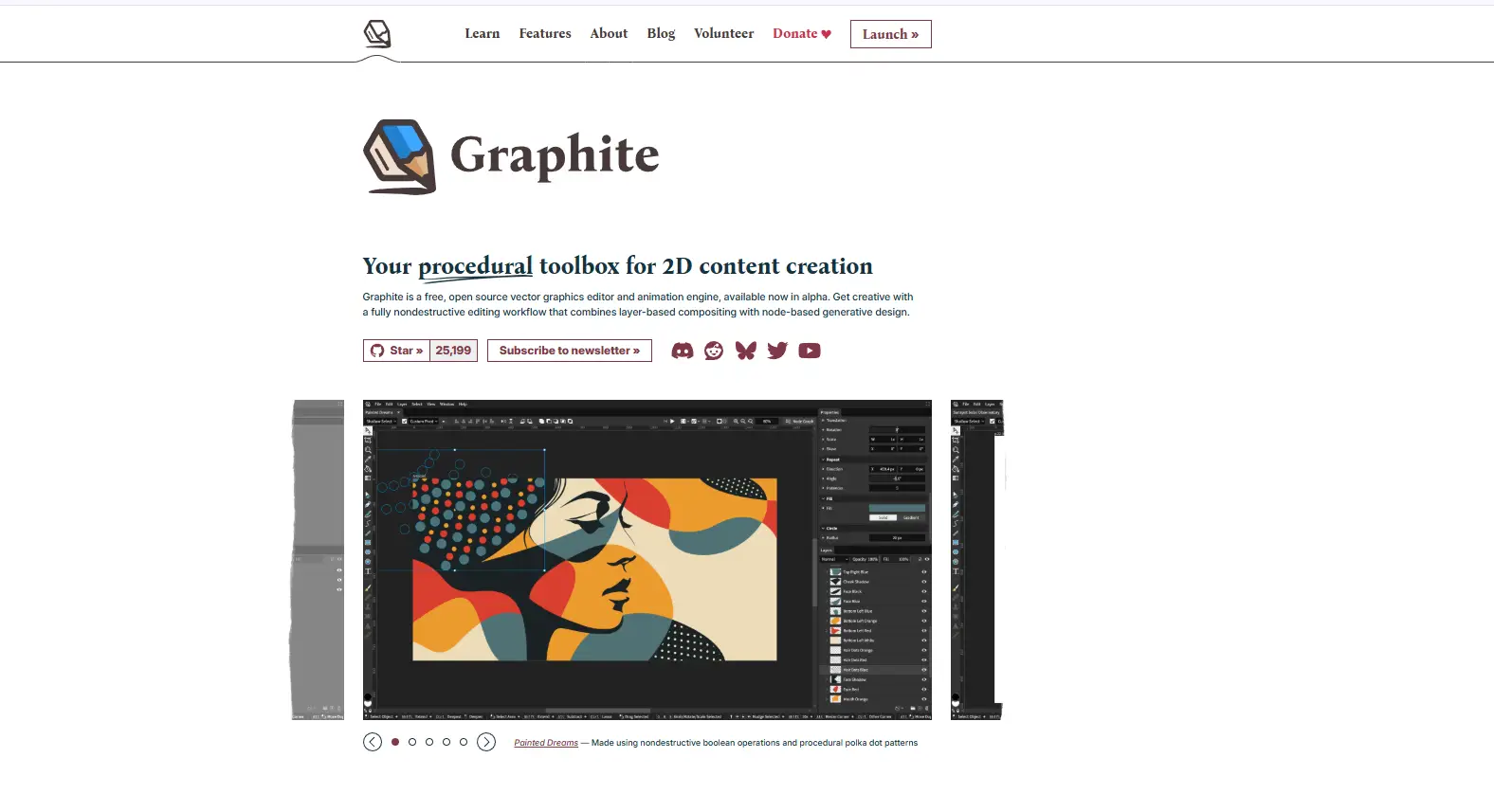
Graphite Open Source Image Editors
Graphite is a free, open-source graphics editor made for vector design and illustration. Right now, it works mainly as a browser-based app. The team also plans desktop apps for Windows, Mac, and Linux.
This open source image editor uses a hybrid workflow. It combines a normal layer system with a node-based editing system. You can design with simple tools on the canvas. At the same time, the app builds a node graph in the background. You can open it and adjust your design in a deeper way if needed.
Graphite supports vector editing very well. It also has basic raster support, but this part is still limited. The app uses a non-destructive workflow, so you can change your edits at any time.
It includes tools like layers, shapes, snapping, and boolean operations. The interface looks modern, but it is not very easy for beginners because node editing can feel complex.
You can use Graphite offline, since it runs locally in your browser. However, it is still in alpha stage, so it is not fully ready for professional work yet.
Graphite is a promising tool for designers, but right now it is better for learning and testing than full production use.
Pinta Open Source Image Editor
Pinta is a free, open-source bitmap image editor made for simple drawing and photo editing. It is best for quick edits, not full professional work. The official site describes it as simple but still powerful, with an intuitive interface, real-time effects, and essential tools.
Its main features include layers, crop, resize, color adjustment, brushes, shapes, text, and common effects. It also has selection tools like lasso and magic wand. These tools are useful for everyday editing, but Pinta is not known as a high-end retouching tool.
Pinta is an open source image editor for beginners because the interface is clean and closer to MS Paint than Photoshop. It also has unlimited undo and redo, which helps a lot during editing.
You can use it for YouTube thumbnails and simple social media post design. It can also handle quick client work like basic banners, simple product cutouts, and image cleanup. But it is not the best choice for advanced retouching, AI tools, or full professional workflows. I also could not verify an official claim that it is built for heavy 4K or 8K work, though recent releases mention fixes for performance on large images.
So, Pinta is best for quick editing and simple design, not top-level pro work.
Conclusion
The costly software may be substituted by the open source image editor tools. They have a lot of simple and advanced editing features. Regardless of your level of expertise, whether a beginner, photographer, or designer, you are bound to find a tool that suits you. Software such as Gimp, Krita, and Darktable are powerful and free to use. Others are suitable in the field of quick edits and others assist in professional work. With these tools, you can discover the best one to use. Finally, open-source software simplifies the process of image editing, makes it cheap, and accessible to all.















