

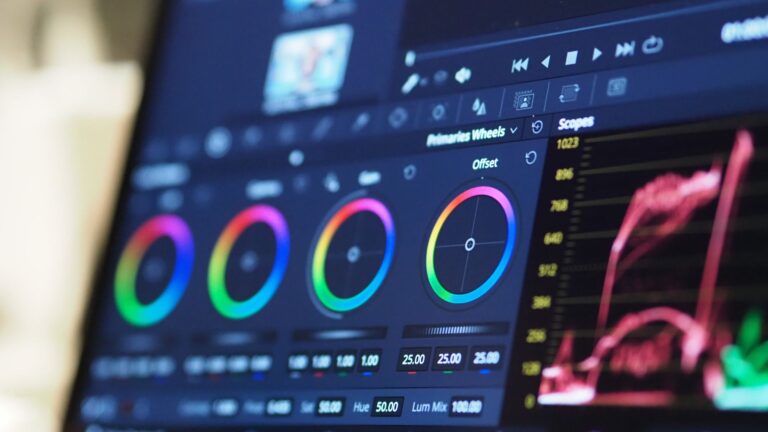
Jewelry photography focuses on showing real color and fine details. Even small lighting changes can make a piece look different in photos. When the color looks off, customers may feel unsure about what they’re buying. That’s why jewelry color correction is important to fix colors so the image matches the real product. Many people also work with a jewelry retouching service to get more accurate and clean results.
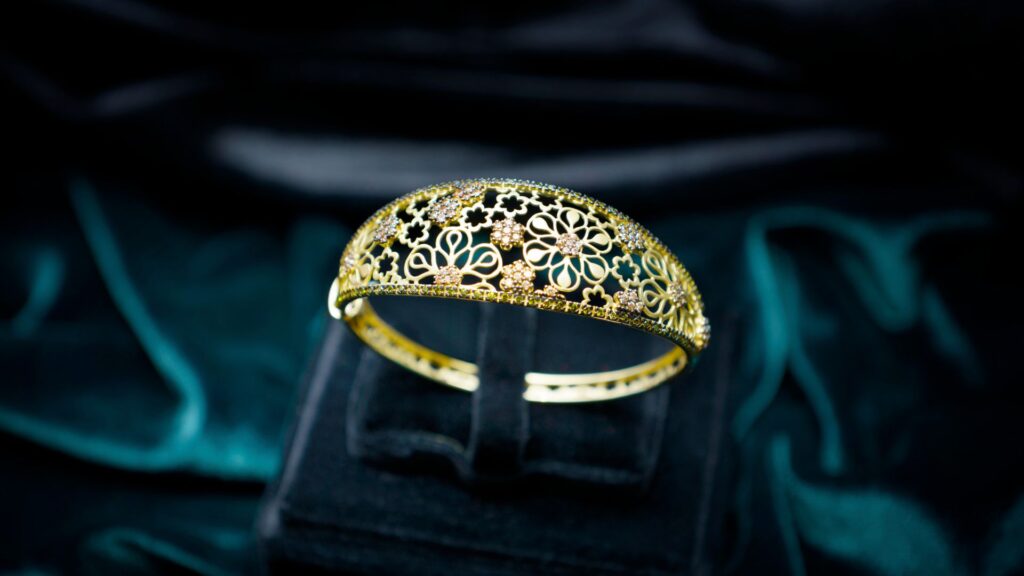
Common Color Problems in Jewelry Photos
Getting the color right in jewelry photos isn’t always as simple as it sounds. Even small changes in lighting or camera settings can shift how the piece looks in the final image. Colour helps your photos match what customers will actually see in real life. That’s why jewelry color correction is essential in jewelry photo editing.
Yellow Tint / Warm Lighting Issue
Warm lighting can easily add a yellow or orange tone to your photos. When that happens, gold can look too deep and silver can lose its clean shine. A color editing expert needs to fix the white balance and bring back the true metal tone.
Overexposed Highlights (Gold, Silver)
Since gold and silver reflect light so strongly, it’s easy to end up with bright spots in your images. These areas often lose detail and make the jewelry look flat instead of polished. Careful color editing helps control brightness and bring back texture.
Color Cast (green/blue reflection)
Jewelry often picks up colors from its surroundings without you even noticing. This can show up as a slight green or blue tint that makes the image feel off. Cleaning up those color casts helps the jewelry look more true to life.
Dull Gemstones
Sometimes gemstones just don’t pop the way they should in photos. They can end up looking a bit flat or lifeless, especially under poor lighting. A few careful adjustments can bring back their natural brightness without making them look overdone.
Essential Tools for Jewelry Photo Color Correction
Choosing the right tools makes a big difference in jewelry photo quality. Each software offers unique features that help improve color, brightness, and detail. For better Jewelry product photography editing, you need tools that give you full control over color and light.
Adobe Photoshop
Adobe Photoshop gives you full control over every part of an image. You can adjust tones, fix color issues, and refine details with precision. It works great for advanced color grading and detailed edits on metals and gemstones. Many professionals use it because it supports layers and non-destructive editing. It also fits well into high-end jewelry retouching service workflows.
Lightroom
Lightroom works best for quick and consistent edits across multiple images. You can easily adjust exposure, white balance, and color tones in one place. It helps maintain a natural look while improving overall image quality. This tool is very useful for photographers who handle large batches of jewelry photos. It also supports smooth color grading with simple sliders.
Capture One
Capture One offers strong color control and excellent image clarity. It allows you to fine-tune colors with more accuracy than many other tools. Many professionals prefer it for product photography because of its clean output. It also provides great control over highlights and shadows. This makes it a solid choice for high-quality Jewelry product photography editing.
Mobile Apps
Mobile apps can help with quick edits when you don’t have access to a computer. Apps like Snapseed or Lightroom Mobile offer basic color and light adjustments. They are useful for simple color grading and fast improvements. However, they do not replace professional tools for detailed work. For high-end results, professionals still rely on full software or a trusted jewelry retouching service.
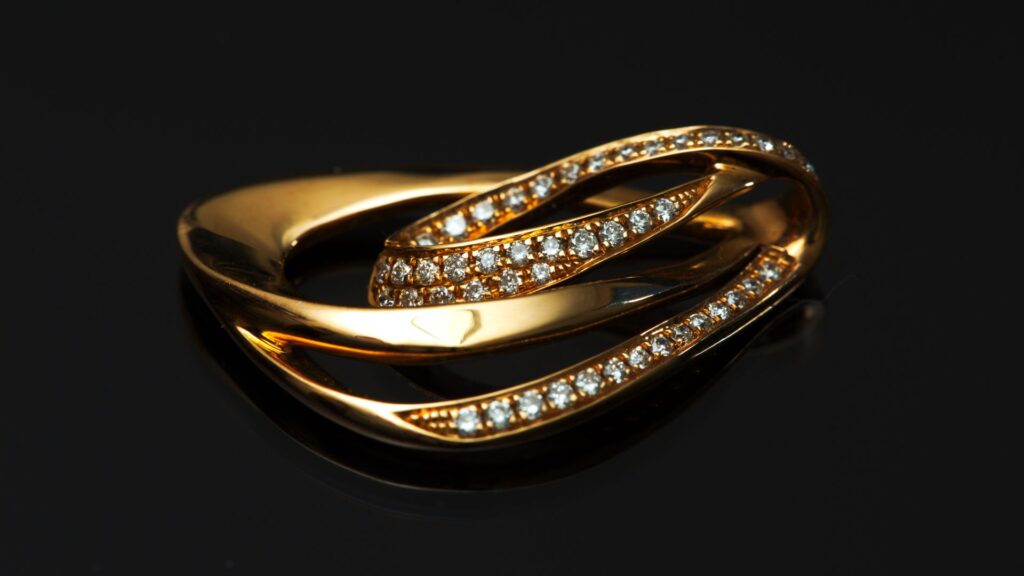
Key Color Correction for Jewelry Image
Color accuracy plays a major role in how jewelry looks in photos. Even small adjustments can improve the overall quality and make the product more appealing. In Jewelry product photography editing, these key steps help create clean, realistic, and professional images.
Set White Balance (Crucial)
White balance sets the base tone of your image. If it is off, all colors will look wrong from the start. You need to adjust it to remove unwanted warm or cool tones. This step ensures the jewelry shows its true color under proper lighting. It is the first and most important step in image color correction.
Adjust Exposure & Contrast
Exposure controls how light or dark your image appears. Too much light can wash out details, while too little can hide them. Contrast helps separate highlights and shadows, making the image clearer. You should balance both to keep details sharp and visible. This step improves the overall quality in jewelry product photography editing.
Correct Color Casts
Color casts come from reflections or mixed lighting conditions. These unwanted tones can make jewelry look unnatural and less appealing. You need to remove them to bring back true colors. Careful adjustments help keep the image clean and balanced. This step is essential in any professional image color correction process.
Enhance Gemstone Color
Gemstones should look vibrant but still natural. You can adjust saturation and brightness to improve their appearance. Avoid over-editing, as it can make stones look fake. Focus on bringing out the real shine and depth of the gemstone. Many experts handle this step through a skilled jewelry retouching service.
Metal Refinement
Metal surfaces like gold and silver need clean and smooth tones. You should fix uneven colors and remove dull or overly bright areas. Small adjustments can improve shine and highlight fine details. This step helps create a polished and premium look. It plays a key role in high-quality Jewelry product photography editing.
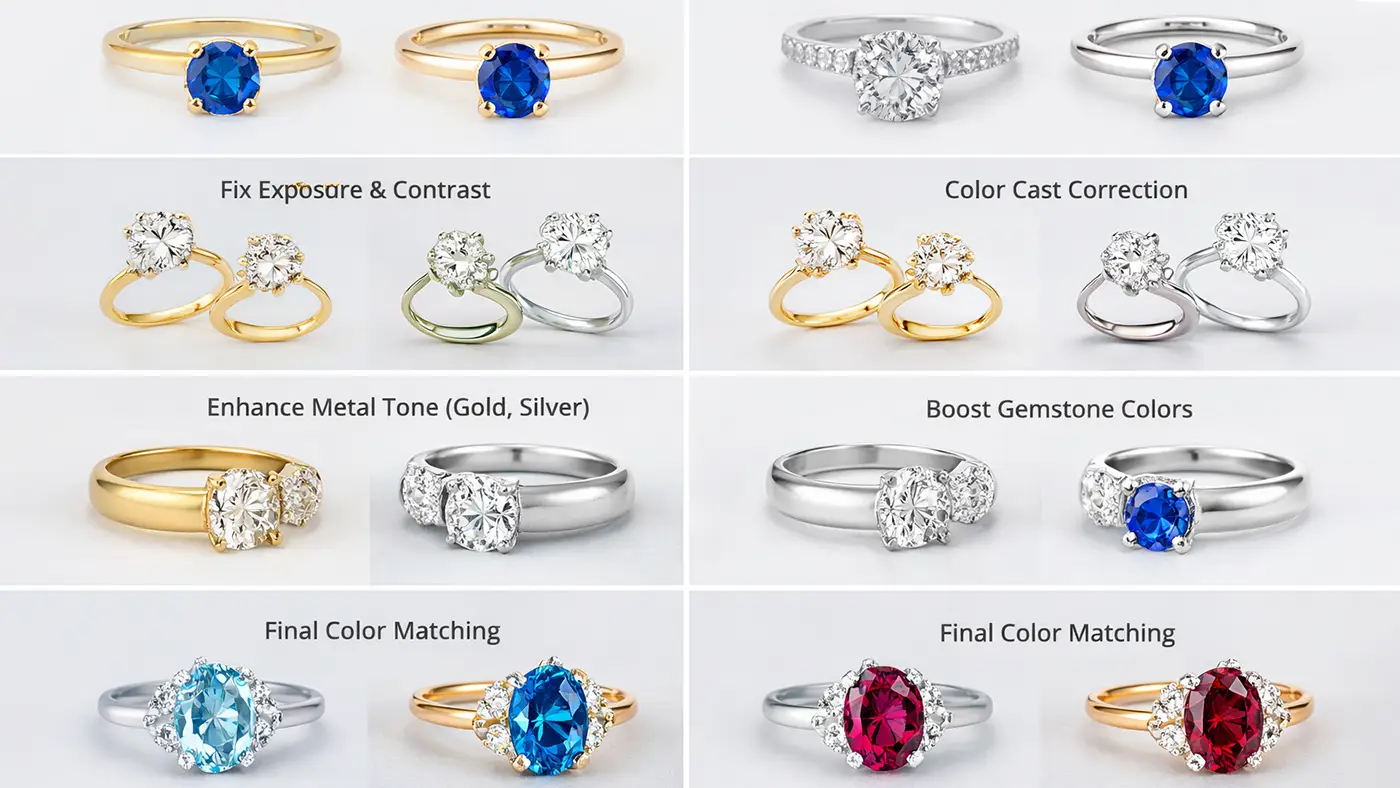
Step-by-Step Jewelry Color Correction Process
A clear editing process helps you keep jewelry photos accurate and attractive. Each step improves color, light, and detail without making the image look fake. Good jewelry color correction also helps create a polished result for blogs, catalogs, and online stores.
Step 1: Adjust White Balance
White balance sets the overall color tone of the image. If this step goes wrong, the jewelry can look too yellow, too blue, or too dull. Proper color correction helps remove unwanted tones and brings the image closer to real life. This step creates a strong base for the rest of the edit.
Step 2: Fix Exposure & Contrast
Exposure controls brightness, and contrast adds depth between light and dark areas. In jewelry photo editing, you need both settings to show fine details without losing shine. A balanced image looks clear, crisp, and easier to trust. This is why exposure control matters in Jewelry product photography editing.
Step 3: Correct Color Cast
Reflections from nearby objects often add green, blue, or other unwanted tones. Image color correction helps remove these color casts and makes the jewelry look more natural. This step is very important when you shoot reflective metals or gemstones. Clean color makes the whole photo look more professional.
Step 4: Enhance Metal Tone (Gold/Silver)
Gold and silver need careful edits because they reflect light very easily. Good color grading helps improve metal tone without making it look too warm or too bright. The goal is to keep the metal rich, smooth, and realistic. This step also helps highlight small surface details.
Step 5: Boost Gemstone Colors
Gemstones often need a small push in brightness and color to look lively in photos. Smart color editing helps bring out their natural beauty without adding fake tones. You should keep the stone clear, vibrant, and true to its real shade. This makes the jewelry more eye-catching in blog images and product shots.
Step 6: Final Color Matching
The last step checks whether the full image matches the real product as closely as possible. Jewelry color correction at this stage focuses on balance, consistency, and realism. Many editors also use a careful review process similar to a jewelry retouching service to make sure every part looks right. Final matching gives the photo a clean and finished look.
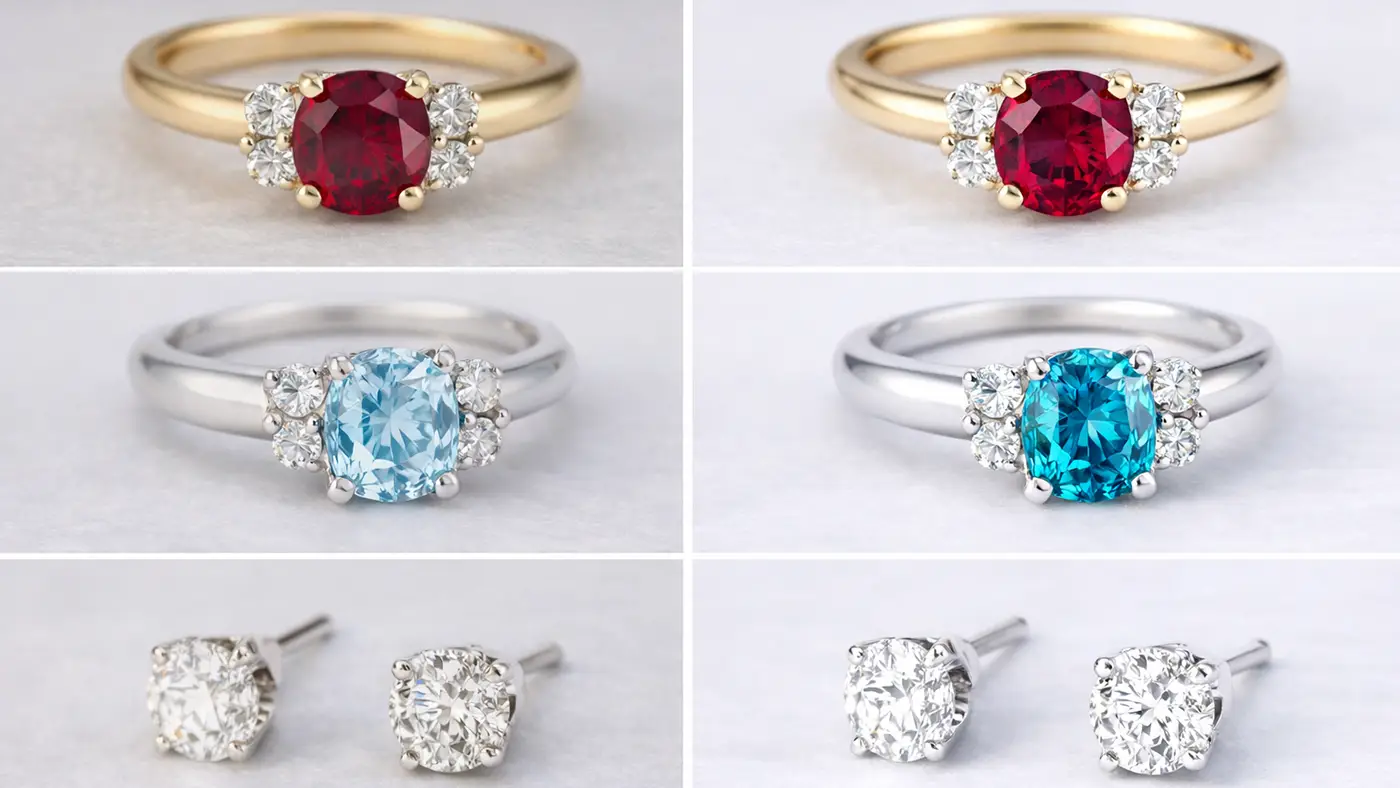
Pro Tips for Perfect Jewelry Colors
Getting perfect jewelry colors takes more than just editing. You need the right setup from the start and careful adjustments during editing. These simple tips will help improve your jewelry color correction and overall image quality.
Shoot in RAW Format
RAW format keeps all image data without losing quality. It gives you more control during color editing and helps fix exposure and color issues easily. You can adjust tones without damaging the image. This format works best for high-quality Jewelry product photography editing.
Use Neutral Background
A neutral background helps keep colors clean and distraction-free. It prevents unwanted color reflections on the jewelry surface. This makes image color correction easier and more accurate. White, gray, or soft tones work best for consistent results.
Proper Lighting Setup
Good lighting is key to accurate color and detail. Use soft, even lighting to avoid harsh shadows and reflections. This setup supports better color grading and improves the overall look of the image. Controlled lighting also reduces the need for heavy editing.
Color Calibration Monitor
A calibrated monitor shows true and accurate colors. Without it, your edits may look different on other screens. This can affect the final result of your jewelry color correction work. Professionals always use calibrated screens for reliable output.
Sharpness Adjustment
Sharpness helps bring out fine details in jewelry. You should adjust it carefully to avoid making the image look harsh. Balanced sharpness improves clarity and texture. Many professionals include this step in their jewelry retouching service process.
Common Mistakes to Avoid
Many small mistakes can ruin the quality of jewelry photos. Avoiding these errors helps you create clean and realistic images. Proper color correction can fix issues, but prevention always works better.
Over-saturated Colors
Too much saturation makes jewelry look unnatural. Colors may appear too strong and unrealistic. Keep tones balanced during color editing to maintain a natural look.
Unrealistic Shine
Too much brightness can create fake-looking shine. It removes details and makes the image look over-edited. Good color grading keeps the shine soft and realistic.
Unwanted Reflections
Reflections from surroundings can distort colors and shapes. They can distract viewers and reduce image quality. Proper setup and image color correction help control this issue.
Wrong White Balance
Incorrect white balance shifts the entire color tone of the image. Jewelry may look too warm or too cool. Fixing this is a key part of jewelry color correction.
Dust & Scratches
Small dust or scratches become very visible in close-up shots. These flaws reduce the overall quality of the image. Clean-up is a common step in any jewelry retouching service.
Over-editing
Too much editing can make jewelry look fake and unnatural. It can damage texture and true color. Keep edits simple and clean for better photo retouching results.
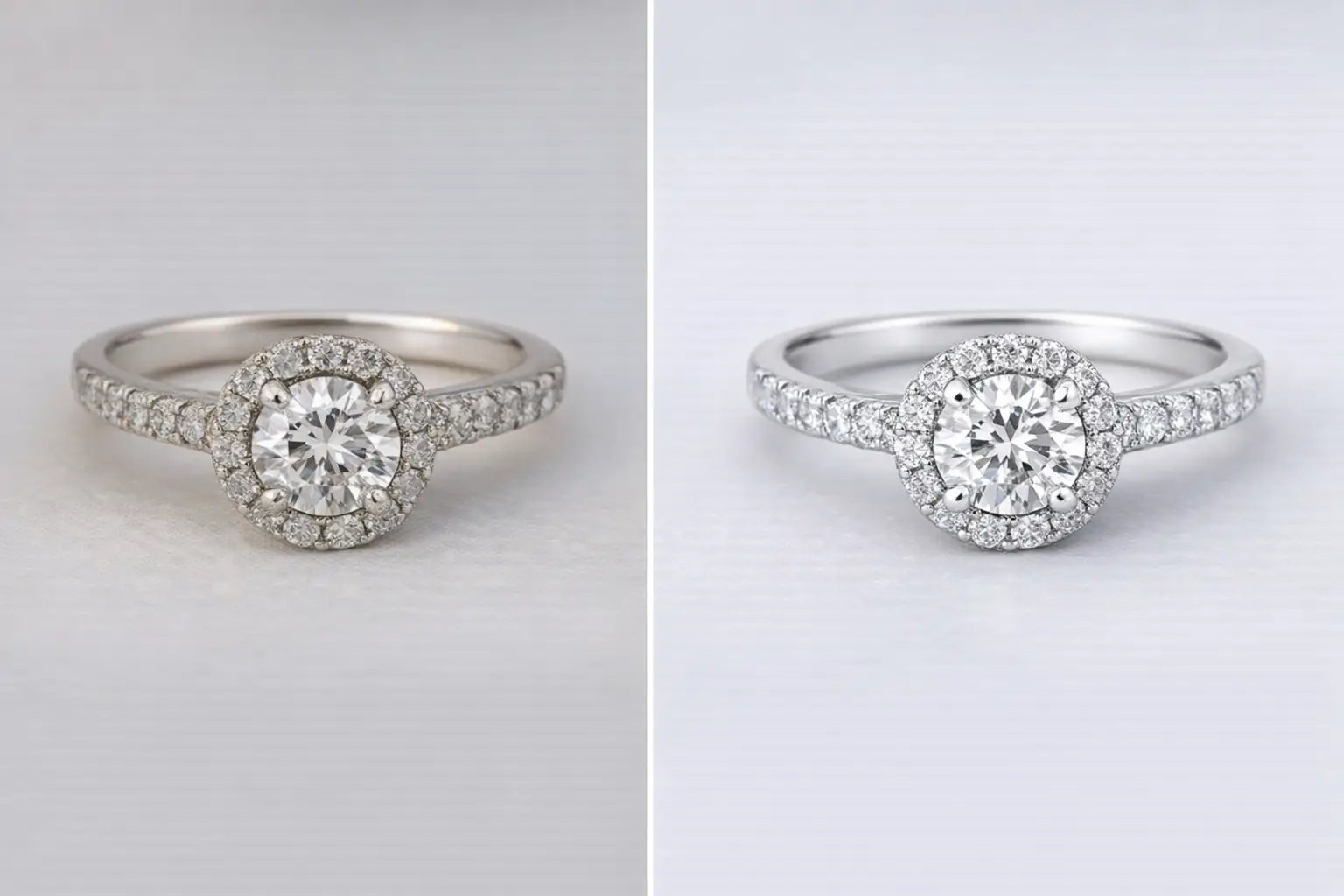
Why Color Accuracy Matters in Jewelry Photography
Color accuracy directly affects how customers see your product. If the color looks wrong, buyers may lose trust and avoid making a purchase. Strong Jewelry color correction helps show the product as it really is.
Customer Trust
Customers rely on images to make buying decisions. Accurate colors build confidence and reduce confusion. Good image color correction helps present the product honestly.
Brand Reputation
Consistent and realistic images make your brand look professional. Poor color can damage your brand image. Strong color grading keeps your visuals clean and reliable.
Reduce Return Rate
Wrong color often leads to product returns. Customers feel disappointed when the product looks different in real life. Proper jewelry color correction helps reduce this issue.
E-commerce Impact
High-quality images increase clicks and conversions. Clear and accurate visuals improve user experience. This is why Jewelry product photography editing plays a big role in online sales.
Conclusion
Good color makes a big difference in jewelry photography. When the colors look right, the product feels more real and trustworthy. Simple jewelry color correction can bring out true tones and small details that people notice. If you want clean, high-quality results, it’s often worth getting help from a professional editor.















