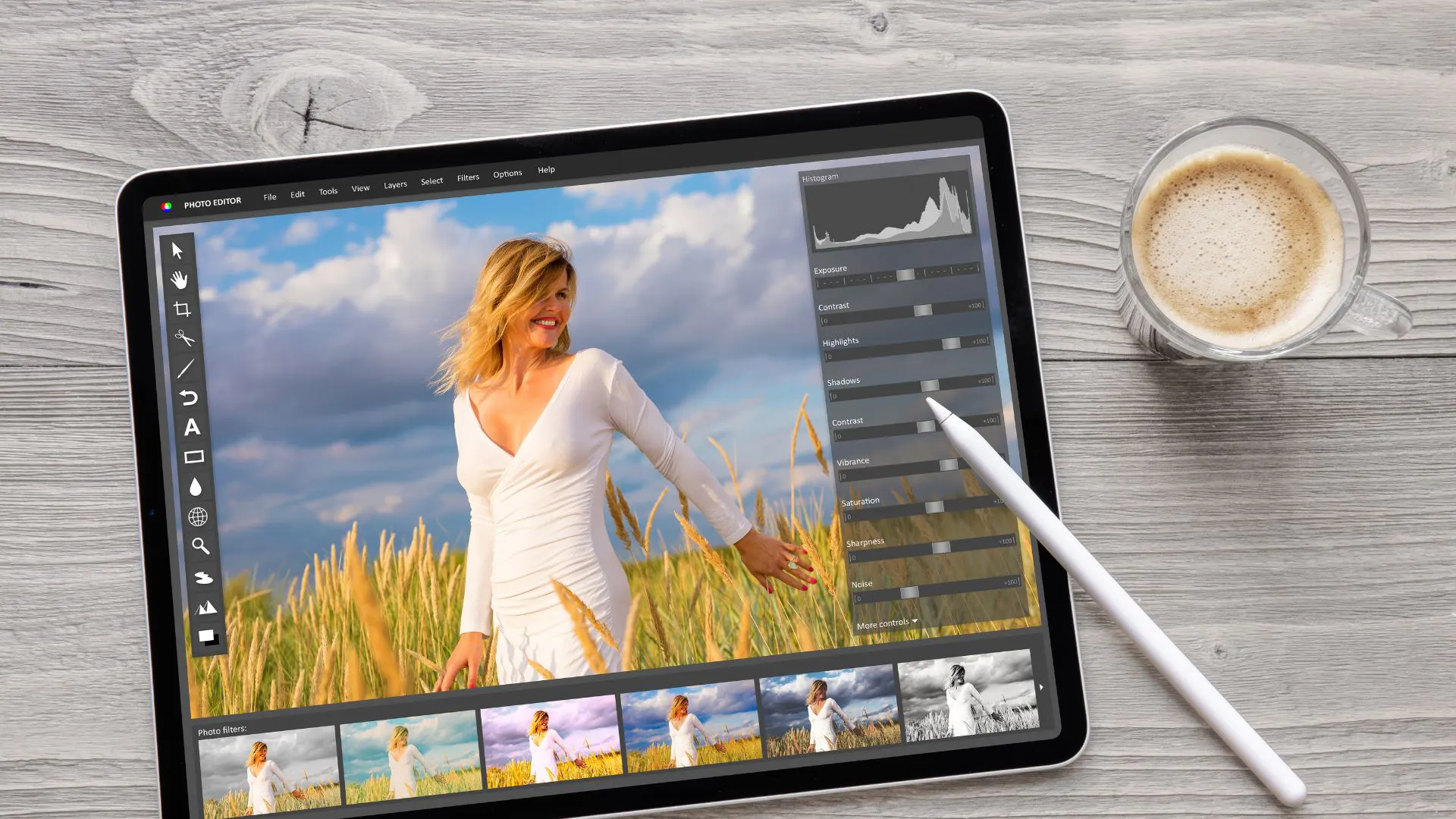
In today’s digital world, visuals play a powerful role in how customers see your brand. Whether you are selling products online, building a portfolio, or running a marketing campaign, high-quality images can make a strong first impression.
One of the most effective techniques in professional image editing is the clipping path service. It is more than simple background removal. A clipping path helps isolate the subject, refine image edges, and create clean, polished visuals that look professional across websites, catalogs, advertisements, and social media.
In this article, we will explore the power of clipping path service, how it works, why it matters, and how it can help businesses improve their image quality with precision.
What Is a Clipping Path Service?
A clipping path service is a professional photo editing technique used to separate a subject from its background. This is done by manually creating a vector path around the object, usually with the Pen Tool in Adobe Photoshop.
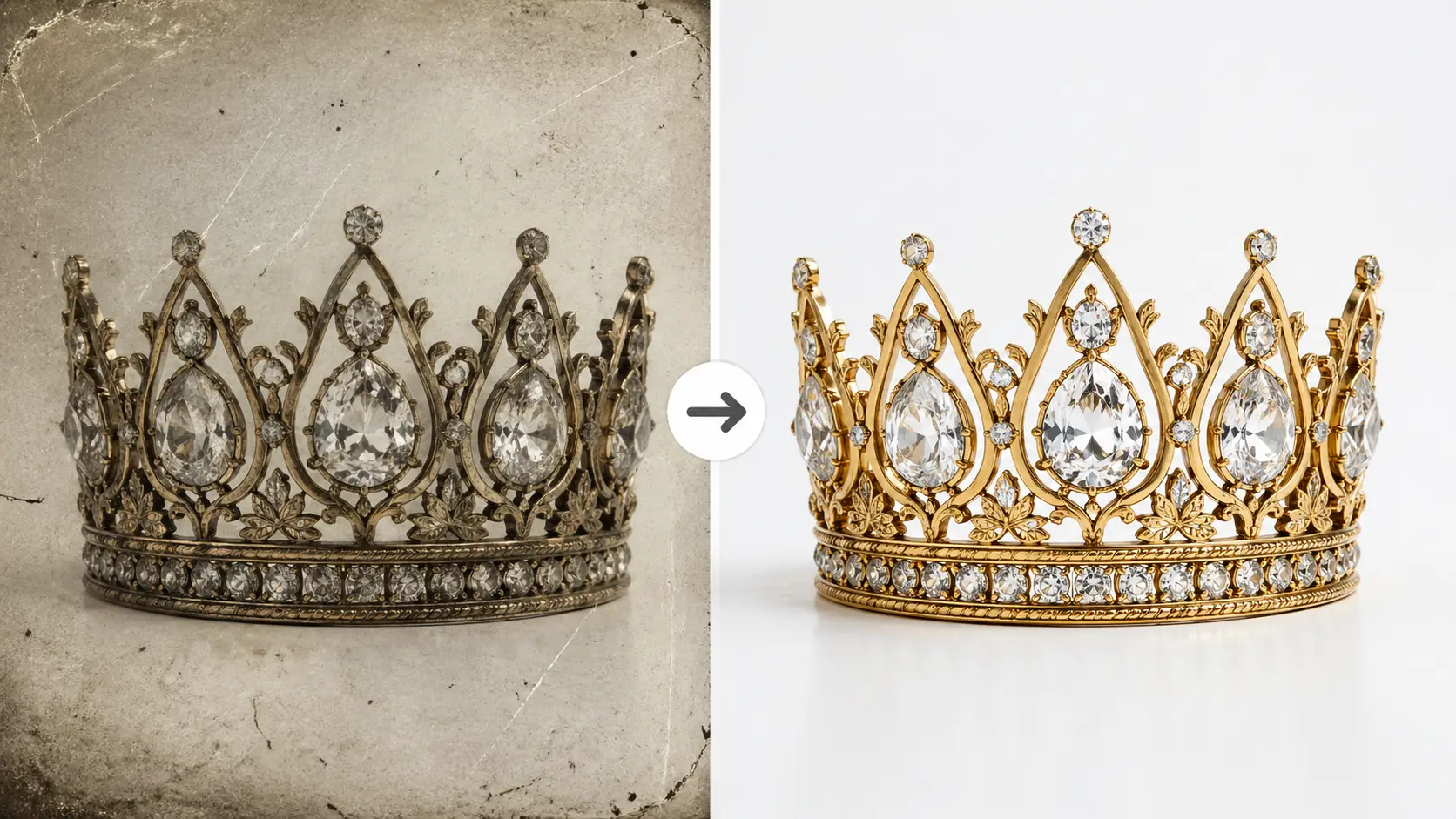
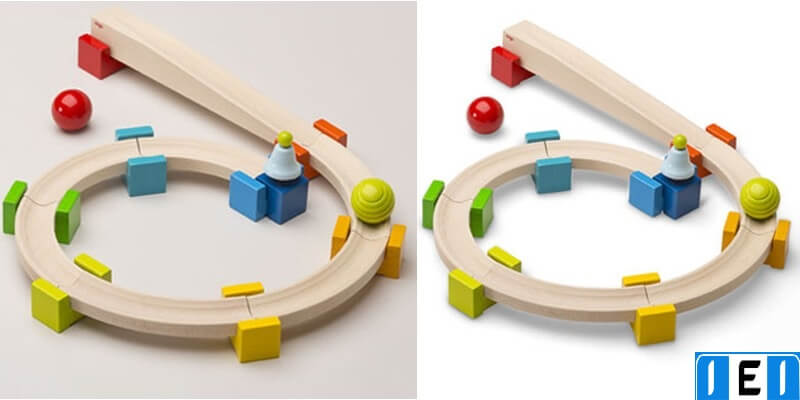
Once the subject is outlined, editors can remove the background, replace it with a new one, adjust colors, add shadows, or prepare the image for different platforms.
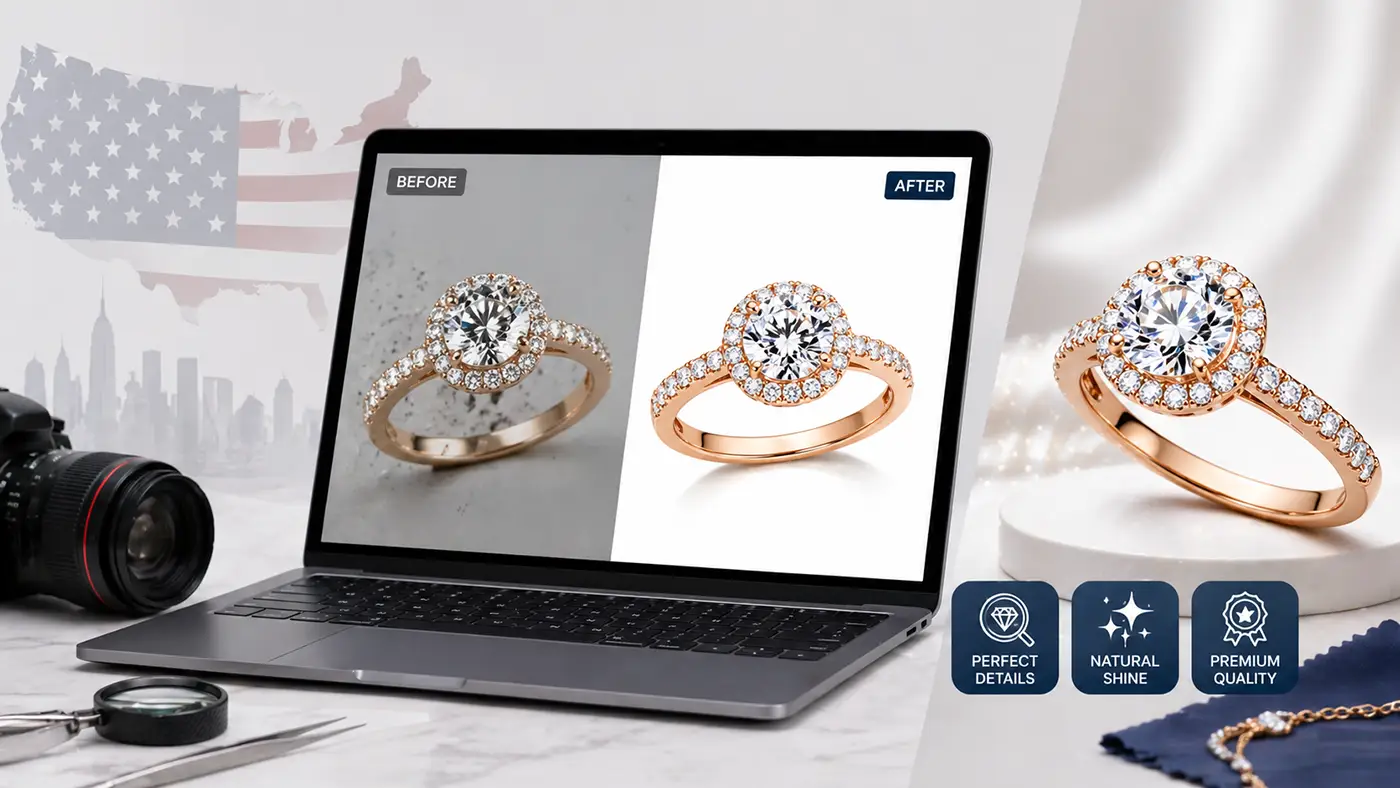
Unlike automated background removal tools, clipping path services provide better accuracy. This is especially important for product photos, fashion images, jewelry, accessories, furniture, and other images where clean edges and fine details matter.
The Power of Clipping Path Service: Why It Matters
A professional clipping path service can completely improve the look and quality of an image. Here are the main reasons why it is so valuable.
1. Perfect Subject Isolation
The biggest benefit of clipping path service is accurate subject isolation. Whether the image contains a product, person, object, or accessory, the subject can be separated from the background with clean and sharp edges.
This is especially useful for eCommerce businesses because customers want to see clear product images before making a purchase. A clean image builds trust and makes the product look more professional.
2. Better Image Presentation
Once the background is removed, the image becomes more flexible. You can place the subject on a white background, transparent background, lifestyle background, or promotional design.
This helps brands use the same product image in many places, such as online stores, banners, catalogs, social media posts, and ads.
3. Professional-Quality Results
Automated editing tools may work for simple images, but they often fail with complex edges, curves, holes, shadows, hair, fur, or jewelry details.
A professional clipping path service ensures that every edge is carefully edited. This creates a high-quality result that looks natural, clean, and ready for commercial use.
4. Stronger Brand Image
Professional visuals help your brand look more reliable. When product images are clean, sharp, and consistent, customers are more likely to trust your business.
For online businesses, image quality can directly affect customer interest, product value, and conversion rates.
How Clipping Path Services Work: Step-by-Step Process
The clipping path process requires skill, time, and attention to detail. Here is how it usually works.
Step 1: Image Upload
The client uploads the images to the clipping path service provider. High-resolution images are always recommended because they provide better details and better final output.
Step 2: Creating the Clipping Path
A professional editor opens the image in Adobe Photoshop and manually draws a path around the subject using the Pen Tool. This path follows the shape, curve, and edge of the object carefully.
Step 3: Isolating the Subject
After the path is created, the subject is separated from the background. This allows the editor to remove, replace, or adjust the background based on the client’s needs.
Step 4: Background Removal or Replacement
The background can be removed completely or replaced with another background. For eCommerce images, a clean white background is commonly used. For advertising or lifestyle visuals, a custom background may be added.
Step 5: Final Adjustments and Quality Check
Before delivery, editors check the image carefully. They may adjust shadows, refine edges, correct colors, and make sure the final image looks natural and professional.
Types of Clipping Path Services
Clipping paths vary in complexity depending on the object and the level of detail required. Here are the most common types of clipping paths:
1. Basic Clipping Path
This type is used for simple objects with straight edges or basic curves, such as books, boxes, or bottles. It’s the quickest and simplest form of clipping path.
2. Compound Clipping Path
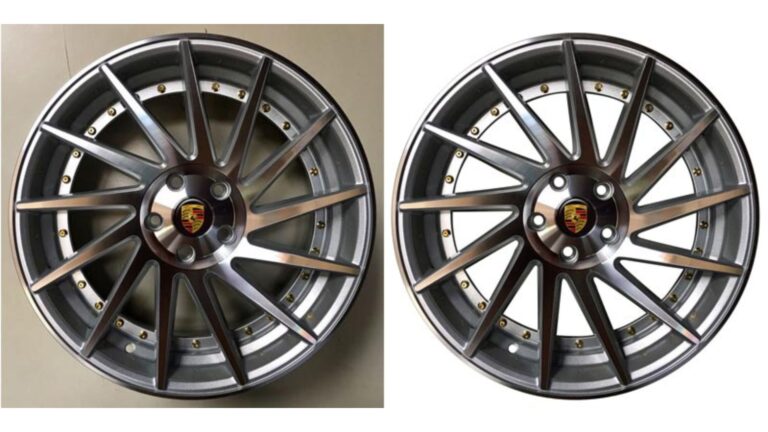
Objects with multiple curves, holes, or intricate edges – like furniture, clothing, or mechanical parts – require a more detailed approach. A compound clipping path ensures that even the most complex objects are separated cleanly from their backgrounds.
3. Super Complex Clipping Path
For objects with a high degree of intricacy, such as fine jewelry, foliage, or objects with transparent elements, a super complex clipping path is necessary. This type demands an expert level of precision to ensure that every detail is captured perfectly.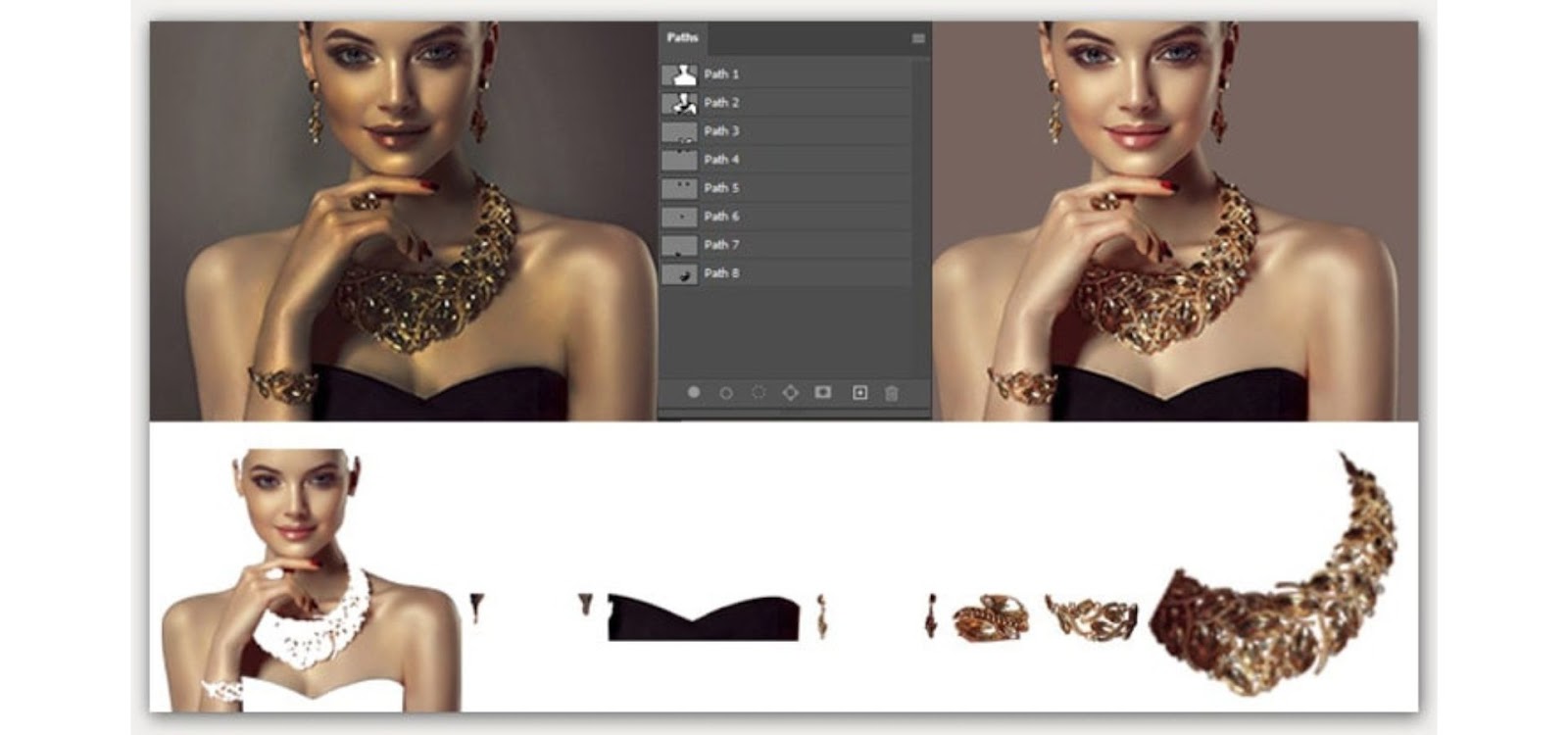
Industries That Leverage the Power of Clipping Path Services
From eCommerce to real estate, clipping path services are essential for a variety of industries. Let’s take a look at how different sectors use these services to enhance their visuals:
1. ECommerce
For online retailers, product images are everything. Potential buyers can’t physically touch or interact with the product, so the image must do all the convincing. Clean, high-quality images with isolated products on white backgrounds are standard for most eCommerce platforms, and clipping paths are the most effective way to achieve this.
2. Fashion and Apparel
In the fashion industry, models, clothing, and accessories must be presented in their best light. Clipping path services are often used to isolate these elements, allowing for further enhancements such as color correction or background changes, giving fashion brands the flexibility to create stunning catalogs and promotional materials.
3. Advertising and Marketing
In the world of advertising, visuals are key to creating memorable campaigns. Clipping paths allow marketers to seamlessly integrate products, people, or objects into various creative designs, ensuring consistency and clarity across multiple platforms.
4. Photography
Professional photographers often use clipping paths to refine their work. Whether for portraits, commercial shoots, or editorial projects, the ability to isolate subjects allows photographers to offer clients more polished images, free from distractions or unwanted elements.
Advantages of Outsourcing Clipping Path Services
Outsourcing clipping path services to professionals can save time, ensure accuracy, and provide a higher level of quality than attempting to do it in-house. Here’s why outsourcing is a smart move:
1. High-Quality Results from Skilled Designers
Experienced designers are well-versed in the nuances of clipping path creation, particularly for complex objects. Their expertise ensures that the final image is flawless and meets the highest professional standards.
2. Cost and Time Efficiency
Image editing can be time-consuming, particularly when dealing with hundreds of images. Outsourcing allows your team to focus on other important tasks while ensuring that the image editing process is handled efficiently by experts.
3. Scalable Solutions
Whether you need a few images edited or hundreds, professional clipping path services offer scalable solutions to meet your demands. This flexibility is especially useful for businesses with fluctuating workloads.
4. Fast Turnaround Times
Most professional clipping path services offer fast turnaround times, making it easy to get your edited images quickly, even on tight deadlines. This is particularly important for industries that require rapid content updates, such as eCommerce.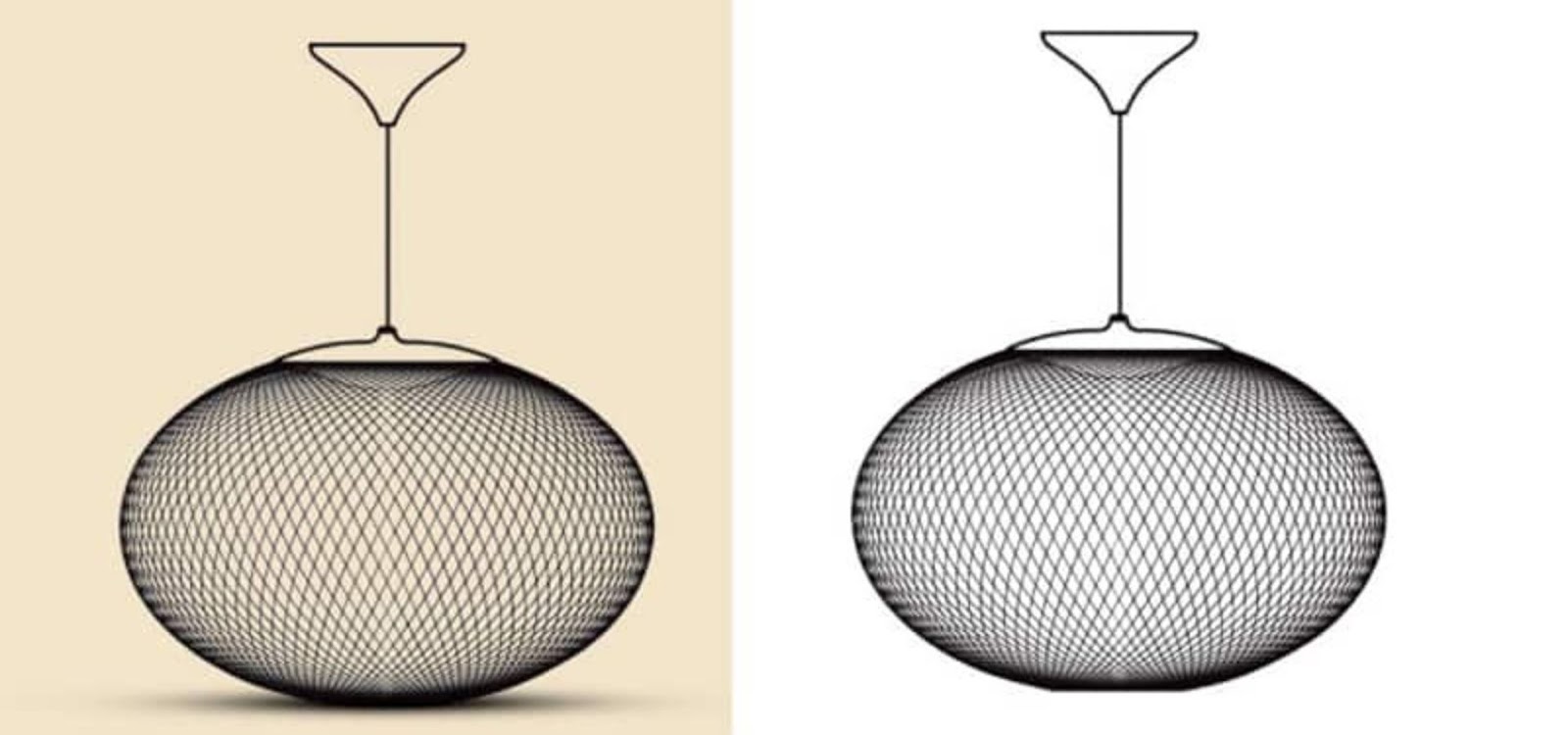
How to Choose the Right Clipping Path Service
Selecting the right service provider is key to getting the best results for your images. Here are a few tips to help you make the right choice:
1. Check Their Portfolio
Before committing to a service, review their portfolio or sample work to ensure they have experience with the type of images you need edited.
2. Compare Prices
While price is an important factor, it’s essential to balance cost with quality. Look for a service that offers competitive pricing without compromising on results.
3. Look for Reviews and Testimonials
Customer feedback is invaluable. Check reviews and testimonials to ensure the service provider is reliable and consistently delivers high-quality work.
4. Inquire About Turnaround Times
Make sure the service provider can meet your deadlines, especially if you need fast delivery.
Conclusion
In a world where visuals speak louder than words, leveraging the power of clipping path service can elevate your images to professional levels. Whether you’re in eCommerce, fashion, or photography, a professional clipping path service can make your images stand out, enhancing every pixel for maximum impact. With precision, versatility, and expert-level quality, clipping paths ensure your images are ready to captivate your audience and achieve your visual goals.
FAQs
What types of images benefit the most from clipping path services?
Clipping path services are ideal for product photos, fashion images, real estate photography, and any image where the subject needs to be isolated from the background.
Can a clipping path be applied to images with complex objects like hair or jewelry?
Yes, clipping paths can be applied to even the most intricate objects. For fine details like hair or jewelry, a super complex clipping path is used to capture every detail.
How long does it take to get an image edited with a clipping path?
Turnaround times vary based on the complexity and number of images, but most providers offer fast delivery, sometimes within 24-48 hours.
Are clipping paths better than automated background removal tools?
Yes, clipping paths offer more precision, especially for complex objects. Automated tools may struggle with details, leading to less professional results.
Can I edit the image further after a clipping path has been applied?
Yes, once the subject is isolated, you can continue to edit the image, including changing the background, adjusting colors, or adding effects.