

If you sell on Amazon, your photos do a lot of the selling for you. Clear, clean images help people trust your product fast. Amazon product photo editing means improving your product images so they look clean, bright, and professional. You fix the background, color, and small flaws. You also make sure the image meets Amazon rules.
In this guide, you’ll learn e-commerce product photo editing for Amazon listings with simple steps you can follow today. You will also learn when to do it yourself and when to use Amazon photo editing services. This helps your listing look more trustworthy. It can also increase clicks and sales.
Amazon Image Editing Requirements
Use a Pure White Background
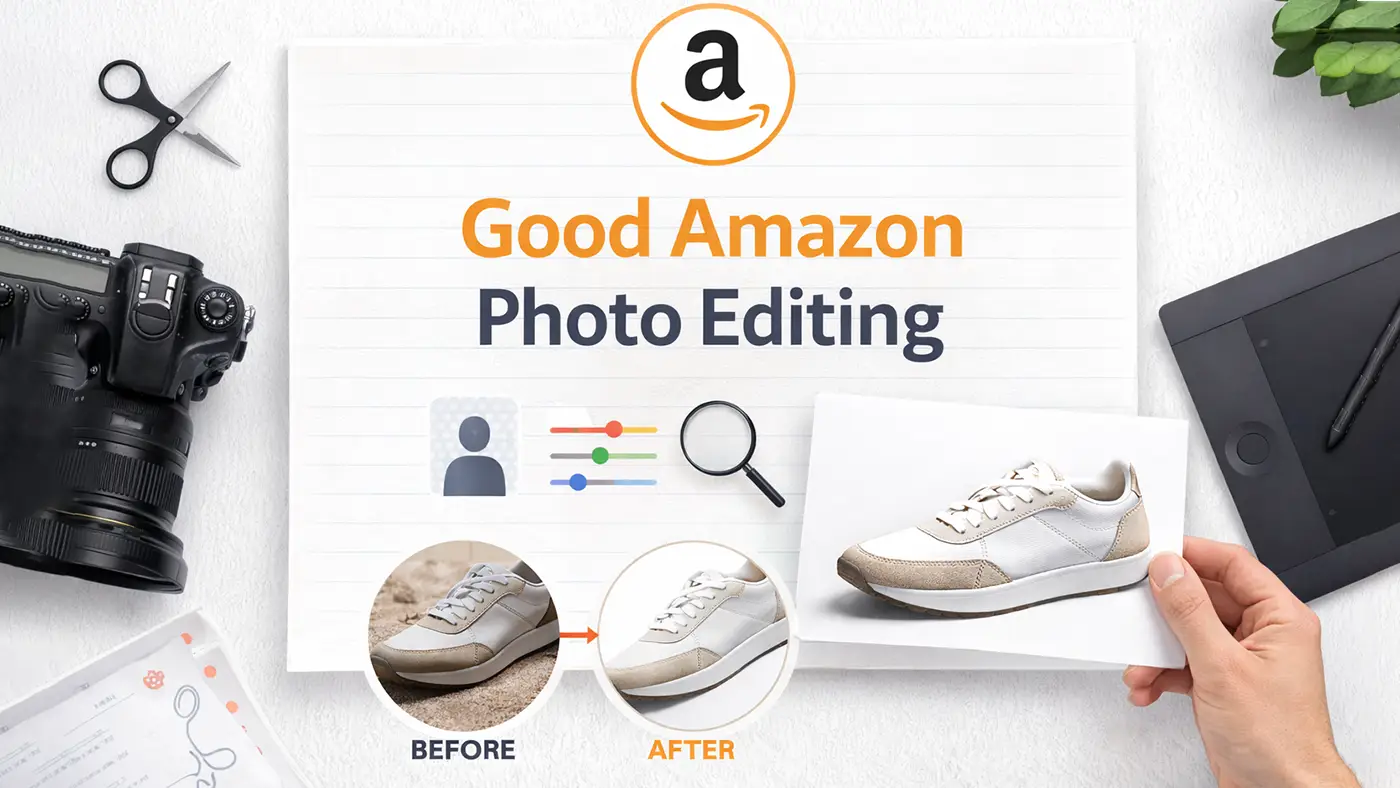
Amazon’s main images should usually use a pure white background. Use #FFFFFF or RGB 255, 255, 255 for a clean look. White backgrounds help your product stand out and look official.
Use at Least 1000px for Zoom
Use at least 1000 pixels on the longest side so shoppers can zoom in. Bigger is often better, like 1600–2000px. Sharp images reduce doubts and returns.
Use Common File Types
Use JPG (JPEG) for most listings because it loads fast and looks great. You can also use PNG or TIFF. Keep file size reasonable so your page stays fast.
How to Edit Photos for Amazon Listings (Step-by-Step)
Step 1: Start with Your Strongest Photo
Pick the image that looks sharp even when you zoom in. Use a photo with even light, clear details, and no strong blur. If the photo looks soft from the start, editing won’t make it truly crisp.
Step 2: Crop and Size It for Amazon
Crop so the product takes up most of the frame, but don’t cut off edges. A good target is about 80–90% product in the image. For size, use at least 1000px on the longest side for zoom, and 1600–2000px is even safer.
Step 3: Use a Clean White Background for the Main Image
Place the product on pure white: #FFFFFF (255, 255, 255). Keep the cutout smooth around tricky areas like fabric, tiny edges, or shiny surfaces. A clean background makes the image look more professional right away.
Step 4: Fix Lighting and Color (Keep It Real)
Brighten the image if it looks dull, and reduce harsh shadows if needed. Adjust white balance so the product color matches real life. Skip heavy filters because they can create bad reviews and returns.
Step 5: Add a Soft Shadow (Only If It Helps)
A light shadow can make the product feel more real on the page. Keep it subtle and close to the product, not floating far away. If the shadow looks dark or fake, leave it out.
Step 6: Remove Small Flaws People Notice on Zoom
Zoom in and clean dust spots, scratches, and tiny marks. Fix small rough edges from the cutout if they stand out. These details seem small, but they can change how “premium” your product looks.
Step 7: Build Strong Secondary Images
Use extra images to answer questions fast: size, angles, features, and what’s included. Add one infographic image for key details like dimensions or benefits. Add one lifestyle image so shoppers understand how it fits in real life.
Quick Amazon Product Photo Editing Checklist
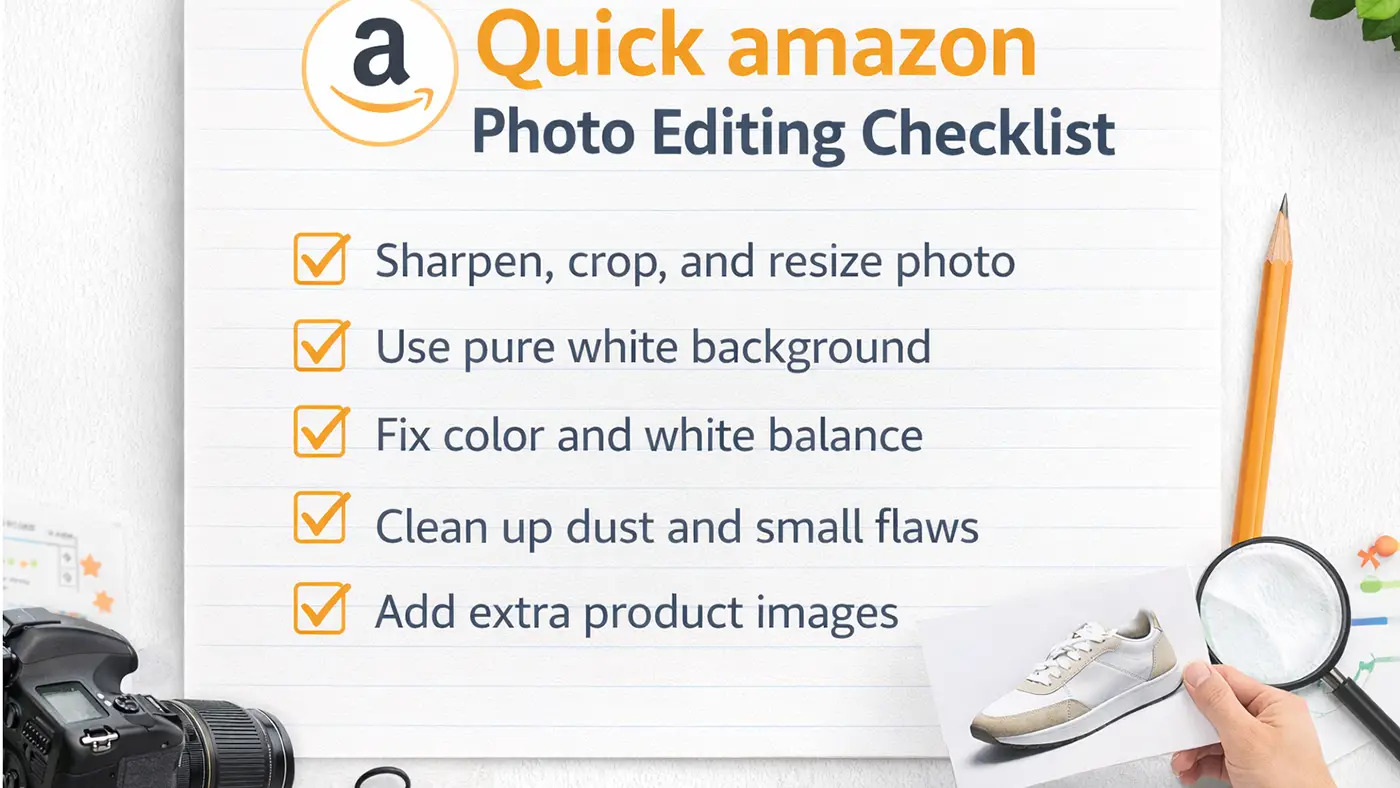
- Background removal: Put the main image on pure white. Keep edges clean so the product looks professional.
- Cropping/resizing: Fill the frame with the product without cutting it off. Use at least 1000px, so zoom works well.
- Color correction: Fix lighting and color so the product looks true-to-life. Accurate color can lower returns.
- Shadow/reflection: Add a light shadow only if it improves the image. Keep it natural and simple.
- Remove dust/scratches: Clean small marks to make the image look sharp. Small details matter on Amazon.
- Infographic/lifestyle: Use extra images to show features and real use. These images can increase sales.
DIY vs Outsource: Amazon Photo Editing Services
When DIY Works
DIY works if you have a few products and enough time to edit. It also works if you enjoy learning and want full control of your photo style. Start with simple edits, then improve as you practice.
When You Should Outsource
Outsource if you upload many products or need the same look across all listings. A service saves time and keeps your images consistent. It also helps when you sell items that are hard to edit, like jewelry, glass, shiny metal, or fuzzy fabric.
Many sellers choose editing services because speed and consistency matter on Amazon. When you outsource, you can focus more on selling and less on editing. A good team can also help you scale Amazon product photo editing as your store grows.
What a Good Amazon Photo Editing Service Includes
- Background removal: They cut out the product cleanly and place it on pure white. This matches Amazon listing rules for main images.
- Cropping and resizing: They resize your images for Amazon and keep the product centered. Amazon resizing supports Zoom and makes your listing look neat.
- Retouching: They remove dust, scratches, and unwanted reflections. Your product looks clean but still real.
- Color correction: They match the color of your real product. This protects your reviews and lowers returns.
- Shadows/reflections: They add soft shadows that look natural. This can make the product feel more “real” on the page.
- Infographics and lifestyle images: They design extra images that show features and use cases. These images can help increase conversions.
Best Tools and Software (Free + Paid)
Easy Tools for Beginners
If you’re just starting out with photo editing, relax. Honestly, you don’t need fancy or expensive software in the beginning. Most of the time, simple tools are more than enough. You can crop your image, resize it, and fix brightness without doing anything complicated.
A lot of beginners prefer Canva because it’s straightforward. You just open it in your browser, upload your photo, and adjust things step by step. If the image looks a little dark, move the brightness slider slightly, and you’re good to go. No need to touch advanced settings.
Pixlr is also worth trying. It’s good for quick changes like trimming edges, fixing contrast, or improving the lighting. It gives you a bit more control, but it still feels simple and easy to manage.
For sellers, especially those doing Amazon Product Photo Editing, keeping images clean and realistic is very important. Clear, bright, and natural-looking photos help customers trust your product and increase your chances of getting more sales.
Pro Tools for Best Results
Adobe Photoshop for Ecommerce Editing
Adobe Photoshop gives you full control for clean cutouts and retouching. It works best for serious Amazon sellers. Some people like to start with simple tools, but when the work gets more detailed, Photoshop usually becomes the better option. It’s especially helpful if you need to remove a background cleanly or fix small flaws in the image. When you zoom in and want everything to look neat and professional, Photoshop gives you that level of control. That’s why many serious Amazon sellers rely on it for their product photos.
Lightroom for Product Photo Editing
Lightroom helps with color and batch edits if you have many photos. It saves time when you edit many products. Lightroom is a different kind of tool. It’s not really about heavy retouching. Instead, it’s perfect when you have dozens of product images that need similar adjustments. You can fix exposure, improve colors, and adjust tones in just a few clicks. The biggest time-saver is batch editing. Once you find the right settings for one image, you can apply them to the rest. If you handle a large catalog, this makes the editing process much faster and easier.
If you want a budget option, look for the best free photo editing software on Amazon and eBay and start there. If you sell a lot, pro tools pay off over time.
Simple Process: How Editing Services Usually Work
- Upload: You send your raw product photos or a folder link. You can also share your Amazon requirements.
- Edit: The team edits backgrounds, fixes color, and cleans the image. They also create extra images if you ask.
- Review: You check the results and request changes if needed. A good service will respond quickly.
- Delivery: They deliver final images ready for your Amazon listing. You upload and publish faster.
Pricing: What Changes the Cost
- Number of images: Bulk orders often cost less per image. More images usually mean a better deal.
- Difficulty level: Hair, glass, jewelry, and complex edges need more time. These images cost more to edit.
- Type of edits: Basic white background costs less than infographics and lifestyle images. More work usually means higher cost.
- Delivery speed: Fast turnaround can cost extra. Plan early if you want the best price.
Final Tips to Get Better Results (Even If You’re New)
- Start with good lighting and a clear photo. Editing works best when the raw photo is strong.
- Keep your main image simple and clean. Save text and icons for secondary images.
- Stay consistent across all listings. Consistency makes your brand look professional.

Why Choose Image Expert for Amazon Photo Editing?
Amazon shoppers decide fast. If your photos look clean and consistent, people trust your product sooner. Image Expert can make a real difference with Amazon product photo editing.
We Edit for Amazon Standards, Not “General Editing.”
We build your main images to look right on Amazon from the start. Retouchers keep backgrounds pure white when needed and protect fine edges. We also keep colors true to your real product.
Your Listings Stay Consistent Across Every Product
A store looks stronger when all images share the same style. We match lighting, spacing, and framing so your catalog feels uniform. That consistency helps your brand look more serious.
You Save Hours Every Week
Photo editing eats time, especially when you have many SKUs. We take the editing work off your plate so you can focus on listing, ads, and customers. This matters most when you upload new products often.
We Handle Tricky Products with Care
Jewelry, glass, shiny metal, and fabric can look messy after bad cutouts. We keep edges clean and details sharp without making the photo look fake. Your product still looks natural, just cleaner.
Simple Workflow and Quick Updates
Send your photos, tell us what you need, and we start editing. You review the results and share feedback if anything needs a change. We update fast, so you can publish without delays.
Try Us with a Small Test First
Not ready to commit? Start with one product set. We can do a sample edit or send a quick quote so you can judge the quality.
Conclusion
Strong images help you win clicks on Amazon. When you follow the rules and use clean edits, shoppers trust your listing more. Now you know how to edit product photos for Amazon and what Amazon photo editing services should include.















