

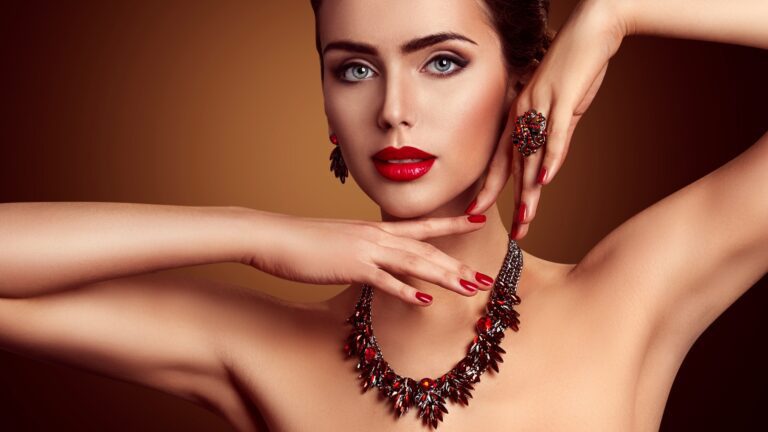
Jewelry photography is an art that requires meticulous attention to detail, as even the smallest flaw can affect a customer’s perception and trust. High-quality images are crucial for showcasing the elegance, shine, and craftsmanship of each piece. Raw photographs often capture imperfections such as dust, scratches, fingerprints, or uneven reflections, which can reduce the perceived value of the jewelry. Jewelry photo editing techniques refine these raw images, highlighting textures, enhancing colors, and creating a polished, professional look. Jewelry businesses can present products that attract attention, increase customer engagement, and boost online sales with proper jewelry photo retouch.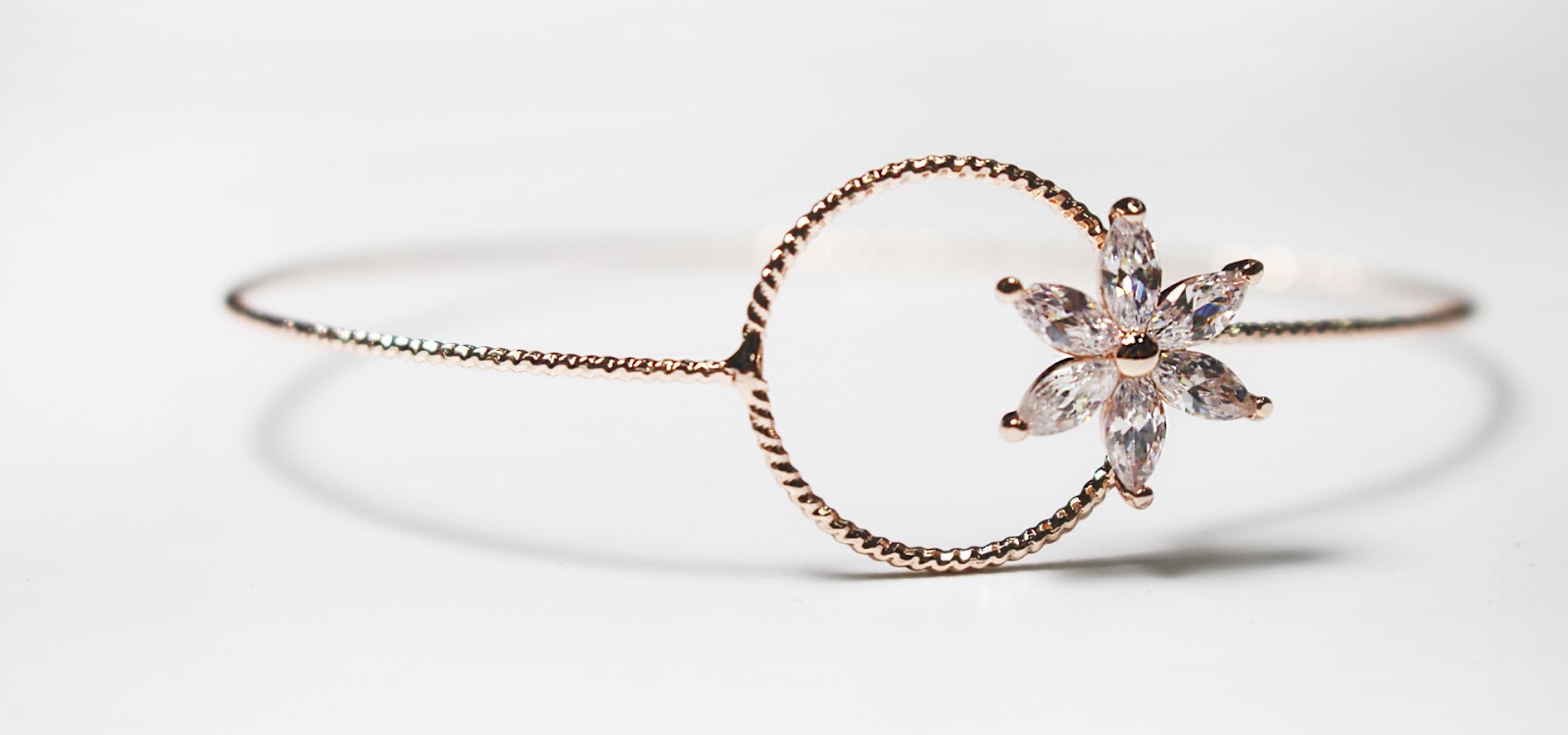
Editing Techniques for Jewelry Photo
Jewelry photography requires special attention because even the smallest flaw can affect customer’s trust and attention. Basic photo editing techniques help refine raw images and make jewelry look elegant, sharp, and attractive. Jewelry photo editing highlights the shine, texture, and true beauty of each piece. These fundamental jewelry photo editing techniques ensure products look premium and ready for online platforms. Jewelry businesses can showcase their jewelry on the e-commerce platform with the best lighting, increase customer engagement, and boost sales conversions. Jewelry photography retouching techniques adjust brightness, contrast, and saturation to bring out accurate tones of metals and gemstones.
Importance of High-Quality Jewelry Images
High-quality images play a vital role in building trust and credibility, especially in the jewelry industry. A sharp and well-edited photo makes jewelry pieces appear more luxurious with their true shine, color, and craftsmanship. Key basic jewelry photo editing techniques include color correction, background cleaning, and dust & scratch removal. The better your initial photo, the easier the jewelry editing process will be. Use a good camera and a macro lens to capture intricate details. Adobe Photoshop and Lightroom are popular choices among professionals due to their jewelry image editing capabilities. Additionally, consider plugins that can enhance your workflow. Soft, balanced lighting eliminates harsh shadows and highlights the sparkle of stones.
Optimal Lighting Setup
Lighting is the most critical factor in jewelry photography because it determines how well the product’s sparkle, color, and details are captured. Optimal lighting eliminates harsh shadows, reflections, and glare while highlighting the brilliance of gemstones and metals. Good lighting can drastically reduce your editing time. Use soft, diffused lighting to minimize harsh shadows and reflections. A lightbox can be an excellent investment for consistent results. Proper lighting not only enhances visual appeal but also builds a sense of luxury and professionalism in your images.
Choosing the Right Background
A clean, neutral background ensures the focus remains on the jewelry. White or black backgrounds are commonly used, but experimenting with other colors can sometimes yield beautiful results. The background plays a significant role in making jewelry the focal point of an image. Clean, neutral backgrounds such as white, light gray, or soft gradients are commonly used to avoid distractions and emphasize the jewelry’s shine and colors. For luxury or high-end pieces, textured or dark backgrounds can create contrast and highlight brilliance. Transparent backgrounds are ideal for e-commerce platforms, allowing products to blend seamlessly into websites or marketing materials.
Jewelry Photo Cleaning and Polishing Editing Techniques
Jewelry photography requires meticulous attention to detail, as even tiny imperfections can reduce a product’s appeal. Jewelry photo editing techniques remove dust, scratches, fingerprints, or uneven reflections. Jewelry photo cleaning and polishing editing techniques are essential for transforming these raw images into flawless, high-quality visuals. These jewelry editing techniques highlight the shine, texture, and intricate details of metals and gemstones. If you find jewellery retouching service in America, we provide the best cleaning and polishing services for your products.
Physical Cleaning Techniques for Jewelry Products
Before photographing jewelry, physical cleaning is a crucial step to ensure the piece looks its best. Even the most expert photographer cannot fully compensate for dust, fingerprints, or tarnish present on the product. Physical cleaning techniques focus on removing these imperfections to provide a polished, professional appearance in raw images. Using microfiber or lint-free cloths gently removes fingerprints, smudges, and dust without scratching delicate surfaces. Ultrasonic cleaning techniques are used for small pieces of jewelry, especially those with intricate designs or gemstones. After cleaning, a final check ensures no spots, smudges, or residues remain, creating a flawless base for photography.
Digital Cleaning Methods
Even after physical cleaning, jewelry photos often require digital retouching to achieve a flawless, high-quality look. In the digital realm, tools like the Healing Brush and Clone Stamp in Photoshop can help remove any remaining imperfections. Zoom in to catch even the smallest flaws. Digital cleaning methods remove remaining imperfections, enhance details, and ensure the product appears polished and luxurious online. Tiny specks, scratches, or blemishes captured by the camera are eliminated using editing software for a spotless appearance. Unwanted reflections or overexposed areas are adjusted to maintain natural shine without obscuring details.
Retouching Technique Correct Jewelry Image Colors
Accurate color representation is crucial in jewelry photography because customers rely on images to evaluate the true tone of metals and gemstones. Color correction ensures that the jewelry appears exactly as it does in real life, eliminating any color casts caused by lighting or camera settings. This step enhances the visual appeal and builds trust, as buyers can confidently see the exact hues of gold, silver, diamonds, or colored stones. Jewelry retouching service also uses this technique to transform raw photographs into stunning, high-quality images for an e-commerce platform.
Jewelry Image Color Balance Adjustment Techniques
Color balance adjustment fine-tunes the overall tones in an image to achieve harmony between highlights, midtones, and shadows. For jewelry, this process ensures that metals look lustrous and gemstones maintain their natural vibrancy. Adjusting color balance prevents unnatural tints and enhances the overall realism of the image, giving the jewelry a polished, professional appearance that attracts customers. This technique also helps maintain consistency across multiple images, which is essential for e-commerce catalogs or brand marketing. Proper color balance enhances highlights, midtones, and shadows,
Saturation and Hue Correction of Jewelry
Saturation correction adjusts the intensity of colors in the image. In jewelry photography, this technique enhances the brilliance of gemstones and metals without making them look unnatural. Proper saturation ensures that diamonds sparkle, gold glows, and colored stones appear vivid, helping the product stand out.
Hue correction fine-tunes the color tones to match the true color of the jewelry. Lighting and camera settings can sometimes distort colors, giving metals a dull or inaccurate shade. Hue correction restores the original tones of metals and gemstones, ensuring the product looks authentic and appealing.
Jewelry Photo Enhancement Techniques
Jewelry photo enhancement techniques are crucial for transforming raw images into visually striking, professional-quality visuals that attract customers and boost sales. Photo retouching balances light and dark areas to make jewelry pieces appear more vivid and eye-catching. Enhances the intricate details, cuts, and engravings of metals and gemstones, ensuring every element is clearly visible. Jewelry photo editing techniques go beyond basic editing, focusing on refining details, highlighting brilliance, and presenting the jewelry in its best possible light.
Sharpening Techniques of Jewelry Photo
Sharpening is a vital jewelry photo editing technique that enhances the clarity and definition of intricate details. Jewelry often contains fine cuts, engravings, and textures that can appear soft or slightly blurred in raw photographs. Sharpening brings these elements into focus, making the piece look crisp, professional, and visually appealing. Use sharpening tools to bring out the fine details in your jewelry. Be cautious not to overdo it, as too much sharpening can create an unnatural look. Jewelry photo detail enhancement focuses on tiny features like facets in diamonds or texture in metal surfaces, highlighting craftsmanship.
Jewelry Texture and Clarity Enhancing Techniques
Texture and clarity play a crucial role in showcasing the intricate craftsmanship of jewelry. High-quality jewelry photos should reveal the fine details of metals, gemstone cuts, and engravings to capture the product’s true elegance. Detail enhancement of photos highlights small elements such as gemstone facets, metal patterns, and engravings to showcase precision and quality. Jewelry contrast adjustment improves the distinction between highlights and shadows, giving jewelry a three-dimensional appearance. Software tools like Photoshop’s “Clarity” or “Texture” sliders enhance midtone contrast, making surfaces and textures more prominent without over-sharpening.
Jewelry Image Imperfections Removal Techniques
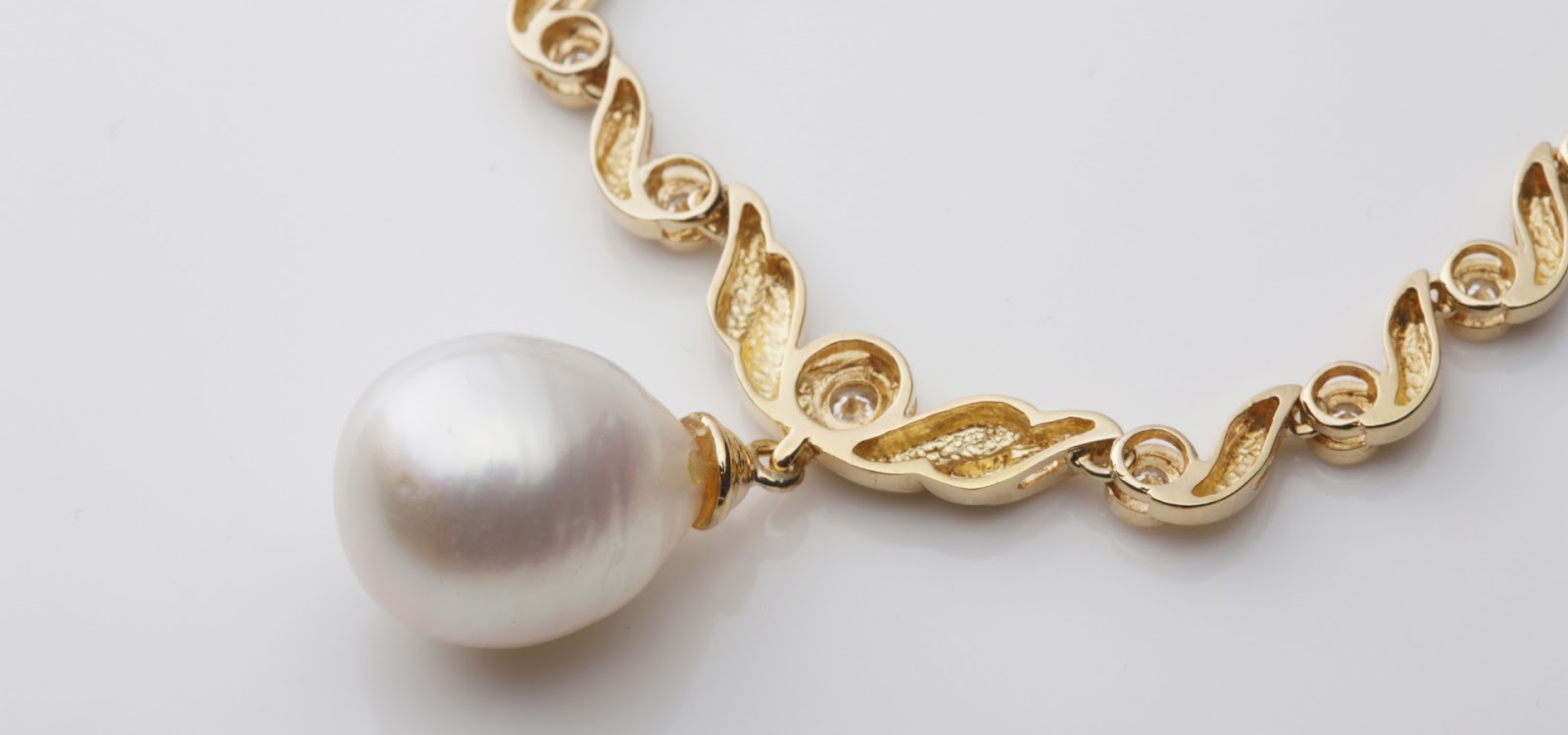
Even the most carefully photographed jewelry can show imperfections such as dust, scratches, fingerprints, or unwanted reflections. These flaws can distract potential buyers and reduce the perceived value of the product. Jewelry image imperfections removal techniques are essential to produce clean, flawless, and high-quality images that highlight the true beauty of each piece. Jewelry photo editing technique eliminates tiny particles, scratches, and surface blemishes using retouching tools. Editing techniques clean up fingerprints, smudges, or oils that may appear on metals or gemstones.
Spot Healing and Cloning
These tools are perfect for removing small imperfections. Use the Spot Healing Brush for minor issues and the Clone Stamp for more significant corrections in jewelry editing. Spot healing and cloning are essential techniques in jewelry photo editing to remove imperfections and ensure flawless product images. Even minor defects such as dust particles, scratches, or tiny blemishes can distract viewers and reduce the perceived value of the jewelry. These tools help editors quickly correct such issues while preserving the natural look of the piece. Even the smallest dust particles can be distracting. Zoom in and carefully remove any visible dust or scratches to ensure a polished look of jewelry editing.
Editing Techniques Adjust Shadows of Jewelry
Creating depth and dimension is essential in jewelry photography to make pieces appear realistic, three-dimensional, and visually engaging. Flat images can make even luxurious jewelry look dull, while properly applied depth techniques emphasize contours, textures, and intricate details. Adjust the shadows and highlights to create a sense of depth. This technique can make your jewelry appear more three-dimensional and appealing. Shadow adjustment service adds subtle shadows beneath or around jewelry pieces, giving them a grounded, lifelike appearance. Soft drop shadows or reflective shadows create a sense of space and volume.
Adding Drop Shadows
Drop shadows are an essential jewelry photo editing technique used to create depth and make products appear more realistic and three-dimensional. By adding a subtle shadow beneath or behind a jewelry piece, the image gains dimension, preventing it from looking flat on digital platforms or catalogs. Soft shadows for realism use gentle, diffused shadows to mimic natural lighting, enhancing the elegance of metals and gemstones without overpowering the image. The drop shadow adding technique adjusts the opacity and blur of the drop shadow to achieve a realistic effect.
Natural Looking Shadows
Natural-looking shadows are essential in jewelry photography to give products a realistic and premium appearance. Shadows that are too harsh or artificial can distract viewers and reduce the perceived quality of the jewelry. Properly edited shadows create depth, dimension, and a sense of authenticity. follow the direction of the primary light source to maintain realism. Natural shadow add polished metals and gemstones, subtle reflective shadows enhance brilliance while maintaining a natural look.
Creating Realistic Shadows
Realistic shadows are essential in jewelry photography to give images depth, dimension, and authenticity. Properly crafted shadows make jewelry appear grounded and three-dimensional, helping potential buyers visualize how the piece looks in real life. Adjust the opacity and blur of your shadows to make them look natural. This step can significantly enhance the overall appeal of your image. hadows should mimic how light naturally interacts with the jewelry, taking into account direction, intensity, and softness.
Background Removal
Background removal is a critical jewelry photo editing technique that isolates the product from its surroundings, creating a clean, distraction-free image. This technique ensures that the focus remains entirely on the jewelry, highlighting its details, shine, and craftsmanship. It is especially important for e-commerce, catalogs, and marketing materials where consistency and professionalism are essential. Manual clipping path is a precise method using paths or selections to carefully cut out jewelry, ideal for intricate designs. Modern software can quickly detect and remove backgrounds, suitable for bulk editing while maintaining accuracy. Removing the background can make your jewelry stand out. Use tools like the Magic Wand or Quick Selection Tool for an initial cutout, then refine the edges for a clean look. The Pen Tool offers the most precision for background removal. It’s time-consuming but worth the effort for a professional finish.
Final Touches
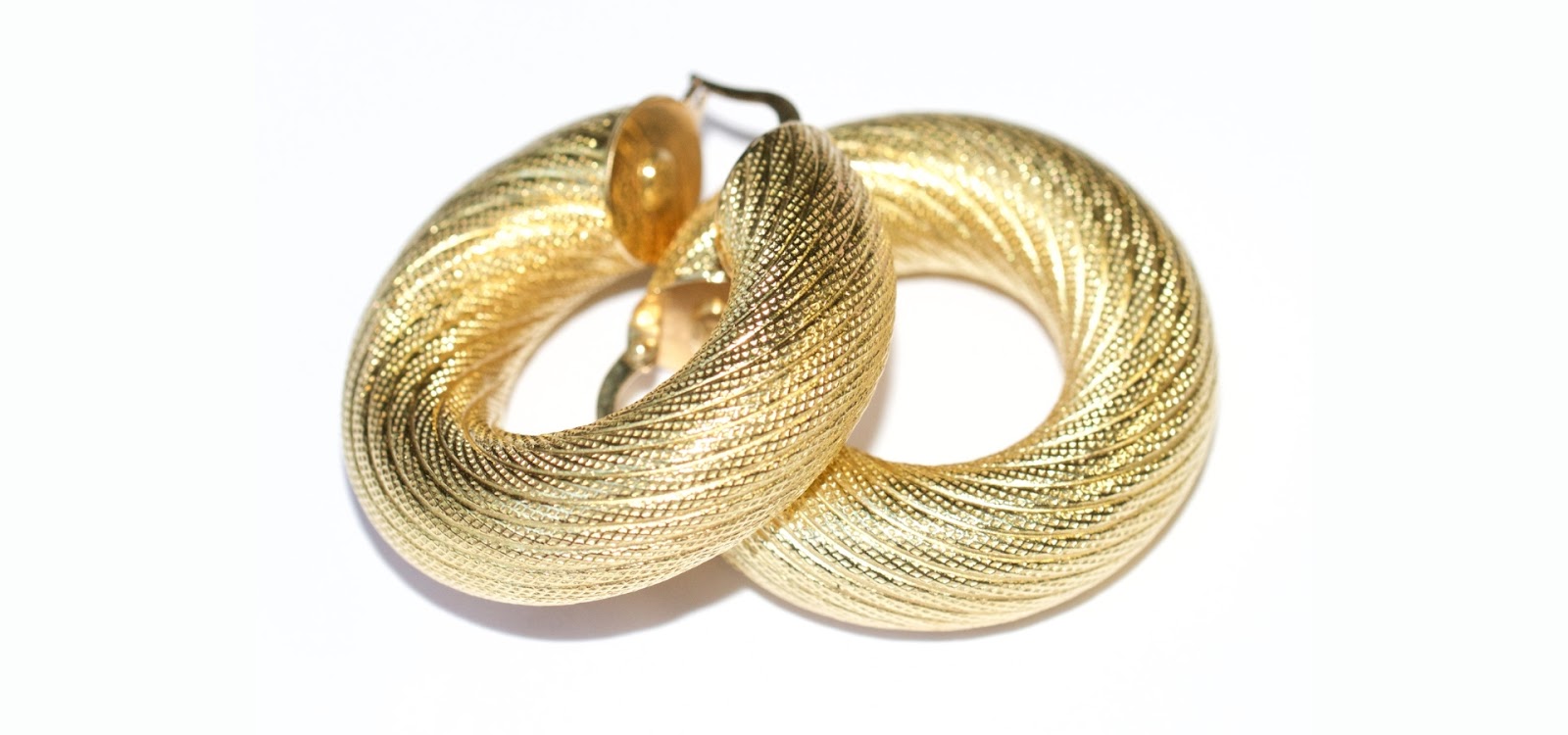
The final touches in jewelry photo editing ensure that every image looks polished, professional, and ready for display across e-commerce platforms, catalogs, or marketing materials. This step focuses on perfecting details and achieving a consistent, high-quality look for all product images. Overall color and tone adjust brightness, contrast, and saturation to ensure colors are accurate and visually appealing. Spot check for imperfections, review the image for any remaining dust, scratches, or reflections, and correct them. Export optimization saves images in the appropriate resolution, format, and color profile for online or print use.
Conclusion
High-quality jewelry photography is essential for capturing the true beauty, elegance, and craftsmanship of each piece. Through a combination of physical cleaning, meticulous digital editing, and advanced enhancement techniques, jewelry images can be transformed from ordinary to extraordinary. Techniques such as color correction, saturation and hue adjustment, sharpening, texture enhancement, shadow creation, and background removal ensure that every detail is highlighted, and every flaw is eliminated.
FAQs
How long does jewelry editing take?
The time required for jewelry editing varies based on the complexity of the piece and the level of detail needed. On average, it can take anywhere from 30 minutes to several hours per image.
What software is best for jewelry editing?
Adobe Photoshop and Lightroom are the most popular choices due to their extensive range of tools and features tailored for photo editing.
Can I edit jewelry photos on my phone?
While it’s possible to edit jewelry photos on a smartphone using apps like Snapseed or Lightroom Mobile, for professional results, desktop software is recommended.
How do I make gemstones look more vibrant?
To make gemstones look more vibrant, focus on adjusting the saturation, brightness, and contrast. Highlighting and sharpening can also enhance their natural sparkle.
What should I avoid when editing jewelry photos?
Avoid over-editing, which can make the jewelry look unnatural. Additionally, steer clear of using overly complex backgrounds that can distract from the jewelry itself.















