

AI Photo Editing has changed how people create and improve images. In the past, photo editing needed strong skills and a lot of time. Now, AI tools complete many tasks in minutes. These tools handle background removal, retouching, color fixes, and image enhancement. AI image editing helps creators, marketers, and businesses work faster. It also helps them keep visual quality high. This guide explains how AI photo editing works, which tools people use, and how professionals use it for real results.

Core AI Photo Editing Techniques for Natural Look
AI photo editing has improved a lot over time. It now goes far beyond basic filters and auto edits. Modern AI tools study images at a deep level. They detect subjects and key details. These tools apply edits that keep photos natural. The main goal of AI photo editing is simple. It helps create clean and professional images with less manual work.
Smart Selections and Masking
AI selection tools find subjects automatically. They detect edges, hair, and fine details. Editors no longer need to trace objects by hand. AI separates the subject from the background with good accuracy. Editors then apply edits only where needed. This keeps the rest of the image unchanged. These masks help avoid rough edges and cut marks.
AI Background Removal and Replacement
AI background tools remove backgrounds in seconds. They work well even in busy scenes. AI handles hair, shadows, and transparent areas. Editors can replace backgrounds with clean or branded ones. This works well for product photos and portraits. Marketing images also benefit from this process.
AI Object Removal with Generative Inpainting
AI object removal deletes unwanted items from photos. It fills empty areas with matching details. AI studies nearby pixels before it fills the space. This keeps the image natural. Editors use this tool to remove logos, people, or distractions. The image keeps its original look.
AI Upscaling and Photo Restoration (Super-Resolution)
AI upscaling improves image quality. It increases size while keeping details sharp. AI rebuilds missing pixels in low-quality photos. It also reduces noise and blur. This tool helps restore old photos. It also prepares images for large screens and print use.
AI Portrait and Skin Retouching
AI portrait tools enhance faces carefully. They smooth skin and remove small flaws. Portrait retouching keeps the skin texture natural in an AI photo. It avoids a fake or plastic look. These tools also improve facial balance. Portrait photographers often use this feature.
AI Lighting and Color Correction
AI lighting tools fix exposure and color balance. They adjust highlights and shadows. AI image editor also corrects white balance. This creates a balanced and clean look. Editors use this to keep colors consistent across images.
AI Composition and Framing Tools
AI composition tools improve image layout. They follow basic photo rules. These include balance and proper framing. AI suggests better crops and angles. This helps images look more professional. Social media and product photos benefit the most.
The AI Image Editing Workflow Process
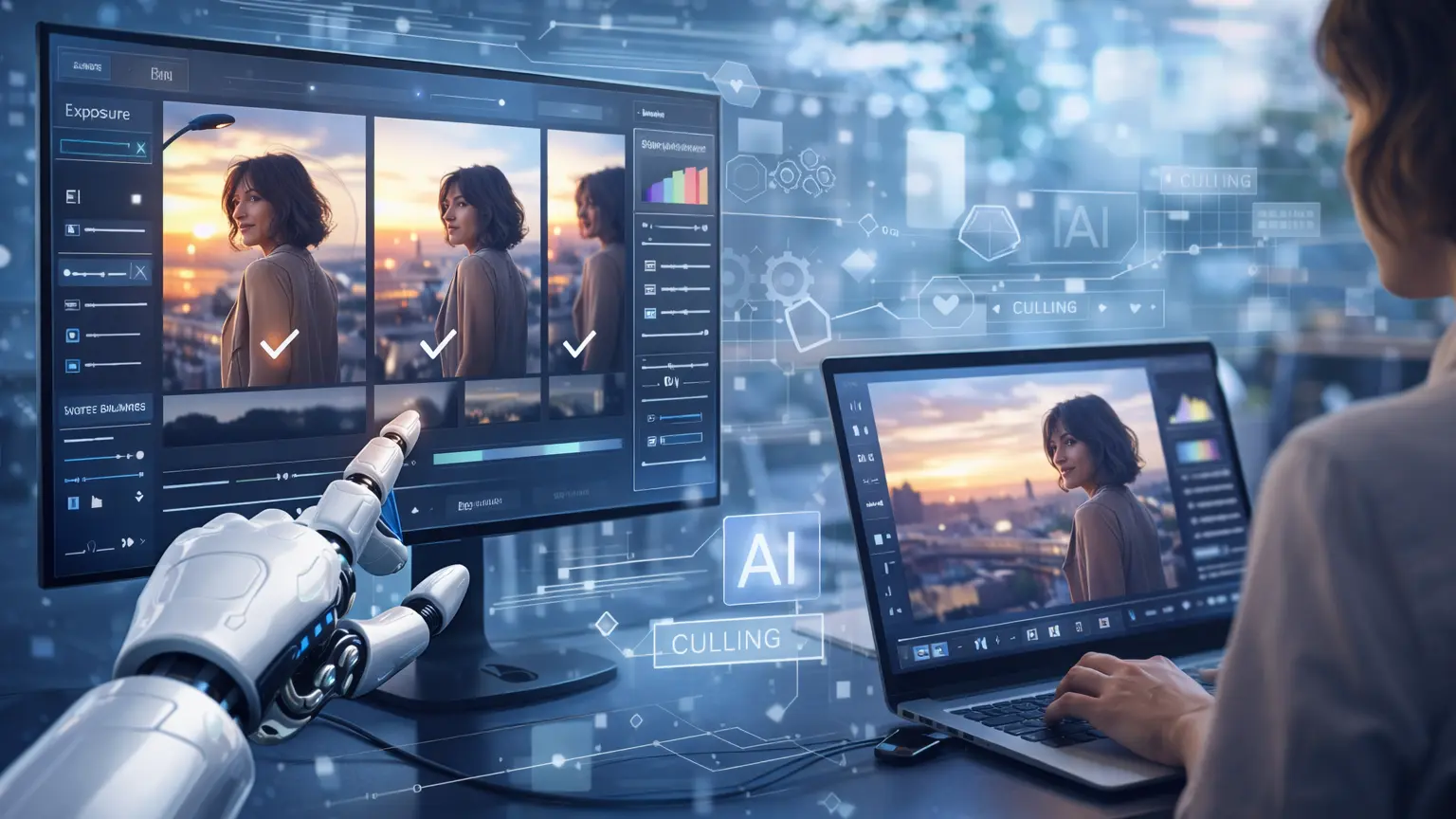
An AI photo editing workflow helps teams work faster. It keeps the process simple and organized. AI reduces manual work at every step. Editors use this workflow in professional projects. Below is a standard workflow used in professional AI photo retrieval environments.
Import and Organize: The AI image editing process begins by importing images into the editing platform. AI automatically organizes files using metadata, visual similarity, and content recognition. It uses file data and image details. This helps editors manage large image sets. Editors find needed images faster.
AI-Based Culling (Selection): AI photo editing software reviews each image. They check focus and exposure. They also check composition and facial expressions. AI selects the best images. It removes weak or duplicate shots. This step saves time.
AI Photo Editing and Enhancements: At this stage, AI image editors apply smart techniques to enhance images. These include color correction, background removal, object cleanup, retouching, and resolution enhancement. These edits stay consistent across all images.
Refining and Review: Editors review AI-edited images carefully. They adjust small details if needed. They check style and accuracy. This human review step ensures accuracy and professional quality.
Export and Deliver: Editors export the final images at the end. AI helps choose the right format and size. Images match the target platform. This ensures fast and smooth delivery.
Top AI Image Correction Tools (2026)
Ai image correction tools have improved very fast. They now serve professionals, creators, and beginners. In 2026, these tools focus on speed and accuracy. They also help users get natural results. AI reduces manual work and saves time. Each tool solves a specific need. Below are the top AI photo editing tools. They are grouped by how people use them most.
Imagen (Best for Professionals)
Imagen helps professional photographers edit photos faster. It works well for large image sets. The tool learns a photographer’s editing style. It then applies the same look to many images. This saves a lot of time. Imagen focuses on color balance and exposure. Many wedding and event photographers use it for consistent results. It suits users who want speed without losing quality.
Adobe Lightroom & Photoshop (Best for All-Around)
Adobe Lightroom and Photoshop offer powerful AI tools. They help users edit photos with more control. Users can remove objects, replace skies, and apply smart masks. These tools support both automatic and manual editing. Beginners can start easily. Professionals can fine-tune details. Many designers and marketers trust Adobe for daily work and advanced projects.
Aftershoot (Best for Offline / All-in-One)
Aftershoot works offline, which many users prefer. It helps photographers select the best photos quickly. The tool removes duplicates and weak shots. It also applies basic color edits. Aftershoot works well for large photo batches. Photographers save time during the selection process. It suits users who want fast results without cloud tools.
Luminar Photo Editing(Best for Creativity)
Luminar Neo focuses on creative photo editing. It helps users enhance images with little effort. The tool offers sky replacement and lighting control. Users also adjust structure and details easily. Luminar Neo suits creators and designers. It helps them create strong visuals fast. Many users like its simple layout and creative features.
Topaz Photo AI (Best for Restoration)
Topaz Photo AI helps restore image quality. It sharpens photos and reduces noise. The tool also increases image resolution. Users fix old, blurry, or low-quality images with it. Topaz Photo AI keeps details clear. Many professionals use it for restoration work. It also supports high-quality print needs.
Canva (Best for Beginners)
Canva suits beginners and small teams. It offers simple AI photo editing tools. Users remove backgrounds in one click. They also apply quick edits and filters. Canva works well for social media content. It helps users design fast without skills. Many marketers and small businesses rely on Canva daily.
Limitations and Ethical Considerations for AI Image
Over-editing: AI image tools sometimes add too many changes. This makes images look fake or misleading. Over-editing can reduce trust, especially in professional work.
Accuracy: AI image editing can miss visual details. It may apply wrong edits in complex scenes or low-quality images. These errors affect the final image quality.
Ethics: People can misuse AI image editing to change reality. This can confuse or mislead viewers. Ethical use requires clear limits and honesty.
Data Bias: AI models learn from large image datasets. These datasets may contain bias. As a result, AI may favor certain skin tones or styles.
Context Understanding: AI does not fully understand context. It cannot read emotions, culture, or real situations. This can lead to edits that feel wrong or inappropriate.
Copyright Infringement: AI image tools may create content that looks like copyrighted work. This can cause legal problems. Creators must stay careful when using AI edits.
Misinformation: People can use AI-edited images to spread false information. This happens more when they do not add clear disclosure. Such use can harm public trust.
Accountability: It is hard to assign responsibility for AI-edited images. Clear rules must define who controls and approves the edits. Accountability helps prevent misuse.
Transparency and Disclosure: Users should disclose AI image editing when they apply it. This is important in ads, news, and education. Transparency builds trust.
Consent: People should give consent before image editing. This matters more for faces and identity details. Respecting consent protects privacy and rights.
Bias Awareness: Users must stay aware of AI bias. They should review AI-edited images carefully. This helps ensure fair and accurate results.
The Future of AI Photo Editing
AI photo editing continues to grow and improve. It helps people create and edit images faster than before. Today, AI tools can generate images, apply quick edits, and fix basic problems with ease. Many creators use AI for drafts, quick visuals, and concept work. In these cases, AI-generated and AI-edited images offer real value.
As AI photo editing becomes more common, the need for professional human retouching also increases. AI tools often miss fine visual details. They do not fully understand brand style or emotional tone. AI can adjust pixels, but it cannot judge storytelling or audience expectations. These limits affect image quality in real projects.
Professional retouching adds human judgment to the process. Skilled retouchers review AI-edited images and correct mistakes. They improve realism and keep the look consistent. This work matters most for product photos, portraits, ads, and eCommerce images. In these areas, trust and visual quality play a key role.
The best results come from using AI photo editing for speed and human retouching for quality. Businesses that depend only on AI often get images that feel generic. Those who invest in professional retouching create visuals that look natural and perform better.
AI will continue to shape image editing. Human retouching will remain important. Professionals will use it to turn AI-assisted images into clean, polished visuals ready for real use.
Conclusion
Ai image editor offers speed and automation. It plays an important role in modern image editing. AI handles basic edits well, but it cannot replace human judgment. Professional retouching ensures accuracy, realism, and brand quality. The strongest results come from combining AI photo editing with expert human work. This approach creates images that feel natural, professional, and effective.















