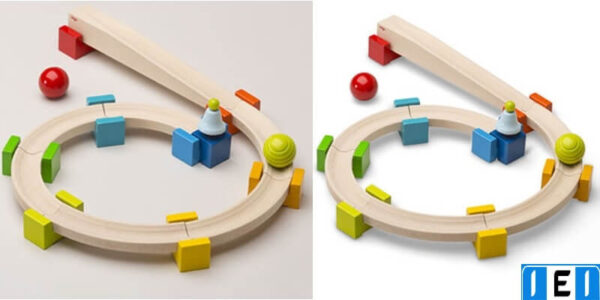
Shadow Creation Techniques for Product Images
This category focuses on shadow creation for product images. It explains shadow techniques used in photo editing. These include natural shadows, drop shadows, reflection shadows, and cast shadows.
Shadow adjustment helps products look real and correctly placed. Shadows add depth to images. They also make photos look balanced and clear.
Visitors can learn how shadows improve product images. These methods help create clean images. They work well for online stores and marketplaces.
Shadows can be the secret sauce that transforms a flat image into a stunningly realistic one. Whether you’re a seasoned photographer or a novice just getting into photo editing, mastering the art of shadows can take your work to the next level. In this guide, we’ll dive deep into advanced shadow techniques, ensuring your edited…
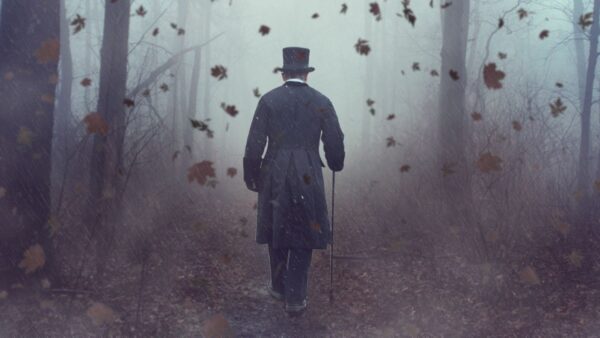
Introduction Shadows add depth, dimension, and realism to your designs. Whether you’re creating a simple graphic or a complex scene, mastering shadow creation in Photoshop can elevate your work from flat and lifeless to dynamic and engaging. In this guide, we’ll explore various techniques to create stunning shadows that enhance your visual storytelling. Getting Started…
Introduction Ever looked at a photo and felt like something was missing? Often, it’s the natural play of light and shadow that brings a picture to life. Shadows can add depth, dimension, and a sense of realism that makes a photo more compelling. But how do you achieve that perfect natural shadow? Let’s dive in…
As a photographer, I understand the importance of shadows in photography. Shadows can add depth, dimension, and drama to an image. However, creating the perfect shadow can be a challenging task for many photographers. This is where professional shadow creation services come in. In this article, I will be discussing the importance of shadows in…
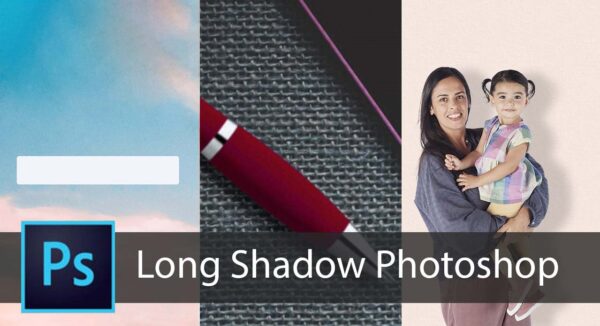
The drop shadow is one of the oldest effects in Photoshop and probably one of the best known. It allows in a few clicks to visually distinguish the creative elements from the background. Long shadow Photoshop is the best way to a product’s unique point. In the following application examples, we show you how to…
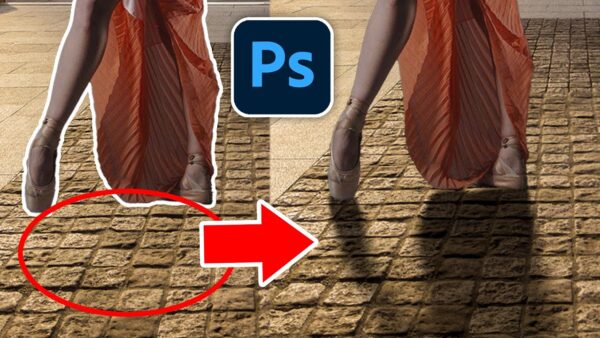
Photoshop shadow under the object-First, select the object you want to shadow. Determine in which direction it should fall. The laws of natural lighting must be observed, because if the shadow is made unnatural, it will ruin the whole picture. HOW DO I CREATE A PHOTOSHOP SHADOW UNDER OBJECT? Open and upload the selected image…
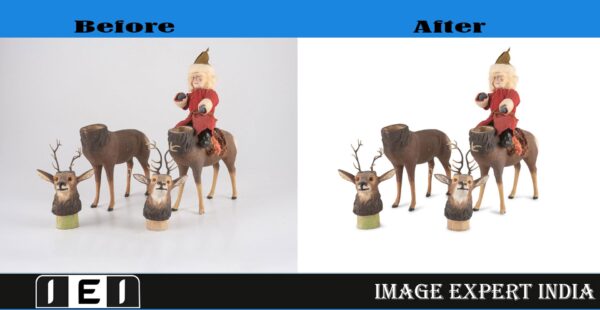
The shadow is the proof of authenticity of any photo and also enhances its attractiveness. That’s why, for online and eCommerce sites, adding or editing shadow for their product images is of prime importance. The shadow on the background and around the product tells about its authenticity and boosts its look. Hence, shadow creation service…