In e-commerce, product images are one of the most important factors that influence a customer’s buying decision. Online shoppers cannot touch, feel, or try a product before purchasing it. They depend on product photos to understand quality, size, color, texture, and overall value.
That is why clean, professional, and high-quality product images are essential for online businesses. A poorly edited image with a messy background can make even a good product look cheap or untrustworthy. On the other hand, a clean product photo with a white, transparent, or branded background can make your product look more professional and attractive.
This is where background removal services for e-commerce become highly valuable. These services help online store owners remove distracting backgrounds, improve product presentation, and create consistent images for websites, marketplaces, catalogs, and social media.
What Are Background Removal Services?
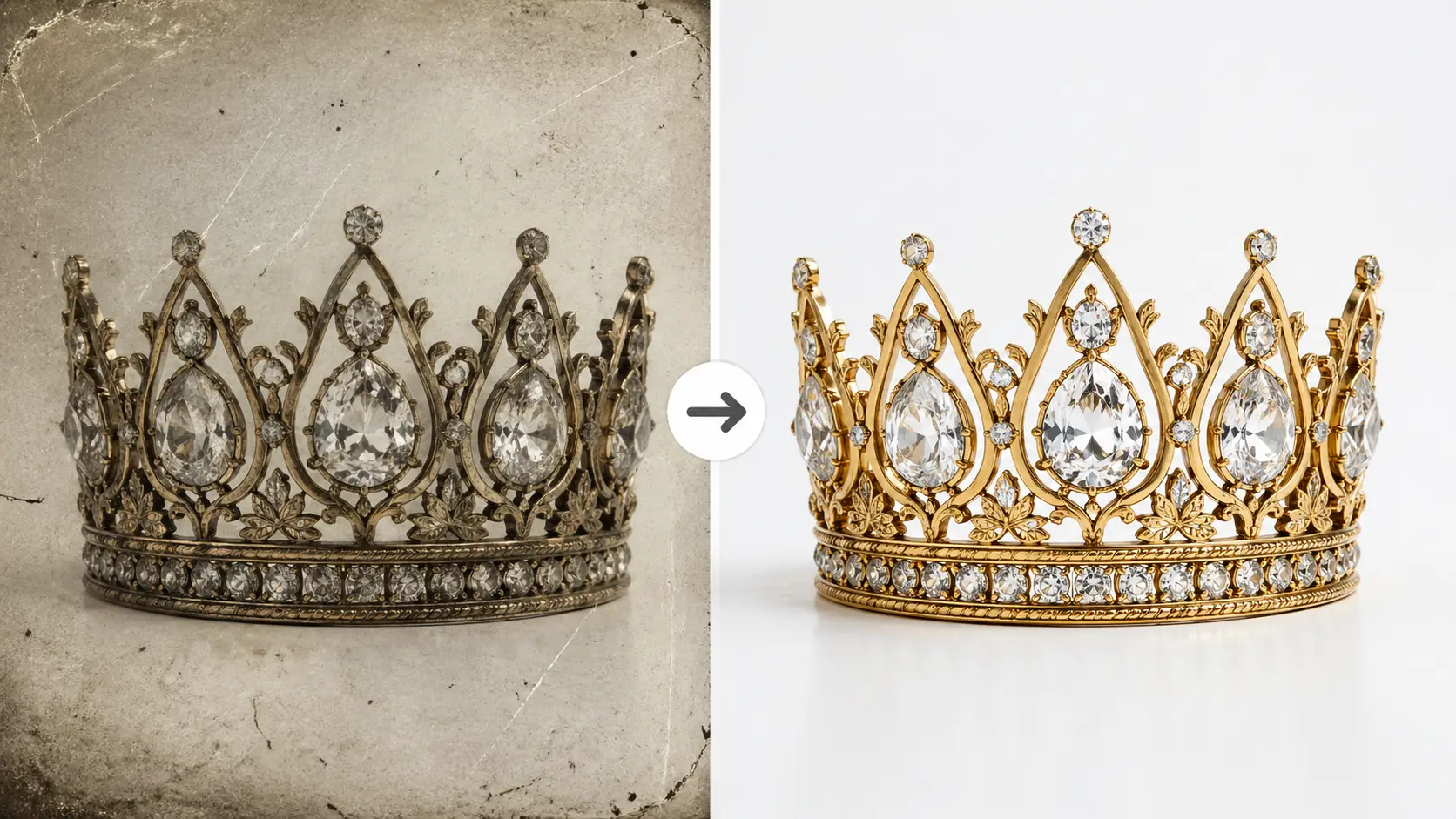
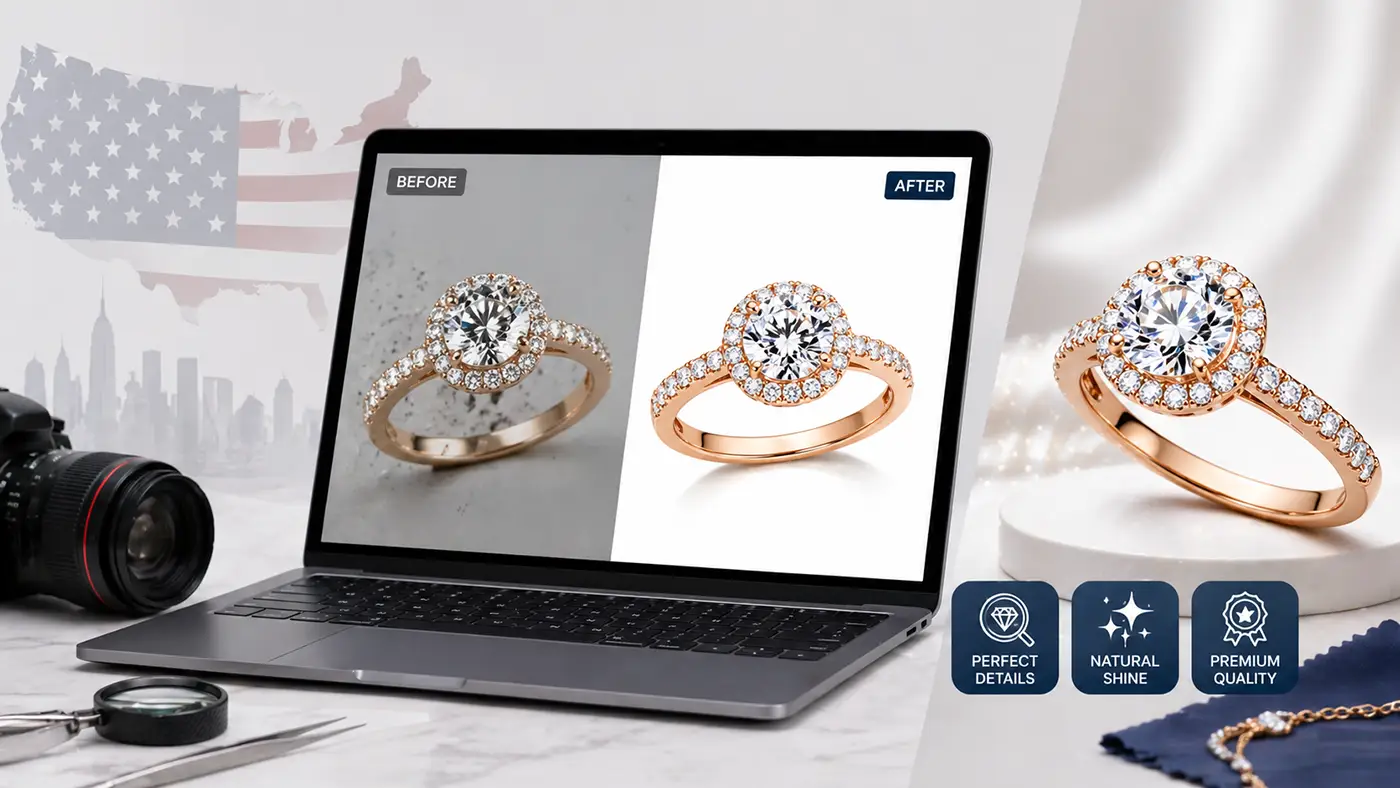
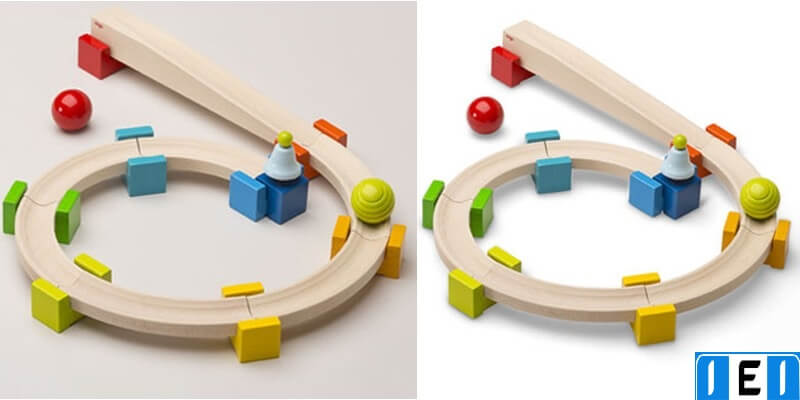
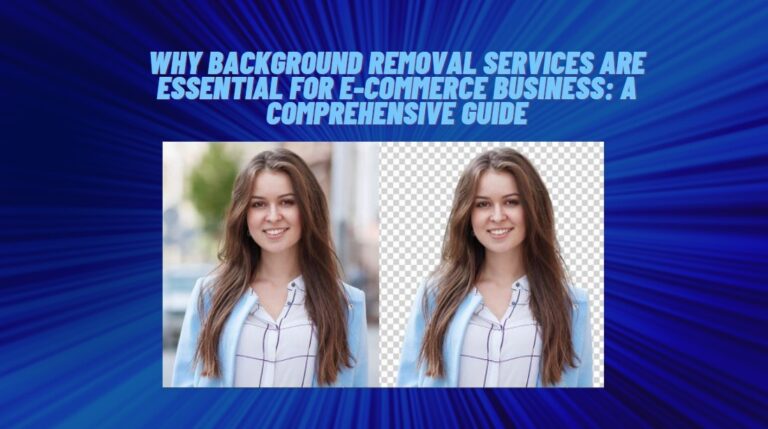
Background removal is the process of removing the original background from an image and keeping only the main product or subject. After the background is removed, the product can be placed on a white background, transparent background, custom color background, or lifestyle-style background.
Professional background removal is commonly used for:
- E-commerce product photos
- Amazon product images
- Shopify store images
- eBay and Etsy listings
- Fashion and apparel photos
- Jewelry product images
- Furniture and home decor photos
- Electronics and accessories
- Catalog and advertising images
The main goal is to make the product look clean, clear, and ready for online selling.
Why Background Removal Services for E-commerce Matter
Background removal services for e-commerce matter because product presentation directly affects trust and sales. When customers visit an online store, the first thing they usually notice is the product image. If the image looks professional, customers are more likely to trust the product and continue shopping.
A clean background helps remove distractions and keeps the focus on the product. This is especially important for online marketplaces like Amazon, Walmart, eBay, and Etsy, where product images must look clean, consistent, and marketplace-ready.
For USA-based e-commerce businesses, professional product images are even more important because the market is highly competitive. Customers have many options, so your product photos must stand out and create a strong first impression.
Benefits of Professional Background Removal for Online Stores
Using professional background removal services can help your e-commerce business in many ways.
1. Creates a Clean and Professional Look
A clean background makes your product look more polished and trustworthy. It removes unwanted objects, messy surroundings, and distractions from the image. This helps customers focus only on the product.
2. Improves Brand Consistency
If your product images have different backgrounds, lighting, and styles, your store may look unprofessional. Background removal helps create a consistent look across all product photos. This makes your brand look more organized and reliable.
3. Helps Increase Customer Trust
Customers are more likely to buy from a store that looks professional. Clean product images show that you care about quality. This can help build trust and improve the shopping experience.
4. Makes Images Marketplace-Ready
Many online marketplaces have strict image requirements. For example, product images often need a white or clean background. Professional background removal can help prepare your images for Amazon, Shopify, eBay, Etsy, Walmart, and other selling platforms.
5. Saves Time for Business Owners
Editing product photos one by one can take a lot of time, especially if you have hundreds or thousands of images. A professional editing service can save time and allow you to focus on marketing, sales, customer service, and business growth.
6. Improves Product Details
Professional editors can remove the background while keeping the product edges clean and natural. This is very important for products like jewelry, hair, clothing, glass items, furniture, and accessories.

Manual vs Automated Background Removal
There are two common methods of background removal: manual editing and automated editing.
Manual Background Removal
Manual background removal is done by skilled photo editors using tools like the pen tool, clipping path, masking, and advanced selection techniques. This method gives clean and accurate results, especially for complex products.
Manual editing is best for:
- Jewelry
- Fashion products
- Hair and fur
- Glass products
- Furniture
- Shoes and bags
- Products with complex edges
Manual background removal takes more time, but it usually provides better quality.
Automated Background Removal
Automated background removal uses software or AI tools to detect and remove the background quickly. This method is faster and cheaper, but it may not always give perfect results.
Automated tools may work well for simple product images with clear edges. However, they can create problems with detailed products, soft edges, shadows, reflections, and transparent items.
For professional online stores, manual photo editing is often the better choice because it provides cleaner and more reliable results.
How Background Removal Services for E-commerce Work
Professional background removal services for e-commerce usually follow a clear editing process to make product images look clean and consistent.
First, the client sends product images to the editing team. Then, the editor carefully removes the background using professional tools. After that, the editor cleans the edges, adjusts the image if needed, and places the product on the required background.
The final images are usually delivered in formats such as JPEG, PNG, PSD, or TIFF, depending on the client’s needs. For transparent backgrounds, PNG is commonly used. For marketplace-ready images, JPEG with a white background is often preferred.
Step-by-Step Guide to Remove a Background Yourself
If you want to remove a background yourself, you can follow these basic steps:
- Open the product image in Adobe Photoshop, GIMP, or another editing tool.
- Select the product using the Pen Tool, Quick Selection Tool, or Object Selection Tool.
- Refine the edges carefully to avoid rough or jagged lines.
- Remove or mask the background.
- Place the product on a white, transparent, or custom background.
- Adjust lighting, shadow, and contrast if needed.
- Export the final image in the correct format.
DIY background removal can work for simple images. However, for complex product photos, professional editing is usually the better option. Products with hair, jewelry, glass, fabric, shadows, or reflections need more careful editing.
Popular Background Removal Tools
There are many tools available for background removal. Some are professional editing software, while others are quick online tools.
Popular background removal tools include:
- Adobe Photoshop
- GIMP
- Clipping Magic
- Remove.bg
- Canva Background Remover
- Fotor
- Pixlr
These tools can be helpful for basic edits. However, if you need clean, consistent, and professional results for an online store, using background removal services for e-commercecan save time and improve image quality.
Tips for Effective Product Photo Background Editing
To make your product images look professional, follow these important editing tips.
Use a Clean Background
White backgrounds are popular for e-commerce because they look clean and professional. Transparent backgrounds are useful for websites, catalogs, and graphic design.
Keep Lighting Consistent
All product images should have similar lighting. Inconsistent lighting can make your store look messy and unprofessional.
Maintain Natural Shadows
Removing the background does not always mean removing the shadow completely. A soft, natural shadow can make the product look realistic.
Keep Product Edges Smooth
Rough edges can make an image look poorly edited. Clean edges are very important for professional product photos.
Do Not Over-Edit the Product
The product should look clean but still realistic. Avoid changing the original color, shape, texture, or important product details.
Common Background Removal Mistakes to Avoid
Many online sellers make mistakes when editing product images. These mistakes can reduce image quality and hurt sales.
Common mistakes include:
- Using low-resolution images
- Leaving rough or jagged edges
- Removing important product details
- Choosing the wrong background color
- Making shadows look fake
- Over-brightening the product
- Using inconsistent image sizes
- Cropping products too tightly
- Using automated tools for complex images
Avoiding these mistakes can help your product photos look more professional and trustworthy.
How to Choose the Best Background Removal Service
Choosing the right editing service is important for your business. The best background removal services for e-commerce should provide high-quality work, fast delivery, fair pricing, and good communication.
Before choosing a service provider, check these factors:
Quality of Work
Ask for samples before placing a large order. Check if the edges are clean, shadows are natural, and the product details are preserved.
Turnaround Time
Fast delivery is important, especially for e-commerce businesses that upload new products regularly. Make sure the service can meet your deadline.
Pricing
Compare pricing, but do not choose only the cheapest option. Very cheap services may provide poor-quality editing.
Experience with E-commerce Images
Choose a service that understands marketplace requirements for Amazon, Shopify, eBay, Etsy, Walmart, and other platforms.
Bulk Editing Support
If you have many product images, choose a service that can handle bulk orders while keeping quality consistent.
Customer Support
Good communication is important. A reliable service should respond quickly and understand your editing instructions clearly.
Background Removal Service Pricing
The cost of background removal services depends on the image complexity, editing quality, turnaround time, and number of images.
Simple product images usually cost less because they are easier to edit. Complex images with hair, jewelry, glass, shadows, reflections, or multiple products may cost more because they require more time and skill.
Some services charge per image, while others offer bulk pricing or monthly plans. If you run an e-commerce store with many product photos, bulk pricing can be more cost-effective.
Conclusion
High-quality product images are essential for e-commerce success. A clean and professional background can make your products look more attractive, trustworthy, and ready for online selling.
For USA-based online stores, competition is strong. Customers often compare multiple products before making a purchase. If your product photos look clean, consistent, and professional, your store has a better chance of earning customer trust and increasing sales.
With expert background removal services for e-commerce, you can save time, improve image quality, and create product photos that are ready for websites, marketplaces, social media, and advertising.
If you want professional, clean, and marketplace-ready product photos, our background removal service can help. Contact us today for a free sample or a custom quote for your e-commerce image editing project.
Frequently Asked Questions
What file formats do background removal services support?
Most background removal services support JPEG, PNG, TIFF, PSD, and other common image formats. PNG is often used for transparent backgrounds, while JPEG is commonly used for white background product images.
Can background removal services edit complex product images?
Yes. Professional editors can handle complex images such as jewelry, fashion, hair, glass, furniture, and products with detailed edges. Manual editing is usually best for complex images.
How long does background removal take?
Turnaround time depends on the number of images and the complexity of the work. Simple images can often be completed quickly, while bulk or complex orders may take longer.
Is a white background best for e-commerce product photos?
A white background is one of the best options for e-commerce because it looks clean and professional. It is also accepted by many online marketplaces. However, transparent or branded backgrounds can also be useful depending on your website and marketing needs.
Why should I use professional editing instead of free tools?
Free tools can be useful for simple images, but they may not provide clean results for detailed products. Professional editing gives better edges, natural shadows, consistent sizing, and marketplace-ready quality.